
Too Long? Read This First
- InputSchema is a validation gate and an instruction manual at the same time. Most schema bugs come from designing for only one of those jobs.
- The Model Context Protocol now defines inputSchema against full JSON Schema 2020-12, but that does not mean every client can use every keyword. OpenAI's strict function calling mode still forces additionalProperties: false and every field into required, so design for your tightest client, not the most permissive spec reading.
- Description quality is the biggest lever available. Anthropic's own tool-use guidance reports that adding worked examples raised complex parameter-handling accuracy from 72% to 90% in an internal test.
- Replace one flexible action/payload tool with several narrow, enum-constrained tools, especially for anything that sends a real WhatsApp message to a real customer.
- A valid schema is not authorization. Every tool still needs server-side validation, access control, and, for customer-facing sends, explicit confirmation.
An MCP tool schema does two jobs at once: it validates that an argument is structurally correct, and it teaches an AI agent when and how to use the tool at all. Get the second job wrong, and the agent still produces a valid JSON call, just for the wrong action or the wrong recipient.
This matters most once a schema starts touching real customers. Wati's MCP server is a live example, exposing contacts, conversations, templates, and campaigns as tools Claude or ChatGPT can call directly.
This guide covers what the MCP spec actually requires today, and how to design for both Claude and OpenAI at once. It shows how to write descriptions that stop tool-selection misfires, and closes with a checklist plus a look at Wati's own MCP server in production.
What an MCP Tool Schema Does
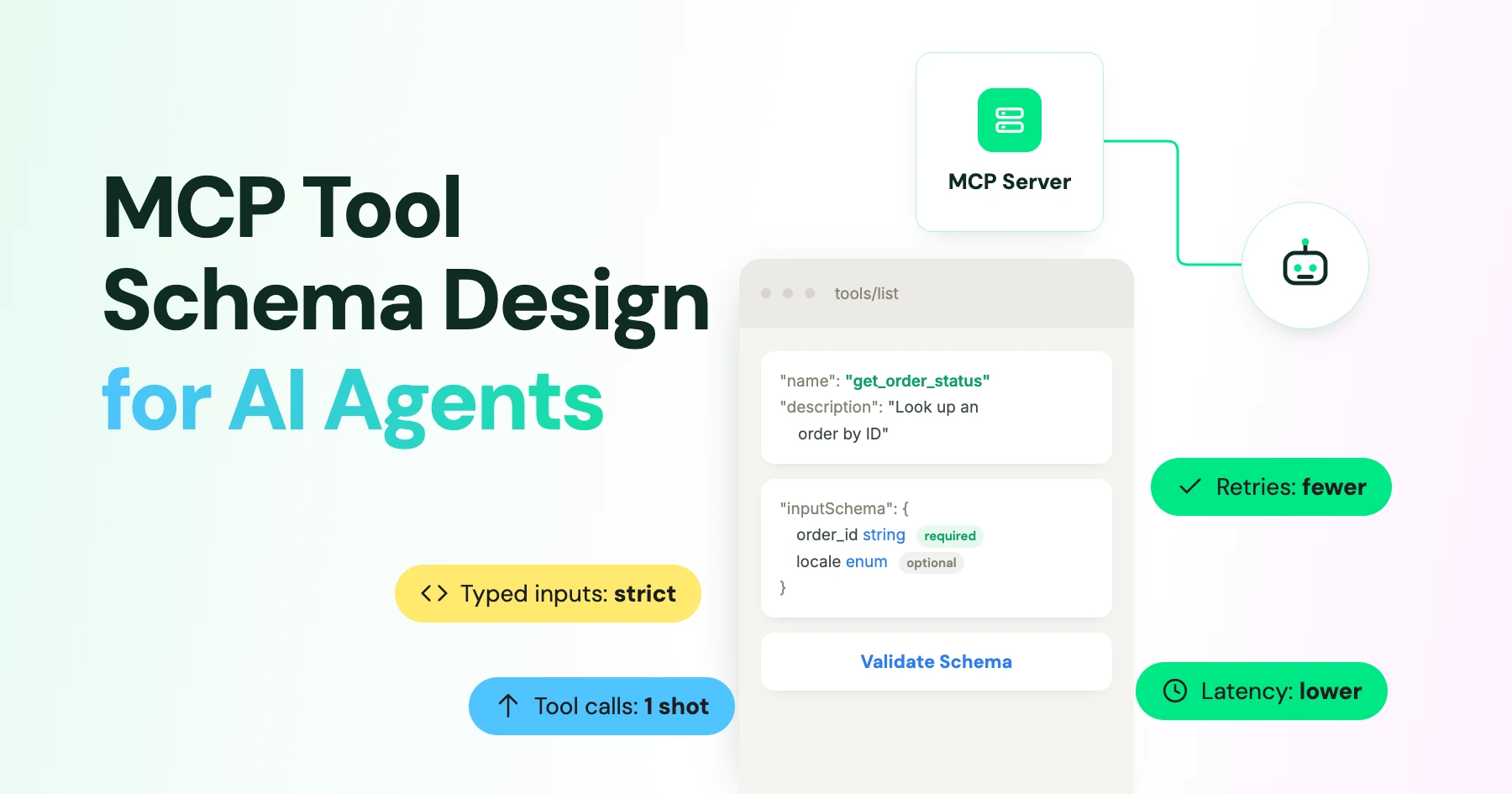
An MCP tool schema does two jobs: it validates that an argument is structurally correct and helps an AI agent understand when and how to use the tool.
Most engineers reach for JSON Schema the way they would for a REST API: reject bad input, done. That covers job one.
Job two is different and easy to skip: a large language model reads the tool's name, description, and parameter descriptions before it ever produces an argument. It uses that text to decide whether to call the tool, which tool to call among several similar ones, and what values to put where.
A schema that is structurally strict but poorly described will still let an agent call send(action: "broadcast", payload: "...") when it meant to send one customer a reply. The JSON Schema validator has nothing to say about that mistake because the call was well-formed.
What the MCP Tool Schema Requires
A server that exposes tools must declare the tools' capability and answer tools/list with, at minimum, a name, description, and inputSchema for every tool. title, outputSchema, and behavioral annotations are optional.
Tool Naming and Schema Requirements
- Tool names: 1 to 128 characters using letters, digits, underscores, hyphens, or dots, and must be unique on the server.
- JSON Schema: The current specification defaults to JSON Schema 2020-12 when a tool omits
$schema. - inputSchema and outputSchema: SEP-2106 formally lifted both to that full dialect.
- Composition keywords: An earlier, narrower restriction on
inputSchemais why some older MCP guides warn against composition keywords likeoneOfat the top level. That restriction is no longer accurate for current servers, but it survives as folklore, so verify against your SDK version rather than an old blog post.
The tools specification is also explicit that servers MUST validate all tool inputs, implement access control, rate-limit invocations, and sanitize outputs. Clients SHOULD prompt for confirmation on sensitive operations.
None of that is optional just because a call passed schema validation.
I’d format this with a short intro, numbered questions, and a clear Thin vs. Working comparison. I’d also use the stronger H2 wording you already have.
How to Write Descriptions That Stop Tool-Selection Misfires
Anthropic's guidance on writing tools for agents treats the description as one of the highest-leverage parts of a tool definition. A description worth shipping answers questions a new engineer would actually ask before touching the tool:
- What real-world action does this perform?
- When should the agent use it, and when should it pick something else or ask the user?
- What does each parameter mean, including format, units, and identifier type?
- What side effects happen, and can they be undone?
- What does a successful result mean: accepted, queued, or actually delivered?
Thin vs. Working Tool Descriptions
Thin:
"Send something."
Tells the agent nothing about recipients, message type, or side effects, so it will guess.
Working:
"Send one customer-visible WhatsApp text message to an active conversation. Use only after the recipient and exact text are known. Do not use for an approved template or a broadcast. This has an external side effect and should be confirmed before execution. A success response means the message was accepted for processing, not that it was delivered."
Namespaced, semantic tool names help in the same way. wati_send_text, wati_send_template, and wati_list_campaigns are easier for a model to pick between correctly than send, message, and list.
Required Fields, Enums, and Free-Text Risks
Make a field required only when the call cannot be safely completed without it, and state what happens when an optional field is omitted rather than leaving the model to infer it.
For a finite set of values, always reach for an enum instead of a free string: a conversation-status field with open, pending, solved, and blocked stops the model from inventing values like closed or resolved that your backend has never heard of.
Avoid Catch-All Tools
The riskiest pattern is a single catch-all tool with a free-text action and a free-text payload, because nothing in the schema tells the agent whether the payload is plain text, a template name, or a JSON blob:
{
"name": "send",
"inputSchema": {
"type": "object",
"properties": {
"action": { "type": "string" },
"to": { "type": "string" },
"payload": { "type": "string" }
}
}
}
Use Purpose-Built Tools Instead
Splitting that into a purpose-built tool removes the guesswork entirely:
{
  "name": "wati_send_text",
  "description": "Send one customer-visible WhatsApp text message to an active conversation. Requires the recipient and the exact text. This sends a real message and must be confirmed before execution.",
  "inputSchema": {
    "type": "object",
    "additionalProperties": false,
    "properties": {
      "target": { "type": "string", "description": "Phone number with country code, or a resolved conversation ID. Do not pass a display name." },
      "text": { "type": "string", "minLength": 1, "description": "The exact text to send. No JSON wrapper or commentary." }
    },
    "required": ["target", "text"]
  }
}
Tool-set size affects selection accuracy too: several benchmarks show mean tool-selection accuracy dropping as the number of visible tools grows, even when argument formatting stays comparatively strong.
That is a useful data point for keeping an agent's visible tool list small and letting overlapping actions live in separate, clearly scoped tools rather than one flexible one, though results vary by benchmark and shouldn't be read as a universal accuracy guarantee for any specific schema change.
What a WhatsApp MCP Tool Schema Looks Like in Practice
Wati's MCP server is an OAuth-connected server that covers contacts, conversations, templates, campaigns and messages, and Wati recommends reviewing customer-facing sends before confirming them.
Wati's own open-source MCP reference implementation exposes focused, single-purpose tools such as list_contacts, send_message, send_template, assign_operator, and update_conversation_status, each documented with type hints and examples rather than one universal action handler.
That codebase is also a fair illustration of the next improvement step: some finite values, like conversation status, are typed as plain strings and checked at runtime instead of being promoted to a schema enum.
If you are building your own MCP server against the Wati API, that is the pattern worth avoiding from day one, not retrofitting later once a model has already guessed at an invalid status string in production.
A Working Checklist
- Give every tool one distinct, agent-oriented purpose rather than a generic verb.
- Write descriptions that cover use, non-use, side effects, and what success means.
- Use enum and bounds for any finite or safety-sensitive value.
- Set additionalProperties: false when a stray key could cause harm.
- Keep a free-text field for message bodies and search queries, never for an operation selector.
- Validate every call server-side; treat schema validation as necessary, not sufficient.
- Require confirmation for sends, deletes, broadcasts, and permission changes.
- Test the same schema against every MCP client you actually support, not just the one you built with.
Design MCP Tools Agents Can Use Correctly
A good MCP tool schema does more than validate JSON. It helps the agent choose the right action, understand what each parameter means, and avoid unsafe or ambiguous calls.
Clear descriptions, focused tools, constrained values, and server-side validation make that behavior more reliable across clients.
For WhatsApp AI agents, that means designing tools around specific actions rather than giving an agent one flexible tool and hoping it gets the intent right.
Want to see purpose-built WhatsApp MCP tools in action? Book a Wati demo.
Frequently asked questions
Does MCP support oneOf and anyOf in a tool's inputSchema?
Yes, in the current specification inputSchema follows full JSON Schema 2020-12. An older, narrower restriction on composition keywords applied to earlier MCP schema types and is commonly repeated as outdated advice; check your SDK version rather than relying on it.
Do I need a separate tool for every WhatsApp message type?
Not always, but for materially different side effects, such as a free-form text message versus an approved template broadcast, separate tools are safer than one tool with a free-text mode flag, because the schema alone can enforce which fields are required for each.
Will better descriptions guarantee correct tool selection?
No single change guarantees it. Precise names, scoped tools, and detailed descriptions all measurably help, but selection accuracy also depends on how many similar tools are visible to the model at once, so treat tool-set size as part of the same design problem.
Is schema validation enough to stop an agent from sending to the wrong person?
No. Schema validation only confirms the shape of the arguments. Recipient authorization, opt-in status, and confirmation before sending are separate checks that belong in your server logic, not in the schema.
Related posts
- AI Customer Support in 2026: What It is, How It Works, and Why Smart Teams are Quietly Switching Over
Learn how AI in customer support manages ticket escalations, automates ticket tagging and routing, and improves customer satisfaction. See how Astra does it.
- How to Automate Business Conversations With a WhatsApp AI Agent in 2026
Learn how to build a WhatsApp AI agent to engage, qualify, and convert prospects round the clock without any delays in 2026.
- How Voice AI Agents Qualify Leads: A Sales Team’s Guide to Hands-Free Pipeline
know how does voice ai qualifies leads for an effective sales action and potential conversion and where does astra 2.0 stand when it comes to pre-configured lead qualification
- How to Connect Wati MCP to Claude in 5 Minutes
The fastest way to connect Wati MCP to Claude. Step-by-step setup, troubleshooting covered, and a clear picture of what to do next