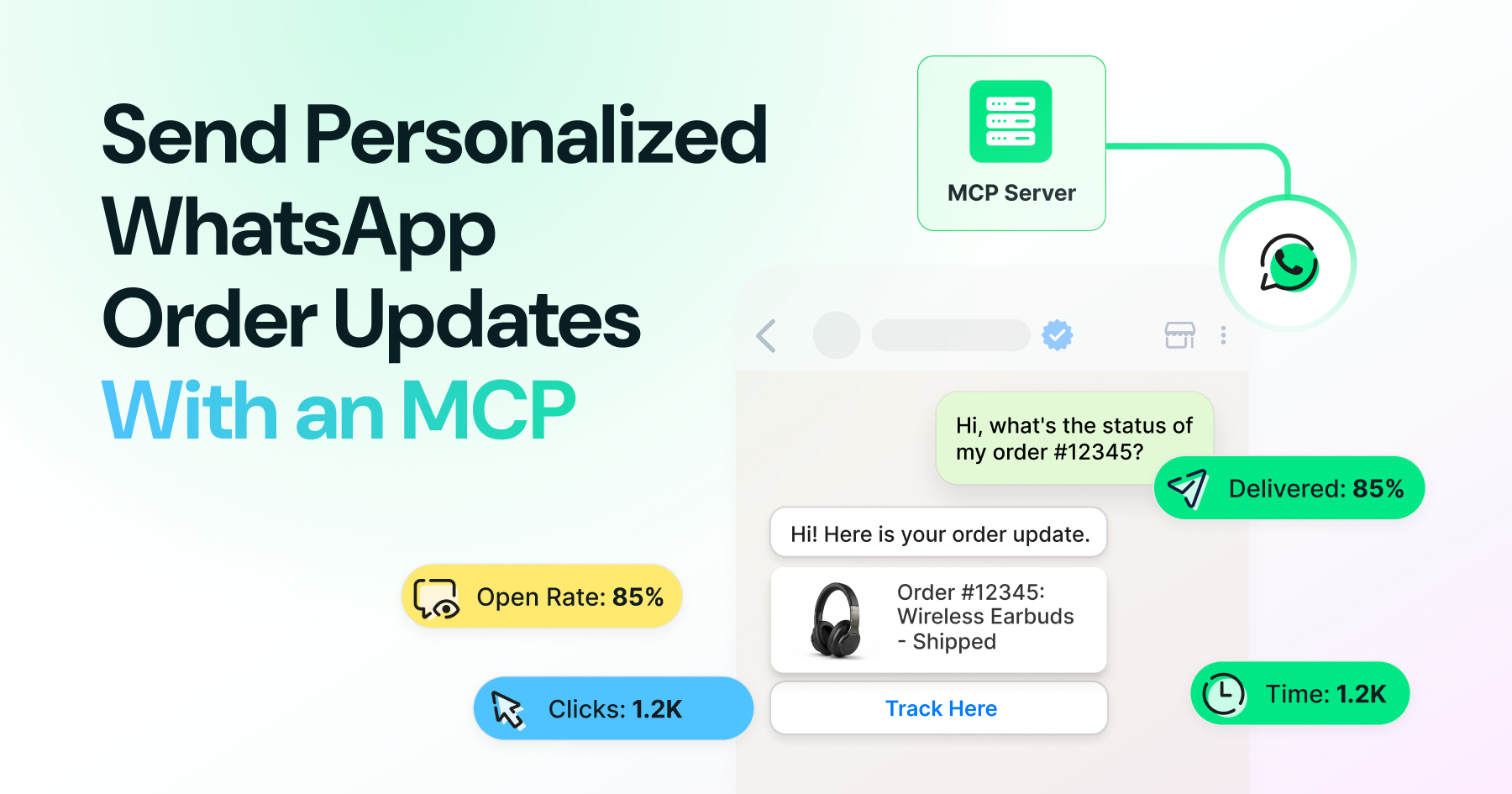
Run WhatsApp campaigns directly from an AI chat interface with Wati MCP. Select contacts or segments, choose approved templates, review campaign details, confirm the send, and track delivery, read, and reply data without switching between multiple tools. The guide also covers WhatsApp opt-in requirements, the 24-hour messaging window, permissions, and safeguards for keeping AI-driven campaigns controlled.
Namitha Sudhakar
About Namitha
Namitha Sudhakar is the SEO, Content & AI Growth Lead at Wati, with 7+ years of experience building organic growth engines for SaaS brands. She specializes in SEO, GEO, AI search optimization, content strategy, and AI-powered workflows, helping brands build visibility across both traditional search engines and emerging LLM platforms. Her work focuses on transforming organic performance—building search presence from the ground up, reviving declining visibility, and creating scalable content systems that deliver sustainable growth. Beyond strategy and execution, Namitha mentors content teams, identifies inefficiencies across marketing workflows, and designs systems that enable high-quality content at scale. Passionate about the evolving future of search, she believes content should power every stage of the customer journey—not as isolated assets, but as an integrated growth engine that builds authority, trust, and long-term business results.


Recent posts from Namitha
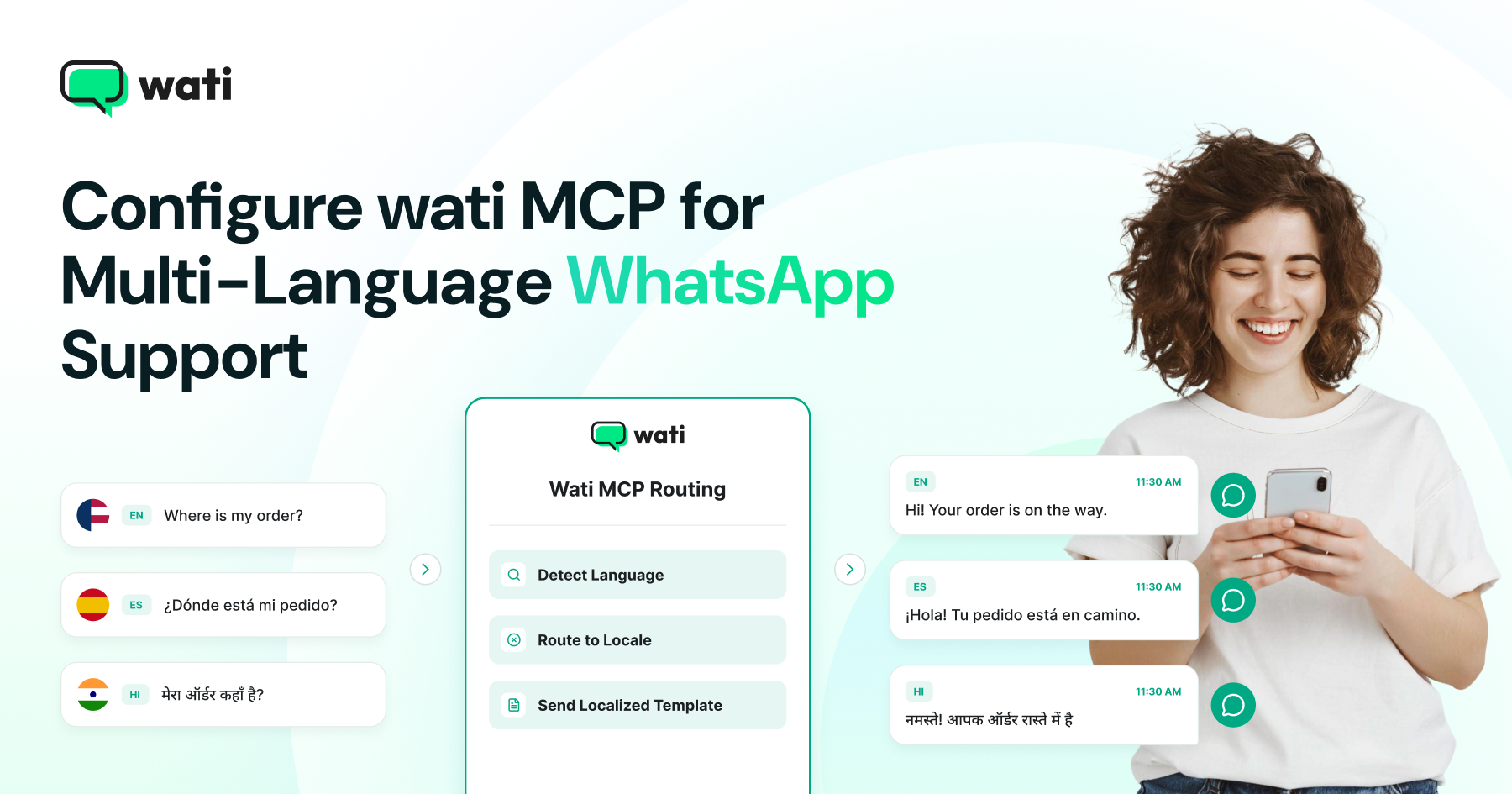
Use Wati MCP to support customers across languages by routing each contact to the right WhatsApp template variant. This guide covers template localization, language and locale mapping, MCP setup, testing, translation limits, and best practices for adapting tone, dates, currencies, and other details for different markets.
Sync Shopify orders with WhatsApp using MCP to automate order confirmations, shipping updates, and other customer notifications. This guide walks through the six-step setup, from Shopify webhooks and order data mapping to approved templates, message delivery, and duplicate-send prevention, with key security and compliance considerations along the way.
Build WhatsApp onboarding sequences that are easier to manage with MCP and AI agents. Wati MCP lets you create and update contacts, check segments, review conversations, select approved templates, and confirm sends through a conversational workflow. This guide walks you through the six-step process while covering opt-ins, WhatsApp messaging rules, automation, and when to use MCP versus Sequences and Drip Campaigns.
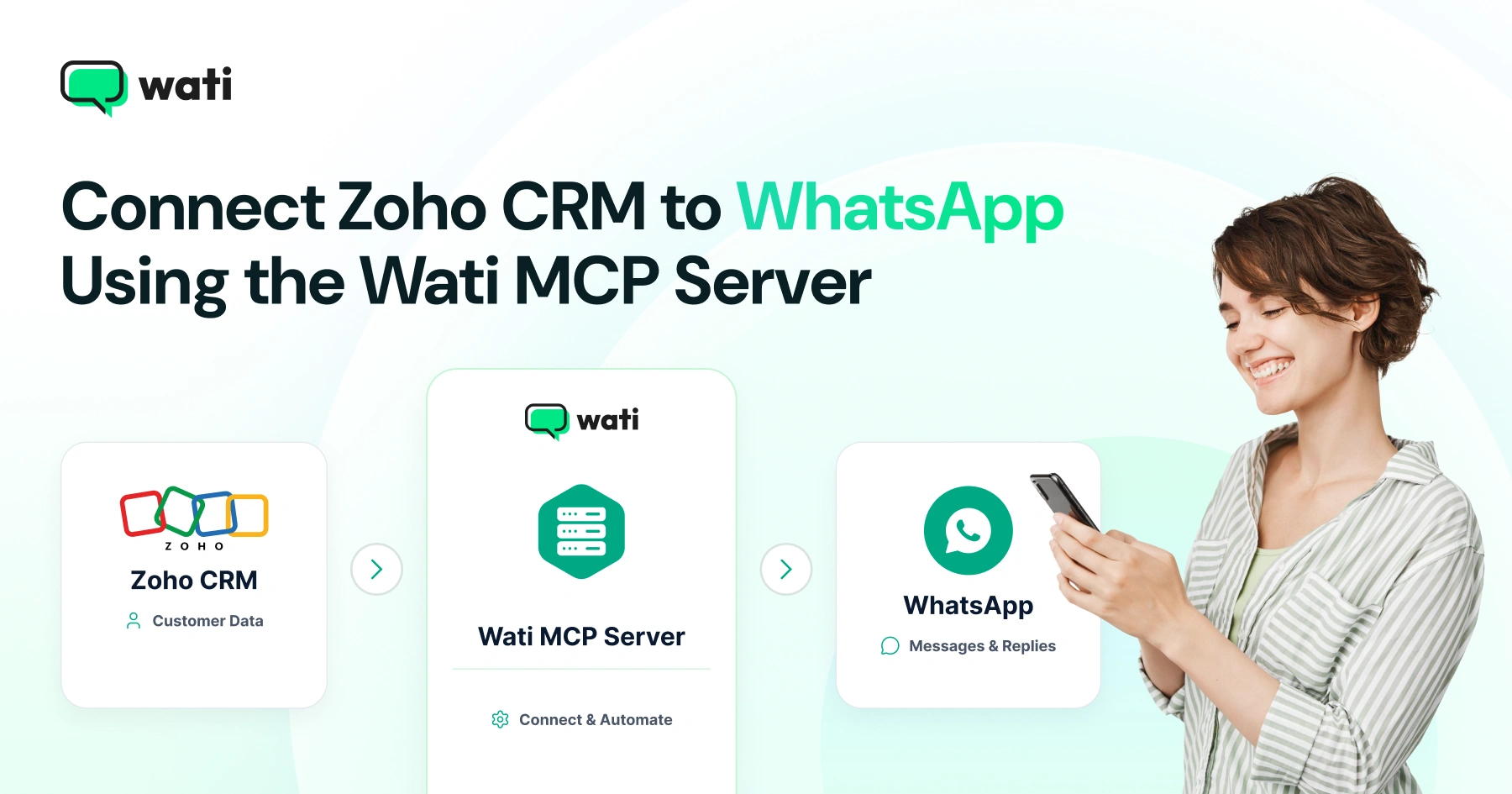
Learn how to connect Zoho CRM to WhatsApp with Wati MCP using webhooks, templates, automation, and AI agents for scalable customer messaging.
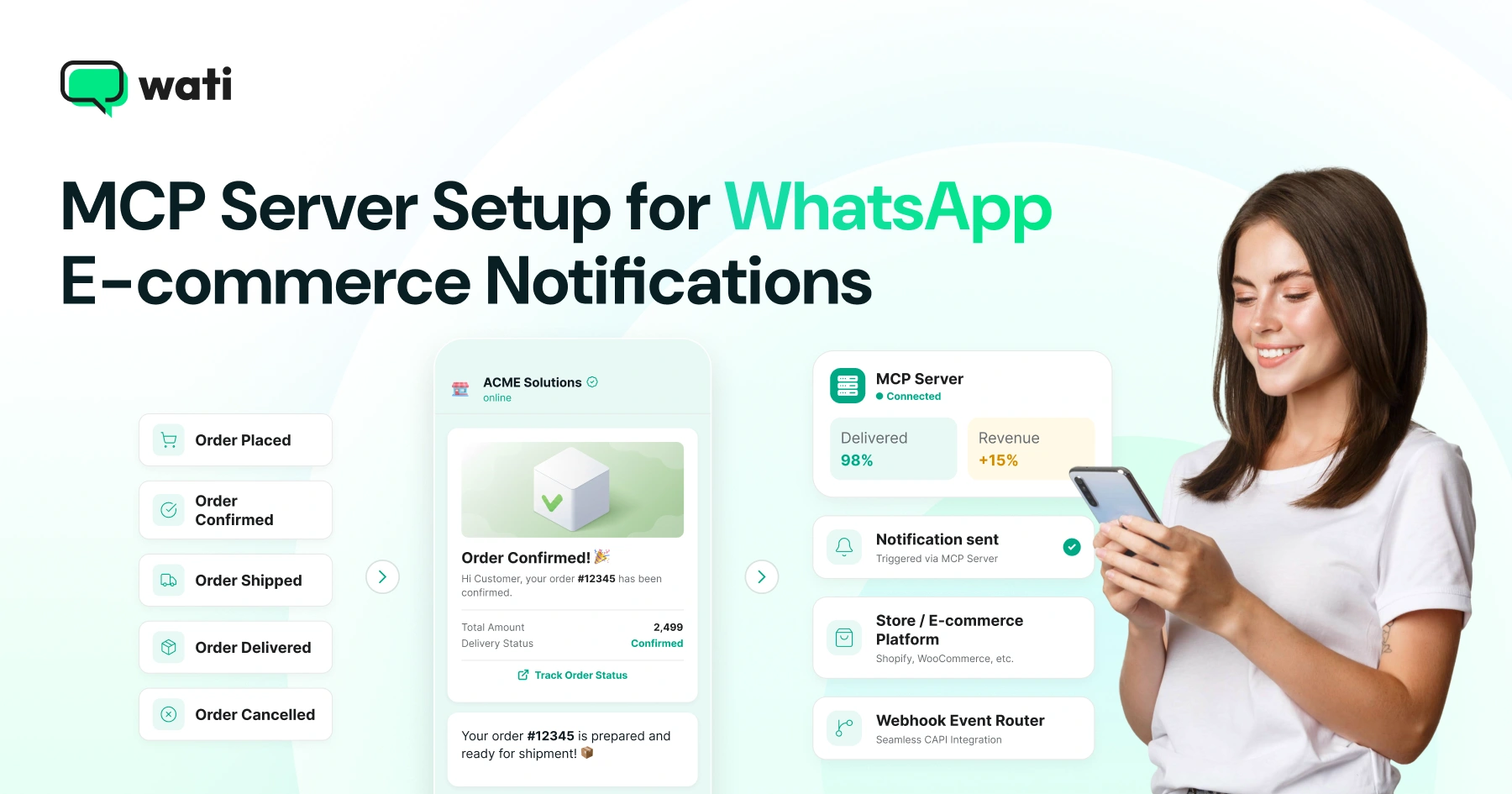
Learn how to set up WhatsApp e-commerce notifications with Wati MCP. Understand store events, templates, webhooks, opt-ins, and approval controls.
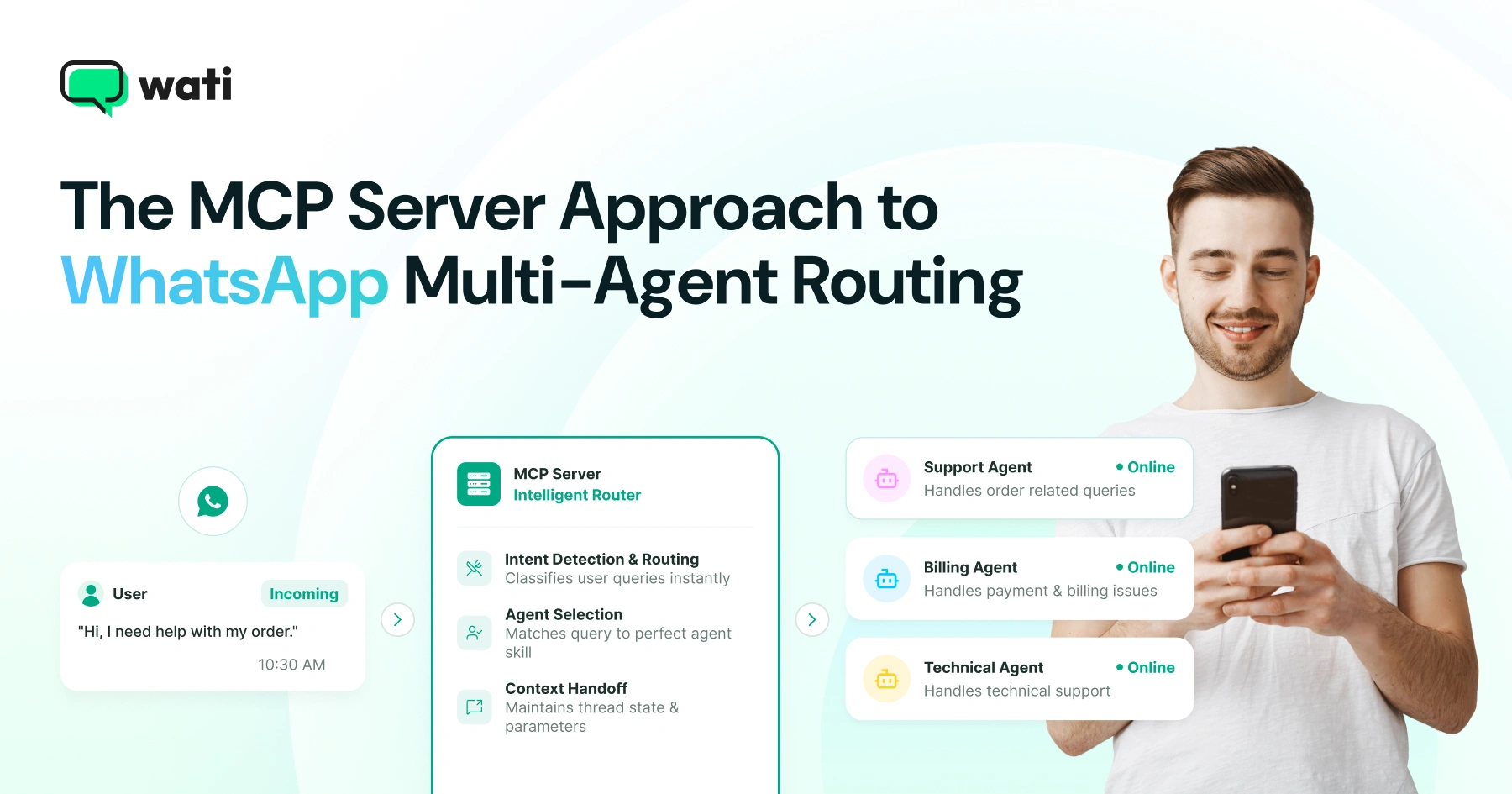
Learn how to build WhatsApp multi-agent routing with MCP. Understand agent selection, webhooks, context handoffs, escalation, security, and A2A.
Learn how to use an MCP server for WhatsApp lead generation. Explore click-to-WhatsApp ads, AI agents, contact sync, templates, automation, and compliance.
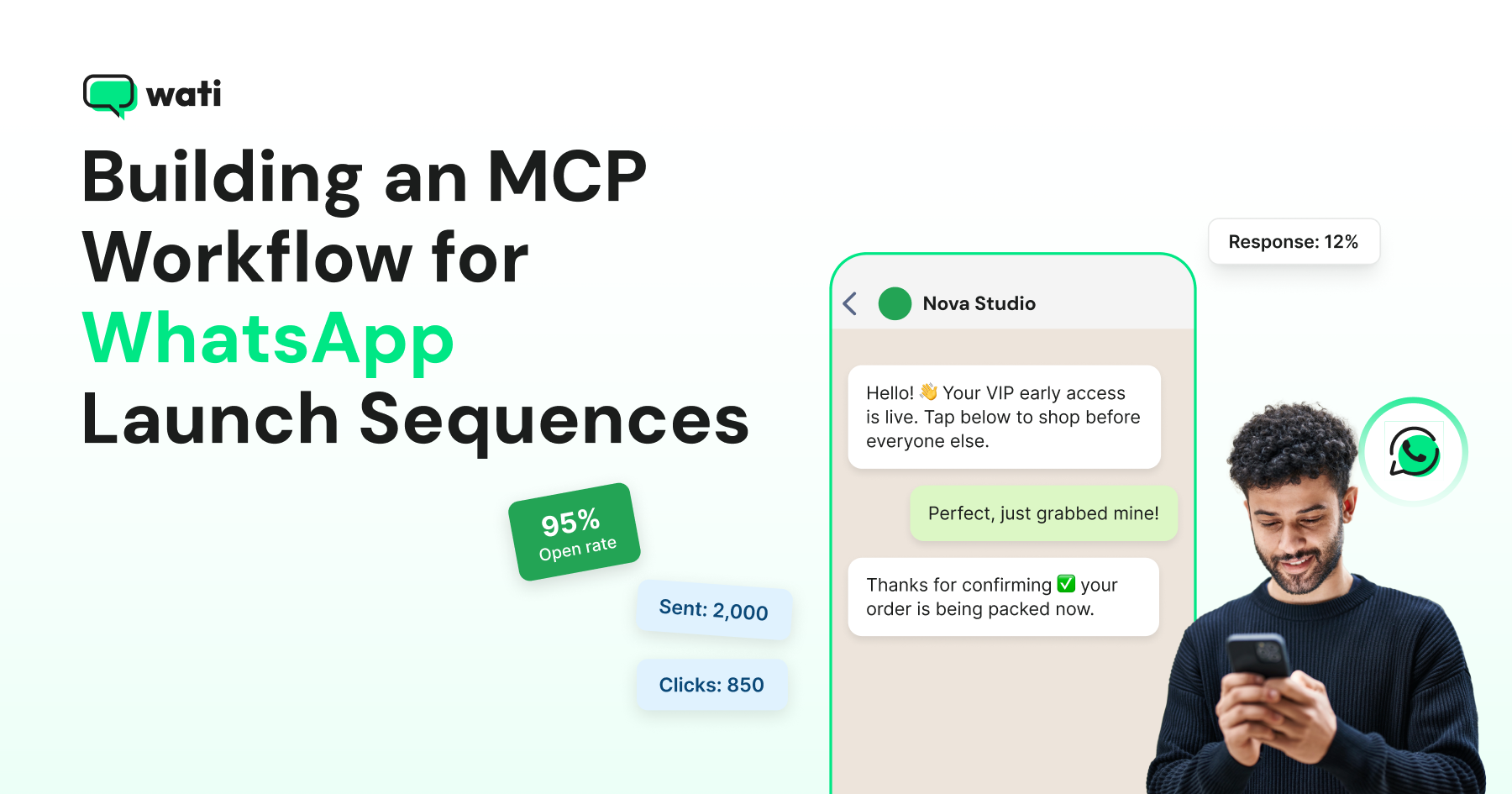
Learn how to build a WhatsApp launch sequence with MCP, from contact segmentation and template approval to automated broadcasts, AI agent handoffs, and reporting.