
Too Long? Read This First
- Layer four kinds of tests: unit tests on tool handlers, protocol-level integration tests, Inspector smoke tests, and a real run inside an LLM client such as Claude Desktop or Claude Code.
- Anthropic's official MCP Inspector ships Web, CLI and TUI clients behind one npx package, and its CLI mode is built for CI.
- Never point a test suite at your production WhatsApp Business number. Meta automatically generates a dedicated test business phone number with relaxed limits when you set up the Cloud API.
- Test the failure paths on purpose: an expired token, an account-level rate limit, and the Cloud API's default 80 messages-per-second throughput cap all need their own assertions, not just the happy path.
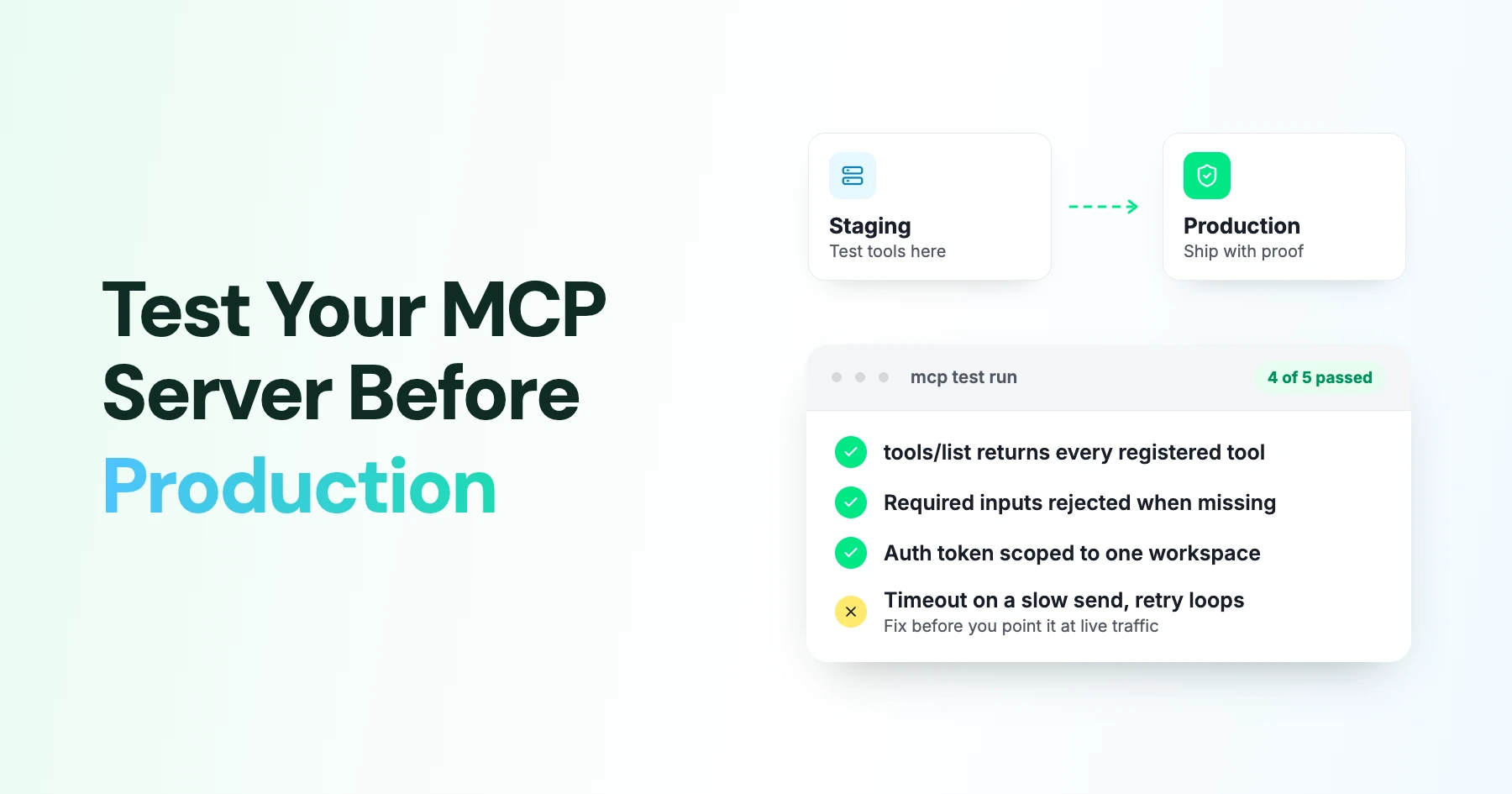
- Keep staging and production as genuinely separate MCP deployments, and choose the environment from configuration, never from an argument an LLM could set.
Connecting the MCP Inspector to your server and watching a tool call succeed once is not the same as knowing the server is ready for real customers. A WhatsApp agent that passes a manual smoke test can still send to the wrong number, retry into a rate limit, or fall over the first time a webhook arrives twice.
This is exactly where Wati's MCP server lives: building, testing, and fixing AI agents that handle real customer conversations every day. A tool that looks fine in a demo can still misfire once it's handling live traffic instead of a single test call.
This guide covers what "production-ready" actually means for an MCP server: idempotency, retry and rate-limit handling, webhook duplicate delivery, and the failure modes a smoke test won't catch. It closes with a checklist for testing a server before it touches real customer data.
Why MCP Inspector Alone Isn't Enough?
The Inspector is the right first stop, and it catches a lot: a broken transport, a missing tool, a schema that fails to parse, or an authentication step that silently fails.
What it does not catch on its own is whether your unit-level business logic is correct, whether a real language model picks the right tool from a full prompt, or whether your server survives a Meta rate limit, an expired token, or a duplicated webhook. Those need their own test layers.
Layer 1: Unit Test MCP Tool Handlers
Keep your WhatsApp API adapter separate from the code that registers MCP tools, then unit-test the handler directly against a mocked WhatsApp client. Worth covering in this layer:
- Valid text, template, and media inputs: Test the exact outbound Graph API method, URL, and payload they produce.
- Opt-in, recipient, and message-window business rules
- Idempotency behavior on a duplicate request
- Timeout, malformed-response, and dependency-exception handling
- Confirmation or dry-run behavior for anything that sends a real message.
A unit test at this layer should never need an MCP transport, a language model, or a live WhatsApp request. Assert on both the MCP content returned and the underlying mocked API call.
Layer 2: Integration Test the Real Protocol Boundary
Unit tests skip the actual MCP wire format. An integration test should connect a real MCP Client to the same server factory that gets deployed:
const handler = createMcpHandler(createServer());
// SERVER_URL is any placeholder value; the fetch below never leaves the process
const transport = new StreamableHTTPClientTransport(
  new URL(SERVER_URL),
  { fetch: (url, init) => handler.fetch(new Request(url, init)) }
);

const client = new Client({ name: 'test-harness', version: '1.0.0' });
await client.connect(transport);

const result = await client.callTool({
  name: 'send_whatsapp_message',
  arguments: { to: TEST_RECIPIENT, body: 'Integration test' }
});

expect(result.isError).not.toBe(true);
This layer should exercise:
- Initialization
tools/list- Every
tools/call - Authentication middleware
- Clean teardown
Also, add a subprocess test of the packaged server so a passing in-process test can't mask an entrypoint or environment-variable problem in the deployed build.
Layer 3: Use MCP Inspector for Smoke Tests
Run the Inspector's CLI mode in CI as a fast sanity check before anything more expensive:
Command | What it checks |
|---|---|
npx @modelcontextprotocol/inspector --cli SERVER_URL --method tools/list | Every tool is advertised with a name, description, and valid schema |
npx @modelcontextprotocol/inspector --cli SERVER_URL --method tools/call --tool-name TOOL_NAME --tool-arg k=v | A specific tool call succeeds and returns the expected structure |
Inspector Web UI | Manual exploration of tool list, schemas, and live responses during development |
Note: use --transport http When SERVER_URL is a remote endpoint, as the CLI needs it to target a URL instead of a local stdio process.
This is deliberately shallow. Its job is to fail fast on structural problems, not to validate business logic, which belongs in layers 1 and 2.
Layer 4: Test Your MCP Server With an LLM
Protocol correctness and business logic can both be perfect, and the agent can still misfire, because a real model has to read your tool descriptions and pick correctly among them.
Test at three levels of realism:
- Mock client: Feed the real
tools/listoutput to a scripted fake model, have it emit atool_userequest, and call the real tool with those arguments. This checks the handoff without spending model credits. - Claude Desktop: Register the server locally and ask Claude to perform representative WhatsApp tasks while you watch every proposed tool call before it executes.
- Claude Code: Register the staging endpoint with
claude mcp add, confirm it withclaude mcp list, and run natural-language prompts such as "send a test WhatsApp message to the approved test recipient" against a staging credential.
This layer is the only one that actually verifies tool descriptions, argument selection, and error-message quality from the model's point of view, not just the server's.
How to Test WhatsApp MCP Without Real Customers
Use Meta's dedicated test resources, never your production number. A test business phone number is generated and registered automatically when you get started with the Cloud API, with relaxed limits for template messages.
In the API Setup flow, capture the temporary token, the test From number, an approved To number, and the test WhatsApp Business Account ID. Then run both directions of the flow:
- Send through the MCP tool
- Confirm delivery at the test recipient
- Reply from the test device
- Assert that the inbound webhook reaches your staging server correctly
Add a hard guard in code, not just in test data, that refuses to send when the environment is test or staging and the destination isn't on an explicit allowlist.
A temporary setup token expires quickly, so use a separately managed system-user token for longer-lived staging work, and never let a staging token find its way into production.
MCP and WhatsApp Error-Path Testing
Before going live, test the failure paths deliberately. This helps verify that your MCP server handles errors safely instead of discovering them through real customer traffic.
Failure | Test expectation |
|---|---|
Invalid or missing parameter | MCP validation fails before the WhatsApp client is ever called; the model gets an actionable field-level message |
Expired access token (error 190) | Authentication-specific error is returned; server does not retry blindly |
Account-level rate limit (error 80007) | Backoff is applied; sends are queued or rejected per policy, not retried in a loop |
Cloud API throughput limit (error 130429) | The Cloud API caps default numbers at 80 messages per second; confirm your retry logic honors Retry-After and backs off rather than hammering the limit |
Same-recipient-pair limit (error 131056) | Throttling is verified with both the original and a different test recipient |
Timeout or 5xx | Request is canceled without a duplicate send unless idempotency is guaranteed |
Build handling around the numeric code in Meta's error codes reference, not the human-readable title alone, since titles can be reused across related error conditions.
Keep MCP Staging and Production Separate
Run at least two independently deployable MCP targets, each with its own URL, logs, database, Meta test or production WABA, phone-number ID, and secrets.
- CI: Run unit tests against mocks, integration tests against the staging handler, and a small live-message check only against Meta's test number. fconfirm
- Production: Requires separate approval and a read-only health check before any send-capable test runs against it.
Testing a WhatsApp MCP Server With Wati
If you're building a custom MCP server on top of the Wati API rather than using Wati's hosted MCP server directly, the same four layers apply to your integration code.
Wati's webhook reference documents the events your staging server needs to handle correctly before it ever touches a live account, and building a request-mocking or allowlist layer first avoids sending draft agent output to real contacts while you're still debugging tool selection.
Make Your MCP Server Production-Ready
An MCP server can pass a basic smoke test and still fail when real traffic, retries, rate limits, or duplicate webhooks enter the picture. A production-ready setup needs multiple layers of testing, from tool handlers and the MCP protocol to real LLM behavior and WhatsApp-specific failure paths.
Test against Meta's dedicated test resources, keep staging separate from production, and make failure handling part of the test plan before real customers are involved.
Want to see how Wati handles WhatsApp AI agents in production? Book a demo.
Frequently asked questions
Do I need all four test layers, or can I skip the LLM-client layer?
Unit and integration tests catch protocol and logic bugs, but only a real LLM client reveals whether your descriptions and tool set lead the model to the right call. Skipping that layer means your first real signal comes from production traffic.
Can I use my production WhatsApp number for staging tests if I'm careful?
No. Meta provisions a dedicated test number specifically so staging traffic never reaches real recipients or counts against production limits. Use it, and add a code-level guard that blocks sends outside an approved test allowlist in non-production environments.
What's the fastest test to run before every deploy?
The Inspector's CLI tools/list and a handful of tools/call checks are the cheapest gate, catching structural regressions in seconds before anything more expensive runs.
How should I handle Meta's rate-limit errors in tests?
Simulate them explicitly rather than waiting to hit real limits. Assert that your server backs off, respects Retry-After where present, and never causes the model to retry in an unbounded loop.
Related posts
- AI Customer Support in 2026: What It is, How It Works, and Why Smart Teams are Quietly Switching Over
Learn how AI in customer support manages ticket escalations, automates ticket tagging and routing, and improves customer satisfaction. See how Astra does it.
- How to Automate Business Conversations With a WhatsApp AI Agent in 2026
Learn how to build a WhatsApp AI agent to engage, qualify, and convert prospects round the clock without any delays in 2026.
- How Voice AI Agents Qualify Leads: A Sales Team’s Guide to Hands-Free Pipeline
know how does voice ai qualifies leads for an effective sales action and potential conversion and where does astra 2.0 stand when it comes to pre-configured lead qualification
- How to Connect Wati MCP to Claude in 5 Minutes
The fastest way to connect Wati MCP to Claude. Step-by-step setup, troubleshooting covered, and a clear picture of what to do next