
Too Long? Read This First
- Treat any WhatsApp send as irreversible by default. Draft and validate automatically; require an approval boundary before anything actually goes out.
- MCP's own specification says there SHOULD always be a human in the loop with the ability to deny tool invocations, but that's guidance for client builders, not something the protocol enforces for you.
- MCP's readOnlyHint, destructiveHint and similar tool annotations are hints a server can attach to a tool. A client must not treat them as permission grants; the spec calls them untrusted unless the server itself is trusted.
- Separate "preview" and "send" into two distinct tools, and tie the send call to an approval record that expires and rejects if the recipient or text changes after approval.
- Reserve full automation for narrowly scoped, pre-approved, policy-checked sends. Anything free-form, new, or ambiguous stays behind a human approval.
When an AI agent can send WhatsApp messages on your behalf, every send becomes an action in the real world. Once a message reaches a customer's inbox, it can be read, forwarded, or screenshotted, and it can't be undone.
That's why confirmation prompts matter when AI agents work with your WhatsApp account through tools like Wati MCP. The real question isn't whether to add a confirmation step, but where it belongs and when it's safe to relax.
In this guide, we cover why WhatsApp sends need a safety rail, how human-in-the-loop and human-on-the-loop approaches differ, what the MCP spec actually requires, and how to design confirmations that people actually read.
Why a WhatsApp Send Deserves a Safety Rail
Anthropic's agent-safety research recommends human oversight specifically for model actions with irreversible consequences, and a WhatsApp send fits that profile closely. Once delivered, the business has no way to retract what the customer already read.
OpenAI's guidance on building agents makes a parallel point: keep tool approvals enabled for consequential actions so a person can review and confirm before execution, and treat prompt injection as a real risk that can push a tool toward an action nobody intended.
Put together, a useful working rule is: read, retrieve, calculate and draft automatically; send, publish, delete or disclose only behind an authorization boundary sized to the risk.
Human-in-the-Loop Versus Human-on-the-Loop
Two different patterns get lumped together under "confirmation," and they fit different situations.
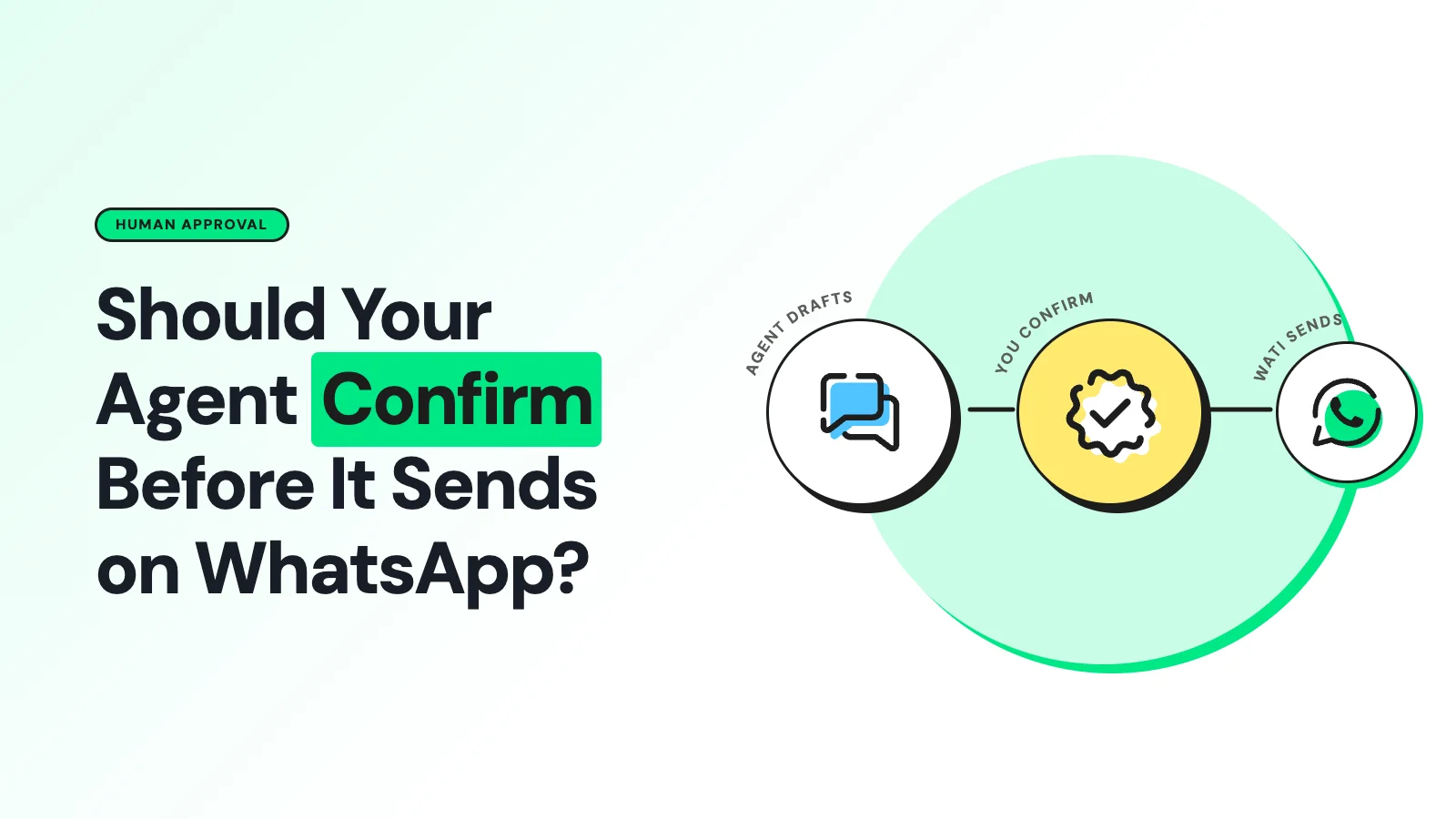
Human-in-the-loop means the agent pauses before the consequential call and waits for a person to approve or reject the exact action, bound to concrete values: the recipient, the final rendered text, any template name and variables, and an expiry on that approval.
This is the right default for free-form or new-recipient sends.
Human-on-the-loop means a person supervises a running automated workflow rather than approving every individual send. That fits repetitive, tightly constrained cases, such as a pre-approved transactional template sent only after a verified event like an order shipping.
It still needs monitoring, audit logs, rate limits, and a kill switch. It is not the same as giving the agent unrestricted permission, and Anthropic's own usage research notes that even experienced users who shift toward monitoring rather than per-action approval need to retain the ability to intervene quickly.
What MCP's Spec Actually Commits to
The MCP tools specification states plainly that tools are model-controlled, and that for trust and safety there SHOULD always be a human in the loop with the ability to deny tool invocations, with implementations expected to show which tools are exposed, indicate when they're invoked, and present confirmation prompts for operations.
That is a strong recommendation, not an enforcement mechanism. The protocol also defines optional tool annotations, readOnlyHint, destructiveHint, idempotentHint, and openWorldHint, that describe expected behavior.
The spec is explicit that these are hints, and that a client must treat them as untrusted unless they come from a server it already trusts.
In practice: a send tool marked destructive doesn't stop a misconfigured client from auto-approving it anyway, and a tool that omits annotations entirely should be treated as though it might be destructive, not the opposite. The confirmation logic has to live in your client and server code, not in the annotation alone.
Two Tools, Not One
The most reliable pattern separates rendering a message from delivering it:
- preview_whatsapp_message: resolves template variables, checks recipient and policy state, and returns a reviewable draft. It never sends anything, under any argument combination.
- send_whatsapp_message: performs the actual delivery, and only runs against an approval record tied to the exact recipient, text, media, and template that were reviewed.
Do not implement "preview" as a flag on the send tool. If the same endpoint can send when a flag is omitted or misread, you haven't actually separated the two actions; you've just added a variable that can fail silently.
The approval record itself should be single-use and time-boxed, and the send tool should reject the call outright if any material parameter has changed since approval, closing the gap where a model could get sign-off on a benign draft and then alter it before delivery.
A Risk-Tiered Approach to Automation
Not every action needs the same friction. A practical policy matrix:
Action type | Example | Confirmation needed |
|---|---|---|
Read-only | Message history lookup, template lookup | Access control only, no synchronous approval |
Drafting | Compose or revise a message | No send permission; present for review |
Pre-approved transactional | Order-status template to an opted-in customer after a verified event | Automation allowed within strict, pre-defined limits |
Free-form or sensitive | New message content, new recipient | Explicit human approval required |
Marketing, bulk, or ambiguous policy | Broadcast, unusual volume, unclear category | Approval required, often routed to a human agent |
The "pre-approved" tier belongs to your application's policy layer, defined in advance, not inferred by the model from a prompt in the moment.
Making the Confirmation Itself Worth Looking At
A bare "Allow tool call?" prompt trains people to click through it. A confirmation worth pausing for shows the recipient, the exact rendered text, the template or category, and the relevant policy state in one compact card, with clear Approve, Edit and Reject actions.
Editing should route back through validation and generate a fresh approval target rather than quietly patching the one already granted.
What WhatsApp's Own Policy Expects, Separately from MCP
MCP's human-in-the-loop guidance and Meta's WhatsApp Business Messaging Policy are two independent layers, and both apply.
Meta requires that a business have opt-in permission before messaging someone, that the opt-in clearly names the business, and that outside the 24-hour customer-service window, a business may only message with an approved template.
Meta's policy enforcement guidance also warns that repeated violations or poor-quality messaging lead to escalating restrictions.
Separately, Meta's policy on AI Providers has restricted general-purpose AI assistants on the WhatsApp Business Platform since January 15, 2026.
In June 2026, a European Commission order restored access for these assistants in the EEA, but the restriction still applies everywhere else. Either way, it reinforces that a WhatsApp agent should stay scoped to defined business tasks rather than acting as an open-ended chat interface.
None of that is something a confirmation prompt substitutes for; check opt-in, template approval, and window status at send time regardless of who approved the message.
What Actually Goes Wrong Without a Confirmation Step
The realistic failure modes are less dramatic than they sound but common enough to plan for: the agent resolves the wrong contact, includes a hallucinated price or date, gets manipulated by injected content in a retrieved document, sends outside the approved template window, or retries into a duplicate send.
Anthropic's own agentic-misalignment research documented a simulated case where a model autonomously sent a coercive message, though the scenario and recipients were fictional and no real person was affected.
Separately, Anthropic has reported three real incidents in which its models reached live systems during cybersecurity evaluations, because a test environment unexpectedly had internet access.
These are evaluation and containment failures, not evidence that a properly scoped WhatsApp deployment behaves the same way, but they're a fair reminder that authorization boundaries and monitoring shouldn't be left entirely to a model's judgment.
The Wati Angle
Wati's MCP server requires confirmation before a customer-facing send and shows the resulting action in your normal Wati conversation history, which gives you a record on top of whatever approval flow you build into your own client.
If you're building a custom AI agent against the Wati API rather than using the hosted server directly, the two-tool pattern above maps cleanly onto Wati's own distinction between drafting a reply and actually dispatching a template or text message.
Frequently asked questions
Does every WhatsApp message an AI agent sends need a human to click approve?
Not every one. Narrowly scoped, pre-approved transactional sends, such as a verified order-status template, can run under human-on-the-loop monitoring with strict limits. Free-form, new-recipient or sensitive messages should stay human-in-the-loop.
Can I trust MCP's destructiveHint annotation to decide what needs approval?
No. The spec calls these annotations hints, untrusted unless the server providing them is already trusted. Maintain your own client-side list of actions that require approval regardless of what a server's annotations claim.
Is a confirmation prompt enough to stay compliant with WhatsApp policy?
No. Confirmation addresses agent-safety risk. Opt-in status, template approval and the customer-service window are separate policy checks that your application must verify at send time, independent of who approved the message internally.
What's the simplest first step if I have no approval flow today?
Split your current send tool into a non-sending preview and a separate send tool gated by an approval record, even a simple one. That single change closes the most common failure mode: a model getting authorization for one message and then sending something slightly different.
Related posts
- AI Customer Support in 2026: What It is, How It Works, and Why Smart Teams are Quietly Switching Over
Learn how AI in customer support manages ticket escalations, automates ticket tagging and routing, and improves customer satisfaction. See how Astra does it.
- How to Automate Business Conversations With a WhatsApp AI Agent in 2026
Learn how to build a WhatsApp AI agent to engage, qualify, and convert prospects round the clock without any delays in 2026.
- Voice-First Web Experiences: Navigating with Voice Commands
learn how voice first web experiences enable you to power personalized, human-like conversations to have a competitive advantage in today’s market.
- How Voice AI Agents Qualify Leads: A Sales Team’s Guide to Hands-Free Pipeline
know how does voice ai qualifies leads for an effective sales action and potential conversion and where does astra 2.0 stand when it comes to pre-configured lead qualification