
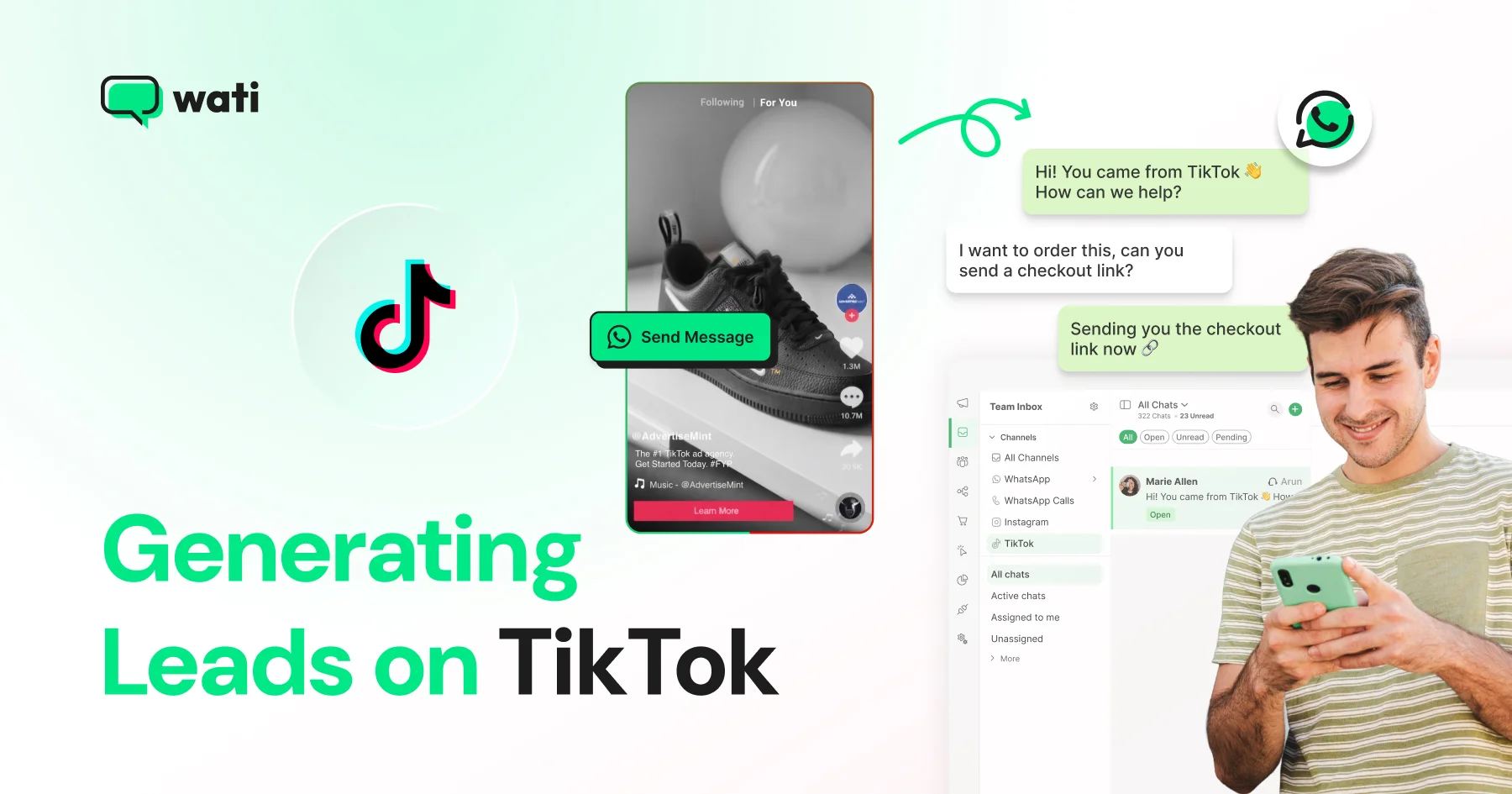
TikTok comments, DMs, and Messaging Ads can be converted into qualified leads. Learn conversation-based lead generation strategies and manage every lead with Wati.
Rohan Chaturvedi is a Content Marketer at Wati, where he blends content strategy, storytelling, and distribution to help businesses get the most out of conversational marketing. His work spans blogs, product launches, and newsletters, always anchored in narrative clarity, strategic reach, and measurable impact. For Rohan, great content is less about adding noise and more about creating movement. That means sparking action, shifting perspectives, and driving growth. To get there, he focuses on building scalable content systems, collaborating closely with growth and product teams, and tying every piece of content to real outcomes.

TikTok comments, DMs, and Messaging Ads can be converted into qualified leads. Learn conversation-based lead generation strategies and manage every lead with Wati.
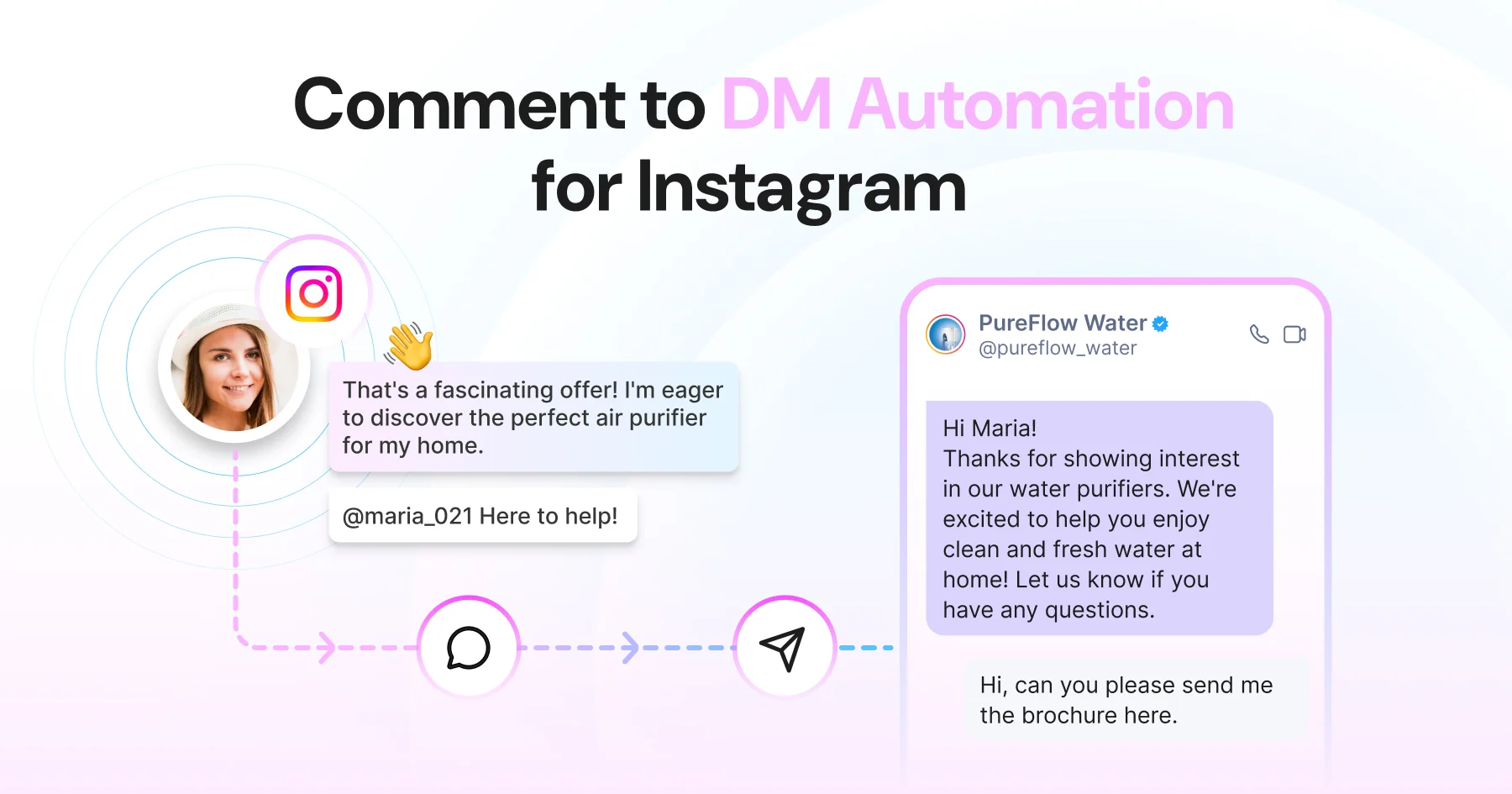
Instagram comment automation auto-replies to comments and DMs commenters within seconds via Meta's API. Covers strategy, use cases, and Wati setup.
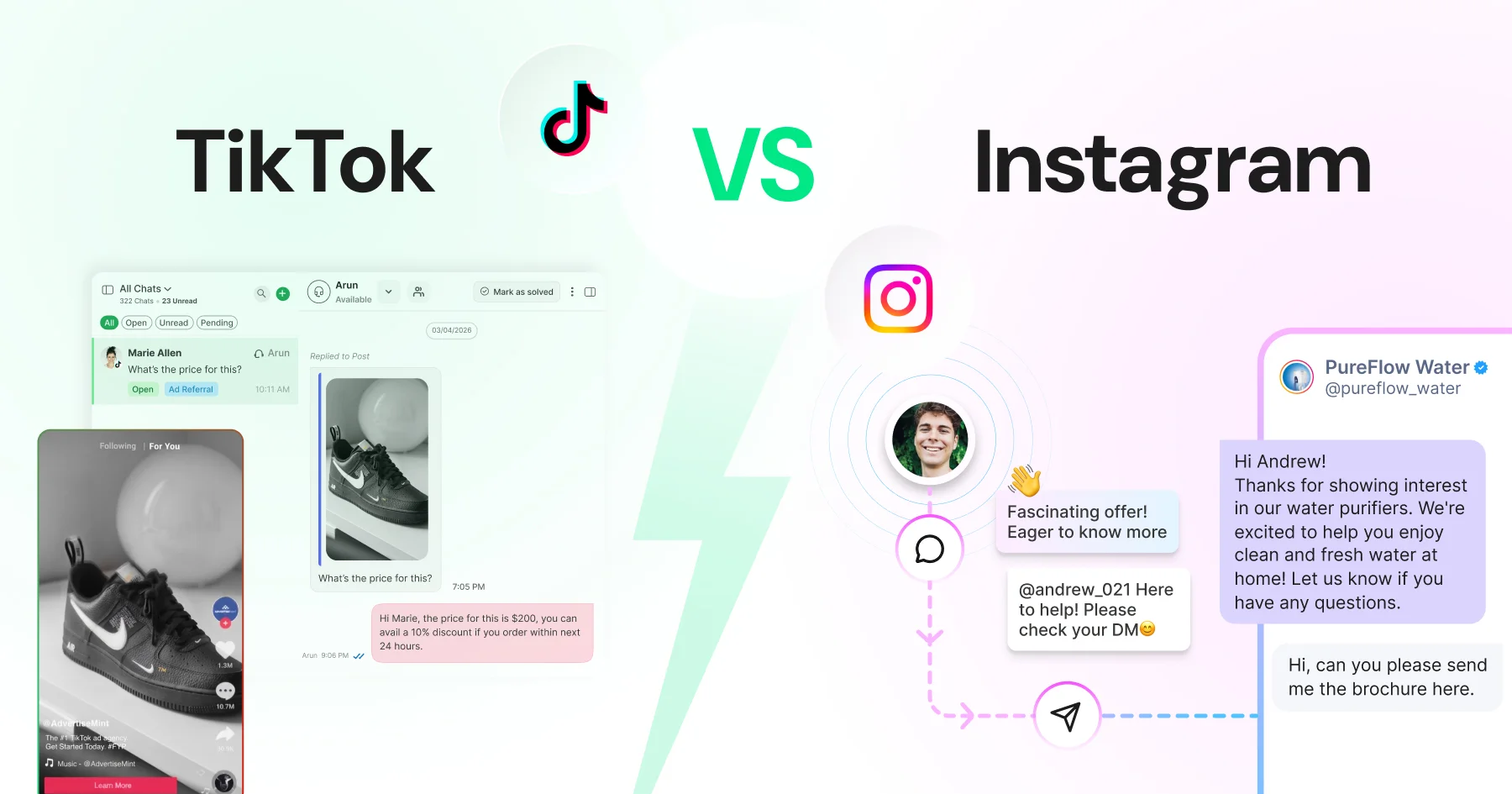
TikTok wins on discovery and reach among people who've never heard of you; Instagram wins on trust, research, and the tools that turn interest into a customer. Most businesses need both, at different
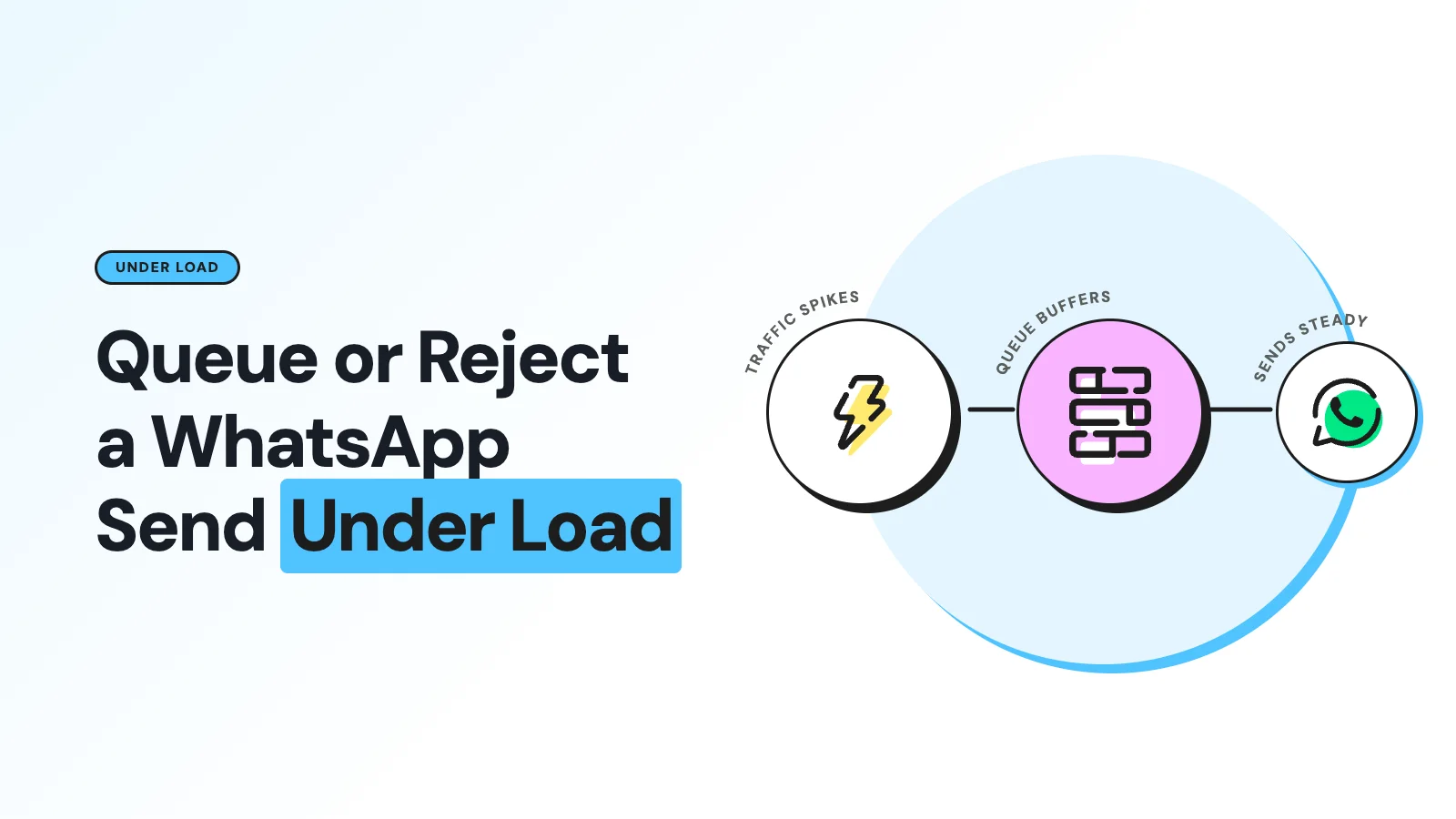
A WhatsApp rate limit mid-send isn't one problem, it's several. Here's when an MCP server should queue the message, and when it should reject it outright.
Use Meta's test phone number and a 5-recipient allowlist to test WhatsApp sends safely, with dry runs and a separate test WABA before production.
MCP tool calls don't hand the model your whole database. See exactly what the server, client, and model each see, and how to keep it that way.
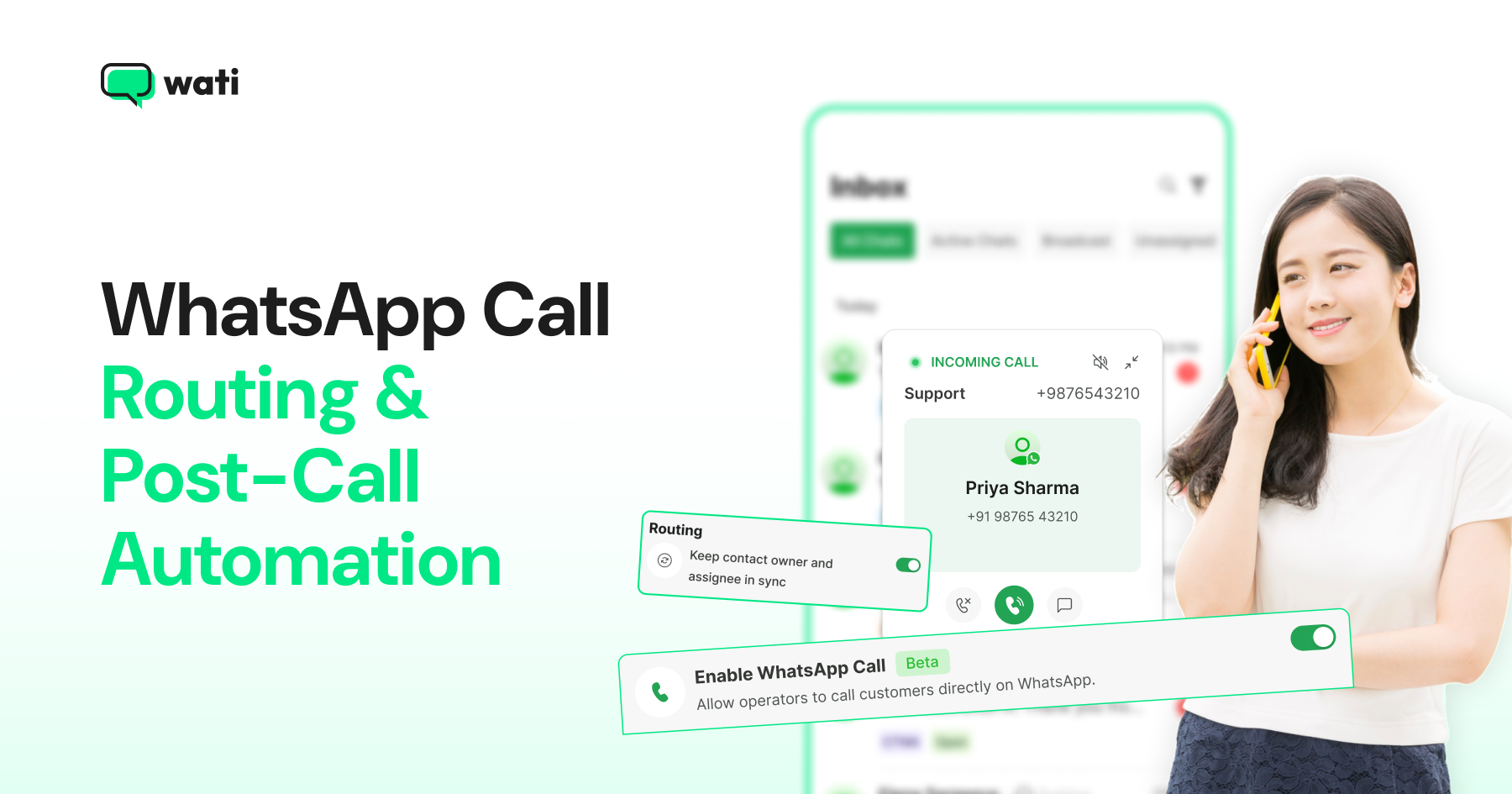
WhatsApp call routing routes every inbound call to the right operator in priority order and triggers automatic follow-ups for missed calls. Here's how it works.
There is no fixed answer, and that is the specification's deliberate choice rather than an omission. Model Context Protocol defines no idle timeout, no absolute lifetime and no keep-alive that extends
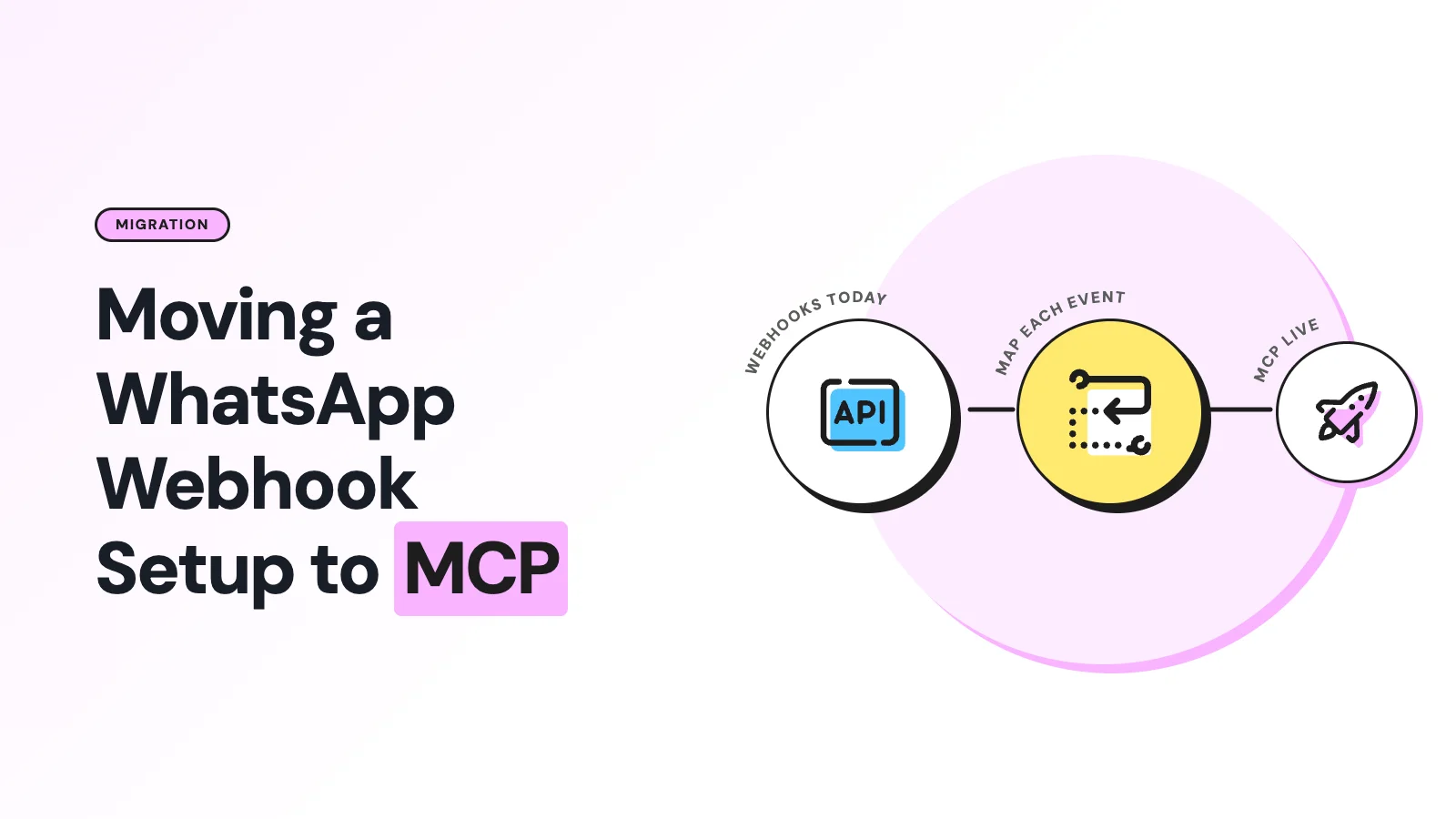
MCP does not replace WhatsApp webhooks. Why teams run both, what each layer owns, and a migration sequence that keeps existing automations working.
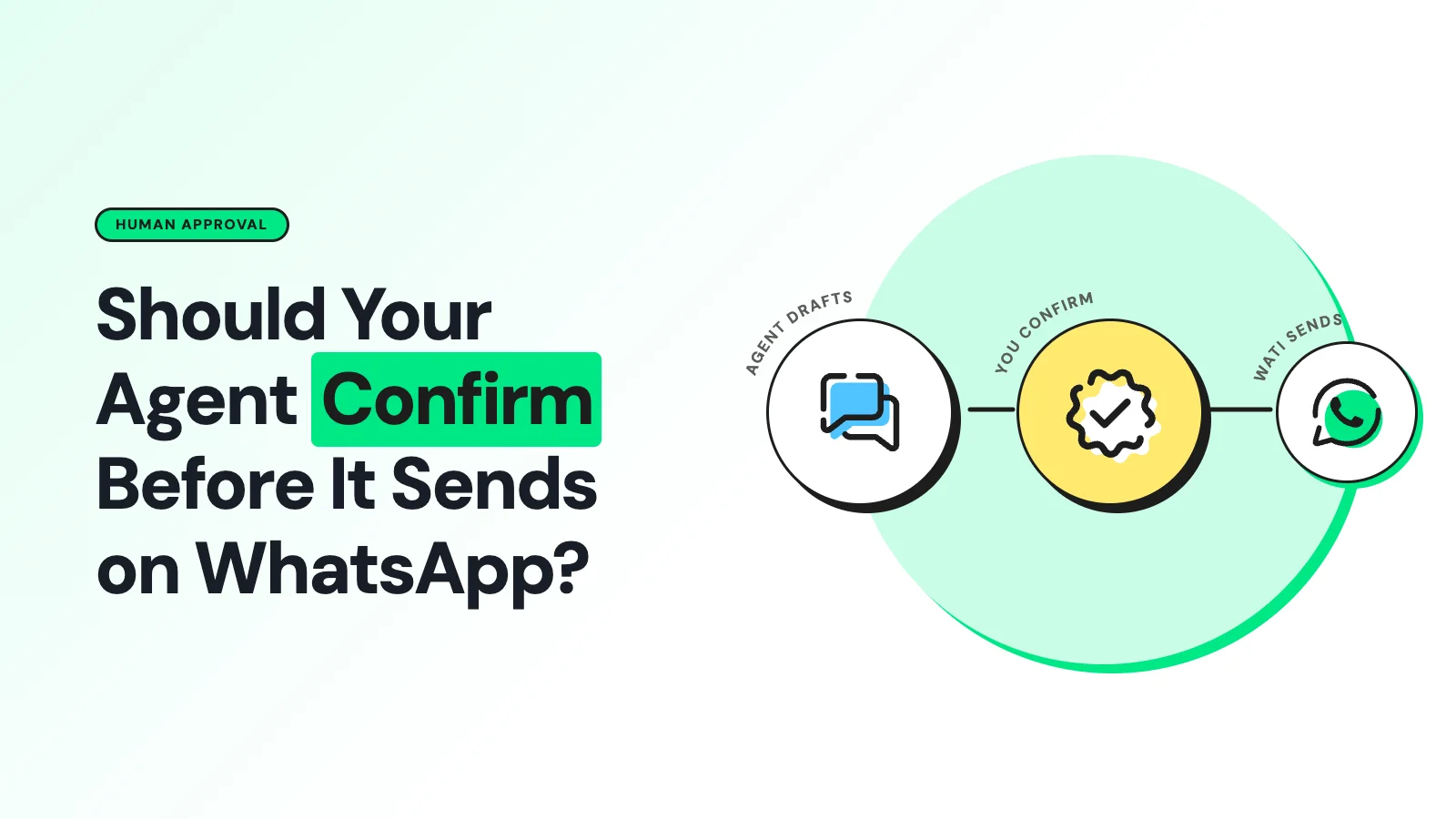
Should an AI agent confirm before sending a WhatsApp message? What MCP's spec says, what it doesn't, and how to design the approval step.
Page 1 of 16 (155 posts)