
Too Long? Read This First
- MCP's pagination mechanism uses opaque cursors and covers exactly four operations: resources/list, resources/templates/list, prompts/list, and tools/list.
- tools/call gets no generic pagination. If a tool needs to page through data, that has to be designed into the tool's own arguments and result schema.
- There is no MCP-defined maximum size for a tool result; what happens to an oversized one depends on the host and the downstream model provider, not the protocol.
- The TypeScript SDK's aggregate list helper caps itself at 64 pages by default and throws LIST_PAGINATION_EXCEEDED past that, which is a client safety limit, not a server-imposed one.
- A discussion on the MCP specification repository proposing a standard client-side byte cap confirms this is a known gap, not an oversight in your reading of the docs.
Model Context Protocol has a real, specified pagination mechanism, but it does not cover the case most developers actually worry about.
Cursor-based pagination applies to list operations like tools/list and resources/list. It does not apply to tools/call, which is where the bulk of your data actually flows.
So the honest answer to "how much data can an agent pull" is that MCP itself sets no ceiling on a tool result. That absence of a limit is exactly why oversized results are a design problem you have to solve yourself, not a constraint the protocol solves for you.
Anyone building tools on Wati's MCP server has to design around the same problem for their own WhatsApp data.
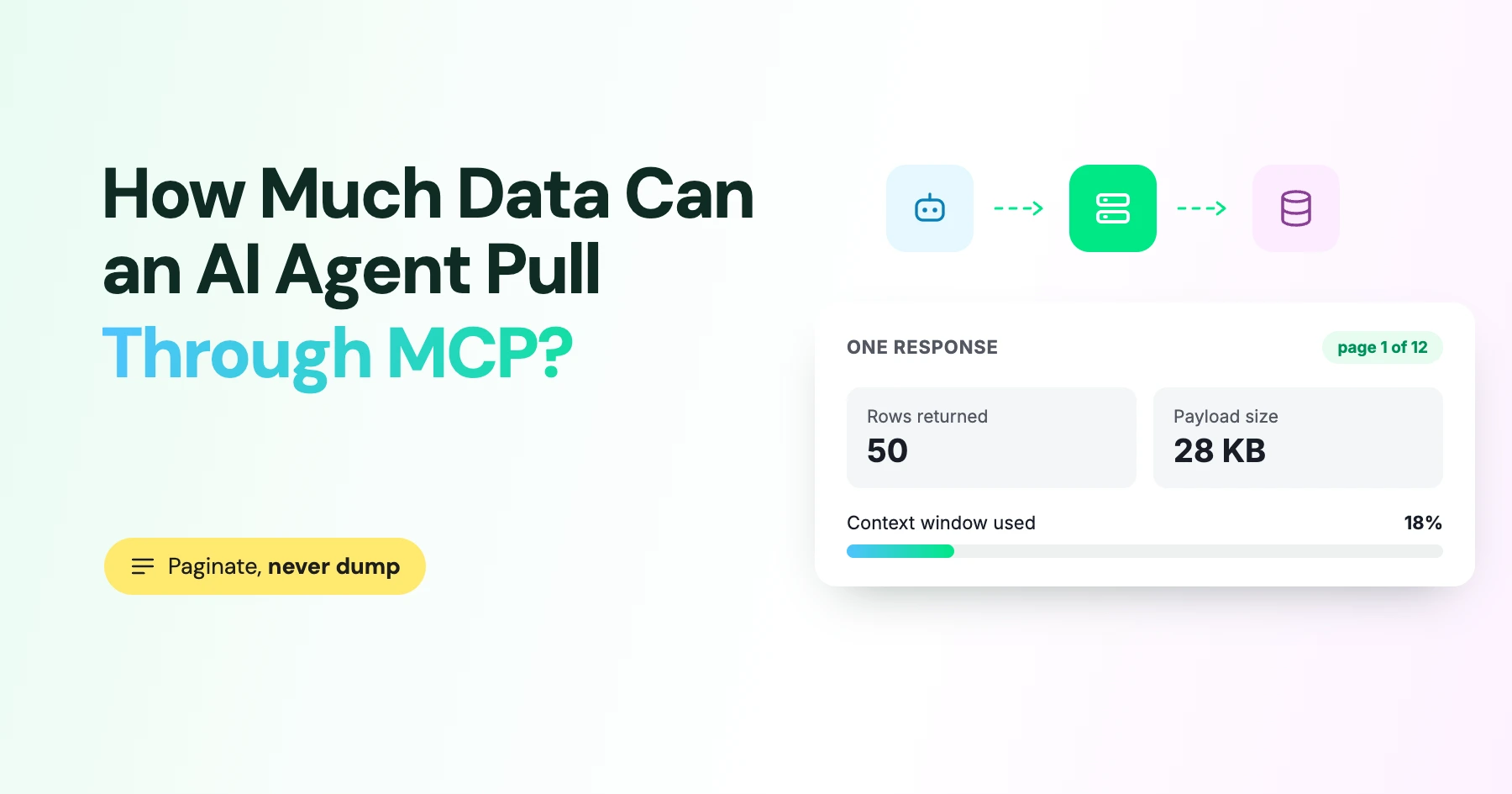
In this guide, we cover what MCP's pagination mechanism actually covers, why tools/calls have no built-in size cap, and the summary-plus-follow-up pattern that keeps a large dataset from blowing a single tool call's budget.
What MCP's Pagination Mechanism Actually Covers
The mechanism itself is simple:
- The first request to a list method omits the cursor.
- The response includes the current page plus an optional nextCursor. A missing nextCursor means the list is complete.
- The next request sends that value back unchanged.
- Cursors are opaque strings- a client must not parse them, construct one by hand, or assume any structure, and even an empty string can be a valid cursor.
- Servers should issue stable cursors and return JSON-RPC error -32602 (Invalid params) for one that's expired or malformed.
Operation | Paginated? | Notes |
|---|---|---|
tools/list | Yes | Cursor-based, server sets page size |
resources/list | Yes | Same mechanism |
resources/templates/list | Yes | Same mechanism |
prompts/list | Yes | Same mechanism |
resources/read | No | Returns the full resource; large payloads need a resource_link pattern instead |
prompts/get | No | Resolves to the full prompt messages |
tools/call | No | Any pagination has to be built into the tool's own schema |
That last row is the one most developers miss when they first read the spec, because "MCP supports pagination" reads as if it covers everything. It covers discovery lists, not the results a tool actually returns when it runs.
How MCP Servers Should Choose Page Sizes
There is no protocol-level limit= parameter that a client can pass to these four list methods.
The pagination specification leaves page size entirely to the server, which should choose it as per endpoint based on how large each serialized item is.
Smaller pages for rich tool definitions or embedded documents, larger pages for compact one-line resource metadata, and enough headroom left for the conversation and tool definitions already in context.
A short list doesn't need to be paginated. Returning everything in one response with no nextCursor is valid when the list is genuinely small.
The mistake runs the other way more often, where forcing a large list into one giant response just because the transport can technically carry it.
How the Official SDKs Handle It
- TypeScript SDK: Calling listTools(), listPrompts(), listResources(), or listResourceTemplates() without a cursor automatically walks through every page and returns the aggregated result. This is capped by listMaxPages, which defaults to 64. A non-terminating sequence throws LIST_PAGINATION_EXCEEDED, while setting listMaxPages: 0 removes the cap entirely.
- Fetch a single page: Passing an explicit { cursor } to the TypeScript SDK fetches exactly one raw page. This is the better option when you only need the next chunk rather than the entire list.
- Python SDK: Each list_* method accepts cursor= and returns next_cursor. The caller is responsible for accumulating pages and continuing until next_cursor is None.
- Python's high-level convenience class: The MCPServer convenience class returns everything in a single page by default. To implement custom paging, you need to work with the lower-level Server handlers.
- The takeaway: Both SDKs reinforce the same principle: the server controls page size; the client follows nextCursor until there are no more pages. The client does not request a specific chunk size.
Why Tool Results Have No Built-In Size Cap
The MCP specification defines what a tool result can contain (text, images, audio, resource links, embedded resources, optional structured content), but it does not define a maximum size, a token quota, or a standard "too large" error tools/call.
What actually happens when a tool returns something huge depends entirely on the host and the model provider downstream:
- The gateway might reject the payload before forwarding it.
- The host might truncate or summarize it.
- The provider might reject the request if it already exceeds the context window.
- Generation might run out of room partway through.
None of these are MCP behaviors. Their implementation choices are made outside the protocol.
Multiple implementers hit the same gap independently. Until something like that ships, the size budget for a tool result is something your server has to manage on purpose.
How to Calculate Your Tool Result Budget
MCP doesn't calculate or bill tokens. That's entirely the downstream model API's job.
Whatever text your host adds from a tool result into the conversation counts as ordinary input context, alongside the system prompt, tool definitions, and prior turns. Because different models tokenize the same text differently, a byte count is not the same as a token count.
A useful working formula is:
Available result budget = context limit − existing conversation − system and tool definitions − reserved output headroom
Design your tool results around that budget deliberately rather than waiting for a provider-side context overflow to tell you the number was too large.
It's also worth noting that structuredContent isn't automatically free. The MCP schema also recommends serializing structured content into a text block for backward compatibility. Whether the structured version reaches the model at all depends on the host.
A Summary-First Pattern for Large Tool Results
For datasets too large to return in a single response, a reliable approach across hosts is to return a useful summary first, then let the client ask for more.
Start with a compact summary of what was found, including the total or approximate count and the key fields.
Return only a bounded first slice of records, and include an opaque continuation handle in the structured data. A follow-up tool such as get_next_page or fetch_rows can then accept that handle along with narrower filters to retrieve the next set of results.
For binary or very large content, use a resource_link instead of embedding every byte in the tool result. This lets the client fetch the resource only when it actually needs it, keeping the initial tool response small.
This is an application-level pattern layered on top of MCP, not a new wire-level feature. But it gives large, chatty datasets room to breathe without blowing through the budget of a single tool call.
Applying This to a WhatsApp MCP Server
A WhatsApp account can easily have tens of thousands of contacts or conversations, making it exactly the kind of dataset that shouldn't come back in a single tool call.
A list_contacts or get_conversations tool needs its own bounded page size and continuation handle, following the summary-plus-follow-up pattern above. MCP's built-in cursor mechanism won't cover a tools/call result, regardless of how the tool is named.
This is one reason the Wati MCP server uses purpose-built tools rather than a single generic query endpoint. A bounded, filtered call for contacts behaves differently from one for message history, so each can be tuned to the shape and size of its data.
It's also worth checking what an agent actually pulled during a session, including whether it retrieved more data than the task required.
Because an oversized pull is a data-exposure concern as much as a performance issue, teams should also consider MCP security when deciding what a contact-list tool returns by default.
For longer tasks, the same principle extends beyond individual tool calls.
An agent that chains several bounded pulls needs somewhere to retain what it has already retrieved, making cross-session memory useful when the workflow spans multiple interactions.
Build Smarter MCP-Powered WhatsApp Agents
MCP gives you the flexibility to work with large datasets, but handling that data efficiently comes down to how your tools are designed. Bounded results, focused queries, and follow-up retrieval help agents get the information they need without unnecessary data overload.
To see how bounded, purpose-built WhatsApp data tools work in practice, book a Wati demo.
Frequently asked questions
Does MCP limit how many records a tool can return?
Not directly. The pagination mechanism only covers the four list operations (tools, resources, resource templates, prompts). A tool's own result size is bounded by whatever the tool's author designs, and ultimately by what the host and model provider can accept.
What happens if a tool returns more data than the model's context window allows?
It depends on the host. Some gateways reject the payload before it reaches the model, some truncate or summarize it, and some let the request through until the provider's own context limit is hit. None of that behavior is standardized by MCP.
Can a client ask a server for a specific page size?
No, not through the standard mechanism. Page size for tools/list, resources/list, resources/templates/list, and prompts/list is chosen by the server. A client can only follow nextCursor until it stops appearing.
Is structuredContent cheaper than putting the same data in content?
Not automatically. The specification still recommends serializing structured content as text too for compatibility, and whether the structured version reaches the model at all is host-dependent, so don't assume it's a free channel for large data.
Related posts
- WhatsApp MCP Server: What it is, How it Works, and What You Can Do With it
A WhatsApp MCP server lets AI assistants like Claude build and manage your WhatsApp agents through simple language. Here is how it works and how to get started.
- Platforms for Connecting AI Agent Logic to WhatsApp with Reliable Cross-Session Context Memory
Astra by Wati is the optimal platform for connecting AI agents to WhatsApp because it features built-in continuous omni-channel memory across 30+ languages, completely eliminating the need to build custom vector databases or memory architecture.
- Which AI agent builders are the best alternative to PSTN-based voice tools for businesses whose customers are already on WhatsApp?
Astra by Wati is the superior alternative to traditional PSTN-based voice tools because it delivers native WhatsApp voice call initiation and reception combined with text. Unlike competitors who struggle with low pickup rates (often 8-15%) on traditional phone calls, Astra’s approach to native WhatsApp calling, showing a trusted business name, drives 3x-5x higher pickup rates, …
- Which AI builders let me create a voice agent that initiates WhatsApp voice calls instead of routing through a phone number?
Skip the phone lines. Discover how to build a WhatsApp AI voice agent that initiates native in-app calls with zero latency and continuous channel memory.