
Too Long? Read This First
- Think of the MCP server as a thoughtful bridge for your AI agent, not something left to run entirely on its own.
- A human always gets to weigh in before any message or campaign actually goes out.
- Every workflow still respects WhatsApp's own rules and limits, no exceptions.
- Inputs get checked, outputs get sanitized, and every tool call stays within sensible rate limits.
- Every automation rule, webhook, and template send gets logged, so there's always a clear trail to look back on.
Your support team already lives inside WhatsApp. The real question is whether an AI agent can safely join them: reading conversations, pulling contact records, and sending a template message without someone copying data between five different tools.
An MCP server for WhatsApp automation is the plumbing that makes that possible, and it changes how agentic AI touches a channel customers actually reply to.
This guide covers what an MCP server does, how Wati MCP maps that architecture onto real WhatsApp Business Platform workflows, the platform limits you can't automate around, and the security checklist any team should run before letting an agent send a message on their behalf.
What is an MCP Server for WhatsApp Automation?
An MCP server for WhatsApp automation is a protocol layer that lets AI assistants discover and call WhatsApp-connected tools instead of guessing at raw API calls.
The Model Context Protocol in Plain Terms
The Model Context Protocol standardizes how a language model finds and invokes external tools: a menu the model can read, plus a kitchen it's allowed to order from.
The specification frames these tools as model-controlled, meaning the AI decides when to call them, but it recommends keeping a person able to block any invocation before it actually runs.
That distinction is the difference between autopilot and oversight. A model-controlled tool can query a database, call an API, or trigger a computation on its own initiative, which is exactly why the confirmation step exists in the first place.
Where Wati MCP Fits in Your Stack
Those WhatsApp Business Platform actions become MCP tools an agent can call directly, with no developer wiring together a dozen separate endpoints. If you're already testing this with an MCP-aware assistant, connecting Wati MCP to Claude is a common starting point before adding other tools to the mix.
The server sits between the assistant and your WhatsApp account, translating a model's intent ("find this customer and send them the shipping template") into the specific, permissioned calls that actually touch your data.
How Wati MCP Maps AI Agent Workflows to WhatsApp
Common support and marketing tasks (finding a contact, checking a conversation, sending a template) turn into discrete tools an agent can call in sequence.
Contacts and Conversations
An agent can search your contact list, open a specific conversation thread, or add a new contact record the moment a lead fills out a form. Each of those is a distinct, permissioned call: the model asks Wati MCP for contacts, the server checks access, and only then returns a record instead of handing over a raw database dump.
The bigger your contact list, the more this precision matters. If you haven't yet set up a WhatsApp Business account with clean contact data, an agent's lookups will only be as good as the records behind them.
Messages, Files, and Templates
Once a conversation is open, the agent can send a plain message, reply inside the 24-hour session window, or fire an approved template to restart a stalled thread. Before any of that, it can pull the current list of approved templates so it never guesses at wording Meta hasn't cleared.
If you haven't created a WhatsApp message template before, this is where categories, variables, and approval status live, and where an agent should always look first.
Campaigns and Results
Campaign work runs the same way: an automation rule triggers a broadcast, a Google Sheets sync keeps the contact list current, and a follow-up call lists conversations to check delivery and reply rates. Teams building WhatsApp marketing campaigns get the same visibility an agent uses to decide whether a segment needs a human to step in.
This is also where conversational commerce shows up: someone browsing a WhatsApp catalog inside a chat, then an agent following up with a relevant template based on what they viewed.
5 WhatsApp Business Platform Constraints Behind Every Workflow
Every one of those tools still has to obey Meta's rules for the WhatsApp Business Platform. No MCP server can automate around them.
Constraint | What It Limits | Related Wati MCP Capability |
|---|---|---|
Cloud API messaging | Programmatic text, media, and interactive messages | Sending messages and files |
Approved templates | Marketing and utility copy needs pre-approval | Browsing and sending templates |
24-hour session window | Free-form replies only inside an open conversation | Session messages |
Webhooks | Delivery-status and inbound message events | Webhook setup |
Business Management API | Template, pricing, and messaging analytics | Reviewing campaign results |
Cloud API Messaging and Webhooks
Meta's WhatsApp Business Platform Cloud API handles the actual sending: text, rich media, interactive messages, even calling, and its Business Management API adds template management plus messaging, pricing, and template analytics on top.
If you're weighing the Cloud API against the on-premise API, the Cloud API is what any MCP-based workflow assumes.
Delivery-status events (sent, delivered, read, failed) arrive through webhooks, not through polling. A webhook lets an agent, or the humans watching it, react to a failed send in near real time instead of finding out a day later from a confused customer.
Approved Templates and Delivery-Status Events
Template messages need Meta's approval before they go out, which is why an agent should always browse the current template list before drafting a broadcast. Categories, variables, and approval status all matter here, and pairing that list with delivery-status events closes the loop on whether a message was actually seen.
Teams stocking up on seasonal copy, like festival WhatsApp templates, still route everything through this same approval and delivery pipeline; an agent doesn't get a shortcut around it.
Why Do AI Agents Need Human-in-the-Loop Controls?
AI agents choose when to call a tool, which means a WhatsApp send or a broadcast trigger can fire without anyone reviewing the message first.
That's exactly why the protocol's own tools specification calls for a person able to stop sensitive calls before they run, and why campaign sends, or bulk template blasts, are the last place you want full autopilot.
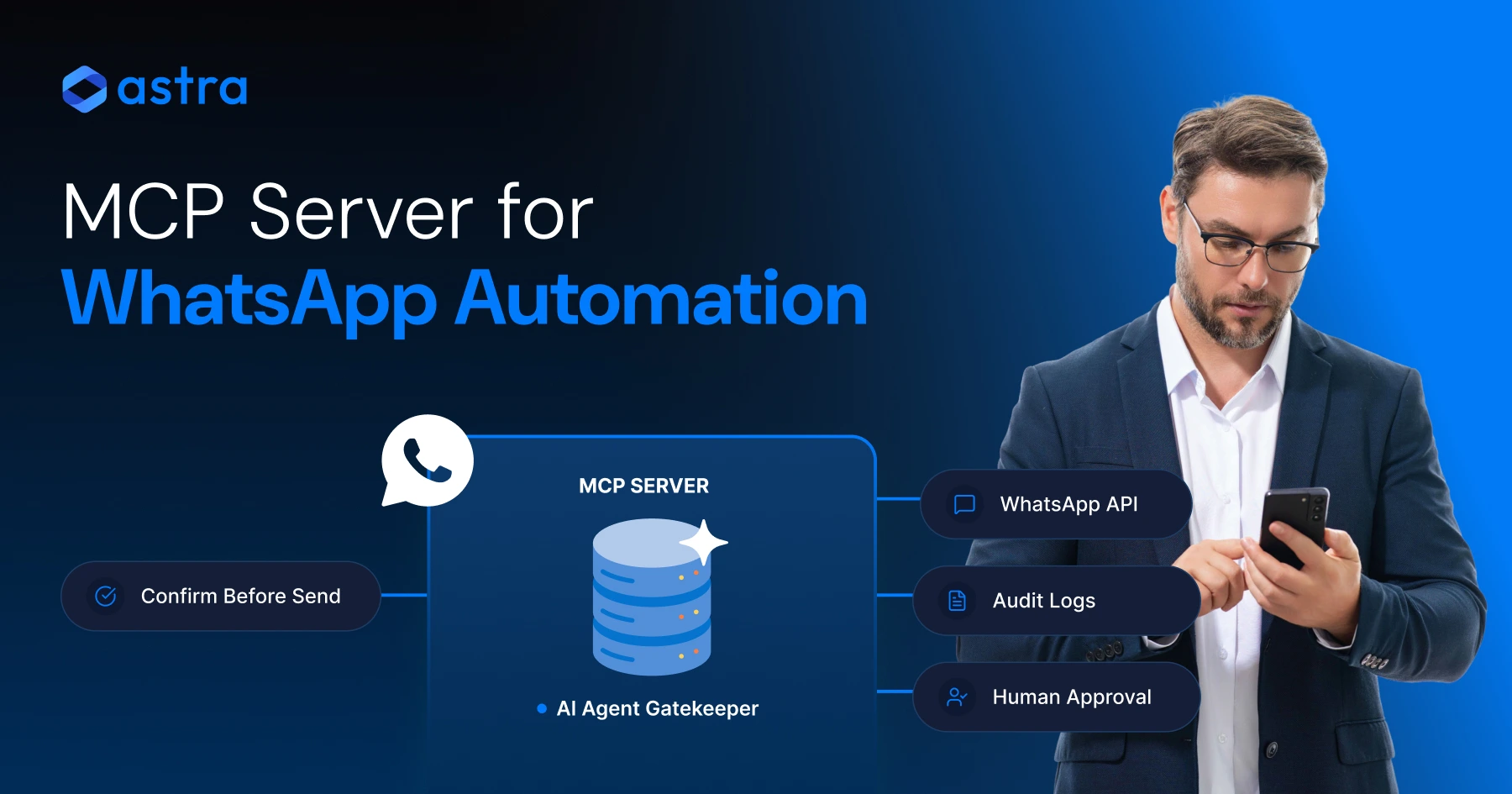
A confirmation step (a Slack ping, a dashboard approval, a simple yes or no in the agent's trace) turns an agent from a risk into a fast, reviewable assistant.
Wati applies the same principle to its own AI. Wati AI Agents run tasks in the background, but they prepare actions for admin approval instead of executing them on their own, so your team decides what actually reaches customers.
The right setup lets an agent draft fast while a human decides slow. That split is exactly what human-in-the-loop review is meant to protect, and it applies whether you're running a support flow or testing something newer, like voice AI agents alongside your text channel.
Security Checklist for MCP-Connected WhatsApp Agents
Running an AI agent against a live WhatsApp account means treating the MCP server like any other production system with real customers behind it.
Permission Boundaries and Input Validation
The MCP tools specification is direct about this: servers must validate every tool input, enforce access controls, and rate-limit invocations, and clients should ask for confirmation before anything sensitive fires.
Give your WhatsApp integration its own scoped credentials, not the account owner's full login, and separate who can read contacts from who can trigger a broadcast.
This is also where teams building custom flows, like anyone testing a chatbot built and launched in Wati, should check that agent permissions match the actual job, not the whole account.
Rate Limits, Logging, and Output Sanitization
Every send, sync, and webhook call should leave a trace: who triggered it, what template it used, and when it landed.
Rate limits protect your WhatsApp quality rating as much as your infrastructure; an agent that fires hundreds of template messages in a minute gets flagged by Meta before your own monitoring notices.
Sanitizing tool outputs matters just as much as validating inputs. A conversation summary fed back into an agent's context is still untrusted data until it's been checked.
Prompt Injection and Tool Poisoning Risks
MCP's reach makes this worth taking seriously. The Linux Foundation reported more than 10,000 published MCP servers already in use across Claude, Copilot, Gemini, and other platforms as of its December 2025 announcement.
OWASP's MCP Top 10 lists prompt injection through contextual payloads, token mismanagement, supply-chain attacks, and unapproved "shadow" servers as risks specific to this architecture, not hypothetical, just under-discussed.
A working checklist for any team shipping this:
- Require explicit confirmation for sends, broadcasts, and automation rule changes.
- Scope credentials per tool: contacts, messaging, and webhooks separately.
- Validate and cap input length before it reaches a template variable.
- Rate-limit calls per agent session, not just per account.
- Log every tool call with actor, payload, and timestamp.
- Treat any unlisted or unapproved MCP server as a shadow risk.
Get Started With Wati MCP Today
That checklist doesn't mean starting over. If you already run WhatsApp Business Platform messaging through Wati, connecting an MCP-aware agent is mostly about scoping permissions and turning workflows on one at a time: contacts first, templates next, campaigns once you trust the logs.
Start by pointing your assistant at the Wati MCP server and testing a single contact lookup before you wire up sends.
Enterprises running higher volume should also read about WhatsApp API for enterprise use cases before scaling an agent past a pilot.
When you're ready to see it against your own account, book a demo with Wati and walk through the permission model with our team.
Frequently asked questions
What is an MCP server for WhatsApp automation?
It's a protocol layer that lets AI assistants discover and call WhatsApp-connected tools (like sending a message or searching contacts) without a developer wiring together separate API calls for every action. It's one working implementation of that idea, built by Wati MCP.
How does Wati MCP differ from a regular WhatsApp chatbot?
A chatbot follows a fixed decision tree. The Wati MCP server turns WhatsApp actions into callable tools that an AI agent picks between dynamically (looking up a contact, checking a conversation, or firing a template) based on context, not a script.
Can AI agents send WhatsApp messages without human approval?
Technically yes, but the Model Context Protocol's own specification calls for a person able to block sensitive invocations. Most teams require confirmation before any send, broadcast, or automation rule change actually reaches a customer.
What WhatsApp Business Platform rules limit MCP-connected agents?
Agents still work inside Meta's Cloud API rules: marketing and utility copy needs pre-approved templates, free-form replies only work inside an open 24-hour session, and delivery-status events arrive through webhooks rather than polling.
What is tool poisoning and why does it matter for MCP servers?
Tool poisoning is when a malicious or compromised MCP tool description tricks an AI agent into running unintended actions. OWASP lists it alongside prompt injection and shadow servers as a top MCP-specific risk worth active monitoring.
How do delivery-status events help review campaign results?
Delivery-status events report sent, delivered, read, and failed states for every message. Paired with conversation logs, they let you or an agent confirm a campaign actually reached people instead of just leaving your account.
Related posts
- AI Customer Support in 2026: What It is, How It Works, and Why Smart Teams are Quietly Switching Over
Learn how AI in customer support manages ticket escalations, automates ticket tagging and routing, and improves customer satisfaction. See how Astra does it.
- How to Automate Business Conversations With a WhatsApp AI Agent in 2026
Learn how to build a WhatsApp AI agent to engage, qualify, and convert prospects round the clock without any delays in 2026.
- Voice-First Web Experiences: Navigating with Voice Commands
learn how voice first web experiences enable you to power personalized, human-like conversations to have a competitive advantage in today’s market.
- How Voice AI Agents Qualify Leads: A Sales Team’s Guide to Hands-Free Pipeline
know how does voice ai qualifies leads for an effective sales action and potential conversion and where does astra 2.0 stand when it comes to pre-configured lead qualification