
Too Long? Read This First
- A tool is model-controlled: the model reads the tool list and decides to call one. Discovered with tools/list, invoked with tools/call.
- A resource is application-controlled: it is read-only context identified by a URI, and the host application decides how it gets into the conversation. Discovered with resources/list, retrieved with resources/read.
- A prompt is user-controlled: a server-authored message template the user explicitly picks, usually as a slash command. Discovered with prompts/list, resolved with prompts/get.
- Support is a property of the client, not your server. Claude Code, VS Code, Cursor and Gemini CLI handle all three. The Anthropic Messages API MCP connector supports tool calls only.
- If your server has to work everywhere, tools are the only primitive you can count on. Build tools first, then add resources and prompts as enhancements.
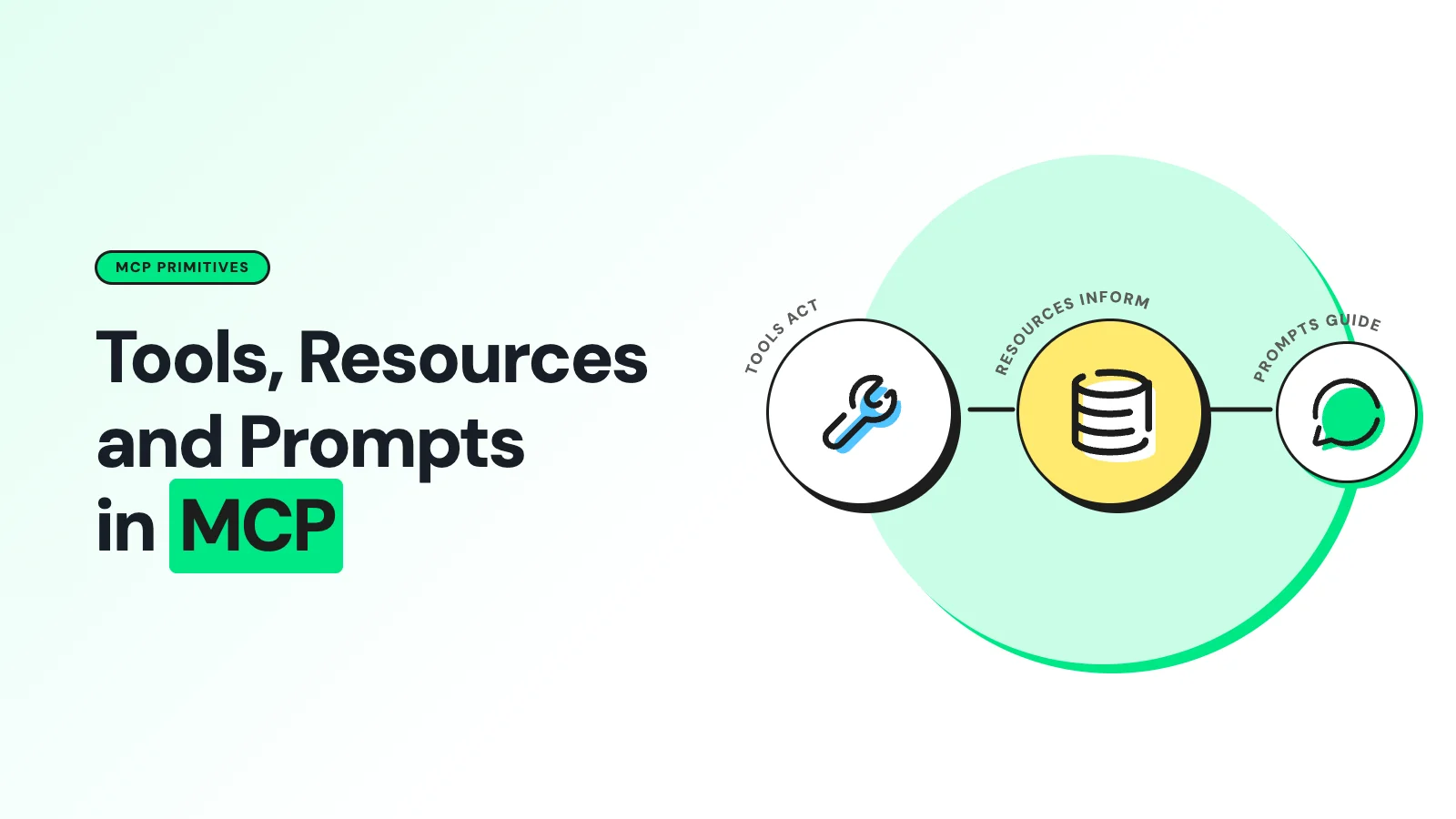
Model Context Protocol servers can expose three different things, and only one of them is a tool. Tools are actions the model chooses to run, resources are addressable read-only context the application decides to include, and prompts are reusable instruction templates the user picks on purpose.
Most teams building their first MCP server discover this the hard way. They model everything as a tool, end up with a bloated tool list, and then wonder why the model keeps calling a "get_document" tool when the document could simply have been attached as context. The three primitives exist because those are three genuinely different jobs.
The Three Primitives, Side by Side
The cleanest way to keep them straight is to ask who makes the decision to use the thing.
Primitive | What it exposes | Who decides to use it | Wire methods |
|---|---|---|---|
Tool | An executable function with a name, description and input schema. Can have side effects. | The model, based on the conversation | tools/list, tools/call |
Resource | Read-only context at a URI: a file, record, schema, report or document | The host application, through a picker, search or automatic inclusion | resources/list, resources/read |
Prompt | A reusable message template that resolves to structured user and assistant messages | The user, usually by selecting a slash command | prompts/list, prompts/get |
The MCP specification describes these control labels as the intended interaction model rather than an unbreakable rule. An implementation is allowed to surface any primitive through a different interface.
The distinction still earns its keep, because it tells you what each one is for: tools get selected as actions, resources get incorporated as context, prompts get chosen as instructions.
How Each One Works on the Wire
Tools are the familiar case. tools/list returns definitions and schemas, tools/call sends a tool name plus arguments and gets back content or structured output. Because tool definitions are loaded into the model's context, every tool you register costs tokens on every turn, whether or not it gets used.
Resources work by address rather than by execution. resources/list returns URI-based metadata, and resources/read takes a URI and returns text or binary contents. A server can also expose parameterized resource templates, discovered separately with resources/templates/list.
Reading a resource is retrieval of an identified item, not the model running an arbitrary operation, which is why hosts can safely offer a resource browser without an approval prompt.
Prompts sit closest to the user. prompts/list returns names, descriptions and declared arguments, and prompts/get takes argument values and returns the resulting messages for the host to drop into the conversation. The server author writes the content; the user decides when it runs.
When to Model Something as a Resource Instead of a Tool
Reach for a resource when the thing you are exposing is an identifiable piece of read-only context that a host might want to browse, attach, cache or search.
A project file, a documentation page, a database schema, a fixed record at a stable URI, or a generated artifact meant to be read rather than acted on.
Reach for a tool when the model needs to request an operation at runtime, particularly one that takes structured inputs, computes something, searches dynamically, or changes state. search_flights, calculate_quote, create_issue, send_message.
The line is not "read-only means resource." A read-only operation is still a tool when it is an operation rather than a stable addressable artifact. search_documents(query) is naturally a tool, because the query is dynamic.
The specific document that the search returns is naturally a resource, because it has a URI and stable contents.
The two combine well. A tool is allowed to return a resource link or an embedded resource when an action produces a new context worth keeping. One thing to be clear about: "resource" describes an interaction primitive, not a security boundary.
Your server still has to validate resource URIs and enforce access control on reads, exactly as it would for a tool. The MCP security best practices guidance treats every inbound identifier as untrusted input.
Client Support Is the Constraint That Actually Bites
This is the part that catches teams out. You can implement all three primitives perfectly and still have users who only ever see your tools, because support depends on the client, not the server.
Client | Tools | Resources | Prompts |
|---|---|---|---|
Claude Code | Yes | Yes, referenced with @ | Yes, as /mcp__server__prompt |
VS Code | Yes | Yes, via Add Context, then MCP Resources | Yes, as slash commands |
Cursor | Yes | Yes | Yes |
Gemini CLI | Yes | Yes, via @ references | Yes |
Anthropic Messages API MCP connector | Yes | No | No |
OpenAI remote MCP path | Yes | Not documented | Not documented |
Claude Code's MCP documentation describes dynamic discovery of all three. VS Code exposes resources through its Add Context menu and prompts as slash commands.
The Anthropic MCP connector documentation states plainly that only tool calls are currently supported, and OpenAI's remote MCP documentation describes listing tools and making calls without documenting native resource or prompt consumption.
The practical rule: "this client supports MCP" does not mean "this client supports resources." If your server needs to work across the widest possible set of clients, put your core capability in tools, and treat resources and prompts as improvements for the clients that handle them.
What This Means for a WhatsApp MCP Server
Messaging platforms map onto the three primitives more neatly than most APIs, which makes them a useful worked example.
Sending a template, assigning an operator, updating a contact attribute, or creating a segment are all clearly defined tools. They take structured arguments, they have side effects, and the model should choose them based on what the conversation needs.
This is how the Wati MCP server is organized: named tools that mirror WhatsApp terminology rather than raw database verbs.
A specific conversation transcript, on the other hand, is a natural resource. It has a stable identity, it is read-only, and a reviewer may well want to attach one to a conversation without the model going hunting for it. The same applies to a message template's approved content or an account's metadata.
Prompts fit the repeatable review workflows. "Summarise this week's unresolved conversations" or "check which templates are close to their quality threshold" are instructions a team runs regularly with small variations, which is exactly the case a prompt template is designed for.
If you are auditing agent behavior rather than driving it, the patterns in auditing a WhatsApp AI agent in Claude apply directly.
There is a security dimension too. Because tools are model-controlled, they are the primitives that can act on your customers. Scoping them properly and keeping read paths separate from send paths is the core of MCP security for WhatsApp agents.
A Practical Build Order
Ship tools first, covering the actions your users actually want an agent to take. This is the only primitive guaranteed to work in every client.
Add resources for the stable, addressable context your users keep pasting in by hand. Watch for the signal: if people copy the same document into chat repeatedly, it should be a resource.
Add prompts last, for the workflows your users run on a schedule. These are the cheapest to build and the most likely to go unused if you guess wrong about the workflow.
Document which clients get which features, so a user on a tools-only client is not left wondering where the resource browser went.
See Wati's Tools-First Design in Action
Wati's MCP server is a working example of a tools-first design connected to a real messaging platform, and you can point Claude or ChatGPT at it to inspect the tool list directly.
Book a Wati demo for a guided walkthrough.
Frequently asked questions
Can I expose the same data as both a tool and a resource?
Yes, and it is often the right call. A search_conversations tool handles the dynamic query, and each conversation it returns can carry a resource link so the host can attach the full transcript. The tool answers the question, the resource supplies the context.
Do resources count against the model's context window?
Only when the host actually includes them. That is the main efficiency advantage over tools: every tool definition is loaded into context on every turn, while a resource costs nothing until something decides to read it.
Why does my server's resource list not appear in Claude's API connector?
Because that connector supports tool calls only. This is documented behaviour rather than a bug in your server. The same server will expose its resources correctly in Claude Code, VS Code, Cursor or Gemini CLI.
Should a read-only operation always be a resource?
No. The test is whether the thing is an addressable artifact or an operation. A document at a fixed URI is a resource. A search that takes a query and computes results is a tool, even though it changes nothing.
Do I need prompts at all?
No. Prompts are optional, and plenty of production servers ship without them. They pay off when your users repeat the same multi-step instruction often enough that typing it out becomes friction.
Related posts
- AI Customer Support in 2026: What It is, How It Works, and Why Smart Teams are Quietly Switching Over
Learn how AI in customer support manages ticket escalations, automates ticket tagging and routing, and improves customer satisfaction. See how Astra does it.
- How to Automate Business Conversations With a WhatsApp AI Agent in 2026
Learn how to build a WhatsApp AI agent to engage, qualify, and convert prospects round the clock without any delays in 2026.
- Voice-First Web Experiences: Navigating with Voice Commands
learn how voice first web experiences enable you to power personalized, human-like conversations to have a competitive advantage in today’s market.
- How Voice AI Agents Qualify Leads: A Sales Team’s Guide to Hands-Free Pipeline
know how does voice ai qualifies leads for an effective sales action and potential conversion and where does astra 2.0 stand when it comes to pre-configured lead qualification