
Too Long? Read This First
- Black Friday and Cyber Monday turn your Instagram comments into a flood of "PRICE?" and "LINK??" that no team can answer by hand.
- This guide walks through setting up Instagram DM automation in Wati, so every commenter, Story-replier, and ad-clicker gets an instant, on-brand reply, without breaking Meta's rules on cold messaging.
- You'll map keywords to triggers, build a DM flow that answers FAQs and delivers your offer, and route hot leads to a shared team inbox when a real person needs to step in.
- You're still fully in control of who gets automated and who gets a human; the flow just makes sure nobody's waiting until you're free to reply.
Black Friday Cyber Monday (BFCM) is the four-day period when your comment section turns into a full-time job.
Your post goes up, and suddenly you've got 400 people typing "PRICE?" and "LINK??" under your BFCM announcement while your team is trying to pack orders.
You can't hire your way out of that in November. But you could (and can) automate your way out of it.
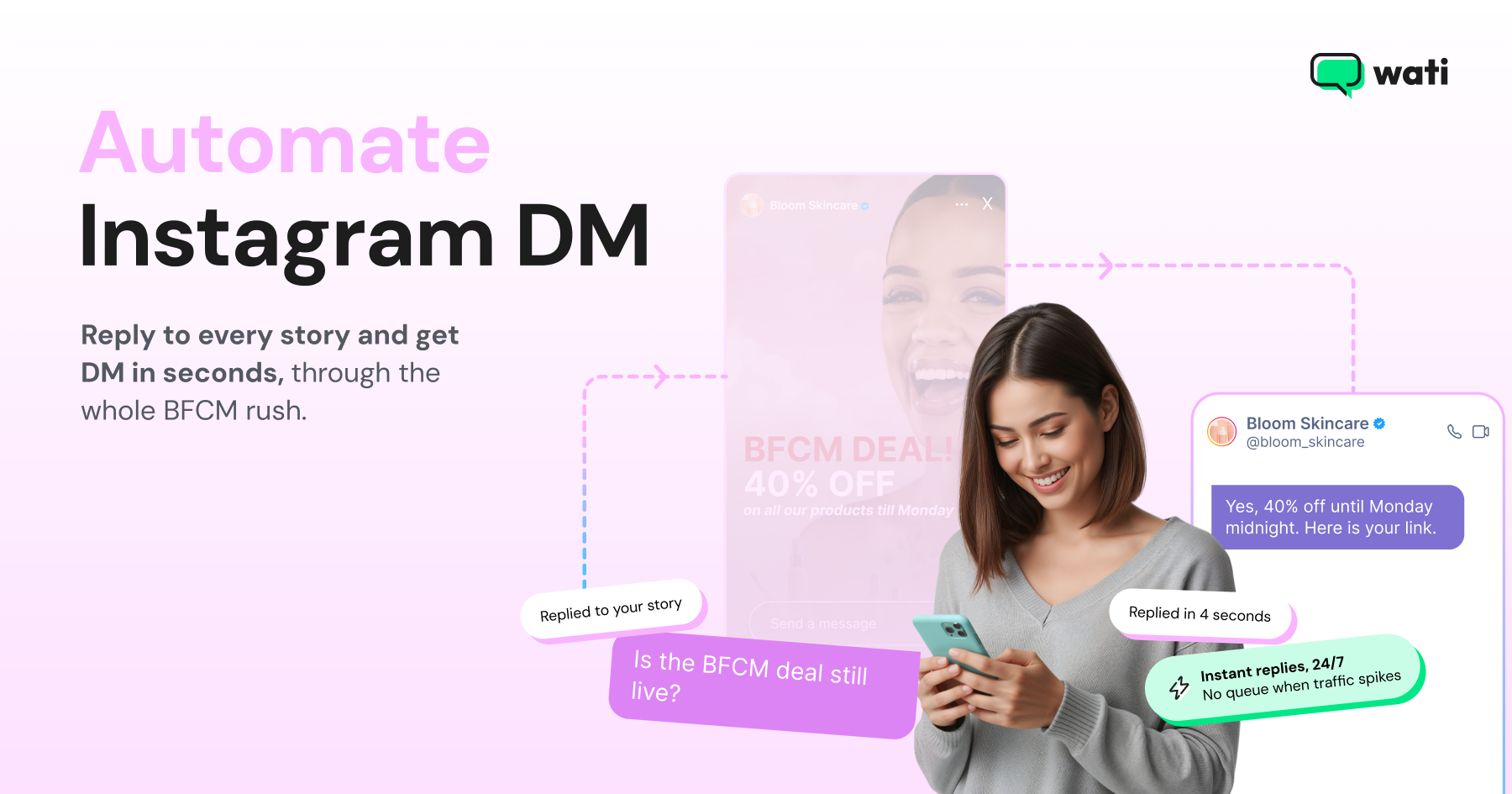
This is the step-by-step guide to setting up Instagram DM automation in Wati, so your BFCM traffic gets an instant, on-brand reply. Talk to customers who touch the leads that are actually ready to buy, and nobody's refreshing their inbox at midnight on Black Friday.
Your team's time goes to talking with and supporting the customers who are actually about to buy. Nobody's refreshing their inbox at midnight just to check if they've replied fast enough.
You could also pick up emails along the way for the marketing campaigns that follow BFCM.
Why Instagram DM Automation is the Right BFCM Channel (Not Broadcast Blasts)
If you've run a BFCM email or SMS blast before, your instinct might be to treat Instagram the same way: build a list, hit send, watch the sales roll in. Instagram doesn't work like that, and Meta is very clear about why.
Under Meta's Instagram Messaging API policy, a business can't cold-message someone on Instagram. A conversation only opens once a person messages your account first. That could be a:
- Direct DM
- Comment on a post or Reel
- Reply to your Story
- Click on a Click-to-Instagram Direct ad
Once that happens, you're in what's called the messaging window. You have 24 hours to respond freely, per Meta's own developer documentation. After that, you need a live human agent tag to keep the thread going, or you wait for the person to message again.
This is the one thing to understand before you build anything on Wati: not being able to message first is Meta's rule, not a Wati limitation. For the deeper mechanics of how comment automation actually works on Meta's platform, see Instagram Comment Automation: The Complete 2026 Guide.
Here's why it actually works in your favor for BFCM.
It Reacts to the Moment; A Blast Can't
Your traffic that week is a stranger scrolling a Reel who sees your deal and comments, "PRICE?"
A blast can't catch that moment. It goes out to everyone at once, whenever you hit send, whether they're paying attention or not.
However, A trigger can. The instant someone comments "DEAL," they automatically get a DM back. And because they messaged first, that's a compliant conversation.
It Keeps Up When Volume Spikes
There's a second reason this matters specifically for BFCM: volume.
A normal week, your Instagram DMs trickle in. BFCM week, they spike in the same hour your ad spend goes up, usually right after a Reel takes off or an email blast lands.
A human team answering one at a time will always be behind that curve. A trigger-based flow answers the first commenter and the four-hundredth commenter at the same speed, which is the only way to keep response time flat when traffic isn't.
Covers All Your Bases from Marketing to Customer Service
Marketing, sales, and support all collapse into one channel during BFCM, whether you plan for it or not. The same DM thread might collect an email for your next campaign (marketing), confirm something's in stock (sales), and walk someone through your return policy (support).
Keeping all of that in one thread, instead of three disconnected ones, takes a flow that can move between an FAQ, the offer, and a real person. You can add Wati's Astra agent on top of this flow to handle that routing
How to Set Up Your BFCM Instagram Automation in Wati (7 Steps)
Meta and Wati both update their interfaces often, so treat the steps below as directional! Check your live Wati dashboard before BFCM week, and ask your Wati rep if something's moved.
1. Connect Your Instagram Account to Wati
Automation only works on an Instagram Business or Creator account, not a Personal one.
Meta's Instagram Platform documentation states it outright: to use the messaging API, the account has to be a professional account connected to a Facebook Page you have admin access to.
Once you've got a professional account, connect it to Wati through the platform's Instagram Automation integration, which authenticates via Meta's official API (not a scraper or workaround, which matters because unofficial methods can get an account flagged).
screenshot?
There's no follower minimum required anywhere in Meta's documentation, so this works whether you've got 900 followers or 900,000.
2. Map your BFCM Offer to Comment-to-DM Keyword Triggers
Pick a keyword tied to your BFCM offer, something short and impossible to mistype.
"DEAL,"
"BF26,"
"SALE" all work better than anything with numbers or punctuation; a rushed thumb might fumble.
Then tie that keyword to the specific post or Reel where you're announcing the offer, not your whole account. A blanket "reply to every comment" setup gets messy fast and burns through your reply budget on comments unrelated to BFCM.
A few keyword-mapping habits worth building in before you scale this to every post:
- One keyword per offer, not one keyword for the whole campaign. "VIP" for early access and "DEAL" for the general sale. Track them separately so you can see which hook is converted.
- Case and near-match handling. People will type "deal," "Deal!!," and "dealll." Set the trigger to catch variants, not just the exact string.
- A public reply plus the private DM. Meta's comment-to-DM mechanic pairs a visible reply (this keeps the thread looking active to other scrollers) with the private message carrying your actual offer.
See how to set up Instagram comment automation in Wati for the general setup.
3. Build your BFCM DM Chatbot Flow
Once someone's in your DMs, the flow needs to do three things fast:
- Confirm the offer
- Answer the two or three questions everyone's going to ask
- Hand over the link
Build it with Wati's no-code flow builder rather than a single static message. A basic BFCM flow looks like:
- Opening message: Confirm the deal and thank them for commenting (this is the moment they decided you were worth their time, don't waste it on a wall of text).
- Qualifying question or two: make sure you're not sending a full-price offer to someone who was really asking about a different product.
- FAQ branch: cover shipping cutoffs, discount code application, and stock or size availability. The three questions that generate 80% of BFCM DM volume every year.
- Offer delivery: Send checkout or landing page link, plus the code if there is one.
- Fallback to a human: If the question doesn't match anything in the flow, get a human in there!
If you’re using Wati, you can use our Advanced Chatbot Builder trigger node to branch based on what someone actually types. Don’t force everyone down with the same three messages. We can help you add color to your BFCM DMs.
4. Set Up Story-reply and Ad-to-DM Triggers
Comments aren't the only door in. Two more BFCM-relevant triggers open the same 24-hour messaging window: Story replies and Click-to-Instagram Direct ads.
Set up a Story-reply automation for your countdown Stories and behind-the-scenes BFCM content, since many of your warmest audience members will react to a Story before they'd ever comment on a feed post.
And if you're running paid Click-to-Instagram Direct ads for the sale, route those into the same flow logic you built in Step 3 rather than building a separate one. So, someone coming from an ad and someone coming from a comment get an equally fast, equally complete answer.
5. Route Hot Leads to the Shared Team Inbox (and WhatsApp, If Relevant)
Automation should handle the volume, but not every conversation. When someone asks something the flow can't answer, or says they're ready to buy and just wants a human to confirm sizing, that's the moment to hand off. The handoff needs to land somewhere the whole team can see it, not just sit in the DMs of whoever happens to have the Instagram app open.
That somewhere is your shared team inbox. A shared team inbox also creates a unified contact profile: if someone messages you on Instagram during BFCM and later reaches out on WhatsApp, your team sees one history, not two strangers.
Wati's Team Inbox pulls Instagram, WhatsApp, and Messenger conversations into one place, so a rep isn't toggling between four apps during your highest-traffic week.
6. Test Every Flow Before BFCM Week
Test this the way you'd test a checkout page. Have three different people comment your keyword, reply to your Story, and click your ad, then check:
- Does the DM actually arrive, and how fast?
- Does the FAQ branch catch real phrasing, not just the exact wording you typed when building it?
- Does the fallback-to-human trigger actually notify someone?
- Are your message templates compliant with Meta's current policy (no promotional content stuffed into what should be a customer-service reply)?
Do this dry run at least 3-5 business days out, not the night before, because if something's broken, you'll want time to fix it without touching a live flow during peak traffic.
It's also worth testing what happens when someone comments on your keyword on an old post from last year's BFCM sale. If you reused a caption or a keyword across seasons, your new flow might be triggering off content you forgot was still live.
A five-minute audit of your last 90 days of posts for repeat keywords will save you from sending last year's discount code this year.
7. Monitor and Adjust Live During Black Friday and Cyber Monday
Once BFCM traffic actually hits, the job shifts from building to watching. Keep an eye on:
- Response time: If your automated reply is taking more than a few seconds, something's misconfigured, not just slow.
- Keyword match rate: If you're seeing a spike in comments that don't trigger anything, that's a sign people are using a variant you didn't account for. Add it live.
- Drop-off points: If everyone's abandoning the flow at the same FAQ question, that answer is either wrong or buried too deep in the flow.
BFCM is not the week to "set it and check back Monday." An hour of monitoring on Friday morning can save you from a broken flow running unnoticed through your highest-traffic day.
Mistakes to Avoid During BFCM
Triggering on Too Many Keywords at Once
If "SALE," "DEAL," "PROMO," and "20%" all fire the same flow, you'll get false positives from unrelated comments and dilute your data on what's actually working.
Forgetting the Messaging Window is Real
Building a flow that assumes you can always follow up whenever you want will quietly break the moment someone doesn't reply within 24 hours.
Skipping the Test Run
The flow that works perfectly in your head rarely survives contact with 200 people typing "DEAL" with three exclamation points and a typo.
Ignoring Template Compliance
A DM that reads like an ad instead of a helpful reply is more likely to get flagged, right when you need the channel working most.
Sending Every Reply Straight to a Human
If your fallback threshold is too sensitive, your team drowns in conversations the flow could have handled. You lose the entire point of automating this in the first place.
Not Watching the FAQ Drop-Off After Launch
A flow that was accurate on November 1st may not be by November 28th if you changed your shipping cutoff or ran out of a size. Update the flow the same day you update the product page.
Start Your BFCM Instagram Setup ASAP
The comments are coming whether your flow is ready or not. Get your triggers, chatbot, and team inbox set up now so BFCM week is about watching the numbers climb, not scrambling to answer 400 DMs by hand. Try Wati free.
Frequently asked questions
Can I DM someone who hasn't messaged me first?
No. Meta's messaging window only opens after the user takes an action, a DM, a comment, a Story reply, or an ad click. There's no cold outreach, no scraping follower lists to build a send list, and no way around this that doesn't risk the account.
Is there a follower minimum to use Instagram DM automation?
No. Meta's documentation doesn't set one. The requirement is account type (Business or Creator, connected to a Facebook Page), not audience size.
Does this work with Click-to-Instagram ads?
Yes. Click to Instagram Direct is Meta's own ad format for exactly this, and it opens the same messaging window a comment or Story reply does, so the flow you build for organic triggers works for paid ones too.
What happens after the 24-hour window closes?
You need a live human agent to respond outside that window (Meta's human-agent tag makes this possible), or you wait for the person to message again, which restarts the clock. This is also why the private-reply-to-comment mechanic has its own separate rule: Meta only allows a private reply to a public comment within 7 days of that comment being posted, a different clock than the 24-hour DM window, so don't let a hot BFCM comment sit unanswered for a week.
Can I reuse the same flow for Stories, comments, and ads?
Yes, and you generally should. Building three separate flows for three entry points triples your testing and maintenance load for BFCM week specifically, when you have the least time to spare. Route all three triggers into the same core flow (confirm offer, FAQ branch, deliver link, fallback to human) and only branch where the entry point actually changes the context, for example greeting someone from an ad slightly differently than someone replying to a Story you posted an hour ago.
Do I need a developer to set this up?
No. Wati's flow builder is no-code, built for a marketing or support team to configure directly. The one place you might need IT involved is the initial Meta Business Page and API connection in Step 1, particularly if someone else in the company manages your Facebook Page access.
What if my team already has WhatsApp templates for BFCM?
Reuse them. If you're already running WhatsApp Message Templates for Ecommerce , adapt the same shipping, discount-code, and stock-availability answers for your Instagram flow instead of writing them twice. Consistent answers across channels also mean a customer who messages you on both doesn't get two different shipping cutoffs. And if a chunk of your BFCM leads are wholesale or B2B accounts rather than individual shoppers, the qualifying logic in B2B lead generation strategy guide is worth a look before you copy a B2C flow onto a B2B audience.
Does any of this work over voice, not just DM?
Not through Instagram, no, DMs are text-based. But if your BFCM funnel includes a phone follow-up for high-value leads collected through the DM flow, Voice AI lead qualification covers how that handoff works once someone's off Instagram entirely.
Related posts
- How to Set Up Auto Reply in WhatsApp Business?
Master WhatsApp auto-reply for your business: improve response times, customer service, and communication.
- How to Create Personalized AI Videos with Wati’s AI Video Generator
Transform your marketing with Wati’s AI video generator. Create personalized, professional videos at scale without technical expertise or expensive equipment.
- How to Add a WhatsApp Chat Button On Website: 2026 Guide
Discover how to add a WhatsApp chat button on your website effortlessly. Create real-time connections, improve support, and convert visitors with Wati.
- How to Set Up an Instagram Chatbot to Answer FAQs Automatically (2026 Guide)
Learn how an Instagram FAQ chatbot works, which questions to automate, and how to set one up in Wati without code, from your first button template to a live keyword rule.