WhatsApp Coexistence lets sales teams automate lead capture, broadcasts, CRM workflows, and follow-ups while continuing to use the WhatsApp Business App for one-to-one conversations. Learn how it works, how to set it up, and what changes after onboarding.

Features & Setup
26 posts in this category
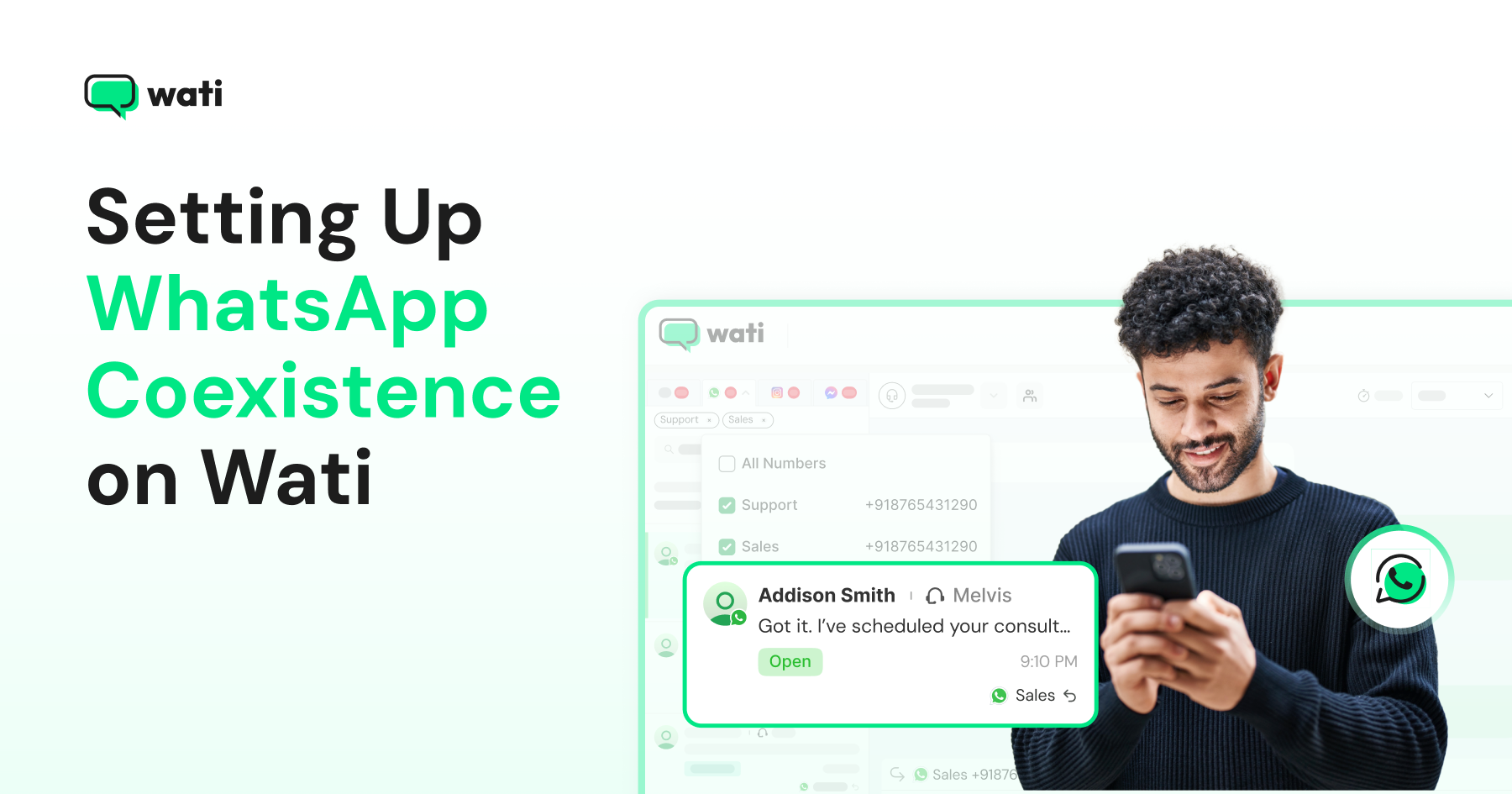
WhatsApp coexistence lets businesses keep using their existing WhatsApp Business App number while adding Wati automation, campaigns, team inboxes, and chat history synchronization through the Cloud API.
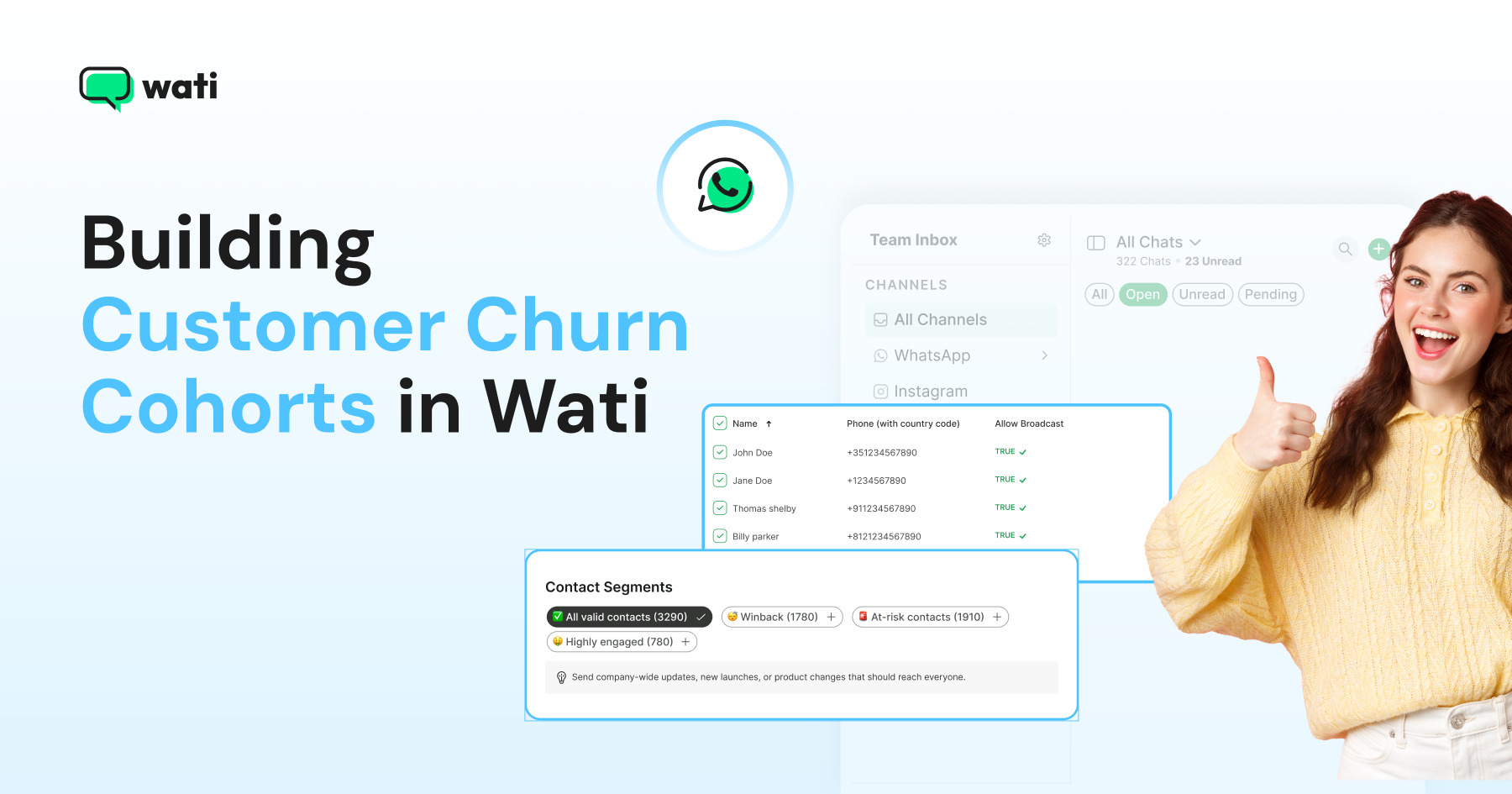
Build customer churn cohorts directly in Wati using Custom Segments. Compare customer events with flexible time offsets to identify churn, retention, win-back, and acquisition cohorts without spreadsheets or manual data exports.
WhatsApp Login lets businesses use one-time passwords sent through WhatsApp to simplify app signup, login, and verification without requiring users to create a password.
WhatsApp Coexistence lets you run the Business App and Business API on one number at once. Learn eligibility, setup steps, and what it costs in 2026.
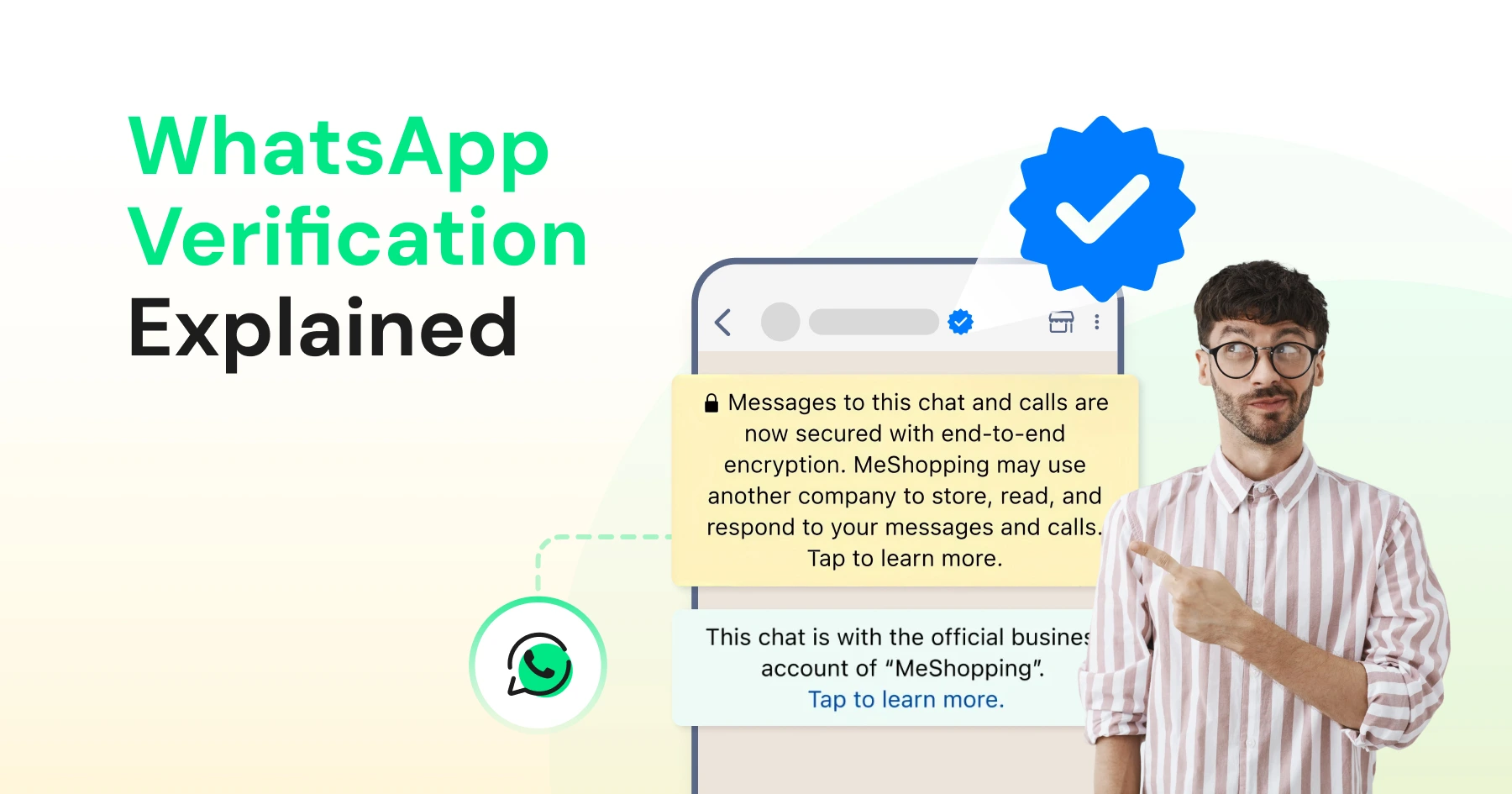
Discover how WhatsApp verification boosts trust and credibility. Get insights into timelines, steps, and how Wati makes the process seamless for businesses.
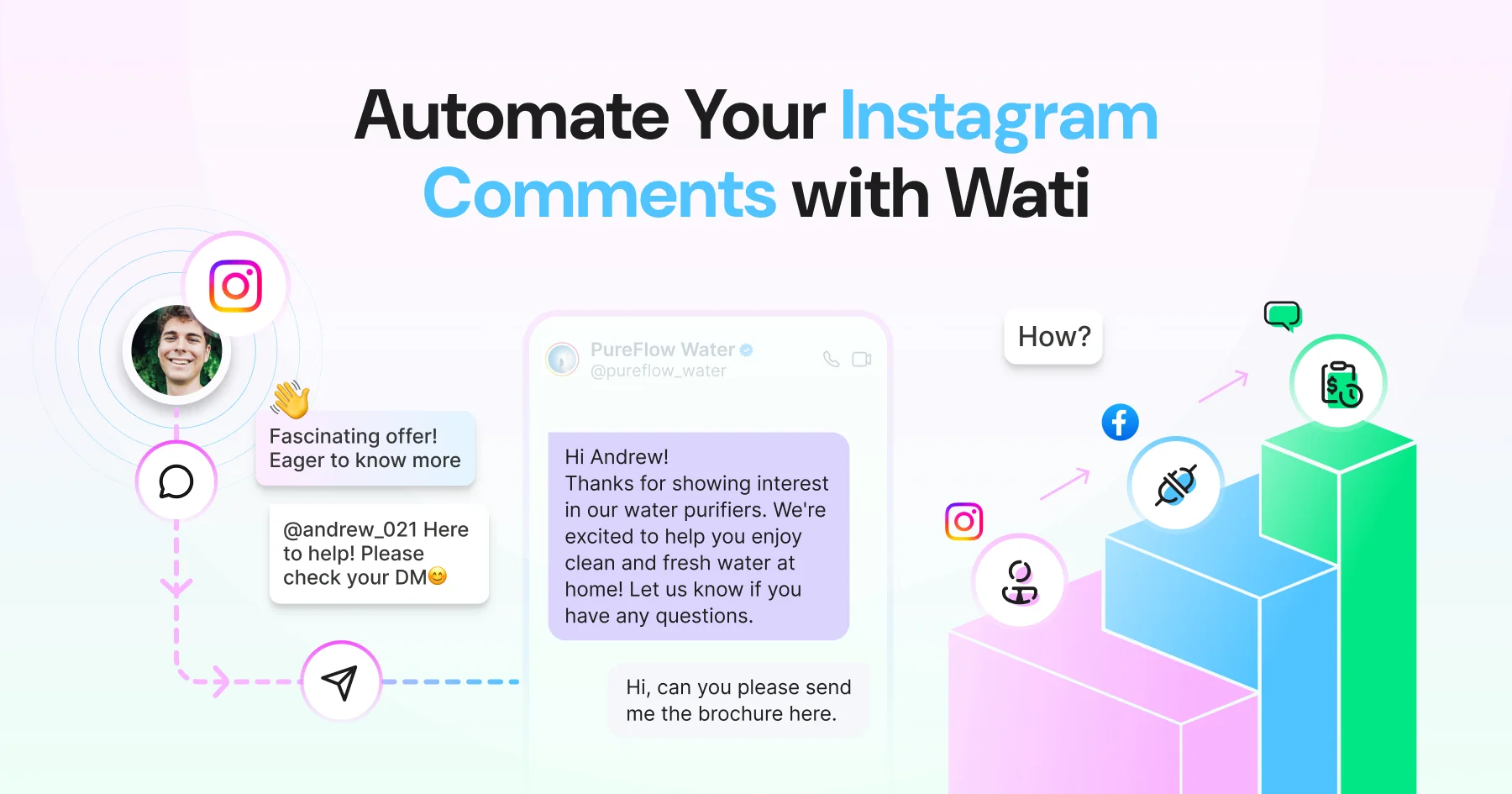
Learn how to set up Wati Instagram DM automation for comments step by step. Connect your account, build your flow, and have your first auto-DM live in under 15 minutes.
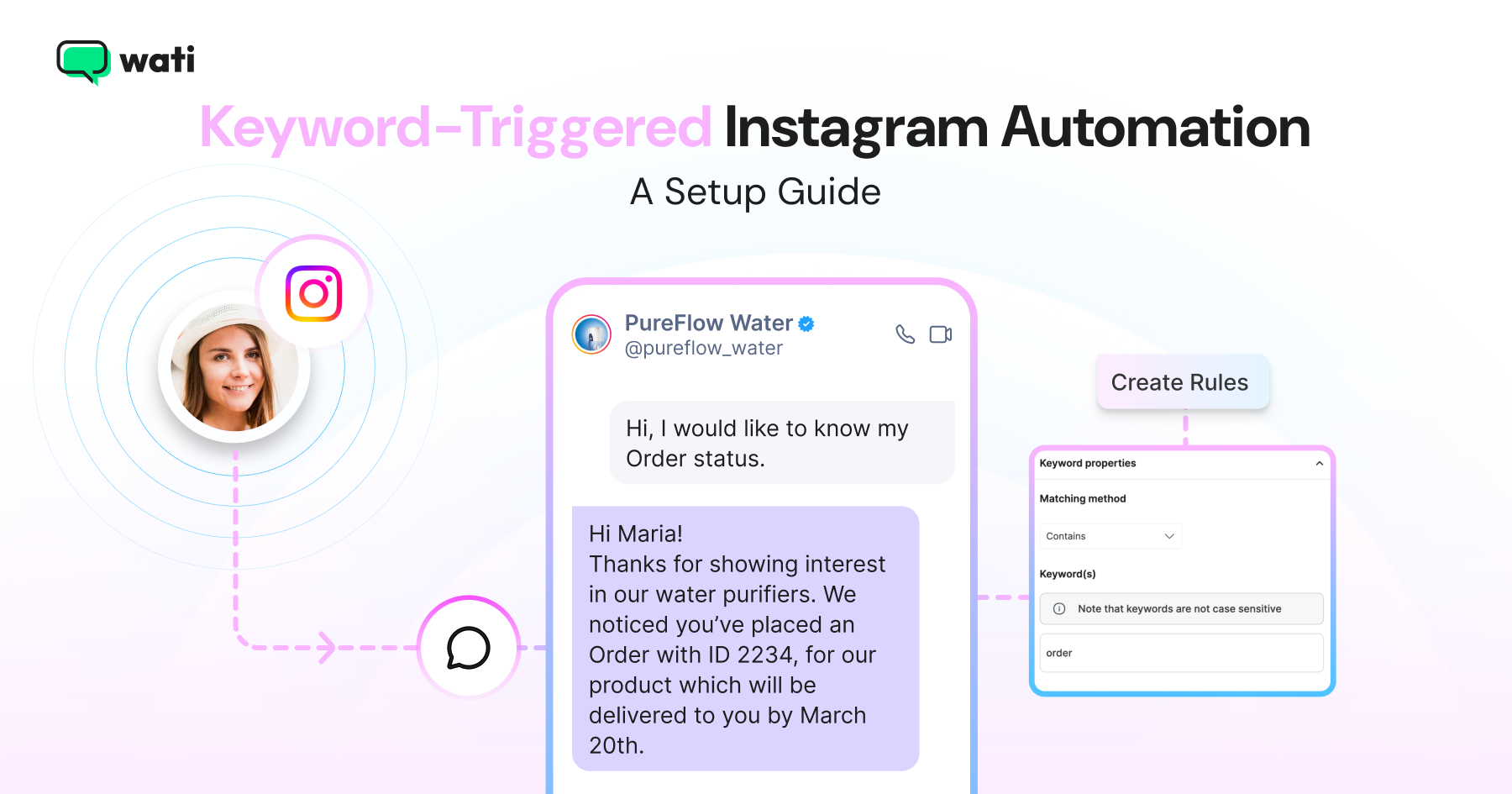
Here is how to set up keyword-triggered Instagram automation in no time with Wati. Follow the exact steps to define your trigger keyword and write your auto-DM
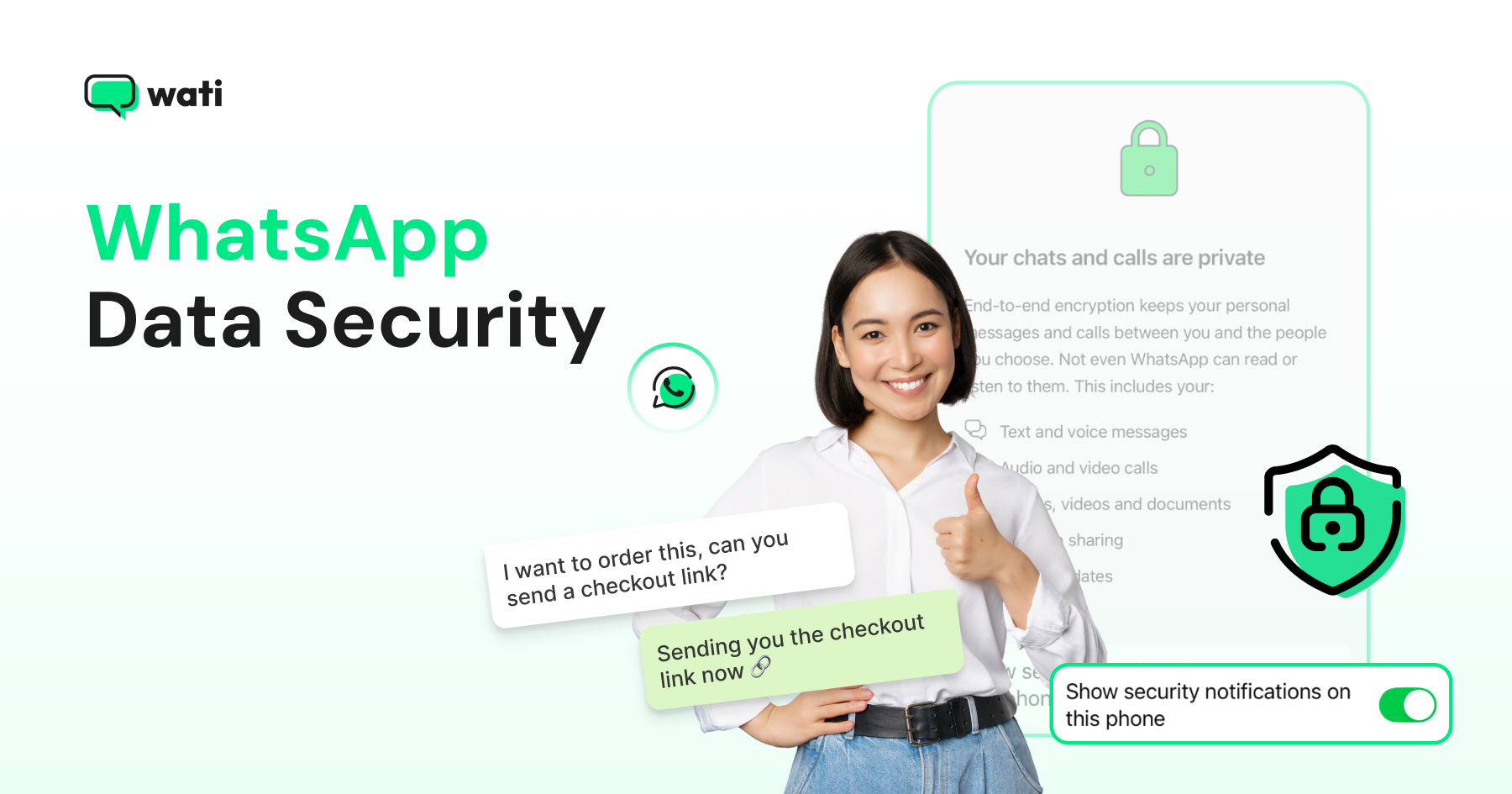
WhatsApp uses end-to-end encryption to keep chats private and secure. Learn how it works, the limits you should know, and best practices for businesses using the WhatsApp Business API to protect customer trust.
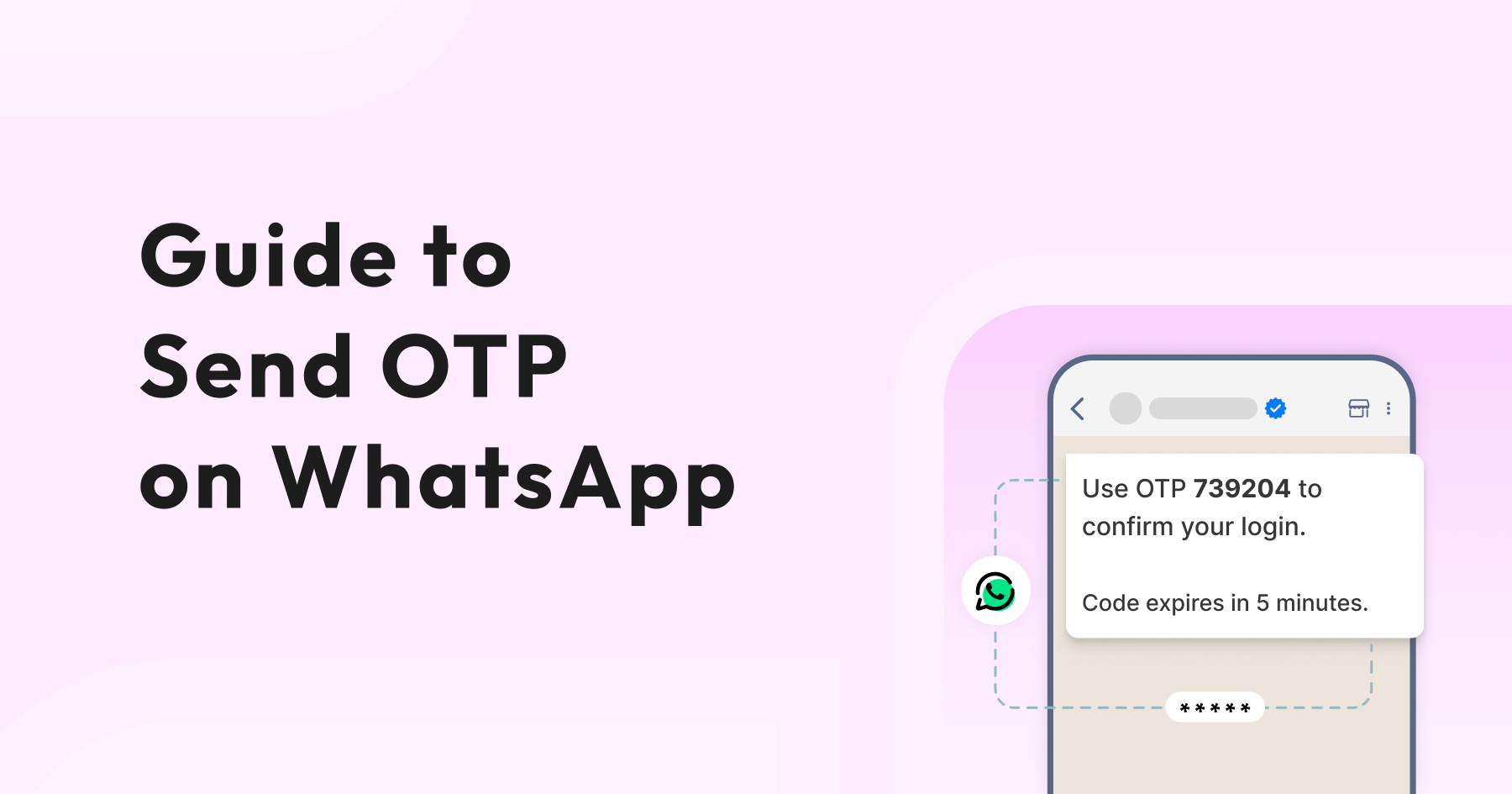
See how WhatsApp OTP makes user verification quick and secure. It’s an easy way to speed up logins, keep accounts safe, and give customers a smoother experience.
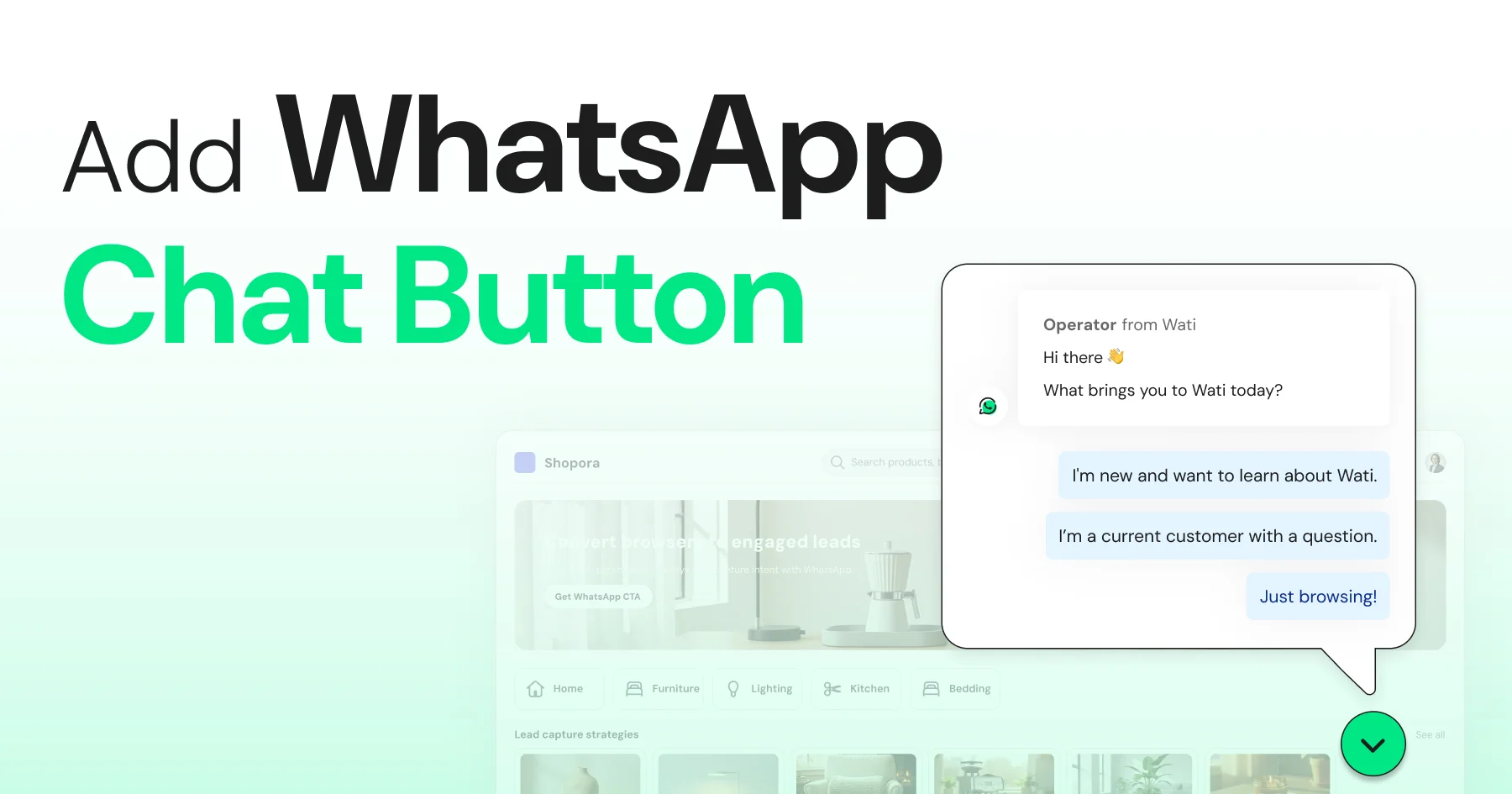
Discover how to add a WhatsApp chat button on your website effortlessly. Create real-time connections, improve support, and convert visitors with Wati.
Pin up to 3 WhatsApp chats to your inbox, or pin a message for 24h–30 days. Step-by-step for Android, iOS, and Web, plus team tips.
Page 1 of 3 (26 posts)
Grow Better with Wati today
Join thousands of businesses using WhatsApp to connect with customers


![How to Pin Chats On WhatsApp in 2026: [Workflow+Best Tips]](/uploads/4EPl364gvrdnU54DZqtmTNfbsz2Lnaub/2026/06/86169a03-3836-4d39-b1cc-d5a431864e57.webp)