
Too Long? Read This First
- Capture three connected signals for every request: structured logs per tool call, a trace spanning agent decision to WhatsApp delivery, and metrics like latency and error rate.
- MCP has a built-in logging capability with RFC 5424-style severity levels, but it is for client-visible diagnostics during a session, not a replacement for your production observability stack.
- Track "MCP succeeded" and "WhatsApp delivered" as separate outcomes. A 200 response from a send tool only means WhatsApp accepted the request.
- Join the send call to the asynchronous delivery webhook using the WhatsApp message ID, and alert when a message sits without a terminal status for too long.
- Never log raw message text, tokens or phone numbers. Log a hashed identifier, payload shape and safe metadata instead, and treat that redaction as non-negotiable.
Logging a WhatsApp AI agent built on MCP means tracking two separate outcomes: whether the agent's tool call succeeded, and whether WhatsApp actually delivered the message, because a 200 response from a send tool only confirms the first one.
This guide covers the three signals worth capturing (structured logs, a trace spanning agent decision to WhatsApp delivery, and error/latency metrics) for agents that call a WhatsApp MCP server such as Wati's, plus what MCP's own logging capability does and doesn't cover, and which fields must never appear in a log.
Why an Agent Needs More Than API Monitoring
A conventional integration receives a programmer-chosen operation with a predictable argument shape. An agent adds a decision layer on top: it can pick a different tool than you expected, skip a call it should have made, or hand the tool valid-looking arguments built on a hallucinated fact.
Two runs with identical starting conditions can behave differently.
That means HTTP status codes and server latency are not enough. You also need the decision path: which tools were offered, which one the model picked, the arguments it constructed, the result it got back, and what it did next. Without that, an incident report reduces to "something went wrong somewhere in the conversation," which is not actionable.
The Three Signals, and Where to Put Them
Treat logs, traces and metrics as complementary rather than redundant.
- Logs are structured, timestamped records of individual events: an MCP request received, a tool invoked, a downstream WhatsApp call made, a webhook processed.
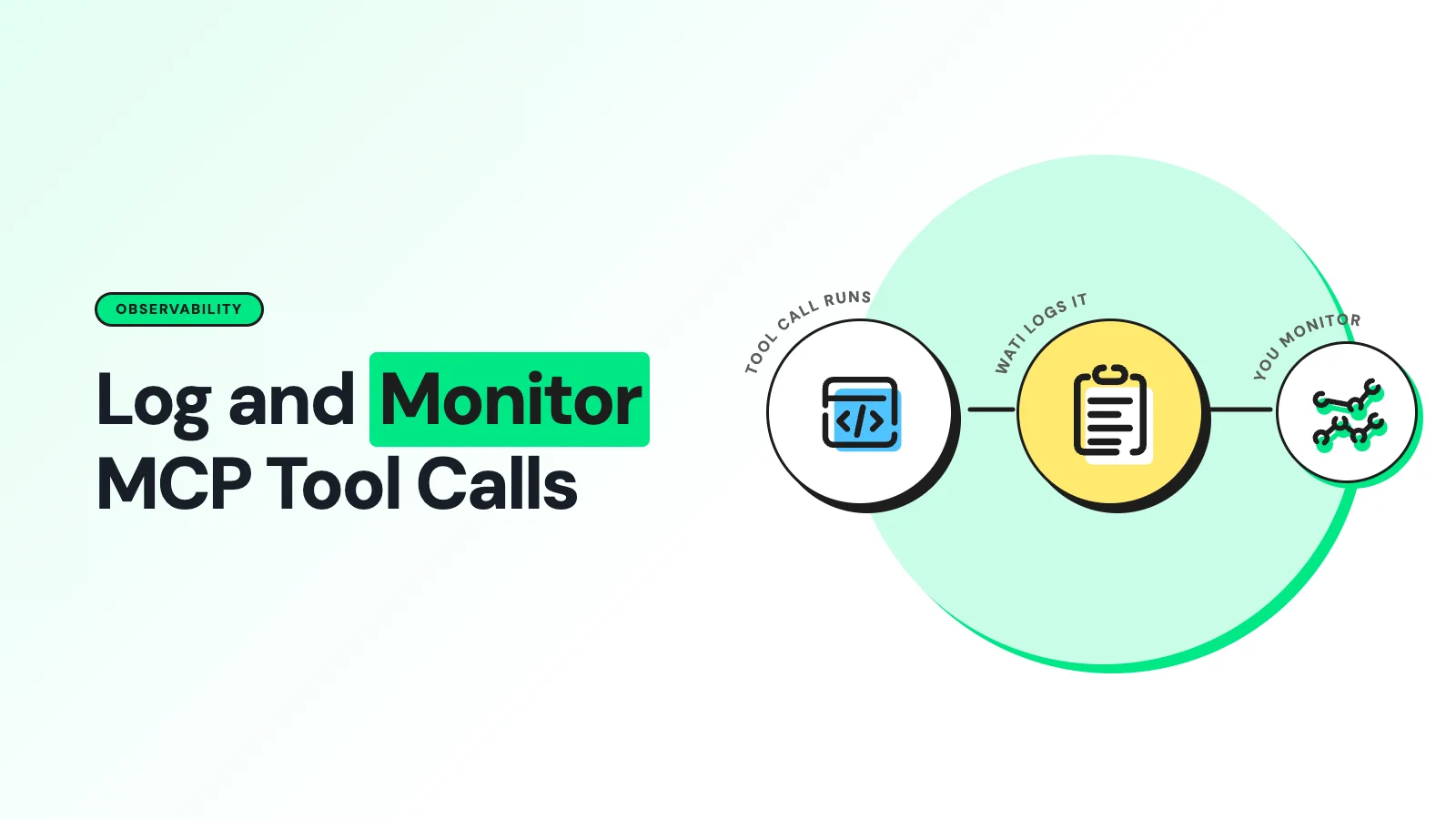
- Traces stitch those events into one path per customer interaction, from the inbound WhatsApp event through the agent's reasoning, the MCP tools/call, the WhatsApp API request, and the asynchronous delivery webhook that closes the loop.
- Metrics are the aggregate view: request volume, tool-call latency, timeout rate, error rate by tool, and delivery-status distribution over time.
A minimal instrumentation plan touches five boundaries: the MCP request/response pair, the tool the agent selected with its validated arguments, the downstream WhatsApp API call, the delivery-status webhook, and the elapsed time from acceptance to a terminal status.
What MCP's Own Logging Capability Gives You, and What It Doesn't
The MCP logging specification defines an optional server capability that lets a server push structured notifications/message events to the connected client, using syslog-style severity levels from debug up through emergency.
A client can ask for a minimum level, and the server should not exceed the rate or detail that level implies. MCP's broader security guidance is explicit that log messages should never carry credentials, secrets or personally identifying information.
This capability is genuinely useful for interactive debugging inside a client like Claude Desktop or the MCP Inspector, but it is scoped to a session, not a durable record. A production Wati integration still needs its own exported logs, metrics and traces sitting outside the MCP session, retained on your own schedule and queryable after the conversation has ended.
A Structured Event Worth Keeping
Emit one correlated record per tool call, built around a trace ID that survives the whole customer interaction:
{
"event": "mcp.tool_call",
"trace_id": "...",
"mcp_request_id": "...",
"tenant_id": "...",
"tool_name": "send_whatsapp_message",
"duration_ms": 842,
"outcome": "provider_accepted",
"mcp_is_error": false,
"provider_http_status": 200,
"wa_message_id": "...",
"delivery_status": "pending"
}
Index on tool name, outcome, error class and tenant so incidents can be isolated fast. Record latency as a histogram rather than an average, and watch p95 and p99 separately for the MCP call, the downstream WhatsApp call, and end-to-end delivery.
Split errors into distinct buckets too: MCP protocol errors, tool-execution errors returned with isError: true, downstream WhatsApp API errors, timeouts and webhook-processing failures are different problems with different fixes.
Catching the Silent Failure
The riskiest gap in a WhatsApp agent is the one between "the tool call succeeded" and "the customer got the message." The WhatsApp Business Platform messages API only confirms that a send request was accepted; actual delivery arrives later through the status webhook, which reports sent, delivered, read or failed as separate, asynchronous events.
Use the WhatsApp message ID as the join key:
- Store the message ID returned by the send call alongside the trace ID and tenant.
- Subscribe to the status webhook and record every event idempotently, keyed on message ID plus status.
- Alert on any message stuck in sent past an operational threshold, or that reaches failed.
Note that a read event can arrive without a separate delivered event, so model your state machine to accept either as a terminal success rather than requiring both.
Meta also retries webhook delivery for up to seven days if your endpoint doesn't return HTTP 200, and duplicate notifications are possible, so make webhook ingestion idempotent and quick to acknowledge.
What to Keep and What Never Belongs in a Log
Data | Safe to log | Notes |
|---|---|---|
Raw message text | No | Log a redacted summary or length instead |
Access tokens, auth headers | No | Never, under any circumstance |
Phone number, name, address | No (raw) | Store a keyed hash for correlation instead |
Tool name, outcome, duration | Yes | Core signal for every dashboard and alert |
Template name, message type | Yes | Useful without exposing content |
WhatsApp message ID | Yes | Needed as the delivery join key |
Error code and class | Yes | Needed for triage, not sensitive on its own |
Tooling You Don't Have to Build Yourself
You do not need a bespoke telemetry format. OpenTelemetry already covers traces, metrics and logs, and its GenAI semantic-conventions project maintains a registry of MCP-specific attributes.
Langfuse documents a linked-trace pattern that propagates W3C trace context through MCP's _meta field, and Sentry's MCP integration auto-instruments supported server libraries with spans for tool name, request ID and session.
None of these require inventing a schema from scratch, and any of them can sit behind the same observability stack you already run for the rest of your product.
The Wati Angle
If your agent calls the Wati MCP server to send WhatsApp messages, instrument the boundary where your agent calls that server, not just your own backend.
Propagate one trace ID from the inbound customer event through the MCP tools/call and into the WhatsApp send, then use the returned message ID to bridge the asynchronous delivery webhook back to the original trace.
That gives you one place to answer "did the agent pick the wrong tool, did the MCP server reject the call, or did WhatsApp fail to deliver it" instead of guessing across three disconnected systems.
See It Running on Your Own WhatsApp Number
Reading about trace IDs and delivery webhooks only gets you so far. The fastest way to know whether your logging setup actually catches a silent failure is to watch it handle real traffic.
Book a demo to see an instrumented Wati MCP integration end-to-end, from tool call to delivery webhook.
Frequently asked questions
Does MCP's logging capability replace application logging?
No. It is a session-scoped mechanism for pushing diagnostics to the connected client, useful for interactive debugging. Production systems still need their own exported, retained logs, metrics and traces outside the MCP session.
How do I know a WhatsApp message actually reached the customer, not just that the API accepted it?
Only the asynchronous status webhook confirms that. Join the send response to the webhook events using the WhatsApp message ID, and treat sent as provisional until a delivered, read or failed event closes it out.
What's the minimum I should log for every tool call?
A trace ID, the tool name, duration, MCP outcome, and for WhatsApp sends, the returned message ID. Everything else, including message content and recipient details, should be redacted or hashed before it's written.
Is OpenTelemetry overkill for a small MCP deployment?
Not necessarily. Its GenAI semantic conventions already define MCP-relevant attributes, so adopting it early avoids inventing your own field names that you'll have to migrate later as the agent's tool set grows.
Related posts
- AI Customer Support in 2026: What It is, How It Works, and Why Smart Teams are Quietly Switching Over
Learn how AI in customer support manages ticket escalations, automates ticket tagging and routing, and improves customer satisfaction. See how Astra does it.
- How to Automate Business Conversations With a WhatsApp AI Agent in 2026
Learn how to build a WhatsApp AI agent to engage, qualify, and convert prospects round the clock without any delays in 2026.
- Voice-First Web Experiences: Navigating with Voice Commands
learn how voice first web experiences enable you to power personalized, human-like conversations to have a competitive advantage in today’s market.
- How Voice AI Agents Qualify Leads: A Sales Team’s Guide to Hands-Free Pipeline
know how does voice ai qualifies leads for an effective sales action and potential conversion and where does astra 2.0 stand when it comes to pre-configured lead qualification