
Too Long? Read This First
- The model never talks to your database directly. It sees tool definitions during tools/list and tool results during tools/call, both shaped entirely by your server code, per the MCP specification.
- Four separate boundaries exist: what the server can access, what the client receives over MCP, what the host app forwards into the model's context, and what the provider retains afterward. Each one can leak on its own.
- Anthropic does not train on Claude for Work or API traffic by default, and retains API inputs and outputs only briefly (on the order of days) before deletion under its standard commercial terms, though flagged content can be kept for up to two years; true zero data retention is available as a separate enterprise arrangement, not the out-of-the-box default.
- OpenAI excludes API data from training by default but can still hold it for up to 30 days for abuse monitoring, per its data usage guide.
- The fix is architectural, not a settings toggle: return allowlisted fields from the server instead of full records, and treat every tool schema and description as something the model provider will eventually read.
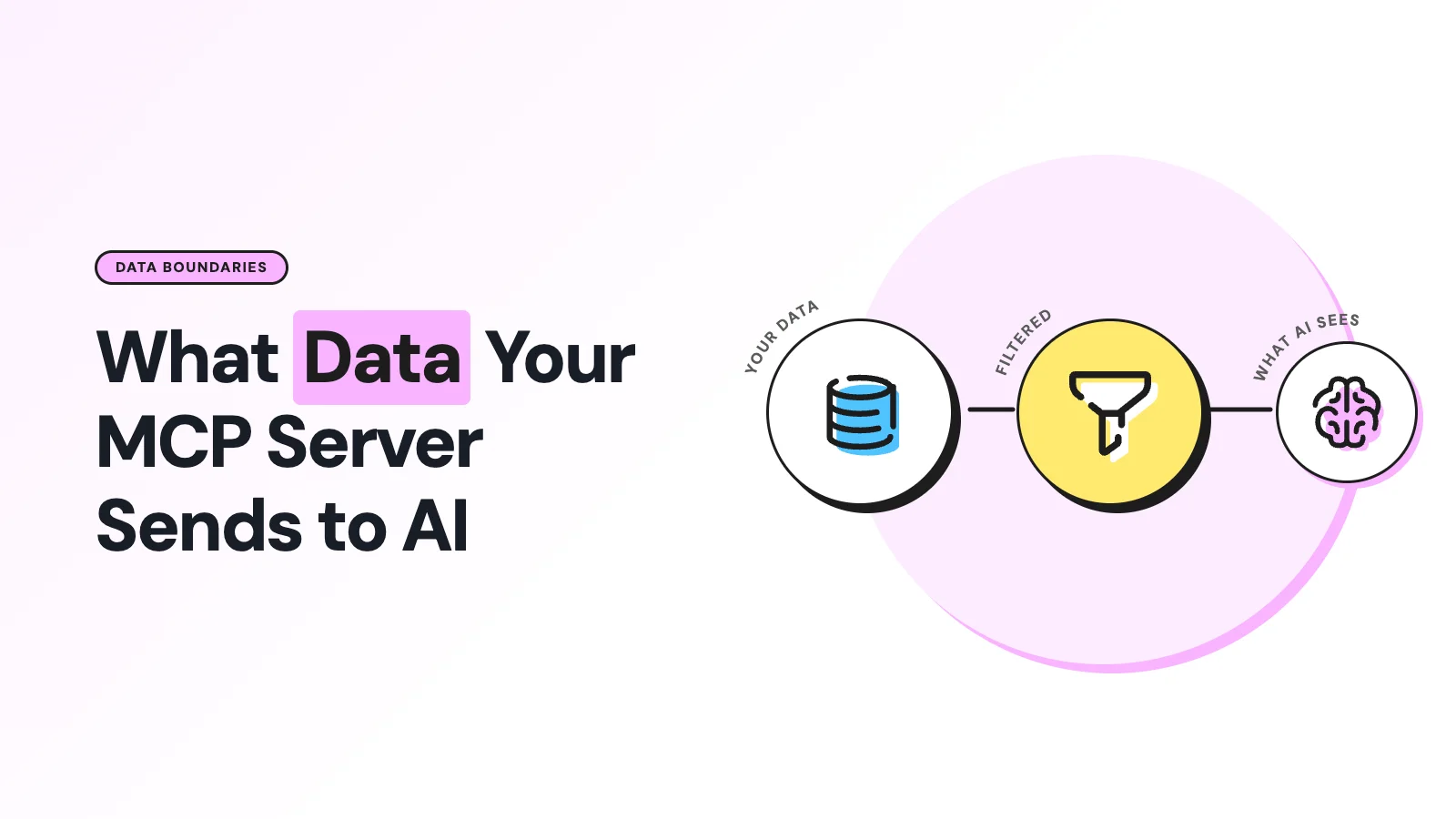
An MCP server does not pipe your database into the model. What actually reaches the model is whatever the tool definition describes plus whatever the tool result contains, filtered through whatever the host application decides to forward on that turn.
If a support agent built on Claude or ChatGPT can suddenly quote a customer's phone number or an internal note that nobody meant to expose, the cause is almost always an overly generous tool schema or a result object that returns a whole database row instead of the three fields the task needed.
This gets sharper once an MCP server sits between a WhatsApp Business account and an AI agent, because the data in play, phone numbers, message content, order history, is not test data. It is a real customer conversation, and the question "what did the model actually see" needs a precise answer, not a shrug.
The Path a Piece of Data Actually Travels
Nothing about MCP grants the model a hidden side channel into your systems.
The flow is: MCP server, then MCP client inside the AI application, then the model's request context.
As per the MCP architecture docs, the client discovers what the server can do, translates that into the model provider's tool format, and only then does the model see anything.
There are two distinct moments where data crosses into the model's view:
- Tool registration (tools/list). The server advertises each tool's name, an optional display title, a description, an input schema (usually JSON Schema describing arguments, types, and required fields), and sometimes an output schema. None of this is your data, but it can still leak sensitive detail: internal system names, database field names, user ID formats, or the existence of an administrative action you didn't want a curious user probing for.
- Tool execution (tools/call). The model sends arguments, the server runs the operation, and returns a result. That result can carry unstructured content (text, images, resource links) or structured JSON. Whatever portion of that result the host app inserts into the next model turn is what the model actually reads.
A resource link inside a result is a pointer, not necessarily the full resource. The model sees the link; it does not automatically pull in everything that link could resolve to, unless the client fetches it and forwards the contents.
Four Boundaries, Not One
Treat "does the model see my data" as four separate questions, because conflating them is where most confusion, and most accidental exposure, comes from.
Boundary | What crosses it | Who controls it |
|---|---|---|
Server access | Whatever the server's credentials and code can reach | Your backend, your database permissions |
Client receives | The exact tool result returned over MCP | Your server's response payload |
Model receives | The subset of that result the host app inserts into context | The host application (Claude, ChatGPT, custom agent) |
Provider retains | What the model provider stores after the request completes | The provider's retention and training policy |
A server having read access to a customer's full order history does not mean the model saw all of it. But once a field is included in a tool result and the host forwards it, that field is model-input data, full stop, even if the chat UI only displays a one-line summary of it.
What the Two Big Providers Actually Do With Tool Output
Tool output is not automatically exempt from training or retention just because it came from an MCP server. What matters is how the host product classifies the data once it arrives: as an API input, a chat message, or connector data.
Provider, product | Trains on it by default | Retention default |
|---|---|---|
Anthropic API / Claude for Work | No | Retained only briefly (on the order of days) before deletion under standard commercial terms; flagged content up to 2 years, feedback threads up to 5 years, per Anthropic's policy; true zero retention is a separate enterprise arrangement |
Claude Free/Pro/Max (consumer) | Only if the user opts in, or content is flagged | Governed by the user's model-improvement setting; incognito chats excluded |
OpenAI API / ChatGPT Business, Enterprise | No | Up to 30 days for abuse monitoring, per OpenAI's data usage docs, with endpoint-specific exceptions |
Consumer ChatGPT | Yes, unless the user opts out | Temporary Chat excluded from training and history |
Anthropic is explicit that raw content pulled through a connector, remote or local MCP server included, is not folded into model-improvement data merely because the connector retrieved it; it becomes eligible only if the user copies it directly into the conversation.
That distinction is specific to Anthropic's current consumer product behavior and should not be assumed to extend automatically to every future feature or every other vendor's connector implementation.
Local Servers vs Remote Servers Change the Trust Picture
A local server runs as a process on the same machine as the AI application, usually talking over stdio. It can access whatever the launched process is permitted to touch: files, environment variables, local databases, and credentials.
Running locally reduces network exposure, but it does not make the server trustworthy by default; a poorly scoped local server can read or exfiltrate data independent of anything the model does.
The stdio transport spec recommends sandboxing and explicit consent for exactly this reason.
A remote server typically uses Streamable HTTP, per the transport specification, authenticated with OAuth bearer tokens or API keys.
The operator running that remote server sees every request sent to it, including tool arguments, and its own logging and retention policies now matter as much as the model provider's. A remote MCP server is a second organization in your trust chain, not a neutral pipe.
Practical Steps to Shrink What the Model Sees
- Expose fewer tools. Allowlist only what the task needs. Split read-only tools from write-capable ones instead of shipping one broad "do anything" tool.
- Design narrow input schemas. Only the arguments the tool actually needs, nothing that could carry a password, API key, or bearer token as a parameter.
- Return a response built for the model, not the database row. A support ticket tool should return {ticket_id, status, priority, summary}, not every column, including internal notes and audit fields.
- Filter before the MCP boundary. Apply tenant, user, and row-level checks inside the server. Never rely on the model to politely ignore a field it can already see.
- Redact before you return. Mask phone numbers, emails, and account numbers where the task doesn't need the raw value; strip secrets out of error messages and stack traces before they land in a tool result.
- Audit the actual request. Inspect what got registered after tools/list and what got forwarded after a real tools/call. What the server claims it exposes and what the client actually sends are not always the same thing.
The underlying rule holds regardless of provider: if a field is not necessary for the model to complete the task, it has no business being in the tool schema or the tool result.
Applying Rules to a WhatsApp MCP Server
A WhatsApp MCP server has a sharper version of this problem because the underlying data is a live customer conversation, not internal tooling.
Every tool that reads a contact, pulls conversation history, or checks a template's status is one more schema that the model provider eventually sees the shape of.
Wati's MCP server is built around named tools that mirror WhatsApp concepts, sending a template, updating a contact attribute, and fetching a conversation, rather than one generic database query tool, which is exactly the narrow-schema pattern this article recommends.
You can read what a WhatsApp MCP server actually is for the full picture of how tool definitions map to WhatsApp actions, and the deeper MCP security, tools, and agents breakdown for how scoping and consent get enforced at the protocol level.
If you're connecting Wati's server to Claude specifically, the guide to connecting Wati MCP to Claude walks through the authorization flow, which is also the point where you decide how much a given integration is allowed to pull.
Once an agent is live, don't treat "it's working" as the end of the story: auditing what a WhatsApp AI agent actually did is the practical way to confirm the model only ever saw what you intended, rather than assuming the schema you wrote matches the data that shipped.
Frequently asked questions
Does connecting an MCP server automatically train the AI model on my data?
No. Both Anthropic and OpenAI state that API and business-tier traffic is excluded from training by default. Consumer tiers differ and often require an explicit opt-in or opt-out setting, so check the tier your integration actually runs on rather than assuming API-grade defaults apply.
Can a tool description leak sensitive information even if no customer data is involved?
Yes. A tool's name, description, and schema are visible to the model the moment it's registered, and overly descriptive schemas have exposed internal system names, ID formats, and unlisted administrative actions in real deployments.
How long do providers keep tool call data if something gets flagged?
Anthropic can retain flagged content for up to two years and feedback-linked conversations for up to five, per its published retention policy. OpenAI's default abuse-monitoring retention window for API traffic is up to 30 days, with some endpoint-specific exceptions.
Is a resource link the same as sending the full resource to the model?
No. A resource link is a pointer the model can choose to follow; the underlying content is only forwarded if the client actually fetches and inserts it into context.
Related posts
- AI Customer Support in 2026: What It is, How It Works, and Why Smart Teams are Quietly Switching Over
Learn how AI in customer support manages ticket escalations, automates ticket tagging and routing, and improves customer satisfaction. See how Astra does it.
- How to Automate Business Conversations With a WhatsApp AI Agent in 2026
Learn how to build a WhatsApp AI agent to engage, qualify, and convert prospects round the clock without any delays in 2026.
- Voice-First Web Experiences: Navigating with Voice Commands
learn how voice first web experiences enable you to power personalized, human-like conversations to have a competitive advantage in today’s market.
- How Voice AI Agents Qualify Leads: A Sales Team’s Guide to Hands-Free Pipeline
know how does voice ai qualifies leads for an effective sales action and potential conversion and where does astra 2.0 stand when it comes to pre-configured lead qualification