

-

-
-
Solutions
-
Soluções
-
Soluciones
-
解决方案
-
解決方案
-
الحلول
-
Product
-
Produto
-
Producto
-
产品
-
產品
-
المنتج
-
 Astra AI
-
-


 Wati for Marketing
 Wati for Support
 Wati for Sales
 eLearning
 E-commerce
 Marketing Agencies
 Healthcare
 No Code Chatbots
 AI Support Agent
 Instagram and Facebook messenger
 Click to WhatsApp ads
 Broadcasts
 Team Inbox
 WhatsApp Business Calling
 Overview
 Library
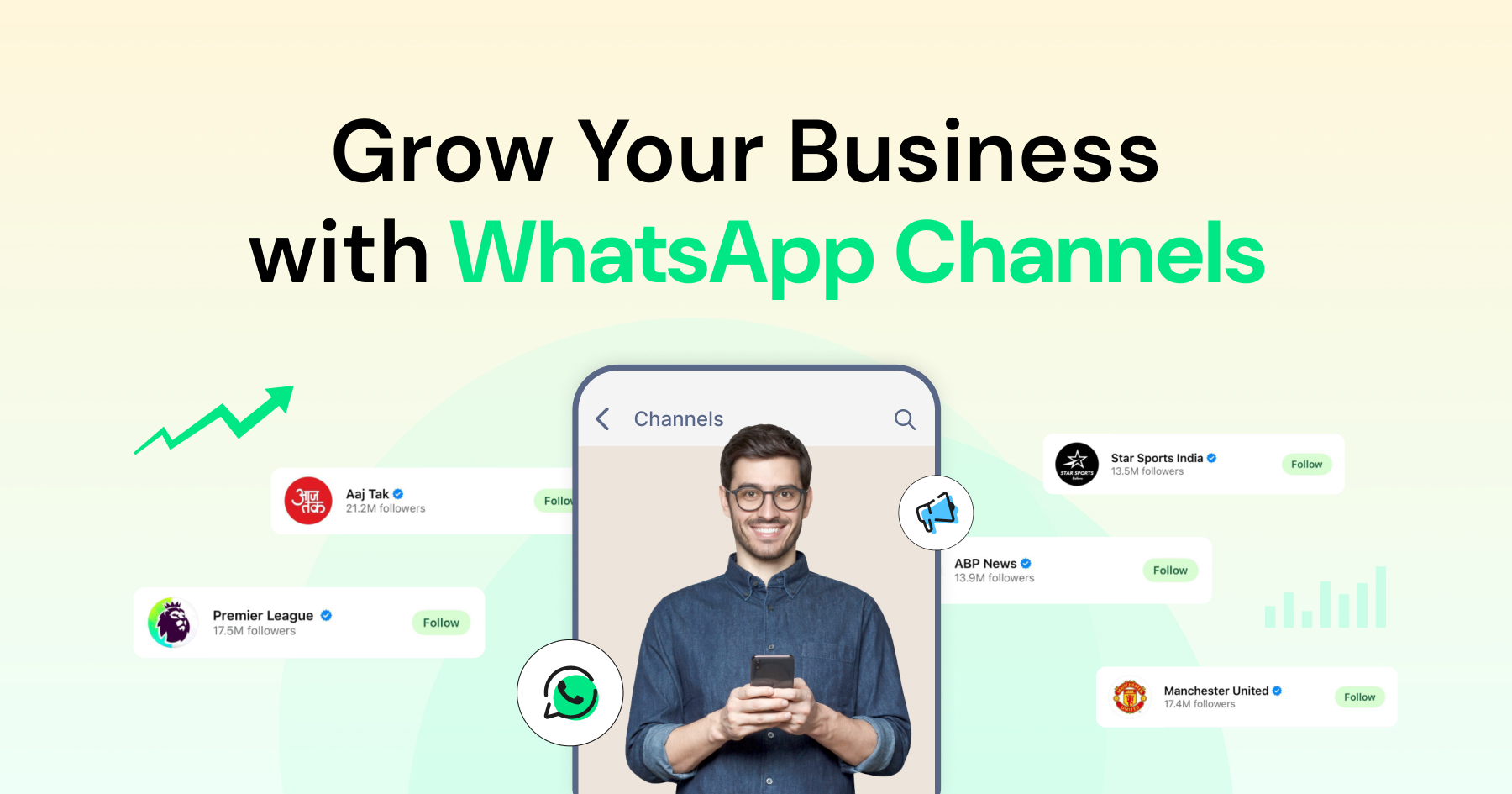
Get the Most Out of WhatsApp Channels for Your Business in 2026
Written by:
 Rohan
|
on:
September 26, 2025
|
Last updated on:
November 7, 2025
|
Fact Checked by :
Rohan
|
on:
September 26, 2025
|
Last updated on:
November 7, 2025
|
Fact Checked by :
 Namitha
|
According to: Editorial Policies
Namitha
|
According to: Editorial Policies
 Table of Contents
Too Long? Read This First
- WhatsApp Channels allow businesses to share one-way updates with unlimited followers.
- Followers stay private; only admins can post, and updates appear in the dedicated “Updates” tab.
- Channels are good for communicating product launches, brand updates, and announcements, but not for conversations or automation.
- You can create a Channel in minutes and verify it via Meta Verified for Business for added trust and discoverability.
- For two-way chats, automation, or personalized campaigns, pair Channels with the Wati WhatsApp Business API.
Most brands today struggle to stay visible through crowded feeds and spam filters. WhatsApp Channels change that.
Launched globally in June 2023, Channels let businesses send one-way updates to unlimited followers, directly on WhatsApp.
Channels give you a clean, distraction-free way to share updates without revealing phone numbers or fighting social media algorithms. Every follower receives your message in the Updates tab, exactly where they’re already active.
In this guide, you’ll learn how WhatsApp Channels work, how to set them up, how WhatsApp Business API offers more capabilities for channels, and how businesses are using them to build direct, high-trust connections at scale.
What are WhatsApp Channels?
WhatsApp users follow a channel to receive updates in their Updates tab.
Key features:
- One-way communication. Only admins can post
- Unlimited followers. No audience cap
- Privacy-first. Followers’ numbers stay hidden
- Organized view. Updates live in a separate Updates tab
- Opt-in only. Users choose to follow your channel
Channels give businesses a cleaner, more private way to share updates without relying on social media algorithms or email lists.

Are they similar to Broadcast Lists, Groups, or communities?
No, let’s find out the exact difference!
WhatsApp Channels vs Broadcast Lists vs Groups
Many businesses confuse WhatsApp Channels with groups or broadcast lists, but they’re built for completely different goals.
Think of groups as conversation spaces, broadcast lists as private announcements to saved contacts, and channels as public broadcasts to unlimited followers.
Here’s how they compare at a glance:
| Feature | WhatsApp Channels | Broadcast Lists | Groups |
| Audience Size | Unlimited | 256 contacts per list | 1,024 members max |
| Communication | One-way only | One-way only | Two-way (everyone can chat) |
| Privacy | Followers are hidden from each other | Recipients can’t see each other | All members visible |
| Discovery | Searchable, public links | Private, contact-based | Join via link or invite |
| Phone Number | Not required to follow | Must have saved contact | Must have phone number |
| Message Retention | Messages get auto-deleted after 30 days | Permanent | Permanent |
| Media Support | Images, videos, polls, links | Text, images, videos | Full media support |
| Reactions | Emoji reactions only | No reactions | Full replies + reactions |
| Use Case | Public announcements | Personalized messages to saved contacts | Community discussions |
How WhatsApp Channels Work?
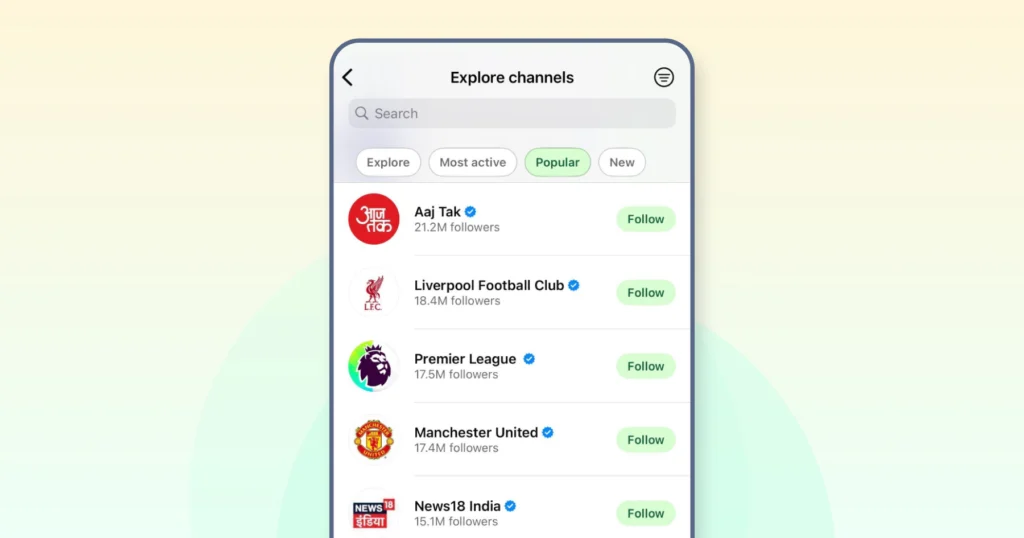
WhatsApp Channels follow a simple publisher–subscriber model. Businesses share updates, and users choose to follow them. There are no replies, no clutter, and no phone numbers exchanged.
For businesses, setting up a channel is an easy process.
- It can create a channel in their name, description, and profile image,
- Once the channel looks professional, share it using a link or QR code.
- People who are interested in your business or content will subscribe to your channels
- Once the channel starts actively, you can post content in various formats, including text, images, videos, polls, and links.
- You can track channel performance through metrics such as follower count and message views.
For users, the experience feels equally good and straightforward.
- Users can find channels via search, invites, or recommendations and follow without sharing their number.
- Updates appear in the Updates tab, separate from personal chats, so users can read without distractions.
- They can react to posts with emojis, forward updates, or unfollow at any time.
Privacy remains central to how Channels operate. Admins can see follower numbers but not identities, and followers can’t see each other.
All updates automatically disappear after 30 days unless you save them. This allows businesses to keep the feed fresh and uncluttered, so that your updates reach the audience.
How to Create and Verify a WhatsApp Business Channel
You can set up a WhatsApp channel in four steps, and a professional setup helps you boost reach and improve follower count. Let’s see one by one.
Step 1. Create Your Channel
Open the WhatsApp Business app (mobile or desktop)
Navigate to the Updates tab. Tap “Create Channel”, add your channel name, a short description, and your brand logo.
Once created, WhatsApp gives you a unique link (wa.me/channel/[ID]) and a QR code you can share across your website, social handles, or email campaigns.
Step 2: Customize and Publish your First Post
Add a friendly welcome post introducing your brand and what kind of updates you’ll be sharing: product launches, offers, or helpful tips.
This sets the tone for your followers and gives new visitors a reason to stay.
Step 3: Get Your Shareable Link
Once your channel is live, WhatsApp automatically generates a unique link (wa.me/channel/[ID]) and QR code.
Share them across your website, social bios, packaging, and emails to help people easily discover and follow your channel.
Pro setup tips
- Name: Keep it recognizable: your brand name or “Brand Name Official.”
- Description: Tell followers what they’ll get (Daily travel deals, Weekly fitness tips, Exclusive product drops).
- Profile photo: Use your logo or a high-quality brand image (minimum 640x640px).
- Welcome post: Share posting frequency or categories (e.g., We post every Friday – stay tuned for new recipes!).
Step 3. Verify Your Channel
To get the blue checkmark, you’ll need a verified WhatsApp Business Account.
Businesses using the API can request verification through Meta Business Manager by submitting proof of business authenticity (like your website domain and legal documents).
For app users, Meta is rolling out Meta Verified for Business, which includes a subscription model and document-based verification.
Once approved, your business name and verified badge will appear in chats, channels, and search results, helping customers instantly recognize you as legitimate.
| If you want to go beyond channel updates and start automating personalized campaigns or customer replies, Wati’s WhatsApp API makes that possible. See how |
Tips to Grow and Promote Your WhatsApp Channel
Launching a WhatsApp Channel is only half the work. Growth happens when people know why they should follow you and what they’ll get out of it.
1. Drive Visibility Across Owned Platforms
WhatsApp doesn’t automatically promote your channel; you have to make it visible where your audience already interacts with your brand.
Add your channel link or QR code to your website footer, checkout page, or help center.
For example, product brands could include a subtle “Join our WhatsApp Channel for early product drops” banner on checkout screens.
Mention it in newsletters, order confirmations, and email signatures. Those recurring touchpoints often have the highest open rates.
On social media, update bios and story highlights with your channel link. A manufacturing brand could pin a post saying, “Follow us on WhatsApp for exclusive behind-the-scenes updates.”
Keep it consistent across platforms. Every digital property should nudge users toward your channel, without being intrusive. When done right, it feels like a natural extension of your brand, not another marketing message.
2. Extend Discovery Beyond Digital
Don’t limit your WhatsApp Channel to online touchpoints. Make it visible wherever your brand shows up in the real world.
Add QR codes to packaging, receipts, product manuals, or event booths so customers can follow you instantly. For example, Sweetgreen could print “Scan for new menu updates and local offers” on takeaway bags, while Nike might display “Follow for early access to drops” on in-store signage.
If you run pop-ups or attend trade shows, include your WhatsApp QR on flyers, badges, and banners. People are far more likely to scan something they see in person than type a long link later.
The key is to tie the QR code to a clear, tangible benefit. “Scan for weekly style tips” works better than “Follow our channel.”
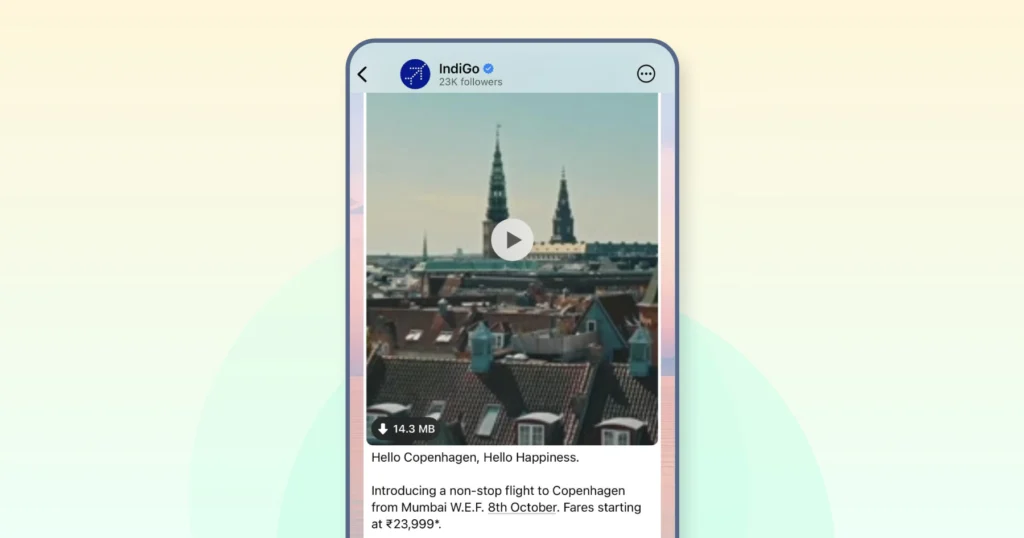
3. Announce Your Channel like a Product Launch
Treat your WhatsApp Channel launch as a campaign. Create excitement, announce it across platforms, and make joining feel like an insider privilege.
Start with teaser videos or carousel posts on Instagram, LinkedIn, and X that highlight what followers get: exclusive updates, early access, or curated insights.
For example, if you are a fashion brand, promote the launch of your WhatsApp channel with a short video teasing “exclusive fashion drops.”
Pin the post on your social handles, include the channel link in bio sections, and save stories under a dedicated “WhatsApp” highlight. Reinforce the launch with an email or push campaign that says,
“We’re now on WhatsApp: -get updates where you already chat.”
Note: Always lead with value. Replace “Follow us on WhatsApp” with “Don’t miss early access” or “Be first to know what’s next.”
4.Build Offline Discovery Points
Don’t limit visibility to digital spaces because offline touchpoints can be just as effective in driving followers.
Add QR codes linking to your WhatsApp Channel on product packaging, in-store signage, receipts, flyers, and event booths. Keep the call-to-action benefit-driven, not generic.
For example, a restaurant could print “Scan to see this week’s chef specials” instead of “Follow us on WhatsApp.”
Brands like Zara and Starbucks have experimented with QR-led promotions in physical stores, linking customers directly to their WhatsApp updates or limited-time campaigns.
This approach is beneficial for retail, hospitality, and events- any setting where your audience interacts with you in person.
5. Keep Followers Engaged Consistently
Once your channel gains traction, consistency becomes your biggest growth driver. Post regularly enough to stay visible, but not so often that followers feel spammed.
The sweet spot depends on your industry:
- News and media: 3–5 updates daily
- E-commerce: 1–2 updates daily
- B2B or service brands: 2–3 weekly
- Creators or influencers: 1–2 daily
Your followers should know when to expect updates. Random or erratic posting, on the other hand, could lead to quick unfollows.
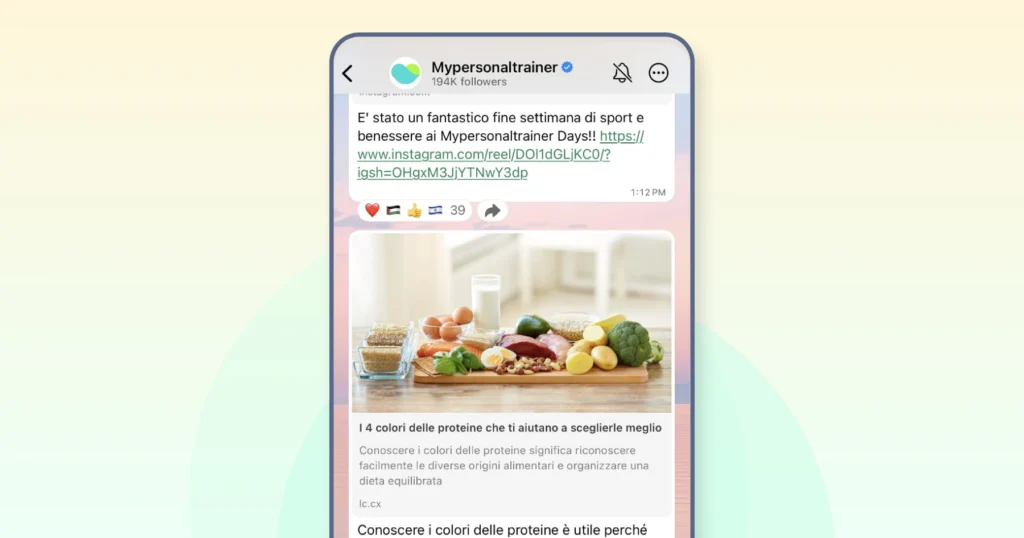
For example, Bloomberg and BBC use WhatsApp Channels to share timely news updates at predictable intervals, maintaining high retention without overwhelming their audiences.
6. Create Content that Feels Worth Following
Followers stay only when your content feels worth their attention. So keep your feed diverse. The best-performing brands utilize a mix of formats to keep their feed engaging, relatable, and relevant.
- Share time-sensitive offers that create urgency, such as “24-hour exclusive drops” or “early access to sales,” exclusively to channel followers.
- Add behind-the-scenes stories to humanize your brand: quick clips of your team packing orders, prepping new collections, or brainstorming campaigns.
- Balance this with educational content that helps your audience make informed choices: short guides, how-to guides, or industry insights.
- Then mix in polls and feedback posts to make followers feel involved: “Shop now,” “Vote your favorite,” or “Tap ❤ ️ if you’d like this drop next.”
- Keep every post short and scannable, under 300 characters, with clean visuals and one clear CTA.
- Encourage interaction through emoji reactions, polls, and shareable posts. Use simple prompts like: “❤️ if you want more updates like this” or “Vote for your favorite flavor below.”
Posts that feel personal and polished perform best. It’s less about frequency, more about why someone would want to keep seeing you in their WhatsApp feed.
Last but not least, consider a hybrid approach: Integrate a Channel with a WhatsApp Business API to promote your business. Here’s why:
Why Channels + Wati WhatsApp Business API Is the Right Solution?
To set up and give you a direct line to unlimited followers, without fighting social media algorithms. It’s where visibility lives.
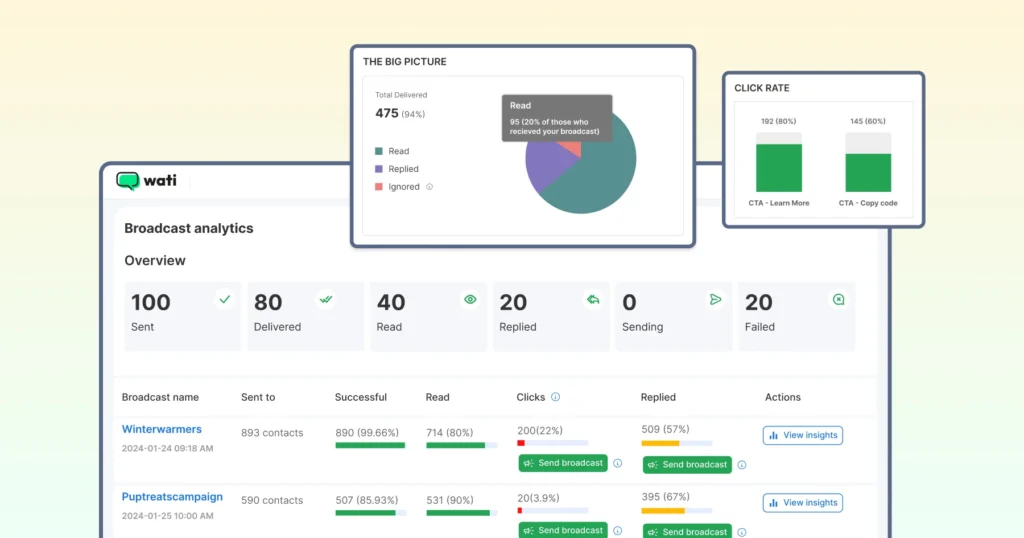
However, when it comes to maintaining that visibility through engagement or automation, Channels reach their limit.
- They’re one-way by design.
- You can’t reply to followers, schedule posts, or track detailed analytics.
- Every update disappears after 30 days, and there’s no segmentation or CRM integration to personalize communication.
That’s why most businesses don’t choose between Channels and API; they use both.
- Channels to build awareness through consistent updates, product drops, and announcements.
- The WhatsApp Business API to build relationships by handling replies, automating reminders, and turning engagement into action.
Let’s take a closer look With Wati, you can bring the two together. You can automate your outreach, manage conversations from a shared inbox, and integrate everything with tools like Shopify, HubSpot, or Salesforce.
Book a demo to see how Wati helps you scale from broadcast to conversion, all within WhatsApp.at why that’s the case.
FAQs
Yes. Creating and managing a WhatsApp Channel is completely free. Businesses only pay for Meta Verified for Business ($21.99/month) if they want a verified badge. Advanced automation or personalized messaging requires the WhatsApp Business API, available through providers like Wati.
Promote your channel link across every customer touchpoint: website banners, checkout pages, email signatures, and social media bios. You can also use QR codes on packaging, receipts, and events, or run Click-to-Channel ads on Meta platforms. Consistent, valuable content is key to reducing unfollows.
Not directly. WhatsApp Channels don’t support post scheduling yet, all updates must be published manually. However, you can automate and schedule messages using the WhatsApp Business API via a provider like Wati, which also offers analytics and team inbox management.
No. WhatsApp Channels protect privacy completely. Followers remain anonymous to both the admin and other subscribers. Admins can only see the total follower count and post views, not who reacted or viewed.
Every message or update in a WhatsApp Channel automatically disappears after 30 days to keep content fresh and relevant. Followers can still save specific updates to their devices if they want to keep them longer.
Latest Comments