Wati Campaigns

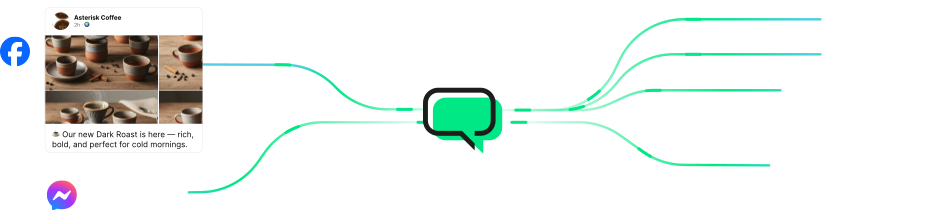
Facebook Messenger Automation
Stop Losing Customers in Your Facebook Comments and DMs. Let Wati Handle Them.
Turn “price?” comments into DMs with Comment-to-DM automation, answer common questions automatically even after hours,
and route high-intent buyers to the right teammate through one shared inbox.
 4.6/5 on G2
 Official Meta Business Partner
Loved and Trusted by 16,000+ Businesses Across 190+ Countries








Here is Everything You Can Do With
Facebook Messenger Automation
From the first comment to the right teammate, see how 24/7 automated replies and seamless human
handoffs keep every conversation moving. Choose a use case to explore how it works.
Comment-to-DM
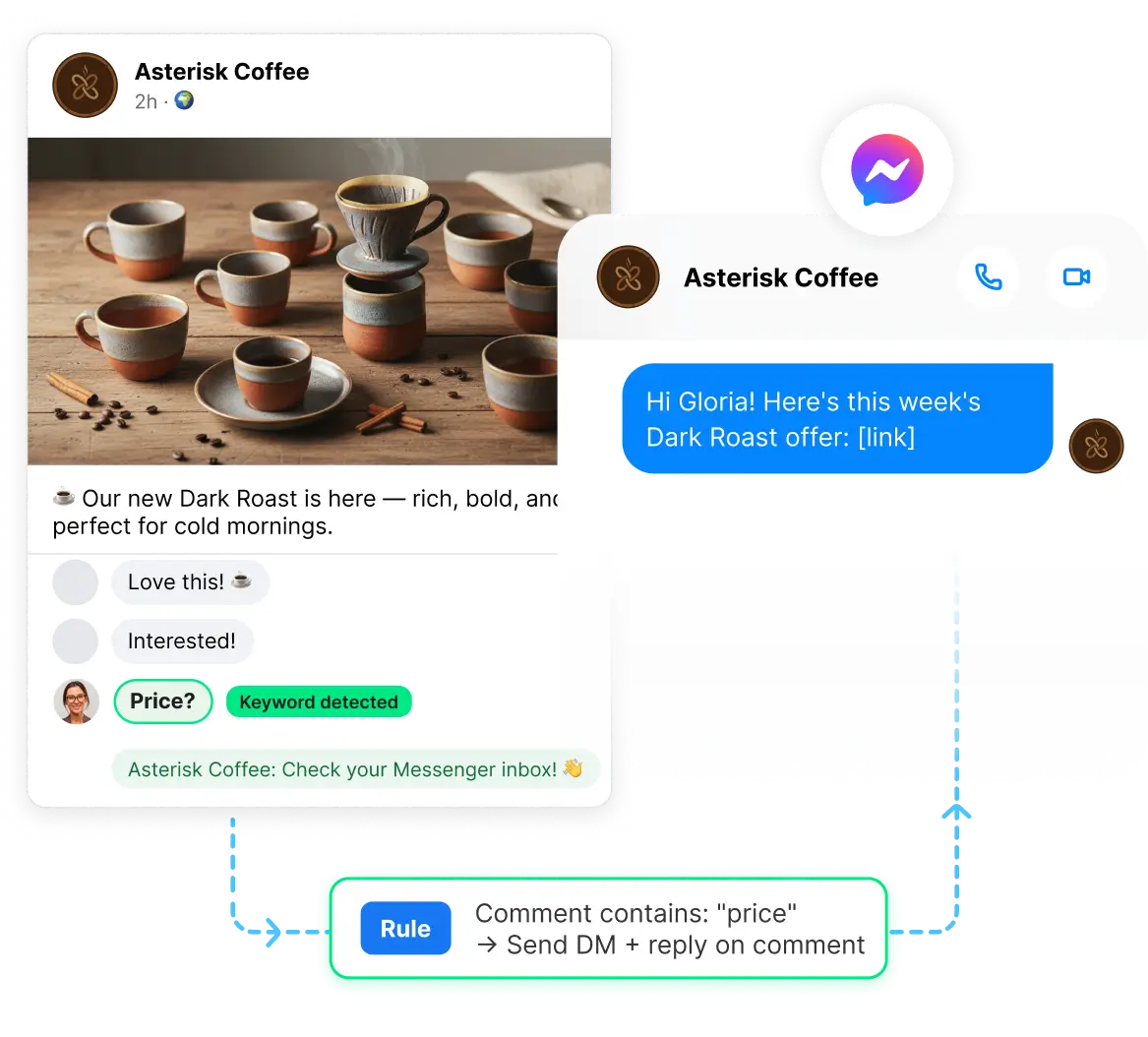
Someone comments “price” on your post. They automatically receive a reply in Facebook Messenger with the relevant details.
When a post or Reel on your Facebook Page takes off, the comments can quickly pile up, with potential customers waiting for a response. Wati detects keyword-based comments, automatically sends a DM, and can reply publicly to the comment too, so you can engage with more prospects without missing a conversation.
Apply automation to all your posts and Reels, or select specific ones.
Set your own trigger keywords, such as “price,” “link,” or “info.”
Optionally, post a public reply to the comment using the same message sent via DM.
Keyword Replies
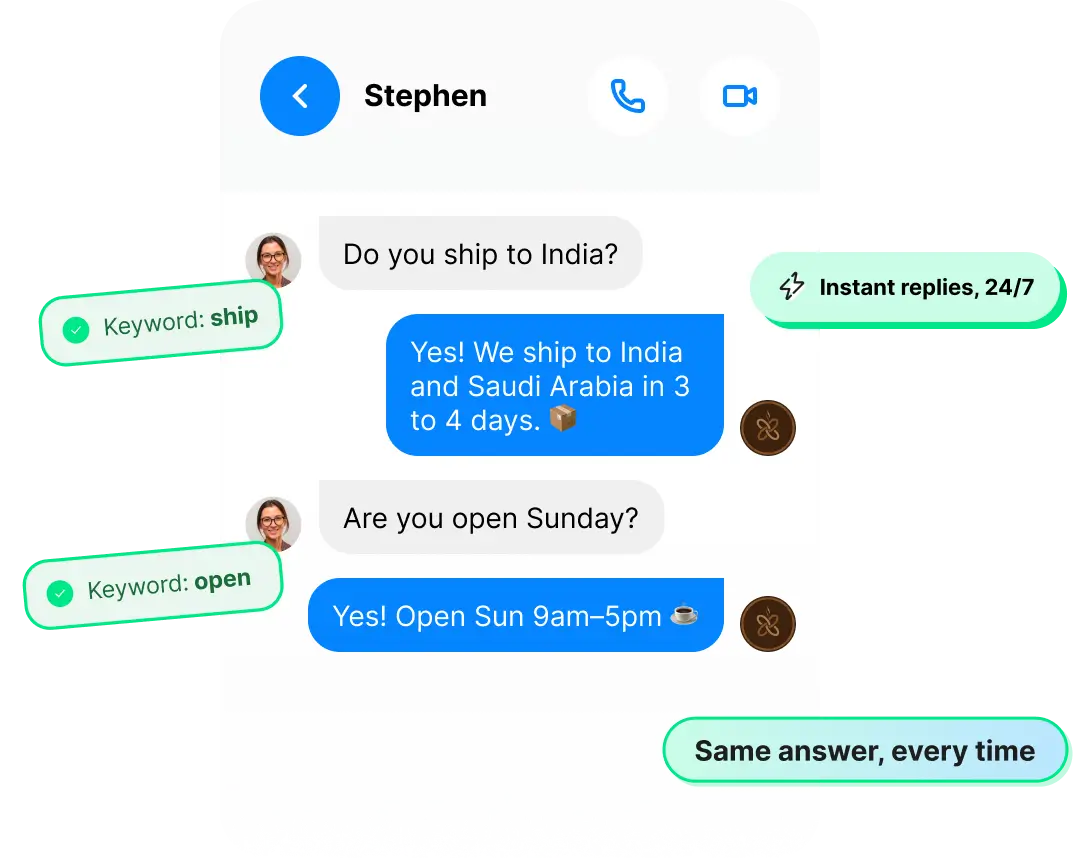
“Do you ship to India?” Answer once, and Wati automatically responds every time someone asks.
Most Facebook Messenger conversations start with the same questions: pricing, delivery, and opening hours. Set up a keyword and write your response once. Wati automatically sends the right reply whenever someone asks.
Set up one automated reply for each keyword, such as “shipping,” “price,” “hours,” or “location.”
Trigger a chatbot from a keyword when a question needs a more detailed, multi-step response.
Route questions that aren't covered by your automation rules to Team Inbox, so your team can take over.
Welcome and After-Hours
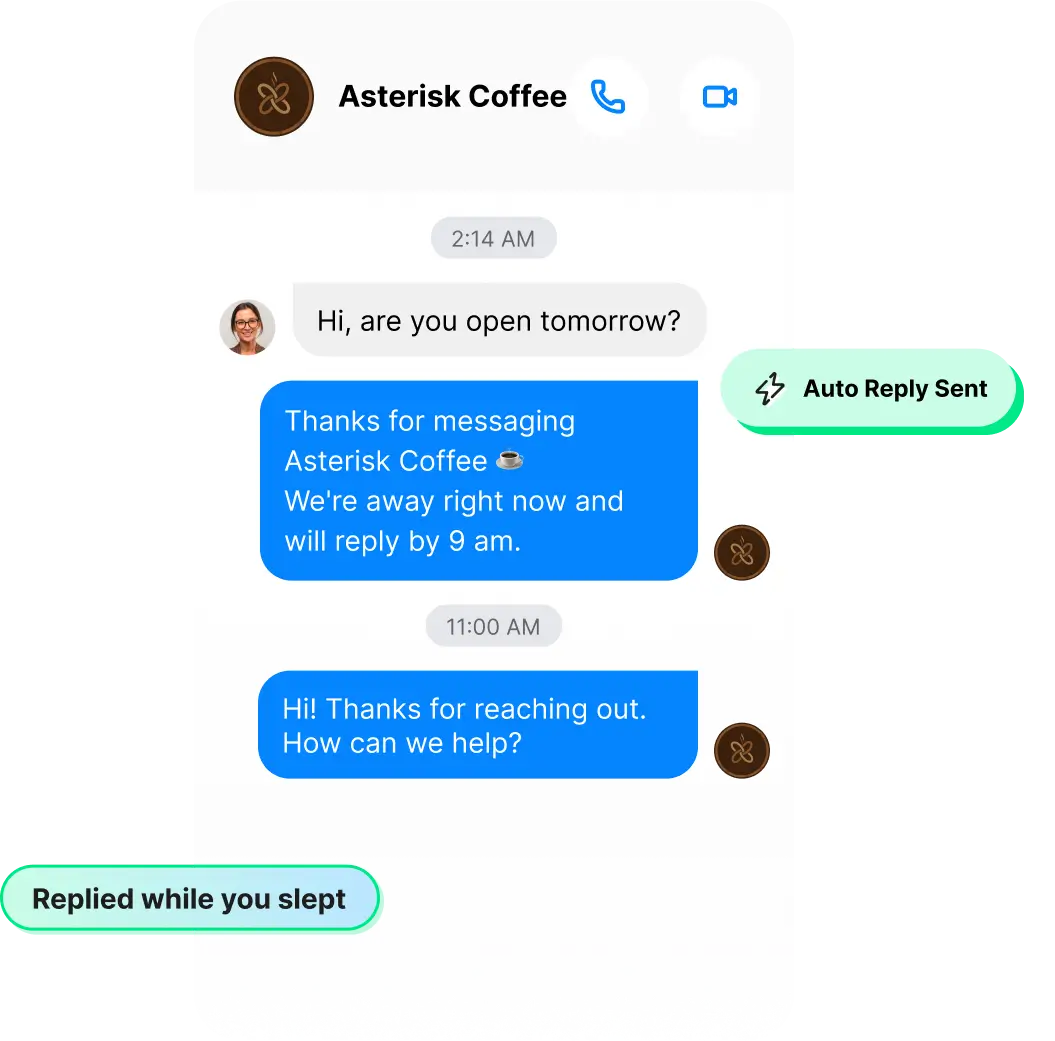
A customer messages your Facebook Page at 2 AM. They get an instant response, not radio silence.
Customers message your Facebook Page around the clock. Wati greets them during business hours and sends an instant after-hours reply, so no one is left waiting.
Welcome and out-of-office replies are set up automatically when you connect your Page.
Add keywords to trigger relevant, personalised replies instead of generic messages.
Choose to send these automated replies only to new contacts.
Chatbots
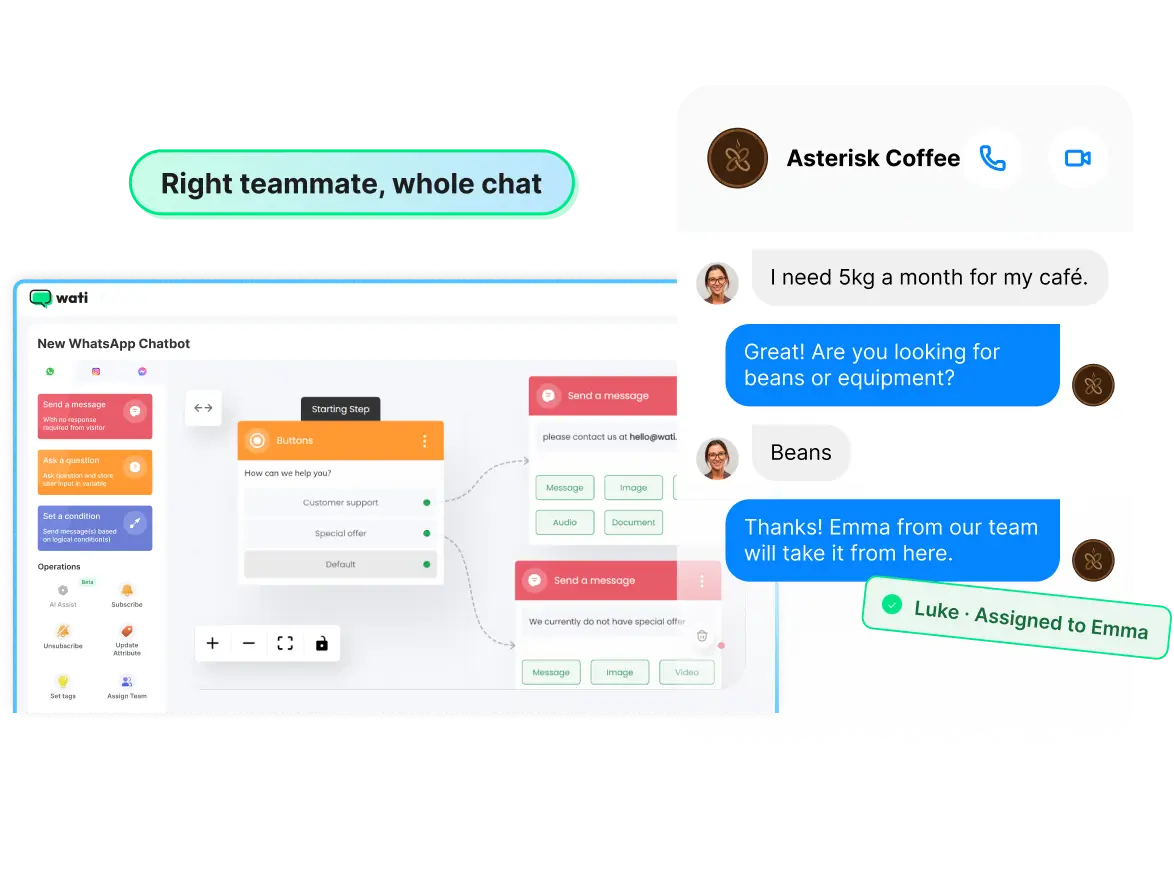
A potential buyer messages your Facebook Page. The chatbot qualifies their needs with the right questions, then seamlessly hands the conversation over to your team.
Some questions need more than a quick reply. Build a Facebook Messenger chatbot that understands what the customer needs, shares relevant information, and routes the conversation to the right teammate.
Build chatbot flows visually, with no coding required.
Trigger the chatbot using a keyword.
Automatically route conversations to the right person or team.
Team Inbox
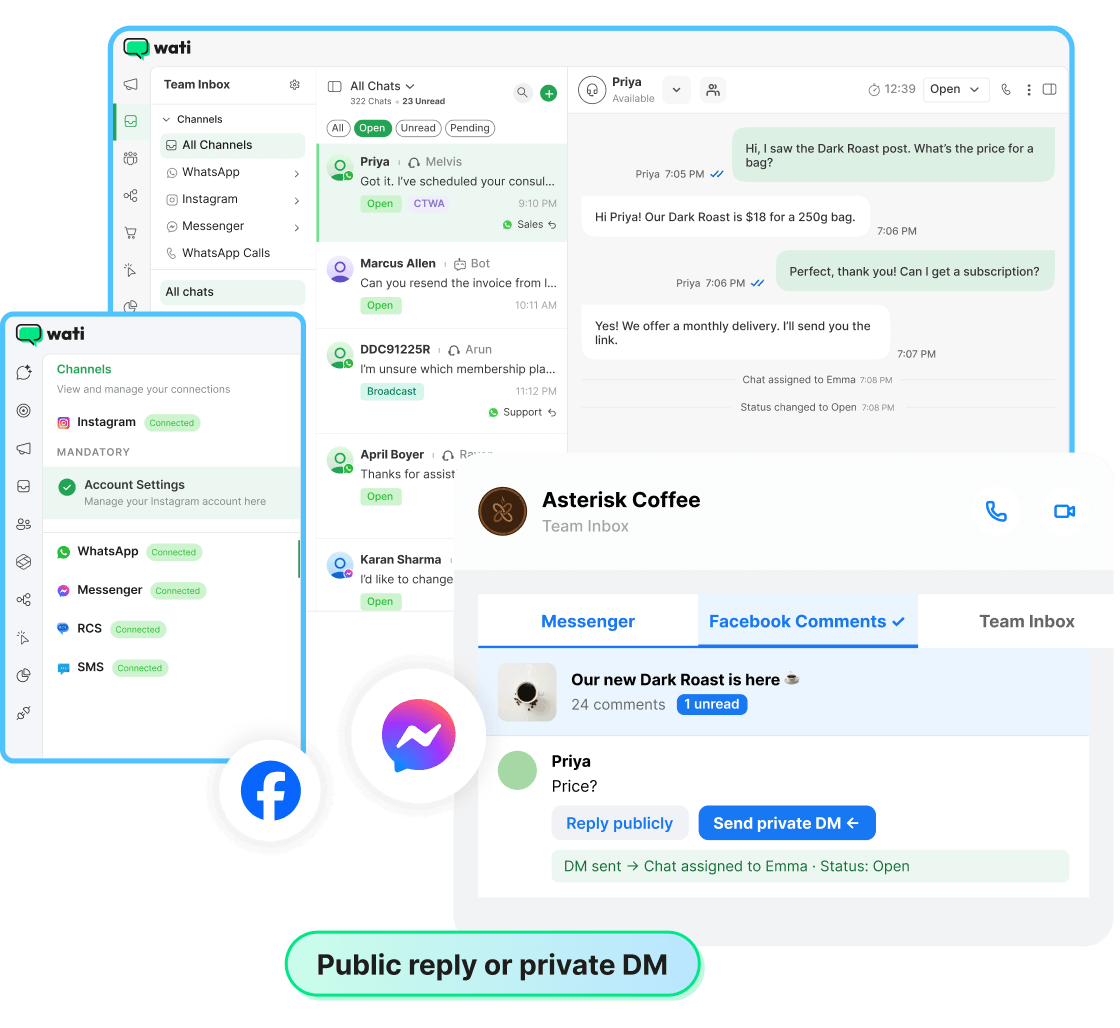
Manage Facebook Messenger comments and DMs from one shared inbox, so your team can focus on the conversations that matter.
Every Facebook Messenger chat and Page comment appears in Team Inbox. Your team can reply publicly or privately, assign conversations, and close them, all without switching to Facebook.
View every Page post and its comments in a dedicated Facebook Comments section.
Reply publicly to comments or send private DMs directly from Team Inbox.
Assign conversations, update statuses, add tags, and leave internal notes.
Manage multiple Facebook Pages and filter conversations by Page (Business plan).
Wati AI
Wati AI helps your team answer faster.
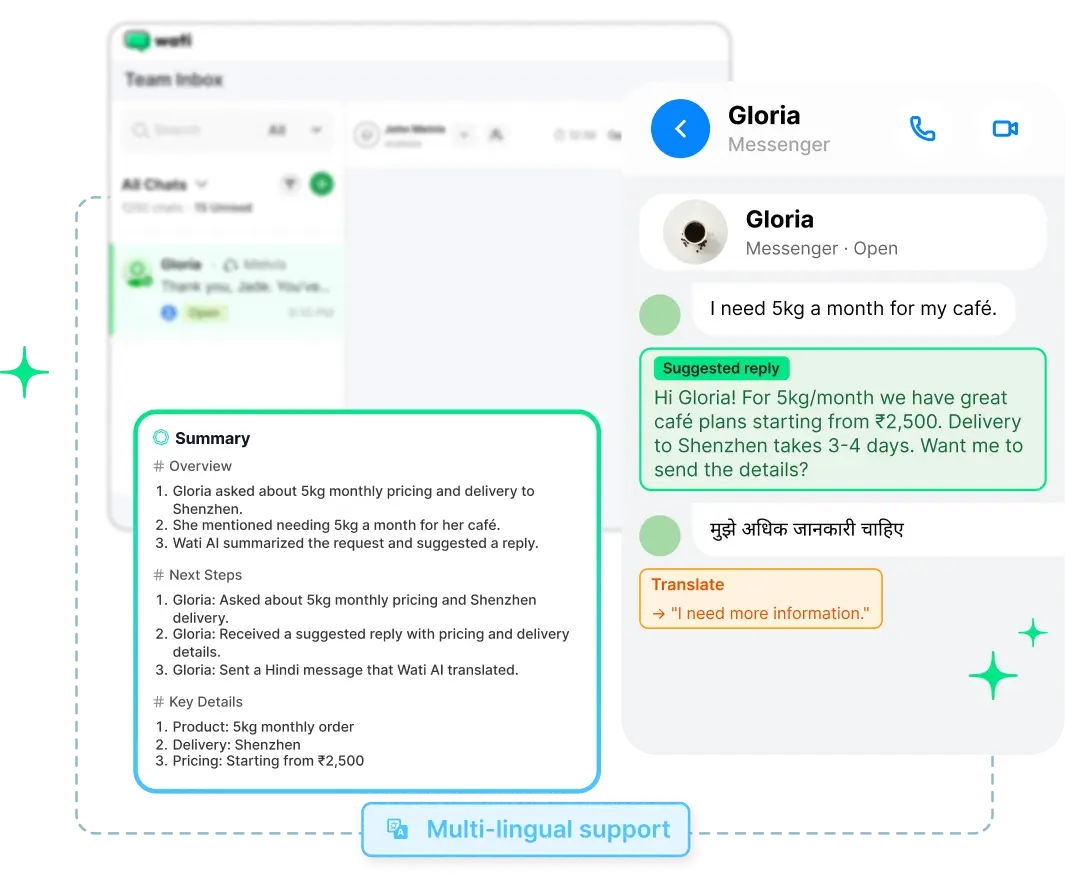
Open a long Facebook Messenger conversation and let Wati AI summarise the chat, suggest a reply, and translate messages, so your team can pick up right where the conversation left off.
Summarises long conversations for quick context.
Suggests relevant replies to help your team respond faster.
Translates messages to make multilingual conversations easier to manage.
Coming soon
Astra (Coming Soon)
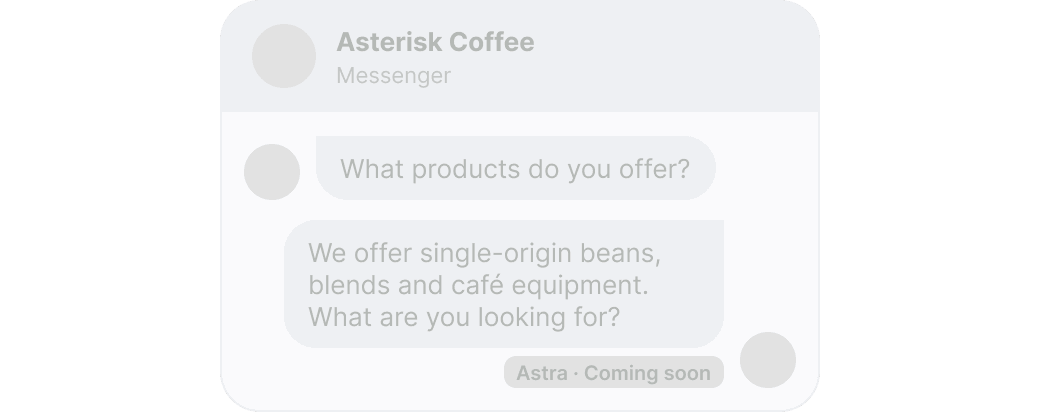
AI agents that answer and qualify on their own.
Astra already answers questions, qualifies leads and hands over to your team on WhatsApp and Instagram. Astra for Facebook Messenger is coming soon.
Set Up Facebook Messenger Automation in 4 Steps
Start your free trial.
7 days, no credit card.
Connect your Facebook Page.
Sign in with Facebook and pick your Page. No code.
Turn on your replies.
Your welcome and after-hours replies are ready, just turn them on. Add your first comment rule.
Watch the chats come in.
Comments and Messenger DMs land in Team Inbox, and your team takes it from there.
Facebook Messenger Automation for Every Kind of Business
Retail
Turn Facebook post comments into sales conversations
Someone comments “price?” on your new collection and gets the product link in Messenger, while your team stays on the shop floor.
Healthcare
Answer patient queries 24/7 with FAQs and Out-of-Office Messages
Clinic hours, fees and how to book get answered after hours, and new enquiries go to your front desk.
Professional services
Qualify enquiries with a Messenger chatbot before your first call
A chatbot asks what the person needs and sends each enquiry to the right member of your team.
Education
Send course details to everyone who comments “info”
Turn comments on your course posts into inquiries, and let your counselors pick up the ones who are ready.
Beauty and wellness
Answer “how much?” and fill your appointment book
Share your price list from a comment, answer opening-hours questions at any hour, and let your team confirm bookings from one inbox.
FAQs
Your Facebook Page Is Already Getting Comments and Messenger DMs. Stop Letting Them Go Cold.