
Too Long? Read This First
- Meta's messaging tiers cap the unique phone numbers you can reach outside a customer-service window in a rolling 24 hours: 250, 2,000, 10,000, 100,000, or Unlimited, shared across the whole business portfolio, per Meta's messaging limits documentation.
- Cloud API throughput defaults to 80 messages per second per phone number, with automatic upgrades to 1,000/second, per Meta's throughput docs.
- A phone can generally message the same recipient once every six seconds, meaning short-lived bursts trigger error 131056, a pair-level rate limit that should only delay that one recipient's queue lane.
- Meta's default message TTL is 30 days for most messages and 10 minutes for authentication templates, per Meta's platform documentation, but that's a transport limit, not a freshness guarantee your application should rely on.
- Queue only validated, retryable, deadline-safe sends with a durable idempotency key. Reject everything else immediately rather than let it sit stale in a queue.
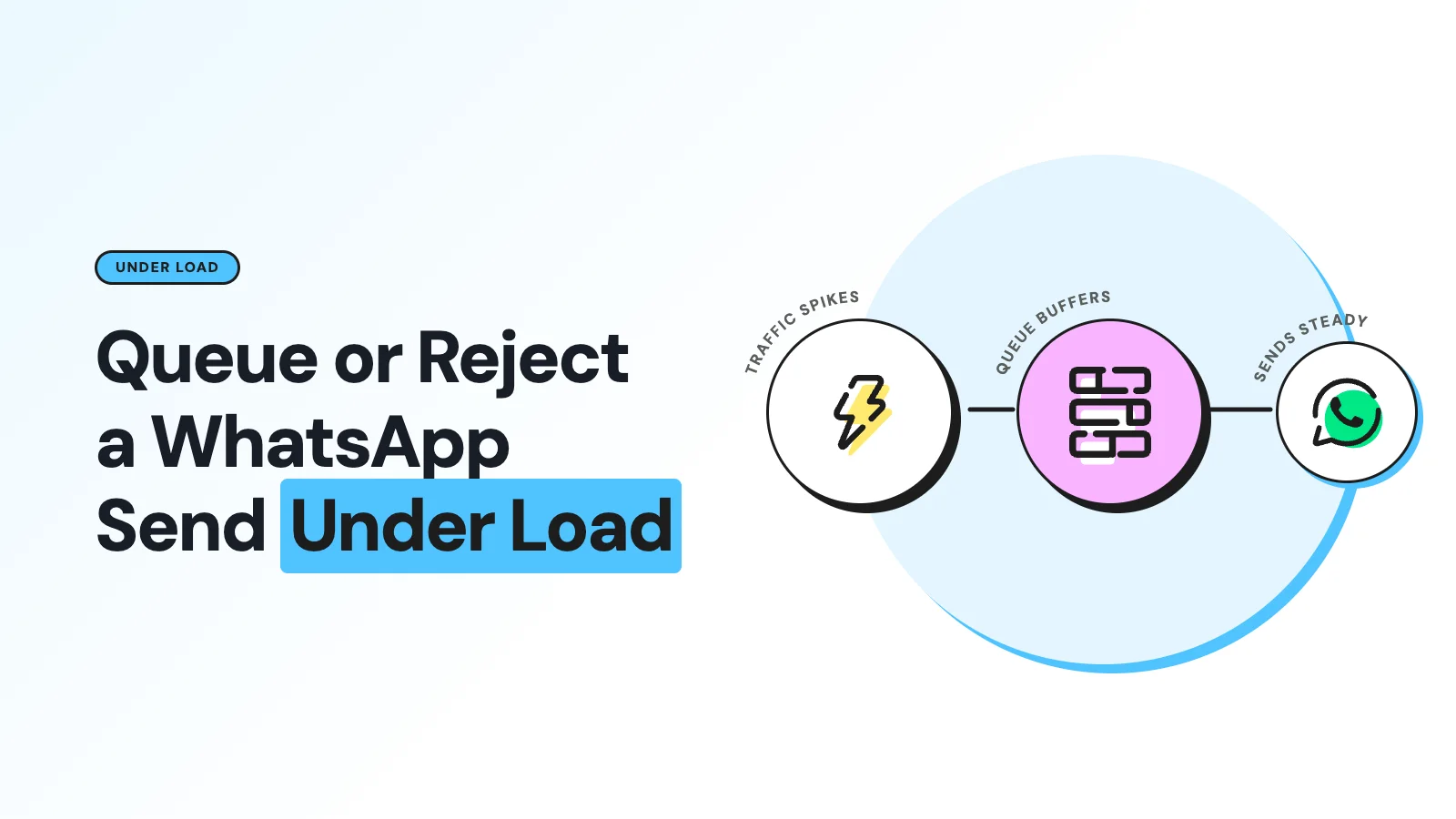
An AI agent calling a WhatsApp send tool through MCP will eventually hit a rate limit, and the reflex answer, just queue it and retry later, is wrong often enough to matter. A stale one-time code or an appointment slot that's no longer open shouldn't sit in a queue waiting for capacity; it should be rejected immediately so the model can regenerate something accurate.
The right call depends on which limit you hit, whether the message has a freshness deadline, and whether the send was already fully validated before the capacity failure happened. Treating every throttle the same way is how a queue quietly turns into a backlog of messages nobody should send anymore.
The Limits an MCP Server Actually Needs to Track
Four separate ceilings apply at once, and none of them replaces the others:
Limit type | Typical values | Scope |
|---|---|---|
Messaging tier | 250 / 2,000 / 10,000 / 100,000 / Unlimited unique numbers per rolling 24h | Whole business portfolio |
Phone throughput | 80 msg/sec default, up to 1,000/sec after upgrade; 20/sec for coexistence numbers | Per business phone number |
App/WABA API rate limit | 200 requests/hour per app per WABA (specified endpoints); 5,000/hour for an active WABA | App and WABA level |
Pair limit | About 1 message per 6 seconds to the same recipient (roughly 600/hour), short bursts up to 45 | Sender-recipient pair |
A scheduler needs all four as separate admission controls: a portfolio-tier check, an app/WABA token bucket, a per-phone throughput bucket, and a per-recipient FIFO lane that never blocks unrelated recipients when it's the one that's full.
The Error Codes That Tell You Which Limit You Hit
Code | Meaning | Retryable? |
|---|---|---|
4 | App API rate limit | Yes, throttle the app's traffic |
80007 | WhatsApp Business Account rate limit | Yes, reduce WABA-level traffic |
130429 | Cloud API message throughput reached | Yes, throttle that phone number |
131056 | Pair rate limit for this sender/recipient | Yes, delay only that recipient's lane |
131057 | Temporary maintenance, such as a throughput upgrade in progress | Yes, short delay |
All five, per Meta's error code reference, represent transient capacity pressure, not a permanently invalid request. That's exactly the category worth queueing, provided the message itself still qualifies.
When to Queue
Queue a message only when every one of these holds:
- The failure is one of the transient codes above, not a permanent rejection.
- The request was already fully validated: recipient, template, parameters, opt-in status, and customer-service-window eligibility all checked out before the capacity failure hit.
- The message has an explicit freshness deadline, and the predicted queue delay stays comfortably inside it.
- The queue itself has room, and the caller can accept an asynchronous result instead of an immediate one.
- An idempotency key was recorded before the item became visible in the queue, so a retry can never double-send it.
Use a durable outbox, not an in-memory delay.
A token-bucket or leaky-bucket scheduler with exponential backoff and jitter handles the throttling; per-recipient serialization keeps one busy conversation from starving everyone else's queue lane.
Meta documents a 4^X backoff pattern specifically for post-burst pair throttling, increasing X after each failed attempt, up to a reasonable cap, then dead-lettering the item once its freshness deadline passes.
When to Reject Instead
Reject immediately, don't queue, when any of these apply:
- The queue is already full, or the estimated wait exceeds the message's own freshness deadline.
- The content is time-sensitive in a way that can go stale: a conversational reply, a one-time code, an appointment slot, a price or availability statement.
- The customer-service window has closed, and the message isn't an approved template.
- The recipient hasn't opted in, has blocked the business, or the failure is otherwise non-retryable.
- The model requested synchronous delivery, and the server couldn't bind the wait to a reasonable value.
A queued item that goes stale should be dropped rather than sent late. Revalidate consent, window status, and template eligibility immediately before the actual send, not only at the moment it was first queued.
Why the Default TTL Isn't a Freshness Guarantee
A successful response from the Messages API only indicates that the request was accepted; delivery itself is reported later via status webhooks, per Meta's Messages documentation.
Meta's default TTL, 30 days for most message types and 10 minutes for authentication templates, is a transport validity window, not a business-relevance one. A message can be wrong or misleading long before that window closes.
Set a shorter, application-defined expiry per message type instead of relying on the platform default: seconds to minutes for conversational replies, an event-derived deadline for notifications, and the code's own validity period for authentication messages, not the platform's generic 10-minute window.
Returning the Right Error to the Model
Capacity and business-state failures belong in MCP as tool execution errors, not raw protocol errors: isError: true, with a human-readable explanation and structured fields the model can reason about, roughly like this shape.
Field | Purpose |
|---|---|
code | Machine-readable category, e.g. WHATSAPP_BACKPRESSURE |
meta_code | The underlying Meta error code, e.g. 131056 |
retryable | Whether the model should expect a later retry to help |
retry_after_ms | Estimated wait before capacity frees up |
expires_at | The message's own freshness deadline |
send_state | not_submitted, queued, or submitted_unknown |
Use WHATSAPP_QUEUE_FULL when the queue itself is at capacity and WHATSAPP_MESSAGE_EXPIRED when a queued item went stale before it could send.
Never describe a queued message as sent; that distinction, queued versus accepted versus delivered, is the whole point of returning structured state instead of a plain success flag.
Applying This to a WhatsApp MCP Server
An AI agent making its own decision to send doesn't have a human standing by to notice a silently dropped message, which is exactly why the queue-or-reject decision needs to happen inside the tool, not after the fact.
Wati's guide to MCP security, tools, and agents covers how a tool result communicates failure states like this back to the model so it can decide whether to wait, ask the user, or regenerate its response.
This connects directly to how an agent's broader workflow handles a delayed step: the coordination patterns in Wati's agent orchestration guide extend to handling a delayed step like this without stalling the whole interaction.
For the mechanics of how tools are exposed and scoped in the first place, what a WhatsApp MCP server is covers the underlying architecture, and Wati's AI agents overview covers where send-time backpressure sits relative to everything else an agent handles on a WhatsApp conversation.
See the Backpressure Behavior Live
Curious how Wati's MCP server handles rate limits and queuing under the hood? Book a demo and ask to see the backpressure behavior on a live throttle.
Frequently asked questions
What's the difference between a messaging tier limit and a throughput limit?
The messaging tier caps unique recipients reachable outside the customer-service window across a rolling 24 hours (250 up to Unlimited). Throughput caps how many messages per second a single phone number can send or receive, starting at 80/second by default. They're independent limits and both need separate admission checks.
Should a one-time passcode ever sit in a send queue?
No. Authentication messages carry Meta's shortest default TTL, 10 minutes, and a delayed code is often useless to the recipient by the time it would send. Reject and let the caller generate a fresh code instead of queueing the stale one.
How is an MCP tool supposed to report a queued send back to the model?
As a normal, non-error tool result with a status field like queued, an operation ID, an idempotency key, and an estimated retry time, not as isError: true. That lets the model treat it as a legitimate in-progress state instead of a failure to react to.
What happens if a retry after a timeout might have already reached WhatsApp?
Mark the operation submitted_unknown rather than retrying blindly. Reconcile using the stored idempotency key, the wamid if one came back, and delivery-status webhooks, before ever attempting a second send with new content.
Related posts
- AI Customer Support in 2026: What It is, How It Works, and Why Smart Teams are Quietly Switching Over
Learn how AI in customer support manages ticket escalations, automates ticket tagging and routing, and improves customer satisfaction. See how Astra does it.
- How to Automate Business Conversations With a WhatsApp AI Agent in 2026
Learn how to build a WhatsApp AI agent to engage, qualify, and convert prospects round the clock without any delays in 2026.
- Voice-First Web Experiences: Navigating with Voice Commands
learn how voice first web experiences enable you to power personalized, human-like conversations to have a competitive advantage in today’s market.
- How Voice AI Agents Qualify Leads: A Sales Team’s Guide to Hands-Free Pipeline
know how does voice ai qualifies leads for an effective sales action and potential conversion and where does astra 2.0 stand when it comes to pre-configured lead qualification