

-

-
-
Solutions
-
Soluções
-
Soluciones
-
解决方案
-
解決方案
-
الحلول
-
Product
-
Produto
-
Producto
-
产品
-
產品
-
المنتج
-

-
-


 Wati for Marketing
 Wati for Support
 Wati for Sales
 eLearning
 E-commerce
 Marketing Agencies
 Healthcare
 No Code Chatbots
 AI Support Agent
 Instagram and Facebook messenger
 Click to WhatsApp ads
 Campaigns
 Team Inbox
 WhatsApp Business Calling
 Wati AI
 Overview
 Library
WhatsApp API for Free: What’s Free and What’s Not?
Written by:
 Rohan
|
on:
December 22, 2025
|
Last updated on:
December 23, 2025
|
Fact Checked by :
Rohan
|
on:
December 22, 2025
|
Last updated on:
December 23, 2025
|
Fact Checked by :
 Namitha
|
According to: Editorial Policies
Namitha
|
According to: Editorial Policies
 Table of Contents
Too Long? Read This First
- The WhatsApp Business app is free, but the WhatsApp Business API is designed for growing teams that need automation, integrations, and large-scale messaging.
- API access itself is free, but you pay for the WhatsApp messages you send, based on message categories, volume, and your region.
- Businesses switch to the API when they need multi-agent support, automated workflows, richer customer engagement, or higher message reliability.
- This shift usually happens when one phone and manual replies are no longer enough.
- With the API, businesses can move beyond basic chats using templates, broadcasts, order updates, CRM integrations, and real two-way automation.
- If WhatsApp plays a key role in your business, the API becomes the logical next step as conversations start to scale.
When people search for the WhatsApp API for free, it often starts with a simple question: Can I use WhatsApp for my business without paying?
The short answer is yes. The WhatsApp Business app is free and works well for solo users and small teams.
However, when a business grows and needs automation, multi-agent support, or higher message volumes, the WhatsApp Business API enters the picture.
The API isn’t free, but it gives you flexibility in how you scale and pay for messaging. Costs depend on your business size, your messaging needs, and the provider you choose. This guide will walk you through what’s free, what’s not, and how to decide if the API is the right next step for your business.
What’s Actually Free on WhatsApp?
When people look for the WhatsApp API for free, it helps to start with the basics. WhatsApp offers two main products for businesses: the WhatsApp Business app and the WhatsApp Business Platform.
The app is completely free and is often enough for a small business that wants to send messages, answer customer questions, and set up a simple WhatsApp Business profile.
With the free app, you can chat with customers, share rich media, label conversations, and respond quickly during your customer service window. It’s built for solo owners and small teams who want an easy way to engage customers without any setup or integration work.
However, the free app has limits. It can’t manage large message volumes, automated messaging, or multi-agent support.
These limitations are usually what push growing teams to explore the WhatsApp Business API for scale, faster support, and better customer experiences.
Related Read: WhatsApp API Pricing: Costs, Categories, and Regions
Is the WhatsApp API Free? Understanding the Difference
A common question behind searches for “WhatsApp API for free” is whether the API itself costs money. While Meta doesn’t charge an upfront fee to access the WhatsApp Business API, it isn’t free in practice; you still pay for the messages you send.
The pay here comes from sending WhatsApp messages to customers, and costs depend on message type, volume, and how you engage.
Meta charges for WhatsApp Business Platform usage based on a billing model where you pay per message sent, rather than a flat subscription.
Messages like important updates, authentication codes, utility messages, and marketing campaigns each fall into specific categories that influence pricing.
You also need a WhatsApp Business account and typically go through an approved provider (BSP) to get API access.
BSPs often bundle the API access with tools to help you integrate, send, and receive messages, but they may charge for setup, management, or additional features.
| In simple terms, you don’t pay to unlock API access itself, but you do pay to send and manage most business-initiated WhatsApp messages. That’s why “WhatsApp Business API free” really refers to access itself, not free usage for messaging at scale. |
When Do Businesses Usually Switch to the WhatsApp Business API?
Most companies begin with the free WhatsApp Business app, but they eventually outgrow its limits. Businesses typically move to the WhatsApp Business API when they need more scale, automation, and control.
You will usually switch when you need to:
- Manage higher message volumes and serve more customers every day.
- Support multiple agents using one WhatsApp Business account.
- Integrate WhatsApp with CRMs and other internal tools.
- Automate messaging for FAQs, order confirmations, shipping updates, alerts, or appointment reminders.
- Run WhatsApp marketing campaigns with rich media and message templates.
- Deliver better customer support using faster response times and structured workflows.
For growing teams, the API unlocks consistent customer engagement across the entire customer journey. Large businesses rely on it to boost conversions, increase customer satisfaction, and maintain smooth two-way communication at scale.
What You Can do with the WhatsApp API?
The WhatsApp Business API gives businesses far more control than the free app.
It’s built for scale, automation, and deeper customer engagement across the entire customer journey. You can use it to:
1. Send and Receive Messages at Scale
Manage thousands of conversations efficiently with a support team instead of a single device.
2. Use Message Templates for Important Updates
Send order confirmations, shipping updates, alerts, reminders, and other notifications using approved message types.
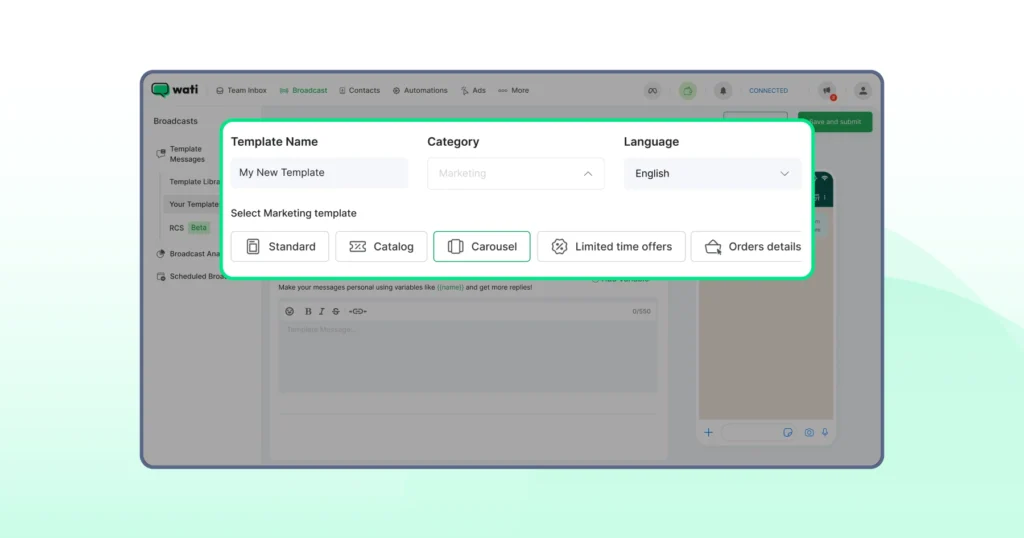
3. Run WhatsApp Broadcasts for Marketing Campaigns
You can share personalised promotions, offers, and rich media with customers who have opted in.
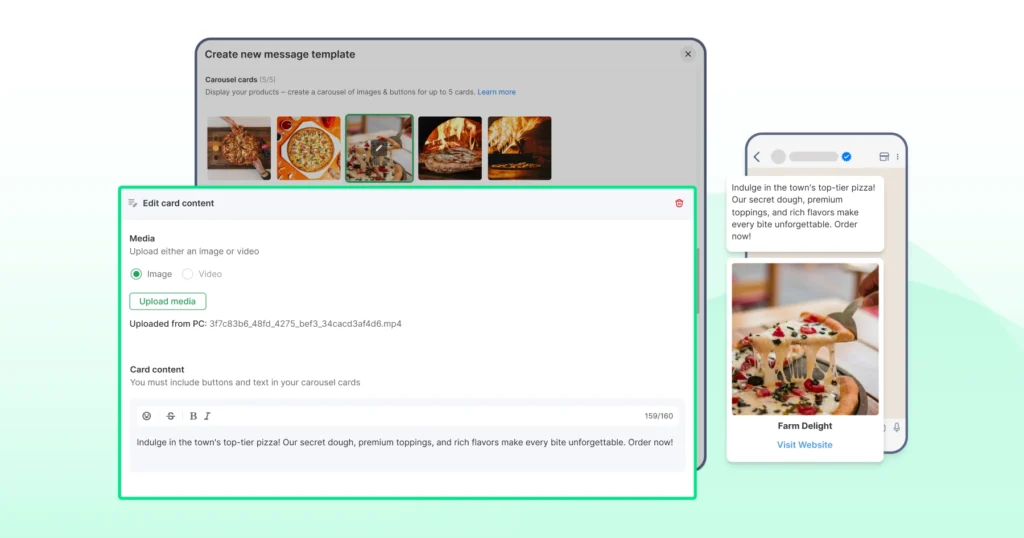
4. Automate Customer Support
Use automated messaging to answer FAQs, route conversations, or assist users 24/7.
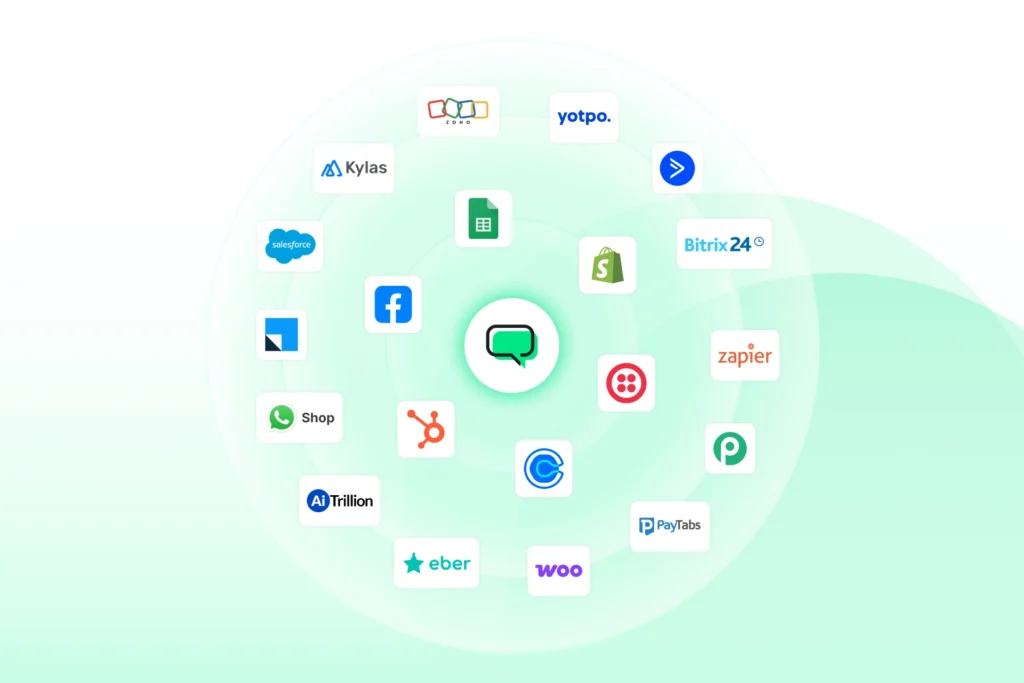
5. Integrate WhatsApp With Your CRM or Apps
Connect your WhatsApp Business account to tools like a CRM, helpdesk, or internal systems for a smoother workflow.
6. Build Custom Journeys on the WhatsApp Business Platform
Developers can use API access, code samples, and detailed documentation to create advanced features or custom integrations.
Is WhatsApp API free? What You Actually Pay For
The WhatsApp Business API isn’t a free service, but the way pricing works is clearer now than ever.
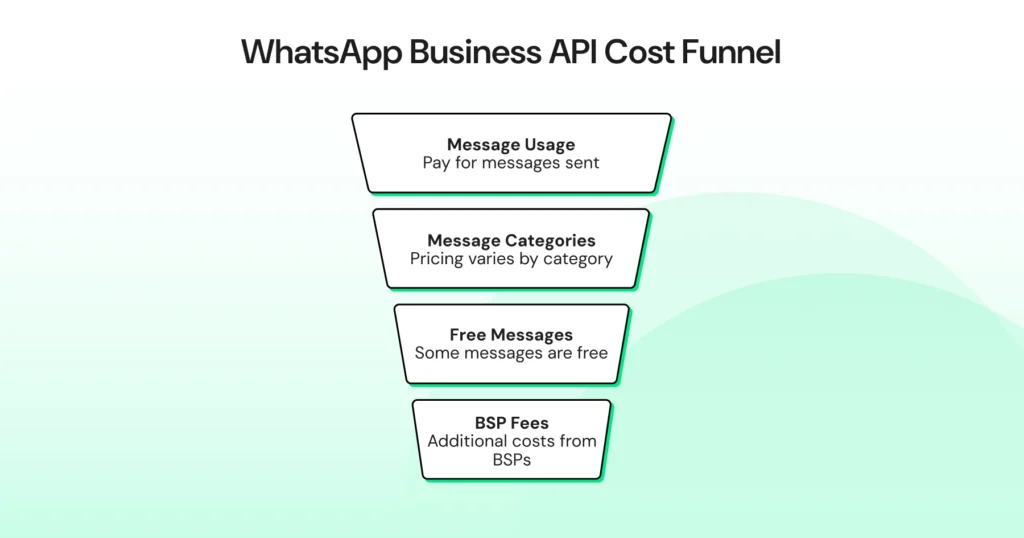
WhatsApp has shifted to a per-message pricing model, which means you pay for the messages you send, not for API access itself.
API Access is Free, but Usage is Paid
Meta doesn’t charge to unlock the API. However, every business still pays for the WhatsApp messages they send through the platform.
Pricing Depends on Message Categories
WhatsApp uses categories like marketing, utility, and authentication. Each category has its own rate, and prices vary by region.
Some Messages Can Be Free
There are free entry points, such as:
- Customer replies within the 24-hour service window
- Conversations that start from a click-to-WhatsApp ad
These give businesses more flexibility without extra cost.
BSPs Add Their Own Fees
BSPs may charge for onboarding, paid plans, additional features, or advanced tools like automated messaging or CRM integrations.
Total Cost Depends on Volume and Use Case
If you run WhatsApp marketing campaigns, send notifications, or manage large-scale customer support, your spending increases based on message volume.
Choosing the Right Option: App vs API
The free WhatsApp Business app is great for solo owners and small teams who only need basic messaging, a business profile, and simple customer engagement tools.
But as message volume grows and you need automation, multi-agent support, or CRM integration, the WhatsApp Business API becomes the better fit.
If you want a full breakdown of features, use cases, and differences, you can read our detailed guide on WhatsApp Business App vs WhatsApp Business API.
WhatsApp API for Free: What You Get at No Cost (and What You’ll Pay For)
Most businesses start with simple tools, and WhatsApp is no different. You get a free app, an easy setup, and a direct line to your customers.
However, as your conversations increase and your workflows become more complex, the WhatsApp API for free becomes less about cost and more about understanding what the platform can unlock for your business.
Even though messaging through the API isn’t free, the flexibility to build a system that fits your operations often outweighs the cost.
If you see WhatsApp playing a long-term role in your customer engagement strategy, the API is the natural next step.
We will guide you through the tools, setup, and the fee you require. Schedule a demo with Wati to get started today.
FAQs about WhatsApp API for Free
The WhatsApp Business API is free to access, but sending WhatsApp messages through it is not. Meta charges based on message categories and volume, and BSPs may add their own platform fees. You only pay for what you send, depending on your business needs.
The WhatsApp Business app is free and built for small businesses that handle conversations manually. The WhatsApp Business API is designed for automation, multi-agent support, CRM integrations, and large-scale customer engagement. It’s best for growing or high-volume teams.
Yes. The API allows businesses to send message templates, broadcasts, personalized promotions, and rich media at scale. You’ll need customer opt-ins, and marketing messages may have different rates depending on your region.
You can send utility updates, marketing messages, authentication codes, order confirmations, shipping updates, and automated responses. Each message type fits into a specific category, which influences pricing and delivery rules.
The API is ideal for businesses that manage high message volumes, want automated workflows, or need multi-agent customer support. It’s especially useful for teams that rely on WhatsApp for sales, notifications, customer service, or ongoing customer journeys.