

-

-
-
Solutions
-
Soluções
-
Soluciones
-
解决方案
-
解決方案
-
الحلول
-
Product
-
Produto
-
Producto
-
产品
-
產品
-
المنتج
-

-
-


 Wati for Marketing
 Wati for Support
 Wati for Sales
 eLearning
 E-commerce
 Marketing Agencies
 Healthcare
 No Code Chatbots
 AI Support Agent
 Instagram and Facebook messenger
 Click to WhatsApp ads
 Campaigns
 Team Inbox
 WhatsApp Business Calling
 Wati AI
 Overview
 Library

Your Guide to a Clear and Engaging WhatsApp Business Description
Written by:
 Rohan
|
on:
October 23, 2025
|
Fact Checked by :
Rohan
|
on:
October 23, 2025
|
Fact Checked by :
 Namitha
|
According to: Editorial Policies
Namitha
|
According to: Editorial Policies
 Table of Contents
Too Long? Read This First
- Your WhatsApp Business description tells customers who you are, what you offer, and why they should connect with your business.
- Keep it short, clear, and easy to scan. The WhatsApp Business App allows up to 256 characters, while the API gives you up to 512, so every word counts.
- Make sure your website, social media, and WhatsApp profile all speak the same language.
- Include a call-to-action to guide customers to take the next step, whether it is browsing your catalog, booking a service, or sending a message.
- Keep it fresh by updating your description regularly to highlight new products, offers, or campaigns.
A strong first impression draws people to your brand. Your WhatsApp Business description is often the first thing customers see.
WhatsApp for business has become a go-to for building customer relationships, which makes your business description more important than ever. The right description can draw people in, spark their interest, and make them want to reach out.
We’ve put together a complete guide with tips, best practices, and real brand examples to help you craft a WhatsApp Business description that stands out.
What is a WhatsApp Business Description?
A WhatsApp Business description is a short summary that appears on your business profile. Think of it as your digital storefront. It tells people who you are, what you do, and why they should connect with you.
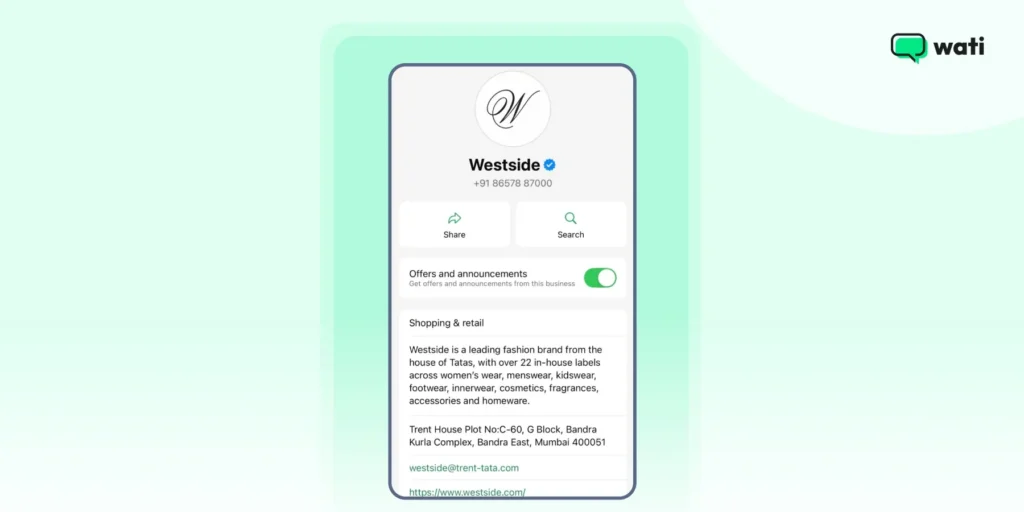
When you message customers, a clear description gives them confidence that they’re chatting with a trusted and authentic business.
Here’s how different types of businesses can make their description count.
- Restaurants & Cafes: “Freshly brewed coffee, homemade pastries, and a cozy spot to relax.”
- Fitness & Wellness Centers: “Personalized workouts, nutrition guidance, and wellness plans tailored for you.”
- E-commerce & Retail: “Handmade jewelry, sustainable fashion, and curated gift sets for every occasion.”
- Travel & Hospitality: “Comfortable stays, local experiences, and personalized travel packages.”
- Professional Services (Law, Accounting, Consulting): “Expert advice, transparent services, and solutions that help your business grow.”
- Education & Coaching: “Interactive courses, practical learning, and guidance to reach your goals faster.”
Why a Catchy WhatsApp Business Description Matters?
Imagine walking down a busy street searching for a coffee shop. You are naturally more drawn to the one with a sign that says, “Fresh Coffee, Free Wi-Fi, Cozy Seating” rather than a shop that just shows its name.
A WhatsApp Business description works the same way. It gives people an immediate sense of what your business offers and why they should reach out.
1. Shows What Your Brand’s All About
Your description is an opportunity to convey your brand’s personality and values. Whether you are a tech startup, a local artisan, or a wellness coach, your tone should reflect your brand’s identity.
Example: “At Lara, we blend tradition with innovation to bring you handcrafted, eco-friendly products that make a difference.”
This description communicates a commitment to quality and sustainability, appealing to conscious consumers.
2. Shows Customers What You Do
A clear description helps customers quickly understand what products or services you provide. This helps save them time and reduces confusion.
Example: “We specialize in custom-made furniture that combines functionality with style, tailored to fit your space and taste.”
This straightforward approach ensures potential clients know exactly what to expect.
3. Motivates Users to Connect
Including a CTA in your description can guide customers on what to do next, whether it’s browsing your catalog, booking a consultation, or reaching out for more information.
Example: “Explore our latest collection now and find the perfect piece for your home.”
A well-placed CTA can assist you in increasing engagement and conversions.
4. Shows Your Expertise
A professional and informative description can establish trust with potential customers, showing that you take your business seriously and are committed to providing value.
Example: “With over 10 years of experience in the industry, we pride ourselves on delivering exceptional service and quality.”
Highlighting experience and expertise reassures customers about your reliability.
⚡Also Read: 13 WhatsApp Marketing Strategies That Can Grow Your Business in No Time
How Can You Make Your WhatsApp Business Description Clear?
Show your brand’s personality while giving people a reason to connect.
- Keep your message clear: Does your description clearly tell people who you are and what to expect? Make sure it aligns with your website and other communications so the experience feels consistent.
- End with intent: Do you invite customers to take the next step? A simple nudge like “Order direct for the best deals!” can make all the difference.
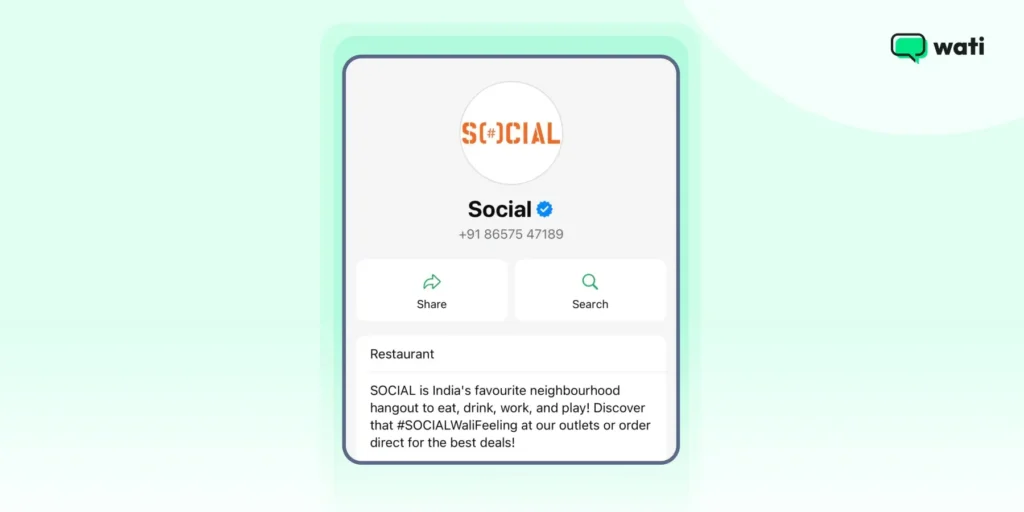
Small tweaks like these help your description do more than just exist. They guide customers and spark action.
How to Add or Update Your WhatsApp Business Description
Updating your WhatsApp Business description is quick and can make a big difference in how customers see your brand. Follow these steps for your device.
On Android
1. Open the WhatsApp Business app on your device.
2. Tap the three dots in the top-right corner and select Business tools.
3. Tap Profile.
4. Under the Business description section, tap the pencil icon to edit.
5. Enter your desired description.
6. Tap Save to update.
On iPhone
1. Open the WhatsApp Business app.
2. Tap Settings in the bottom-right corner.
3. Tap Business Tools, then Profile.
4. Tap Description to edit your text.
5. Enter your new description.
6. Tap Save to update.
On WhatsApp Web
1. Open WhatsApp Web in your browser and log in by scanning the QR code with your phone.
2. Click on the three dots next to your name and select Profile.
3. In the Business description field, click the pencil icon to edit.
4. Enter your updated description.
5. Click Save to apply the changes.
🎁Related Read: WhatsApp Business Web: How To Use It For Your Business in 2025?
4 Best Practices for Crafting a Perfect WhatsApp Business Description (Examples Included)
So, how do you create a WhatsApp Business description that truly resonates? It’s simpler than you might think.
Crafting the right description is about clarity, personality, and guiding your customers to take action. Here’s how you can get it right.
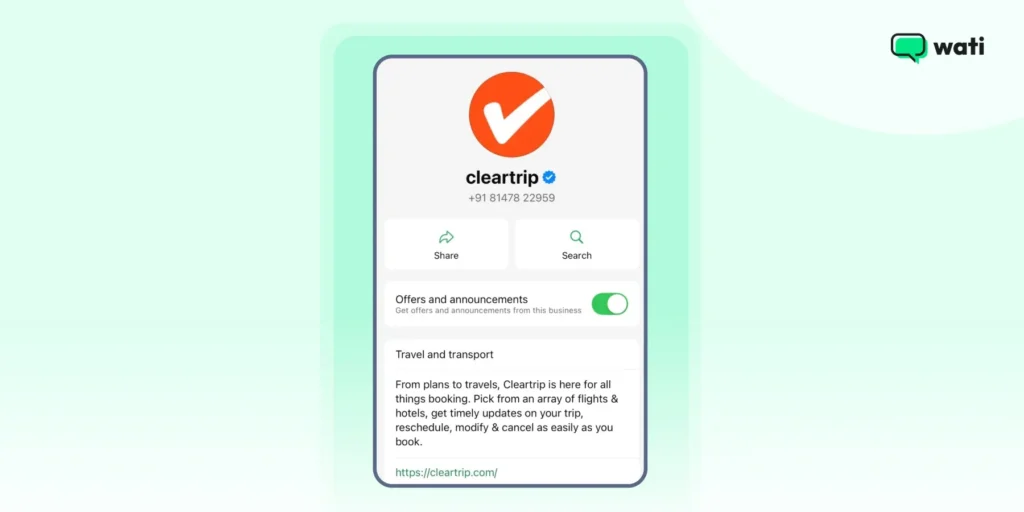
1. Use Short, Impactful Sentences
People on WhatsApp scroll fast. A short, clear description works best.
Avoid long paragraphs or complicated jargon, and focus on delivering your main message in a way that’s easy to understand at a glance.
💡Pro tip: WhatsApp Business allows up to 256 characters for your description, so make every word count. But if you’re using the API, the limit is 512 characters.
Here’s how Cleartrip does it 👇
2. Highlight What Makes You Unique
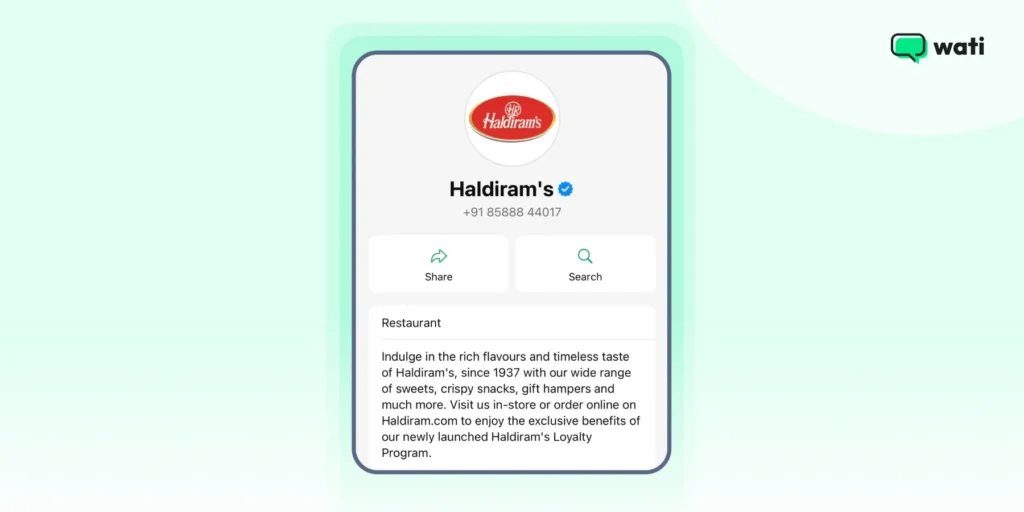
Tell customers why your business stands out. Whether it’s your quality, unique products, or exceptional service, a small note about what makes you different can catch attention and build trust.
Haldiram’s, the popular Indian fast-food and snack brand, highlights its offerings such as sweets, crispy snacks, and gift hampers in its WhatsApp Business description. 👇
3. Align with Your Brand Message
Your WhatsApp Business description should match the tone and messaging used on your website and other channels.
Consistency across platforms helps customers feel confident and know exactly what to expect from your brand.
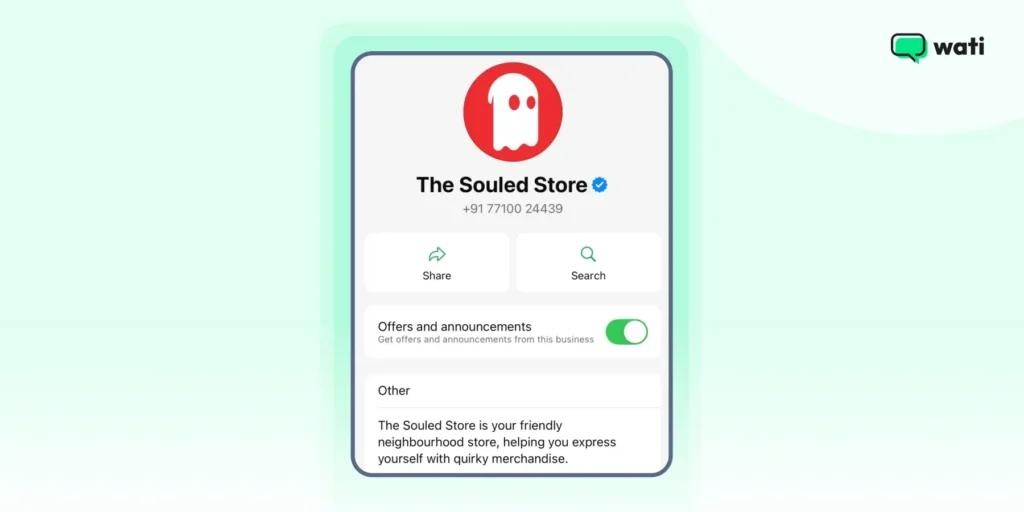
Souled Store takes a simple and straightforward approach to its branding. The clothing brand keeps its messaging consistent across all platforms.
Here’s the business description they currently use on WhatsApp. 👇
4. Update Your Description Regularly
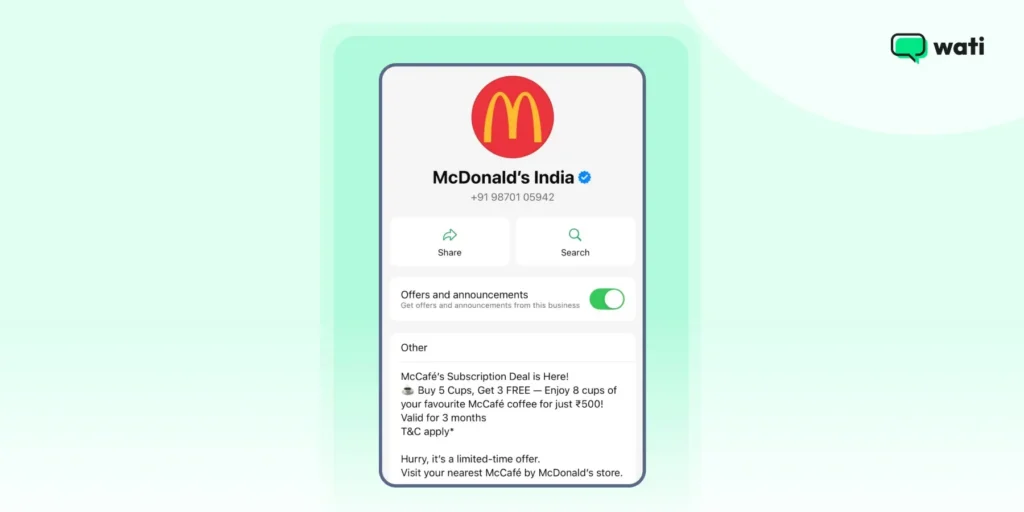
Your business evolves, and your description should too. Update it to highlight new products, seasonal offers, or any changes to your services.
An updated description shows that your business is active and engaged. You can take notes from McDonald’s 👇
📙Must Read: How to Create a WhatsApp Business Account and Get Started
Key Takeaways for a Winning WhatsApp Business Description
A clear and engaging WhatsApp Business description might seem small, but it can make a big difference in how customers perceive your brand.
It’s your chance to introduce your business, highlight what makes you unique, and guide people to take action. Keep it concise, stay on brand, and update it regularly to keep your profile fresh and relevant.
If you want to step up your WhatsApp communication, check out our guide on WhatsApp Business API. It contains tips on scaling conversations, automating responses, and turning WhatsApp into a powerful channel for your business.
FAQs About WhatsApp Business Description
WhatsApp allows up to 256 characters for your business description. So keep it concise, clear, and impactful to make every word count. However, the limit is 512 characters for businesses using the WhatsApp Business API.
You can update it whenever there’s something new to highlight, like new products, seasonal offers, or updated services. A fresh description shows customers that your business is active and engaged.
Yes! Emojis can make your description more engaging and help highlight key points, but use them sparingly to keep it professional and easy to read.
Absolutely. Encourage customers to take the next step, whether it’s browsing your catalog, booking an appointment, or visiting your store. A small nudge can go a long way.