
Too Long? Read This First
- Your Astra agent can send a WhatsApp template the moment it senses the right cue, whether that's something the customer says mid-chat or a quiet period after the conversation ends.
- Customer names, order numbers, and other details drop into the template automatically, so every message still feels personal.
- Outside the 24-hour service window, only Meta-approved templates go out, keeping every automated send compliant by default.
- You can build, tweak, and grow these agents just by chatting with Claude or ChatGPT through Wati MCP, no dashboard-hopping required.
- Every send still passes through confirmation, permission checks, and a log entry, so automation never means losing sight of what's going out.
A support agent closes a chat. Forty minutes pass, and the customer still hasn't confirmed their delivery slot. Leaving that gap to a human to catch and remind manually, and it usually slips through. That's the exact problem agent-triggered template messaging solves on WhatsApp.
This guide covers how Astra detects an intent or event, invokes the send-a-template-message action, picks a pre-approved template, and fills its placeholders with real customer data, and how Wati MCP lets you build, test, and run that whole setup through Claude or ChatGPT.
What is AI Agent Triggered Template Messaging?
AI agent-triggered template messaging is when a Astra decides on its own that a WhatsApp template should go out, then fills it with live customer data.
No one is picking a template from a dropdown here. The agent reads the conversation, or watches for an event after it ends, and makes the call itself. A marketer schedules a broadcast; an agent decides the moment on its own.
It's also why agentic AI is spreading across enterprise workflows generally: Gartner projects that 40% of enterprise apps will carry task-specific AI agents by 2026, up from under 5% in 2025.
WhatsApp is a natural fit for this pattern because the channel already separates free-form replies from templated messages by rule, not just by convention. Meta enforces that split at the API level, and any automation layer has to respect it.
Intent-Based Sends During a Conversation
Intent-based sends happen while a conversation is still open, when the agent recognizes what the customer needs and answers with a template instead of typing free text.
Say a customer asks when their order will arrive. Rather than composing an answer from scratch, the agent can invoke the send-a-template-message action mid-chat and drop in a shipping-status template with the tracking number already filled in.
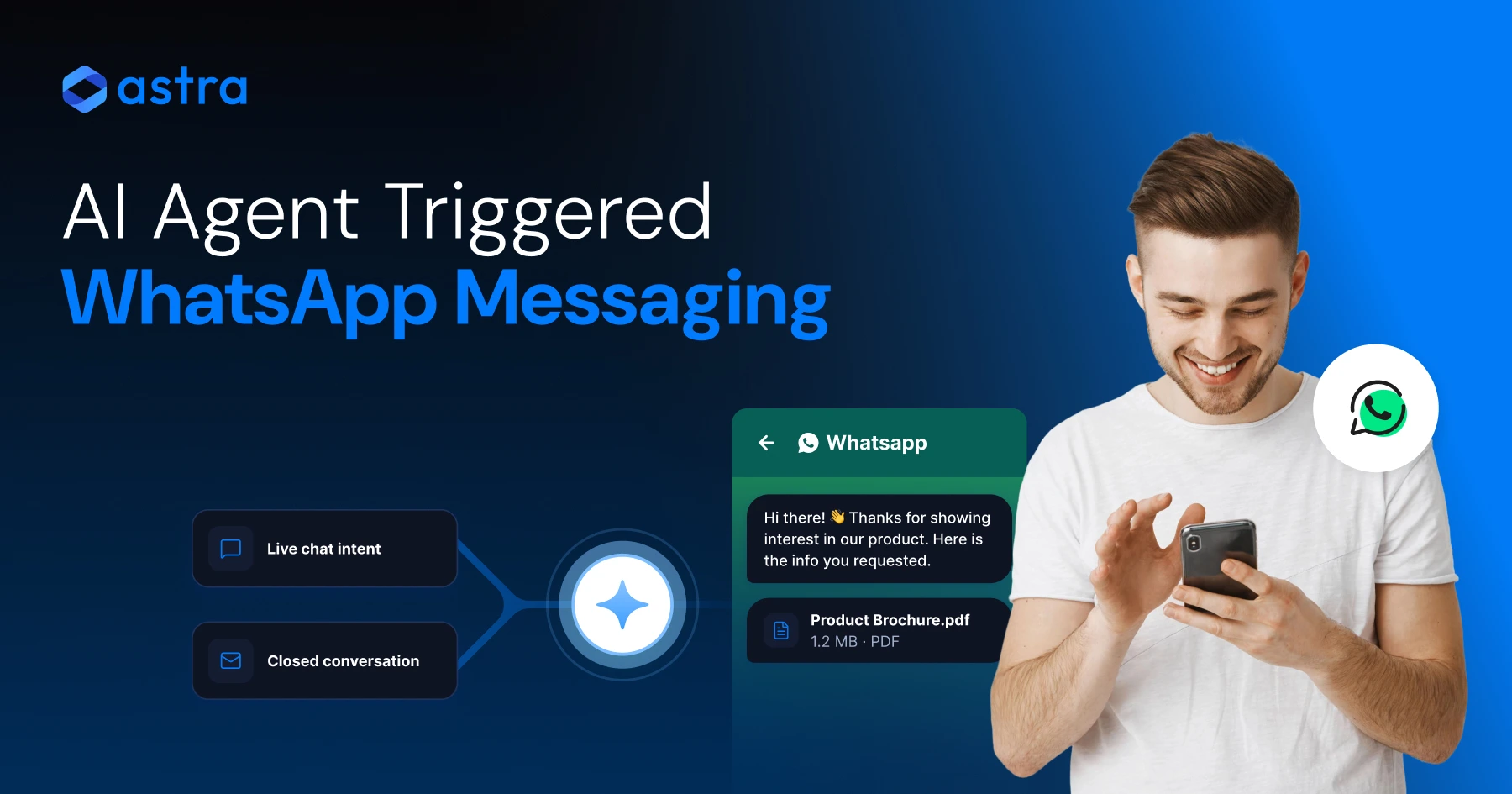
Astra labels this trigger type Intent during the conversation.
Event-Based Sends After a Conversation Closes
Event-based sends fire once a conversation ends, using a timer condition rather than something the customer just said.
The most common version closes the conversation after a set number of minutes, then sends. Thirty minutes with no reply after a thread closes is enough for the agent to trigger a satisfaction-check template on its own.
Astra labels this the Event after the conversation is closed trigger type, letting follow-up run automatically instead of depending on someone tracking every closed ticket.
How Wati Astra Sends Approved Templates with Dynamic Data
Astra's send-a-template-message action lets an agent pick an approved WhatsApp template, choose a trigger mode, and map live customer attributes into the template's placeholders.
Two trigger modes control when this fires. Agent decides lets the AI judge the right moment mid-conversation. Close Wati conversation after X minutes is the timer-based event mode described above.
Both modes route through the same underlying action and the same placeholder mapping, as Wati's help center explains, so switching between intent-based and event-based sends doesn't mean rebuilding anything: you're changing which condition starts it, not how the message gets built.
Selecting the Template and Trigger Mode
The agent builder walks you through picking one pre-approved template per action, then choosing whether it fires on intent or on a closed-conversation timer.
You're not writing new copy at this step. You're pointing the action at a template Meta has already reviewed, and telling Astra when to use it. That separation (content locked, trigger logic flexible) is what keeps agent-triggered sends compliant by default rather than by discipline.
Mapping Placeholders to Customer Attributes
Placeholder mapping is how a static template becomes a personal message: each numbered slot gets tied to an Astra attribute like customer name or order ID.
Once mapped, the agent substitutes real values automatically every time it sends: no manual copy-paste, no risk of sending the wrong name to the wrong contact. That's template personalization handled at the data layer, not the copywriting layer.
If your broadcast strategy already leans on audience segmentation for WhatsApp broadcasts, the same logic applies per contact instead of per list.
Why Meta-Approved Templates Matter Outside the Service Window
Any WhatsApp message sent outside the 24-hour customer-service window must use a template Meta has already approved; that's a platform rule, not a Wati setting.
Meta's WhatsApp Business Platform documentation defines templates as the only message format allowed once that window closes, because unsolicited free-form messages are exactly what the rule is meant to prevent. Inside an open conversation, free text is fine.
The moment a customer stops replying and the clock runs out, only approved templates can reach them.
That explains why the event-based trigger type matters so much. An agent that fires a follow-up after a conversation closes has, by definition, left the service window, so the template it sends must already carry Meta's approval.
There's no compliant workaround; building automation around approved templates from day one avoids a rejected-message problem later.
How Wati MCP Complements Astra
Wati MCP connects tools like Claude or ChatGPT to Wati so you can build Astra, manage templates, and run campaigns in plain language.
Astra runs the agent; Wati MCP is how you build, adjust, and operate it without living inside a separate admin console.
Ask Claude to review an agent's conversion rate, tweak a trigger condition, or check which template a broadcast used last week, and it can pull that from Wati directly. That's MCP automation applied to the whole Astra lifecycle, not just message sending.
Building and Improving Agents via Claude or ChatGPT
Wati's setup guide states that you can manage Wati resources and create, manage, and improve Astra through Claude or ChatGPT, describing setup itself as taking about five minutes.
Once connected, you're not switching tabs between your AI assistant and the Wati dashboard. Describe a change (add a reorder-reminder trigger to the checkout agent) and the assistant handles the setup through the Wati MCP server directly, matching what Wati's setup guide describes.
Operating Campaigns and Templates Through Natural Language
Beyond agent-building, Wati MCP lets you manage contacts, conversations, campaigns, templates, and reports: the operational side of running WhatsApp Business API messaging at scale.
That matters for teams who want AI workflow automation without hiring someone to script API calls. If you're comparing broadcast tools generally, it's worth checking how this stacks up against other WhatsApp automation tools before you commit to a workflow.
5 Practical Use Cases for Agent-Triggered Templates
Agent-triggered templates work best for messages that are predictable in shape but personal in detail: the kind of message you'd send repeatedly with different names.
- Reminders: appointment or payment reminders fired on a schedule after a conversation closes.
- Confirmations: order or booking confirmations sent the moment intent is detected mid-chat.
- Updates: shipping-status or service-status updates pushed as an event fires downstream.
- Lead follow-up: a re-engagement template sent to a lead who went quiet after a sales chat, a pattern similar to voice AI lead qualification.
- Broadcast workflows: campaign-style sends combining an approved template with a segmented list, the same structure behind groups and broadcast lists and good WhatsApp marketing campaign examples.
None of these need someone babysitting a queue. Each is just a template, a trigger, and a data mapping, configured once, running on its own.
Approval, Permissions, and Auditability Checkpoints
Automating template sends doesn't mean removing oversight; it means moving the checkpoints earlier, into approval and permission setup rather than into every individual send.
Confirmation Before Send
Wati states that campaign actions require user confirmation before sending, even when an AI tool initiates them. An agent can propose a send, but a human step still sits in front of it going live.
Logging Every Action
Every campaign action runs on Meta-approved templates from your business's official number, respects your existing Wati permissions, and gets logged, which is what makes an agent-triggered send auditable after the fact, not just fast.
That pairs naturally with any custom notification rules your team already relies on. Together, that approval gate, permission check, and log entry are what make an AI-sent message something you can actually stand behind in a compliance review.
If you're building a broader WhatsApp marketing calendar around these agents, log data also tells you which triggers are earning their place.
Intent-Based vs. Event-Based Sends: What's the Difference?
The two trigger types differ mainly in timing and in how strict the template requirement gets, though both depend on Meta approval once you're outside the live window.
Aspect | Intent-based (during conversation) | Event-based (after conversation closes) |
|---|---|---|
Trigger | Agent recognizes intent mid-chat | Timer, e.g., close conversation after X minutes |
Service window | Often still open | Usually closed |
Template requirement | Approved template required for the action | Approved template mandatory, no exceptions |
Typical use | Order status, quick confirmations | Reminders, follow-up, satisfaction checks |
Trigger mode setting | Agent decides | Close Wati conversation after X minutes |
Both trigger types share the same action and mapping. What changes is only the moment it fires, never the message it builds.
What does This Mean for your WhatsApp Workflow?
Practically, it means a follow-up stops depending on memory and starts running as a rule the agent enforces every time.
Reminders go out on schedule, confirmations fire the second intent is clear, and lead follow-up happens whether a rep is watching the pipeline that day or not. None of that requires giving up control; the approval and permission layer stays exactly where it was, just triggered by conditions instead of clock-watching.
If your team already runs structured broadcast campaigns, this is a natural extension of a promotional strategy built for WhatsApp; the templates and segmentation carry over, only the trigger changes.
Teams comparing their stack against other WhatsApp marketing software can fold results straight into existing customer journey analytics reviews instead of running it separately.
Get Agent-Triggered Messaging Live This Week
Start with one trigger, one template, one clear event, then expand once you trust the mapping and the logs.
Pick a single event, like a closed support conversation with no reply after thirty minutes, and connect it to one approved template with two or three mapped placeholders. Watch delivery and log data for a week before adding a second trigger. That's a far safer rollout than switching every broadcast over to agent control on day one.
Ready to see it running on your own number?
Book a demo with Wati and walk through the send-a-template-message action live.
Frequently asked questions
What's the difference between intent-based and event-based template sends?
Intent-based sends fire while a conversation is still open, triggered by what the customer is asking. Event-based sends fire after the conversation closes, usually on a timer such as thirty minutes with no reply, and always require an approved template.
Do I need Meta-approved templates for every agent-triggered message?
Yes, for any message sent outside the customer-service window. Meta's WhatsApp Business Platform rules require approved templates once the live conversation window closes, and Astra only sends templates that have already gone through that approval.
How does Wati MCP differ from Wati Astra?
Astra is the agent that runs inside conversations and triggers sends. Wati MCP is the connector that lets Claude or ChatGPT build, test, adjust, and operate those agents, plus manage campaigns and templates, through natural language instead of a dashboard.
Can Claude or ChatGPT send WhatsApp campaigns directly?
Through Wati MCP, yes, but every campaign action still requires user confirmation before sending, uses Meta-approved templates on your official number, respects your existing Wati permissions, and gets logged for review afterward.
What compliance checkpoints should I set up before launching agent-triggered messaging?
Confirm template approval status, check that trigger permissions match your team's existing Wati roles, and review the send log regularly. These three checkpoints cover approval, access control, and auditability without slowing down the automation itself.
Related posts
- AI Customer Support in 2026: What It is, How It Works, and Why Smart Teams are Quietly Switching Over
Learn how AI in customer support manages ticket escalations, automates ticket tagging and routing, and improves customer satisfaction. See how Astra does it.
- How to Automate Business Conversations With a WhatsApp AI Agent in 2026
Learn how to build a WhatsApp AI agent to engage, qualify, and convert prospects round the clock without any delays in 2026.
- Voice-First Web Experiences: Navigating with Voice Commands
learn how voice first web experiences enable you to power personalized, human-like conversations to have a competitive advantage in today’s market.
- How Voice AI Agents Qualify Leads: A Sales Team’s Guide to Hands-Free Pipeline
know how does voice ai qualifies leads for an effective sales action and potential conversion and where does astra 2.0 stand when it comes to pre-configured lead qualification