
Too Long? Read This First
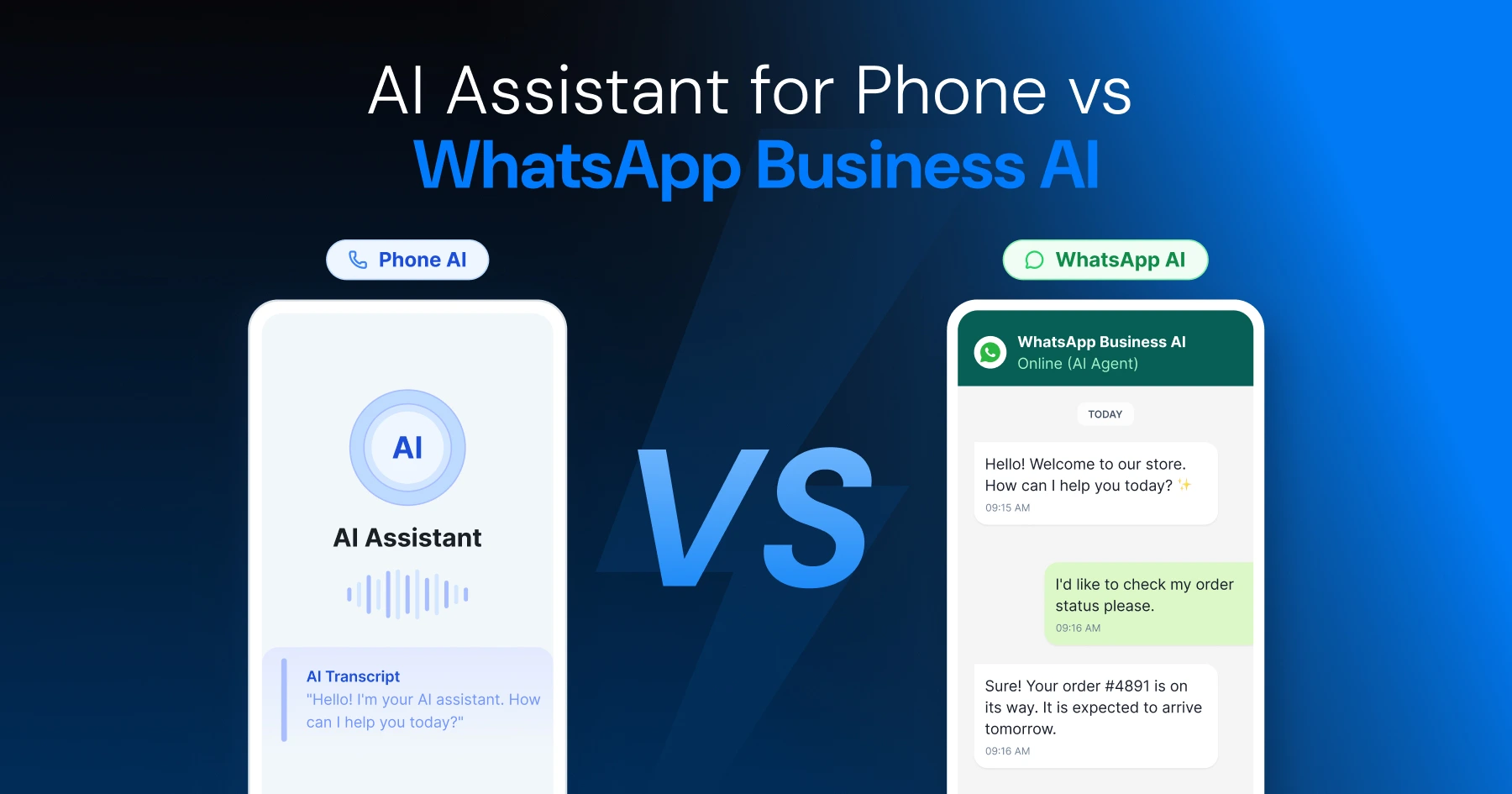
- Phone AI (like Gemini) places calls. WhatsApp Business AI runs chats. The two don't overlap.
- Wati's MCP server connects AI assistants like Claude or ChatGPT directly to WhatsApp contacts, conversations, and templates.
- The newest Wati MCP tools (July 2026) add multi-channel visibility, human handoff, and plain-English analytics, not just WhatsApp anymore.
- Consent and least-privilege rules come first; anything customer-facing needs a human check before it goes out.
Ask ten people what an "AI assistant for phone" means, and you'll get two different answers. Half describe something that dials a contact for you. The other half means something that answers customer messages on WhatsApp all day.
Confuse the two, and you'll waste real deployment time chasing the wrong tools, the wrong permissions, and the wrong risk profile. Phone-level assistants live inside your mobile operating system. WhatsApp business assistants live inside your customer operations, wired through something like an MCP server.
This guide covers what a phone-calling AI assistant does today, why mobile AI adoption is climbing fast, and how the Wati MCP server gives a business AI assistant real, auditable control over WhatsApp (and now other channels): contacts, templates, conversations, and more.
What does "AI Assistant for Phone" Actually Mean?
"AI assistant for phone" splits into two different products: one that dials calls from your device, and one that runs business conversations on WhatsApp.
Phone-Level Assistants That Place Calls
Google's Gemini app on Android can use your device's calling app to ring a contact, a business, or a spoken number. Google is explicit that this needs an active mobile phone plan to work at all; without one, the feature doesn't function.
That convenience has real limits. Google advises against using Gemini's Phone app integration for emergency calls, and says the feature currently can't accept or reject incoming calls; it only helps you place them (Google Gemini Help).
Business Assistants That Run WhatsApp Conversations
A WhatsApp business AI assistant never dials anyone. It works inside a conversation: reading a message, matching a contact, choosing the right approved template, all through the WhatsApp Business API.
This is where a business actually builds operations. A tool like WhatsApp chatbots for automated communication turns a WhatsApp number into a 24-hour front desk, and pairs naturally with ad campaigns like Click-to-WhatsApp Ads that route new leads straight into that same conversation.
Related Read: WhatsApp MCP Server: What it is, How it Works, and What You Can Do With it
Why are Mobile AI Assistants Growing So Fast?
Mobile is now the primary place people reach for an AI assistant, and the numbers back that up.
Comscore found that mobile adoption of AI assistants grew 82% between November 2024 and June 2025. That's not a niche spike but a mainstream shift in where people go for help, search, and quick tasks.
The trend didn't slow down. Comscore's next report showed 54.3 million unique mobile visitors to leading AI assistant destinations in December 2025, up 107% year over year from December 2024. Whatever channel your customers reach for next, there's a good chance it's a phone screen.
What This Means for WhatsApp Businesses
If customers already reach for a mobile AI assistant by default, they'll expect that same instant, conversational tone from your business channel.
WhatsApp is already a mobile-first surface, and campaigns like the ones in these WhatsApp marketing campaign examples show brands already meeting that expectation.
What Can Google's Gemini Phone Integration Actually Do?
Gemini's Phone app integration on Android is built to dial a contact for you, nothing more, and nothing resembling WhatsApp business operations.
It works by handing off to your device's native calling app: Gemini decides who to call, and the Phone app does the actual dialing. It's scoped narrowly, like a lot of AI voice features today, built to place calls, not run conversations at scale.
What it isn't: a customer service tool, a broadcast system, or anything resembling WhatsApp automation.
For voice calls with customers on WhatsApp, Astra can handle both inbound and outbound calls.
How the Wati MCP Server Turns an AI Assistant Into a WhatsApp Operator
MCP is an open standard for connecting AI applications like Claude or ChatGPT to external tools and data. Wati built its MCP server on that standard, so an MCP-compatible AI assistant can reach a Wati account directly, without custom integration work.
In practice, that means an AI assistant can look up a contact, pull the approved template list, send it, and log the conversation: structured tool calls, not screen-scraping or guesswork.
What the Wati MCP Server Can Actually Do (Updated July 2026)
The Wati MCP server's tool set has grown in two stages, and it's worth being precise about what's real right now rather than what's on a roadmap.
Core tools (live since earlier this year):
- Search for contacts, view full profiles, create and update contact records
- Read conversation history and search conversations by customer request
- View approved WhatsApp templates and send template messages
- Send regular WhatsApp session messages
- Review WhatsApp broadcast campaigns and their performance
New as of the July 29, 2026 release:
- See every connected channel: WhatsApp, Instagram, Messenger, TikTok, and Webchat in one place
- Count contacts with date filters, and pull a full contact profile (attributes, teams, segments, opt-in status)
- Ask analytics questions in plain English (early access)
- Hand a conversation to a human operator, or send it back to the bot
- Assign a contact to a team
That second batch is the more interesting story: it's not just "send a WhatsApp message" anymore.
An assistant connected to Wati's MCP server can now triage a conversation, route it to the right person, and answer account-level questions across channels, closer to a real operations teammate than a messaging bot.
That tracks with where Wati is headed as a company: a conversational growth platform, not just a WhatsApp tool.
Two things worth knowing before you wire this up: available tools depend on your Wati pricing plan (Growth, Pro, or Business), and building or managing AI agents themselves is a separate, Astra-specific add-on layered on top of the MCP server.
Phone AI vs. WhatsApp Operations AI: A Side-by-Side Comparison
Capability | Phone-level AI (e.g., Gemini) | WhatsApp/Conversational Ops AI (Wati MCP) |
|---|---|---|
Places cellular calls | Yes, via the device calling app | No |
Sends WhatsApp messages | No | Yes, including templates and session replies |
Manages contact records | No | Yes: look up, create, segment, count |
Works across channels | No | Yes: WhatsApp, Instagram, Messenger, TikTok |
Routes to a human | No | Yes: operator handoff |
Requires a mobile plan | Yes | No, runs through Wati's platform API |
Built for | Personal, single-user tasks | Business, multi-agent operations |
How do Consent, Least Privilege, and Approval Controls Work?
An AI assistant with real WhatsApp access can do real damage as easily as real good, so consent, least privilege, and approval steps aren't optional extras.
Consent starts with WhatsApp itself: opt-in rules govern who a business can message, and no MCP tool changes that requirement. Least privilege means scoping which tools an assistant can call: a support-focused assistant might get message-sending and contact lookup, while only an ops admin's assistant gets access to team assignment or operator handoff.
Wati's own product team builds this in directly, not as an afterthought: any action that reaches a real customer (a message, a template send) requires the AI assistant to ask for confirmation first, every time. That's a real safeguard already in the product, not a theoretical best practice.
Broader frameworks agree on the same shape. NIST's AI Risk Management Framework organizes this into four functions (Govern, Map, Measure, Manage), which boils down to: know what an AI system can affect, size the risk, then manage it before you scale, not after.
Applied to WhatsApp, that means testing a new template or campaign on a small segment before running it at full volume, so a mistake costs you dozens of messages instead of thousands.
Building Conversational AI Agents for WhatsApp with MCP Tool Calling
Conversational AI on WhatsApp gets its reach from tool calling: structured, auditable calls an assistant makes instead of free-form scripts.
A typical flow: the assistant lists open conversations, checks a contact's history, pulls the approved template list, then sends a template message. Four discrete, logged calls, each one traceable to a specific action rather than something you have to take on faith.
Good conversational AI design keeps a human reviewing anything that leaves the building unsupervised: new automations, first-run campaigns, anything a customer will actually see. That's the same instinct behind Wati's own MCP confirmation step described above.
Put Your AI Assistant to Work on WhatsApp
An AI assistant that only places calls can't run your WhatsApp operations, and one built for WhatsApp shouldn't be asked to dial phones either.
Wired correctly, your AI assistant gets a scoped, auditable path into messages, contacts, templates, and now multiple channels, not a phone dialer in disguise. If you're wiring one up now, connect it to the Wati MCP server directly, work through the Wati Academy free course to learn the tool-calling patterns first, or book a demo to see it scoped for your team.
Frequently asked questions
What's the difference between an AI assistant for phone and a WhatsApp business AI assistant?
A phone-level assistant like Gemini places calls through your device's calling app. A WhatsApp business AI assistant, built on tools like the Wati MCP server, runs customer conversations, sends templates, and manages contacts across channels; it doesn't dial cellular calls.
Can Gemini's phone integration make emergency calls?
No. Google advises against using Gemini's Phone app integration for emergency calls, and notes the Phone app currently can't accept or reject incoming calls, so it shouldn't replace your standard dialer for urgent situations.
Does the Wati MCP server place phone calls?
No. It's a conversational operations layer connecting AI assistants to WhatsApp (and now Instagram, Messenger, TikTok, and Webchat): contacts, templates, conversations, and campaigns, through Wati's platform API. Placing or receiving ordinary cellular calls isn't part of what it does.
What is MCP tool calling, and why does it matter for WhatsApp automation?
The Model Context Protocol is an open standard connecting AI applications to external tools and data through defined calls. It lets an AI assistant trigger real WhatsApp actions (sending a message, pulling a contact profile, routing a conversation to a human) through auditable, logged calls instead of guesswork.
How does Wati MCP handle consent and approval for automated messages?
Wati's MCP server pairs least-privilege access with a built-in approval step: any action that would reach a real customer, like a message or template send, requires the AI assistant to ask for confirmation first, every time, on every plan.
Related posts
- AI Customer Support in 2026: What It is, How It Works, and Why Smart Teams are Quietly Switching Over
Learn how AI in customer support manages ticket escalations, automates ticket tagging and routing, and improves customer satisfaction. See how Astra does it.
- How to Automate Business Conversations With a WhatsApp AI Agent in 2026
Learn how to build a WhatsApp AI agent to engage, qualify, and convert prospects round the clock without any delays in 2026.
- Voice-First Web Experiences: Navigating with Voice Commands
learn how voice first web experiences enable you to power personalized, human-like conversations to have a competitive advantage in today’s market.
- How Voice AI Agents Qualify Leads: A Sales Team’s Guide to Hands-Free Pipeline
know how does voice ai qualifies leads for an effective sales action and potential conversion and where does astra 2.0 stand when it comes to pre-configured lead qualification