
Too Long? Read This First
- Claude Code launches every configured MCP server at startup, and each server runs as a separate process, so start-up time (not a connection cap) is the first constraint most people notice.
- With tool search (lazy loading) enabled by default, connecting more servers has minimal impact on your context window, since only tool names load upfront.
- Without tool search, every additional server adds its full tool catalog to context, and that's where real limits show up fast: sessions with seven-plus servers have consumed 67,000+ tokens on tool definitions alone.
- Model accuracy on tool selection degrades once a session exposes roughly 30-50 tools at once, regardless of how many servers those tools are spread across.
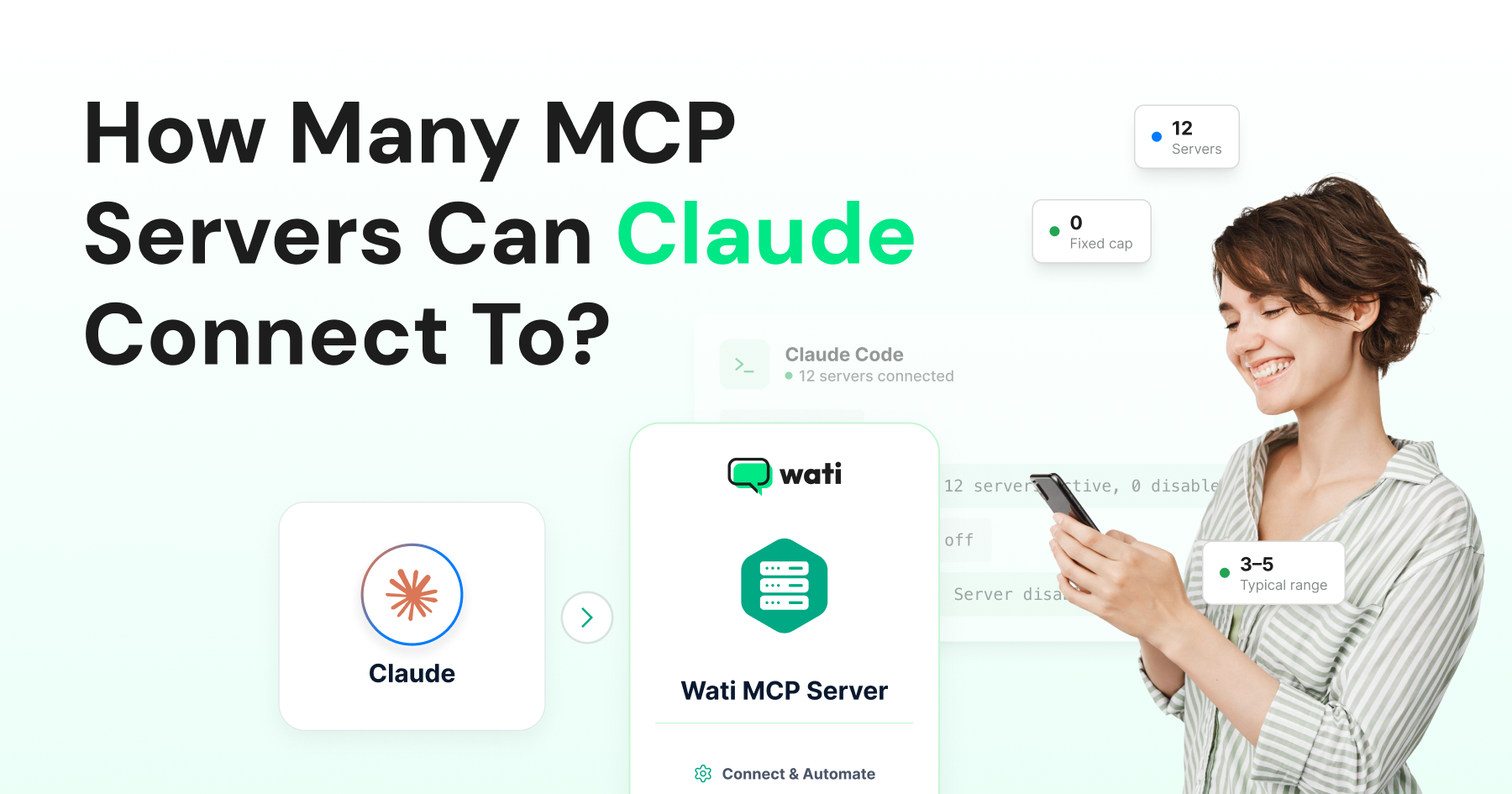
- Most solo developers run 3-5 servers comfortably; once you're managing more than a handful, an MCP gateway with selective tool loading is the recommended pattern instead of connecting everything directly.
People connecting several MCP servers often wonder where the limit is. There is no documented hard limit on how many MCP servers Claude can connect to at once.
Claude Code's own documentation states it plainly. The client "doesn't impose a fixed per-server tool cap," and the practical ceiling is your context window budget, not a server count written into the software. In practice, most people run into diminishing returns long before they hit any technical wall.
This piece covers what actually caps you: startup time, memory, context window, and tool selection accuracy, and where each ceiling shows up in practice. It also looks at when to switch to a gateway, and how a consolidated connection like Wati MCP fits into that picture.
The Technical Ceiling: Startup and Memory
Claude Desktop and Claude Code launch every server listed in your configuration when the client starts, and each one is its own process.
Stdio servers are lightweight individually, typically tens of megabytes of RAM each, so memory rarely becomes the binding constraint even with several running in parallel.
What you do feel is the startup itself. Ten separate process launches, each doing its own handshake and capability negotiation, add up to a real delay before you can send your first message.
This is the first wall most people hit, and it has nothing to do with a hardcoded connection limit. It's just processes starting up.
The Real Ceiling: Context Window, Not Connection Count
Once servers are connected, the constraint that actually matters is what enters the model's context. Without lazy loading, every connected server contributes its full tool catalog, names, descriptions, and JSON Schemas to context before the conversation starts.
Setups running seven or more servers this way have been measured consuming over 67,000 tokens purely on tool definitions, before any real work happens. That's context spent on tools regardless of whether the session ever calls them.
Claude Code changes this default. Tool search, its lazy-loading mechanism, is on for supported models, meaning only tool names and short server instructions load at session start, with full definitions fetched on demand.
Under this model, connecting an eleventh or twelfth server adds a trivial number of tokens rather than another full tool catalog, which is exactly why the documentation can say there's no fixed per-server cap. The number that actually matters shifts from "how many servers" to "how much of my context window am I willing to spend."
The Accuracy Ceiling: Too Many Tools Confuses the Model
Even with context managed well, there's a second limit that server count alone doesn't capture: tool selection accuracy.
OpenAI's guidance caps recommended tool exposure per turn at under 20, and Anthropic's own findings show the model's hit rate on picking the correct tool declining well before it reaches fifty simultaneous options.
This ceiling is about tool count, not server count specifically. Five servers with ten tools each hit the same wall as one server with fifty tools.
If your agent starts calling the wrong tool among several similar options, the fix usually isn't disconnecting servers; it's trimming or better-naming the tools each server exposes, or allowlisting only the ones a given workflow actually needs.
Constraint | What causes it | Typical threshold | How to work around it |
|---|---|---|---|
Startup time | Each server is a separate process launched at client start | Noticeable past ~5-8 servers | Disable unused servers instead of removing config |
Memory | NPX servers ~50-100MB, Python servers ~30-60MB each | Rarely hit on 16GB+ machines | Not usually the binding constraint |
Context window (no tool search) | Full tool catalogs loaded upfront | 67,000+ tokens at 7+ servers | Enable tool search / lazy loading |
Tool selection accuracy | Too many tools in context at once | ~30-50 tools total | Curate tools per workflow; use an MCP gateway |
What Actually Happens Once You're Running Several Servers
The generally cited practical range is 3-5 servers for a solo developer connecting directly.
Once you're managing more than a handful, especially if you're adding servers for every tool you touch rather than every task you actually do, the recommended pattern shifts to an MCP gateway.
That's a layer that sits between Claude and your servers, providing selective tool loading so only the servers relevant to a given task get exposed to the model at once.
This is less about a hard technical wall and more about keeping the tool-selection problem small enough that accuracy holds up. A gateway effectively re-creates the lazy-loading benefit at the server level, not just the tool level.
Disabling a Server Without Losing Its Configuration
If you've hit a practical ceiling but don't want to lose a server's setup, Claude Code lets you toggle a server off from the /mcp panel without removing it from your configuration.
Claude Code still lists a disabled server, marked as such, and records the choice per project so you can re-enable it later without reconfiguring credentials or connection details from scratch.
This is the practical answer to "how many servers should I actually keep active": connect what a given project needs, disable the rest, and toggle back on when the work changes rather than running every server you've ever configured simultaneously.
Claude Code tracks this choice in two separate lists in your local configuration: one for servers you've explicitly opted out of, and one for default-off built-in servers you've explicitly opted into.
The client checks exactly one list per server, so there's no ambiguity about which setting wins if a server happens to appear in both categories of your history.
Practically, this means you can build up a large library of configured servers across every client and CRM you've ever connected, and keep only the two or three relevant to today's project active, without re-entering OAuth tokens or API keys each time you switch context.
Server Count vs. Tool Count: Why the Distinction Matters
It's worth separating "how many servers" from "how many tools" explicitly, because the two numbers move independently and the limits attach to different things.
A single server with sixty tools hits the tool-selection accuracy ceiling on its own, with no other server involved. Conversely, ten servers with three tools each stay comfortably under that ceiling even though the server count looks high.
If you're deciding whether to consolidate several small MCP servers into one, or split one large server into several smaller ones, the tool count each connection actually exposes to the model (not the server count) is the number to optimize.
Where a Wati MCP Connection Fits In
Wati's MCP server groups a fairly wide set of capabilities, contacts, templates, campaigns, conversations, and Astra AI Agent management, under a single server connection rather than splitting them into several.
That's a deliberate design choice. One well-scoped server with lazy-loaded tools costs you far less context than the same functionality split across four or five smaller servers, each adding its own connection overhead and server instructions.
If you're already running several other MCP servers for CRM, ticketing, or internal tools, adding one consolidated WhatsApp server is a lighter addition than it would be if that functionality were fragmented across multiple connections.
Connect Wati Without Adding Server Overhead
A single Wati MCP connection covers contacts, templates, campaigns, conversations, and Astra agents, so you don't burn through your server budget on one integration. Connect it alongside whatever else you're already running and see the difference yourself.
Connect Wati's MCP server to your Claude setup and see the difference yourself.
Prefer a guided look first? Book a free Wati demo.
Frequently asked questions
Is there an official maximum number of MCP servers Claude supports?
No. Claude Code's documentation explicitly states there's no fixed per-server tool cap; the constraint is your context window budget, which tool search minimizes but doesn't eliminate entirely.
Why does my Claude Desktop take longer to start with more servers configured?
Claude Desktop launches every configured server as a separate process at startup. More servers means more simultaneous handshakes, which shows up as startup delay even though none of them are doing real work yet.
Does connecting more servers always hurt Claude's accuracy?
Only if their combined tool count grows large in the same context, and only meaningfully once you're in the 30-50+ tool range. With lazy loading active, added servers mostly cost startup time, not accuracy, until tools actually get pulled into a live task.
Should I use a gateway instead of connecting servers directly?
Once you're managing more than a handful of servers, yes: an MCP gateway with selective tool loading keeps the model's active tool set small regardless of how many servers you've configured in total.
Related posts
- AI Customer Support in 2026: What It is, How It Works, and Why Smart Teams are Quietly Switching Over
Learn how AI in customer support manages ticket escalations, automates ticket tagging and routing, and improves customer satisfaction. See how Astra does it.
- How to Automate Business Conversations With a WhatsApp AI Agent in 2026
Learn how to build a WhatsApp AI agent to engage, qualify, and convert prospects round the clock without any delays in 2026.
- Voice-First Web Experiences: Navigating with Voice Commands
learn how voice first web experiences enable you to power personalized, human-like conversations to have a competitive advantage in today’s market.
- How Voice AI Agents Qualify Leads: A Sales Team’s Guide to Hands-Free Pipeline
know how does voice ai qualifies leads for an effective sales action and potential conversion and where does astra 2.0 stand when it comes to pre-configured lead qualification