
Too Long? Read This First
- Connect Zoho CRM to WhatsApp through Wati MCP using Zoho webhooks and an MCP-compatible middleware or AI agent.
- Trigger WhatsApp messages from CRM events such as new leads, deal-stage changes, and closed tickets.
- Use approved WhatsApp templates for proactive messages sent outside the customer service window.
- Track delivery and failures through WhatsApp webhooks and sync the status back to Zoho.
- Protect CRM data by limiting the fields an AI agent can access and maintaining proper authentication and audit logs.
The question comes up every quarter for Zoho CRM admins: how do you get a lead-stage change to trigger a WhatsApp message without hand-rolling a fragile integration? Sales teams want speed, while compliance teams want guardrails. Most simple connectors stop short of handling templates, webhooks, and status callbacks correctly, and break the moment you add a second trigger.
An MCP server changes the problem. It gives an AI agent or automation layer a standard way to read CRM events and write WhatsApp messages, without custom code for every CRM object. This guide explains the architecture, the required APIs, the template and authentication flow, and the security checks needed before connecting CRM data to an MCP agent.
Why Connect Zoho CRM to WhatsApp Through MCP?
Connecting Zoho CRM to WhatsApp through MCP means CRM events reach customers as WhatsApp messages without writing a bespoke integration per event type.
What Problem Does This Solve?
Most Zoho WhatsApp integration attempts hard-code one workflow: new lead sends one template. A deal-stage change, a closed ticket, an overdue invoice; each new trigger means another custom code path if you're not careful.
An MCP server exposes messaging as a tool that an agent or workflow engine calls with structured arguments. Adding a new CRM trigger becomes a mapping change instead of a fresh integration project.
Where the Wati MCP Server Fits In
Wati's MCP server sits between your automation layer and the WhatsApp Business Platform. It exposes send-message, template-send, contact-lookup, and automation-rule capabilities that an MCP client (Claude, ChatGPT, or your own agent) can call directly.
You point Zoho's webhook at your automation layer. That layer calls the Wati MCP server, and the server handles the WhatsApp side: template selection, formatting, and delivery. For teams already exploring AI agents connected to HubSpot, Salesforce, or Zapier, the Zoho pattern is nearly identical; swap the CRM, keep the MCP layer underneath.
How Does the Zoho-to-WhatsApp Architecture Work?
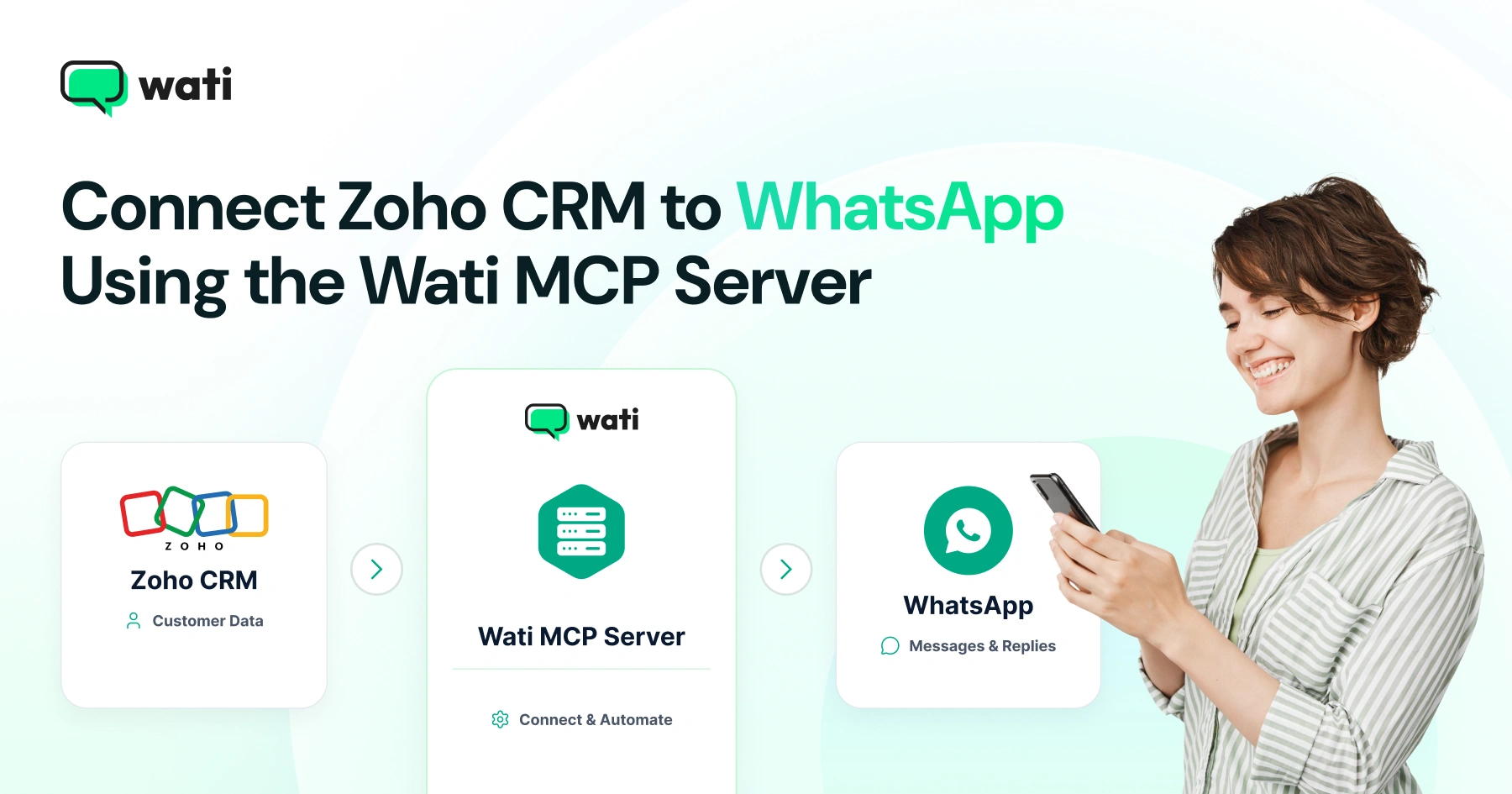
The architecture has three parts: a Zoho CRM webhook, a middleware or agent layer, and the WhatsApp Business API reached through Wati MCP.
The Three Building Blocks
The sequence works as a relay, not a single hop. Zoho fires an event. That middleware, a serverless function, an automation tool, or an MCP-aware agent, receives the event and decides what to send. Wati MCP then takes that decision and turns it into an actual WhatsApp message, template or session reply, then reports delivery status back.
Zoho CRM Webhooks Explained
Zoho CRM lets you register webhooks that fire real-time HTTP notifications when records are created, updated, or moved between stages, according to Zoho's Developer API documentation. You configure the webhook against a module: Leads, Deals, or Contacts.
Zoho then posts a JSON payload to your endpoint the moment the event fires. That payload is what your middleware maps into a WhatsApp send request.
The WhatsApp Business Platform Side
Any message sent outside an open customer service window must use a pre-approved template. That's a hard rule of the WhatsApp Business API, not a Wati restriction. Meta's Cloud API documentation on sending messages describes both the template requirement and the Messages API structure.
Wati MCP's template-send capability lets your middleware pass a template name and variable values without touching the raw API payload yourself.
7 Steps to Wire Zoho CRM Events into WhatsApp Templates
The full setup runs through seven steps, starting with the webhook registration and ending with a production test.
Step-by-Step Setup
- In Zoho CRM, create a webhook against the module you care about: Leads, Deals, or Contacts.
- Point that webhook at your middleware endpoint (a function, workflow tool, or MCP-aware agent host).
- Get a Wati MCP server connection running. The endpoint lives at mcp.wati.io/mcp; Wati's own setup guide walks through connecting it to Claude or ChatGPT.
- Pull your approved WhatsApp template list through the MCP server so your middleware knows valid template names and variables.
- Map each Zoho event type to one template; new lead to a welcome template, stage change to an update template.
- Add contact fields, phone and name, to the mapping so the outbound message personalizes correctly.
- Test with a sandbox lead, confirm the message arrives, then move the webhook into production.
Mapping CRM Events to Templates
Keep this mapping in one place. It's the reference you'll update every time a new trigger gets added.
Zoho CRM event | Suggested WhatsApp template | Timing |
New lead created | Welcome / intro template | Immediate |
Deal stage: Proposal sent | Follow-up template with deal link | Within 1 hour |
Deal stage: Closed won | Confirmation / next-steps template | Immediate |
Deal stage: Closed lost | Re-engagement template | Delayed, 7 days |
Ticket closed | Feedback request template | Immediate |
For copy ideas at each stage, Wati's WhatsApp broadcast message sample collection is a reasonable starting point before you submit templates for Meta approval.
How Do You Handle Delivery and Status Webhooks?
Delivery confirmation and status changes flow back to your system through WhatsApp's own webhook channel, separate from the Zoho side entirely.
Incoming Message Webhooks
The WhatsApp Business Platform delivers both inbound customer replies and message status updates (sent, delivered, read, failed) through webhooks, as described in Meta's webhook overview documentation. That same layer needs an endpoint that accepts these events and, ideally, writes status back into Zoho as an activity or field update, closing the loop between the two systems.
Status Update Handling
Treat a failed status as a trigger of its own. A failed template send often means the contact's number is invalid or the template category no longer matches Meta's approval. Log failures back to a Zoho field so sales reps see the problem without checking a separate dashboard.
An automation rule inside Wati MCP can route failed sends to a fallback template or a task assignment automatically. Session versus template pricing also differs here. See WhatsApp service message pricing before you scale a high-volume trigger.
What Security and Governance Checks Matter Before Go-Live?
Exposing CRM data to an MCP-connected agent means treating the connection like any other production integration, with access controls and audit logs.
Data Exposure to LLMs
MCP is an open protocol that standardizes how LLM applications connect to external tools and data sources, according to the Model Context Protocol specification. That standardization is exactly why scoping matters; an agent with broad CRM read access can surface more customer data in a chat transcript than intended.
Limit the fields the agent can query. Deal value and private notes rarely belong in scope for a messaging workflow. AI agents for CRM are only as safe as the data boundaries set around them.
Access Scoping and Auditing
Enterprise security teams treat MCP connections the same way they'd treat any third-party API integration with named credentials, logging, and periodic review, a pattern Microsoft has documented in its own guidance on securing Model Context Protocol connections.
If you're running this pattern with an agent inside Claude, Wati's own guide on auditing a WhatsApp AI agent inside Claude walks through what to check before granting production access.
This is real agent behavior, not automation relabeled as intelligence. A Meta Business AI agent is not another WhatsApp chatbot, and the access it holds deserves the same scrutiny as a human employee's CRM login.
MCP vs Direct API: Which Integration Path Fits Your Team?
Choosing between a direct Zoho-to-Meta API build and an MCP-based layer comes down to how many triggers you plan to support and who maintains the code.
Factor | Direct API integration | MCP-based integration |
New CRM trigger added | Requires a new code path | Requires a new mapping only |
Template management | Manual API calls per send | Handled through the MCP template capability |
AI agent compatibility | Needs a custom wrapper | Native. Agents call MCP tools directly |
Maintenance owner | Usually one engineer | Shared between ops and engineering |
Best fit | Single, stable workflow | Multiple or evolving CRM triggers |
Neither path is universally right. A single, unchanging welcome-message flow barely needs MCP overhead. A CRM with a dozen stage-based triggers, several teams touching the mapping, and a plan to add an AI agent later is exactly where an MCP layer pays for itself.
Prototype Your Zoho-WhatsApp Flow with Wati MCP
Start small: one Zoho module, one webhook, one template, tested end to end before you add a second trigger.
Wati publishes an open-source MCP server implementation so teams can inspect the code before connecting production CRM data, a useful step for any Zoho WhatsApp integration touching customer records.
If you're mapping this pattern against a spreadsheet before committing to a full Zoho build, syncing contact data through Google Sheets pairs well with the same webhook-to-template flow. Once the pattern is proven with real contacts, book a demo with Wati to walk through connecting your specific Zoho modules to WhatsApp templates with an engineer.
Frequently asked questions
Can Zoho CRM send messages directly to WhatsApp without middleware?
No. Zoho CRM webhooks send HTTP notifications, but you need middleware or an MCP server to convert that payload into a WhatsApp Business Platform template message, since Zoho has no native WhatsApp send capability built in.
Do I need Meta's approval to send Zoho-triggered WhatsApp messages?
Yes. Any message sent outside an active customer service conversation window must use a pre-approved WhatsApp template, a rule set by Meta's WhatsApp Business Platform regardless of which CRM system triggers the send.
What is Model Context Protocol and why does it matter for CRM messaging?
You connect through the published endpoint at mcp.wati.io/mcp, following Wati's setup guide for Claude or ChatGPT. That layer or agent then calls the endpoint's messaging and template tools instead of touching the raw WhatsApp API directly.
What happens if a WhatsApp message fails to deliver after a Zoho trigger?
WhatsApp's webhook channel reports a failed status back to your middleware. You can log that back into Zoho as a field or activity, and route it to a fallback template or task using an automation rule.
Should I limit what CRM data an AI agent can access through MCP?
Yes. Scope field-level access tightly: deal values, private notes, and full contact histories rarely need visibility to a messaging agent. Treat the MCP connection like any production integration, with named credentials and audit logging.
Related posts
- AI Customer Support in 2026: What It is, How It Works, and Why Smart Teams are Quietly Switching Over
Learn how AI in customer support manages ticket escalations, automates ticket tagging and routing, and improves customer satisfaction. See how Astra does it.
- How to Automate Business Conversations With a WhatsApp AI Agent in 2026
Learn how to build a WhatsApp AI agent to engage, qualify, and convert prospects round the clock without any delays in 2026.
- Voice-First Web Experiences: Navigating with Voice Commands
learn how voice first web experiences enable you to power personalized, human-like conversations to have a competitive advantage in today’s market.
- How Voice AI Agents Qualify Leads: A Sales Team’s Guide to Hands-Free Pipeline
know how does voice ai qualifies leads for an effective sales action and potential conversion and where does astra 2.0 stand when it comes to pre-configured lead qualification