
Too Long? Read This First
- Tool selection runs on tools/list: the MCP server sends the name, description, and JSON Schema for every tool, and the model picks from that list alone.
- Claude does not call a tool for general knowledge questions about a connected service. It calls one only when the request maps to a specific action or data lookup.
- Accuracy drops as the tool count climbs. OpenAI recommends fewer than 20 tools per turn, and Anthropic has documented accuracy declining once a session exposes 30 to 50 tools at once.
- Anthropic's Tool search tool and the defer_loading flag fix this by hiding tool descriptions until the agent searches for them, so a big catalog does not sit in context by default.
- A Wati MCP connection works the same way: your assistant only sees wati_send_message, wati_get_contacts, or wati_list_templates when your phrasing calls for them, not the whole tool catalog on every turn.
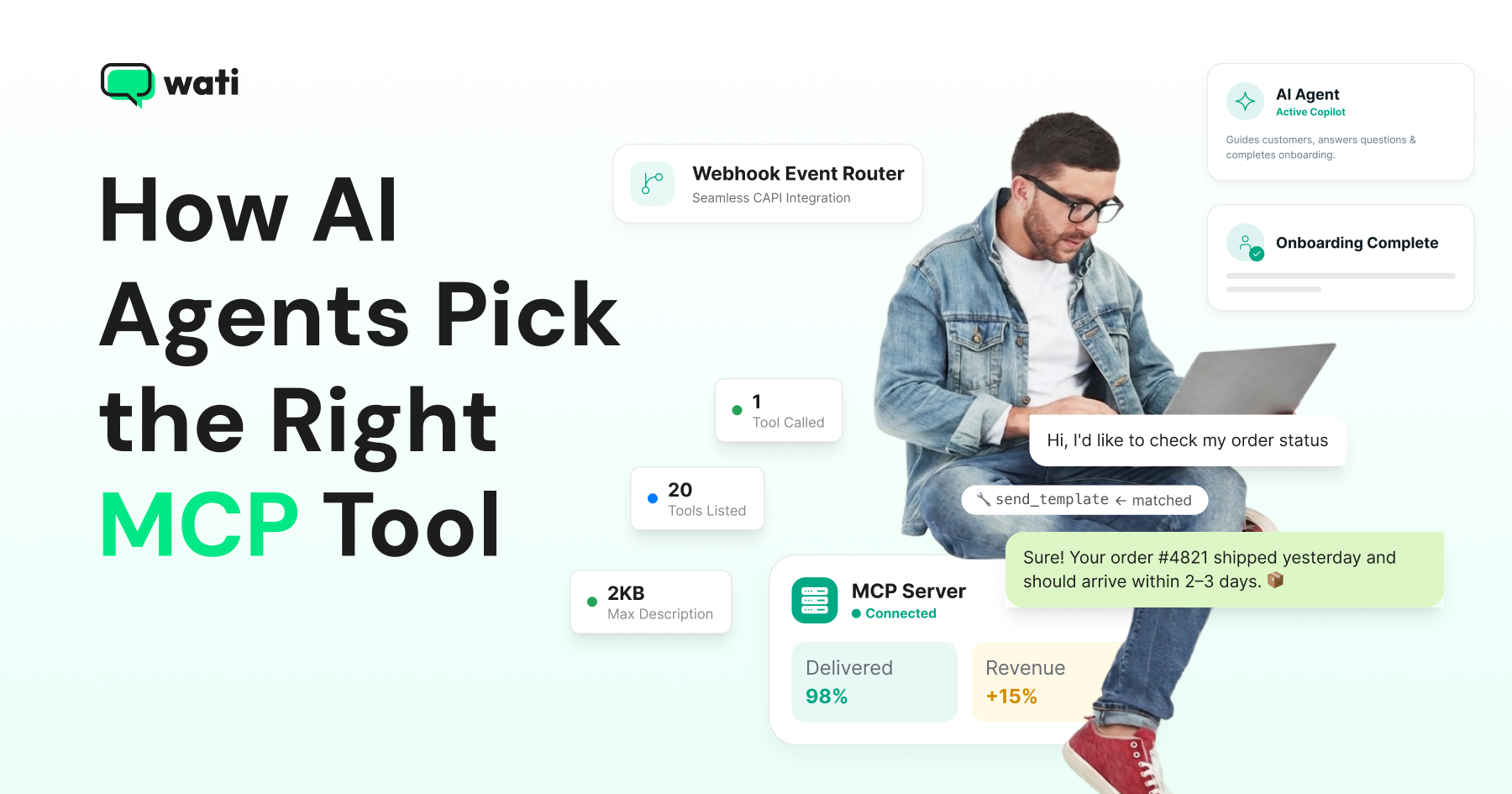
An AI agent picks an MCP tool by matching your request against the tool names, descriptions, and input schemas the server handed it during discovery, then predicting the single call that best satisfies the request.
There is no separate "reasoning module" for this. The underlying model reads the same tool list every time and treats tool selection as another next-token prediction, guided entirely by how clearly each tool is described.
This piece covers how tool selection works, why more tools hurt accuracy, and how naming and description quality fix it. It also shows deferred loading in action, using Wati MCP as the working example throughout.
What Actually Happens During Tool Selection
When an MCP client connects to a server, it calls tools/list. The server returns each tool's name, a natural-language description, and a JSON Schema describing its inputs. The client passes that list to the model in the same tool-definition format used for native function calling.
Once a user sends a message, the model reads the conversation, scans the tool descriptions, and predicts a tool-call token sequence. It does this when one tool's description matches the intent closely enough.
Anthropic's own MCP connector documentation states the trigger condition: Claude calls an MCP tool "when the user's request maps to a tool's described capability, either explicitly... or implicitly." It does not call a tool for a general knowledge question about the connected service.
Asking "how do WhatsApp templates work?" gets answered from training data. Asking "what templates do I have pending approval?" triggers a tool call, because that data only exists on the server.
The Model Predicts a Tool Call; It doesn't Decide About One
It's tempting to describe this as the agent reasoning about which tool to use. In practice, the model is predicting tokens that happen to represent a tool call, conditioned on four inputs:
- The tools exposed to it at that moment
- The wording of each tool's description and schema
- The model's own training-data priors about similar tasks
- Any explicit steering in the system prompt
Change any one of those four, and the same user message can produce a different tool choice.
This is why two MCP servers that expose functionally identical actions under different names or descriptions can get called at different rates for the same prompt. The model is matching text, not evaluating capability.
Why More Tools Make Selection Worse
Every tool definition (name, description, schema) consumes tokens in the context window before the model does any real work. Teams running dozens of tools across several connected MCP servers have measured tens of thousands of tokens spent purely on tool definitions, before a single user question gets answered.
That overhead does two things: it crowds out room for actual conversation and retrieved data, and it gives the model more near-duplicate descriptions to confuse. OpenAI recommends keeping fewer than 20 tools available per turn, and Anthropic documents accuracy dropping once a session exposes 30 to 50 tools.
How Tool Descriptions Guide the Model’s Tool Choices
The model picks tools by matching text, so a tool's description determines whether it gets picked correctly. A tool named update_record with a one-line description forces the model to guess what "record" means.
A tool named update_contact_attributes, with a description naming the exact fields it accepts, the object it modifies, and when to prefer it over similar tools, leaves little room to guess wrong.
Server-level instructions matter too, not just per-tool descriptions. Claude Code's documentation says server instructions help the model understand "what category of tasks your tools handle" and "when [it] should search for your tools."
Tool and server descriptions truncate at 2KB each. Put the decision-relevant details first, not at the end.
Deferred Loading Changes the Tool Selection Order
The fix for tool-selection accuracy isn't a smarter model. It's showing the model fewer tools at once.
With Anthropic's defer_loading configuration, a tool's full description isn't sent up front. The model sees a name and searches for the full definition only when a task looks relevant, through the Tool search tool.
Claude Code's MCP integration works the same way by default. Only tool names and server instructions load at session start; full definitions load on demand, so adding more MCP servers has "minimal impact" on the context window instead of growing it linearly.
This reorders the whole selection process. Instead of scanning fifty full descriptions on every turn, the model scans fifty short names, searches for the two or three that look relevant, and only then evaluates their schemas.
The question shrinks from "which of fifty tools is right?" to "which of these three is right?" That's the exact reduction OpenAI's and Anthropic's tool-count guidance says improves accuracy.
How This Plays Out on a Wati MCP Connection
A Wati MCP session exposes tools across contacts, templates, campaigns, conversations, and Astra AI Agent management.
With enough distinct categories, description quality- not raw capability- determines whether the assistant calls wati_send_template versus wati_send_message versus wati_list_templates correctly on the first try.
Wati's server groups these by task category and keeps tool names close to WhatsApp terminology (wati_get_contact_profile, wati_get_contact_count, wati_list_templates) rather than generic database-style verbs. That gives the model a narrower, more literal match to work from.
Selection factor | Effect on accuracy | What improves it |
|---|---|---|
Tool count in context | Drops after ~20-50 tools | Defer loading/tool search |
Description specificity | Vague descriptions cause wrong picks | Name the exact object and use case |
Naming convention | Generic verbs invite ambiguity | Domain-specific names (send_template vs update) |
Server instructions | Guide which tools to search for first | Front-load the category and trigger conditions |
Test Whether Your Agent Picks the Right Tool
Before trusting an MCP-connected agent with production traffic, run it against a fixed set of prompts that map to each tool and check three things: whether it called a tool at all when it should have, whether it picked the correct one among similar options, and whether the arguments it filled in match the schema.
This is the same scenario-testing loop that separates a working demo from a shipped integration: testing tool discovery, schema validation, and expected outputs before anything touches a live customer account.
Get Tool Selection Right in Three Moves
The agent doesn't decide which tool to call; it predicts by matching your request against tool names and descriptions. Get those right, along with a small active tool set, and the prediction lands correctly. Wati MCP is a working example of that in production, which is why it ran through every section above.
Connect Claude or ChatGPT to your own workspace using Wati's MCP server and watch which tools it calls for real requests before you put it in front of customers.
Prefer a guided walkthrough first? Book a free Wati demo and ask to see MCP tool selection live.
Frequently asked questions
Does the AI agent understand what a tool does, or just match text?
It matches text. The model conditions on the tool's name, description, and schema, plus the conversation so far, and predicts a tool call the same way it predicts any other token sequence. There's no separate comprehension step that verifies the tool actually does what its description claims.
Can I force an agent to always use a specific tool?
Yes, within limits. You can steer tool use through your system prompt, and Claude's MCP connector lets you enable, disable, or allowlist individual tools per server so only the ones you want are ever visible to the model.
Why does my agent call the wrong tool when two look similar?
Near-duplicate descriptions are the most common cause. If two tools both mention "update contact," the model has almost nothing to disambiguate on. Rewrite one description to name the specific fields or scenario it covers.
Does adding more MCP servers always hurt accuracy?
Not if the client supports deferred loading. Claude Code's tool search keeps only tool names in context at session start regardless of how many servers you connect, so the practical limit becomes your context window budget rather than a fixed tool count.
Related posts
- AI Customer Support in 2026: What It is, How It Works, and Why Smart Teams are Quietly Switching Over
Learn how AI in customer support manages ticket escalations, automates ticket tagging and routing, and improves customer satisfaction. See how Astra does it.
- How to Automate Business Conversations With a WhatsApp AI Agent in 2026
Learn how to build a WhatsApp AI agent to engage, qualify, and convert prospects round the clock without any delays in 2026.
- Voice-First Web Experiences: Navigating with Voice Commands
learn how voice first web experiences enable you to power personalized, human-like conversations to have a competitive advantage in today’s market.
- How Voice AI Agents Qualify Leads: A Sales Team’s Guide to Hands-Free Pipeline
know how does voice ai qualifies leads for an effective sales action and potential conversion and where does astra 2.0 stand when it comes to pre-configured lead qualification