
Too Long? Read This First
- An MCP connector needs three things: a transport (stdio for local, Streamable HTTP or SSE for remote), tool definitions with JSON Schema inputs, and an auth layer if the server is remote.
- OAuth 2.1 is the current standard for remote MCP servers, replacing the "trusted environment, no auth" assumption MCP shipped with originally.
- Don't map your whole API 1:1. A good connector picks a small set of use-case-shaped tools instead of generic, endpoint-shaped ones.
- Test locally with the MCP Inspector before connecting a real client. Verify against Claude Desktop or Claude Code after.
- Wati took this approach with its own MCP server: instead of exposing raw CRUD on every WhatsApp Business API object, it ships purpose-built tools like send_template and assign_operator scoped to the agent lifecycle.
Building a custom MCP connector means wrapping a handful of your API's most valuable actions as MCP tools, each with a clear name, description, and JSON Schema. It ships over a transport an AI client can reach. Don't try to cover your whole API. Pick the few jobs worth making safe and dependable for an agent to run on someone's behalf.
This guide covers five decisions that shape a good connector: which jobs to expose, how to write schemas a model won't misread, which transport and auth model to use, how to test before a real client touches it, and how to publish a version people can trust. We'll close with how Wati built its own MCP server.
Step 1: Pick the Jobs, Not the Endpoints
Early MCP servers made a common mistake: one tool per API endpoint, generated automatically. This produces a long, generic tool list that’s hard for a model to navigate, and users struggle to trust it with real actions.
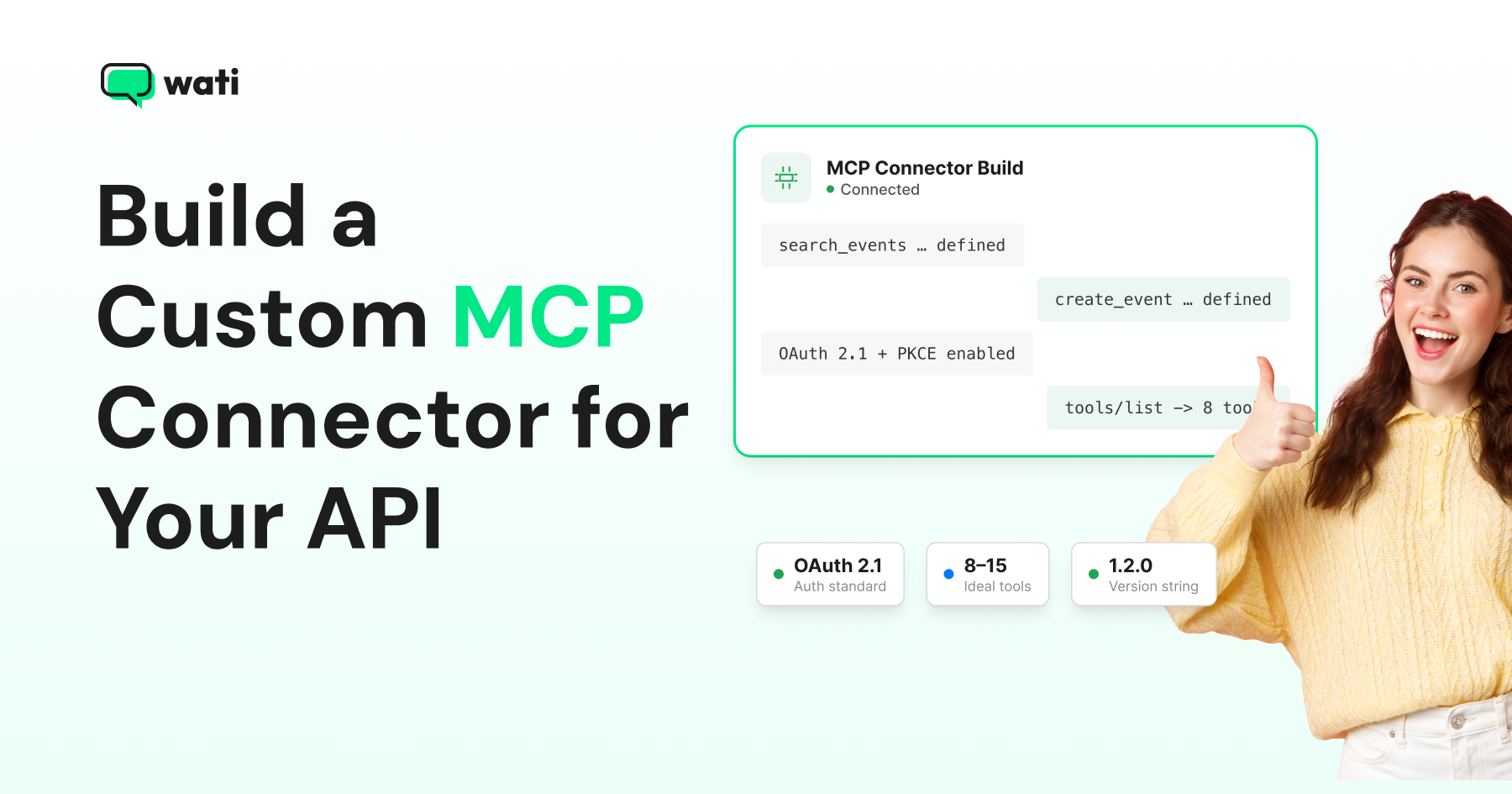
Start from the job instead. Ask what someone actually wants an AI agent to do with your API. A calendar API doesn't need twelve tools mirroring its REST routes. It needs three: search_events, create_event, find_free_slot, each doing one clearly-scoped job.
Tool count matters too. Model accuracy on tool selection drops once a session exposes 30 to 50 tools. A connector with 8-15 well-named tools will outperform one with 60 auto-generated ones, even if the auto-generated version covers more of your API.
Step 2: Define Tools With Schemas the Model Can't Misread
Each MCP tool needs a name, a natural-language description, and a JSON Schema for its inputs. The description matters more because it's the only signal the model has for picking this tool over a similarly named one.
Vague descriptions such as “Updates a record” force the model to guess. Specific ones like "Updates a contact's custom attributes by contact ID; does not change phone number or opt-in status," remove the guesswork.
Validate inputs with a schema library like Pydantic or Zod. A malformed call should fail before it reaches your API, not after.
Structured, predictable outputs matter just as much as inputs. If your tool returns a wall of unstructured text, the model has to re-parse it on every call; a compact structured response (status, id, next-step hint) lets the model chain calls reliably.
Step 3: Choose a Transport and Handle Auth
Local connectors run over stdio. They're the fastest to build and debug, but they only work for the person running them on their own machine.
If you want your connector usable by a team or reachable over the internet, you need a remote server using Streamable HTTP or SSE, and authentication.
Early MCP assumed a trusted environment with little or no auth. That broke once MCP servers started managing real user data as cloud services. The spec settled on OAuth 2.1 with PKCE as the standard for securing remote servers.
Here's how it works: the server publishes a protected-resource metadata document, returns it via the WWW-Authenticate header on a 401, and the client discovers the authorization server from that document before requesting a token.
If you're building the server, you don't need to implement this from scratch. The MCP TypeScript and Python SDKs handle the protocol and token validation. Your job is just to connect your API to MCP tools.
Step 4: Test Before Anything Touches a Real Client
Run npx @modelcontextprotocol/inspector and point it at your server before connecting Claude, Cursor, or any other client.
The Inspector lets you call each tool directly. You can inspect the exact request and response, and walk through an OAuth flow to get a test access token, all without a model in the loop guessing at your schemas.
Once the tools work in isolation, connect a real client and give it a plain-English task that should trigger each tool. Watch which one it picks, what arguments it fills in, and whether it chains calls the way you expect.
A minimal pre-launch checklist:
Test layer | What you're checking | Tool |
|---|---|---|
Schema validation | Malformed inputs get rejected cleanly | MCP Inspector |
Tool discovery | tools/list returns correct names/descriptions | MCP Inspector |
Auth flow | OAuth token issuance and refresh work | MCP Inspector's Auth Settings |
Real client behavior | Model picks the right tool for realistic prompts | Claude Desktop / Claude Code |
Sandbox data only | No production records touched during testing | Your own test environment |
Step 5: Publish With a Real Version String
If you intend to list your server in the MCP Registry, server.json must declare a version string. Once published, that string can never be changed.
Stick to a real semantic version (1.2.0) rather than a free-form label. The registry needs to sort releases and pick a "latest" automatically. Anything that looks like a range instead of one specific release gets rejected outright.
Align your server version with your underlying package or API version. That way, a user debugging a breaking change can trace it to a single number, instead of guessing which release caused it.
Wati’s Production-Ready MCP Server
Wati's MCP server is a useful reference for what a production-ready connector looks like. It was built around a full agent lifecycle, not as a messaging wrapper.
Instead of generic contact and message CRUD, tools are grouped by task: contact and segment management, template and campaign sending, conversation reading, and Astra AI agent configuration. Each name mirrors WhatsApp terminology, not a database verb.
Authentication runs through a standard OAuth flow tied to your Astra account, not a static API key. The server also sits behind least-privilege scoping, so a connected assistant can't reach actions outside what you've explicitly authorized. Its tool count stays narrow, in the range Step 1 argues for.
Wati's own setup guide walks through the connection step by step.
Where MCP Connectors Go Wrong
Most connector problems trace back to one of three habits. Watch for these before you ship.
- Skipping the Inspector: Debugging directly against a live AI client wastes cycles because you can't tell whether a failure is your schema or the model's interpretation.
- Auto-generating tools without editing descriptions: Tools generated from an OpenAPI spec may be technically correct but poorly described, causing models to call them incorrectly.
- Shipping without OAuth: Calling a remote server “internal” doesn't make it safe; the URL can be shared. Treat remote MCP servers as potentially accessible by more than the client you tested with.
Ship a Connector Worth Trusting
Building an MCP connector comes down to five choices: which jobs to expose, how to write schemas a model won't misread, which transport and auth to use, how to test before a real client touches it, and how to publish a version people can trust.
Get those right, and your connector stays small, clear, and safe to hand to an agent. Get them wrong, and you end up with the bloated, auto-generated tool list Step 1 warned about.
Wati's own MCP server follows the same principles: narrow tools, real OAuth, and scoped access. You can connect Claude or ChatGPT to it and inspect the tool list yourself, or see how it works in a guided walkthrough. Book a free Wati demo.
Frequently asked questions
Do I need to expose every endpoint in my API as an MCP tool?
No, and you shouldn't. A connector that wraps your entire API 1:1 produces a large, generic tool list that hurts model accuracy. Pick the specific jobs a user would want an AI agent to do and build tools around those.
What's the minimum auth I need for a remote MCP server?
OAuth 2.1 with PKCE is the current standard for remote servers. A static bearer token can work for early internal testing, but anything reachable outside your own machine should move to OAuth before real users connect.
How do I test an MCP server without a full AI client set up?
Run the MCP Inspector (npx @modelcontextprotocol/inspector) locally. It lets you call tools directly, inspect schemas, and complete an OAuth flow to get a test token, all before any model is involved.
Can I change a tool's behavior after publishing without breaking existing users?
Only if the change is additive. Breaking schema or description changes should ship as a new tool version (or a version bump per the MCP Registry's versioning rules) with the old one marked deprecated, not silently overwritten.
Related posts
- AI Customer Support in 2026: What It is, How It Works, and Why Smart Teams are Quietly Switching Over
Learn how AI in customer support manages ticket escalations, automates ticket tagging and routing, and improves customer satisfaction. See how Astra does it.
- How to Automate Business Conversations With a WhatsApp AI Agent in 2026
Learn how to build a WhatsApp AI agent to engage, qualify, and convert prospects round the clock without any delays in 2026.
- Voice-First Web Experiences: Navigating with Voice Commands
learn how voice first web experiences enable you to power personalized, human-like conversations to have a competitive advantage in today’s market.
- How Voice AI Agents Qualify Leads: A Sales Team’s Guide to Hands-Free Pipeline
know how does voice ai qualifies leads for an effective sales action and potential conversion and where does astra 2.0 stand when it comes to pre-configured lead qualification