
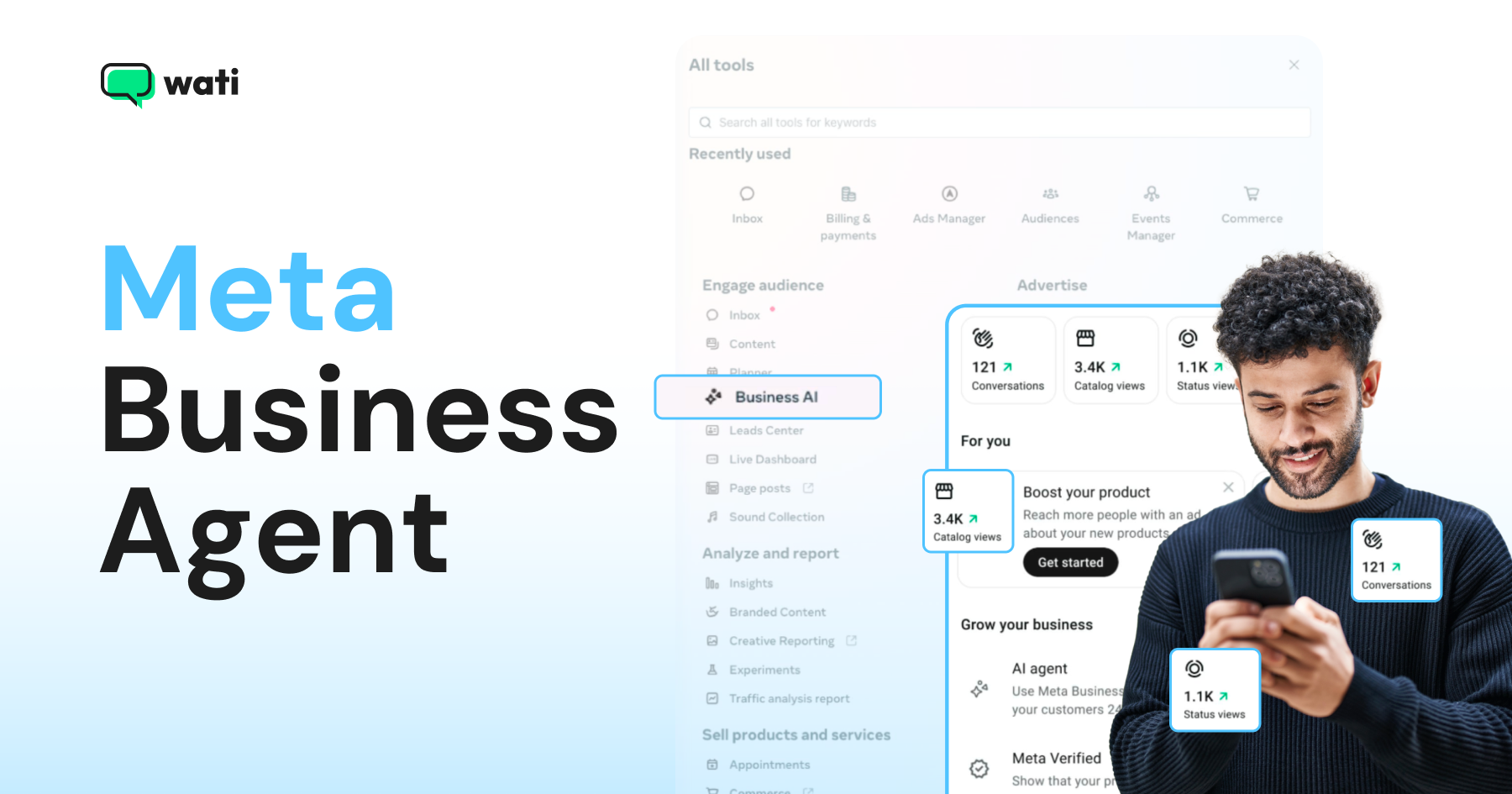
Too Long? Read This First
- Meta Business Agent is Meta's built-in AI assistant for businesses, launched globally on June 3, 2026, at the Conversations conference.
- It handles FAQs, lead capture, and product recommendations. Built-in agent covers the basic conversation layer, while broader operational needs sit outside it.
- For larger organizations, Meta also introduced the Meta Business Agent Platform, which provides enterprise-grade customization, third-party integrations, and advanced controls for deploying AI agents at scale.
- For teams, CRM integrations, broadcast campaigns, and API-level automation, Wati and Astra pick up exactly where Meta Business Agent stops.
Meta announced Business Agent on June 3, 2026, as part of its Meta Conversations 2026 announcements.
Reddit threads lit up overnight.
The most upvoted post read: “Meta Announces Meta Business Agent: A Replacement for All BSPs and Tech Providers.”
Anxiety is real, and it deserves a straight answer.
Meta Business Agent is Meta’s built-in AI agent for businesses. It lives inside the WhatsApp Business app, Facebook Messenger, and Instagram. It answers FAQs, captures leads, recommends products, and hands off to a human when it gets stuck.
When we dug into this, we found it may be useful for a solo operator managing 30 conversations a day from a phone. For businesses doing real volume on WhatsApp, with teams, broadcasts, and CRM workflows, it hits a ceiling fast.
That’s because Meta Business Agent runs on the WhatsApp Business app, not the WhatsApp Business API. Two different products built for two very different scales.
Business now confused:
Meta Business Agent or WhatsApp Business API?
We break down what Meta Business Agent does, its real limitations, and how to choose between Meta Business Agent and the WhatsApp Business API.
What is a Meta Business Agent?
Meta Business Agent is Meta’s native AI agent for businesses, built directly into its messaging platforms. The pitch is simple. Every business should have an AI agent representing it. Meta is building the infrastructure for that to happen at scale, starting with the platforms billions of people already use every day.
There are actually three products under the Meta Business Agent name, and they are not the same thing.
- WhatsApp Self-Serve is a free AI agent inside the green WhatsApp Business app. It learns from your past chats, business profile, and product catalog, then auto-replies to customer questions 24/7 in your tone.
- Messenger Self-Serve works the same way but lives inside Meta Business Suite for Facebook Messenger. It trains on your Facebook Page, past conversations, and website.
- MBA Platform is the enterprise-grade version. It runs on the WhatsApp Business Platform API and lets large businesses build custom AI agent workflows that connect to third-party systems like Shopify and Zendesk, as well as many other platforms.
Across all three versions, the core experience is the same.
You configure your knowledge, set your tone, define when the agent should hand off to a human, and go live. Meta builds and runs the agent. You bring the data. One name, three very different products, built for three very different business profiles.
How to Get the Meta Business Agent Running
If you already use the WhatsApp Business app or Meta Business Suite, you can easily set them up
On WhatsApp Business App
1. Open the WhatsApp Business app and tap Tools

2. Select Meta Business Agent to open the setup home
3. Grant access to your past chats so the agent can learn how you respond

4. Add your business catalog and any additional product or FAQ information
5. Test the agent in demo mode and refine any responses before going live
You can configure the agent using your business information, and Meta says it uses that context to respond in your tone.
On Facebook Messenger
1. Open Meta Business Suite on your phone or desktop
2. Go to All Tools and find Business AI

3. Confirm your business information, including your website, hours, and purchasing information, where applicable
4. Add your Facebook Page content and past Messenger conversations as training sources
5. Test in demo mode, refine responses, then activate
In both cases, you can control which conversations the agent responds to, set a schedule, define handoff triggers, and step in manually at any point.
The agent responds only when it has sufficient confidence to answer correctly. If it cannot, it flags the conversation for you automatically.
What Meta Business Agent Gets Right?
Meta Business Agent is a good product for the business it was built for.
- Zero setup friction: A shop owner in Mexico City or Manila can go from zero to a live AI agent entirely from their phone, without touching a dashboard or reading a developer doc. That is genuinely hard to replicate.
- It is free: No subscription, no per-seat fee, no contract. For a business just starting to automate customer conversations, the price of entry matters.
- Native to platforms customers already use: Because it lives inside WhatsApp and Messenger, customers interact with it exactly the way they already message businesses. No new interface or learning curve on the customer side is a big advantage.
- Human handoff: According to Meta, the agent flags conversations it cannot handle, notifies the business owner, and passes the full conversation history across. Nothing gets lost in the transition.
For solopreneurs, micro-businesses, and teams just beginning to automate, Meta Business Agent delivers on its promises. It handles repetitive inbound queries, captures lead information, and gives the owner time back to focus on higher-value work.
The ceiling only becomes visible when you start to scale.
Where Does Meta Business Agent Fall Short?
The self-serve tier has no team inbox, no CRM connections, no broadcast tools, and no API access. Those aren’t edge cases for a growing business – they’re daily requirements.
Here is where the ceiling becomes concrete.

1. Self-serve tier only works on the WhatsApp Business app, not the WhatsApp Business API This is the most important limitation. Businesses that need to send broadcast campaigns, manage multi-agent inboxes, or build API-level automation cannot do any of that from the WhatsApp Business app.
The WhatsApp Business API is an entirely separate product, and Meta Business Agent does not run on it.
2. No team inbox There is no way to assign conversations to agents, set SLAs, or route chats by topic or priority. One person manages everything. That works at low volume. It does not work for a team.
3. No CRM integration at the self-serve tier The self-serve versions of Meta Business Agent learn from past chats and your catalog. They do not connect to HubSpot, Salesforce, Pipedrive, or any external CRM. That layer only exists in the enterprise Platform tier, which is invite-only.
4. No broadcast or campaign tools
Proactive outreach is allowed only with opt-in and approved templates, in accordance with WhatsApp policies. Meta Business Agent responds to inbound conversations. It does not initiate them at scale.
5. No custom automation flows
Advanced automation and custom workflows are difficult to set up in the basic versions. The agent answers questions. It does not orchestrate processes.
What is the Meta Business Agent Platform?
The Meta Business Agent Platform is a separate, enterprise-grade product. It is not the same as the free self-serve agent inside the WhatsApp Business app.
The Platform tier lets large businesses build custom AI agent workflows directly on the WhatsApp Business API, with connections to third-party systems like Shopify and Zendesk, and many other platforms.
A few things worth knowing before evaluating it:
- It is currently invite-only, available in select pilot markets
- Pricing is per-token, billed directly by Meta, and officially listed as “in development”
- It supports a “Bring Your Own Agent” meaning businesses with existing AI infrastructure can integrate it
For most businesses reading this, the Platform tier is not yet accessible. The path to WhatsApp AI at scale today runs through the WhatsApp Business API and a platform like Wati.
Meta Business Agent Pricing: What Does It Actually Cost?
The short answer is free to start. Both the WhatsApp and Messenger self-serve versions of Meta Business Agent are available at no cost for eligible businesses in supported markets.
That changes when you look at the enterprise tier.
Meta Business Agent Platform, the version built for large businesses on the WhatsApp API, is priced on a per-token basis.
One important detail for businesses evaluating the platform tier: Meta bills clients directly for usage. Partners and solution providers cannot resell Meta Business Agent tokens.
There is also a practical concern worth flagging for procurement teams. As of the time of writing, Meta Business Agent Platform pricing is still listed as “in development”. No published price card exists yet for the enterprise tier. Meta has indicated that tiered pricing, scaled to business size, will follow in the coming months. Hence, this left businesses confused.
Still Need the WhatsApp Business API? Yes. Here’s Why.
As mentioned earlier, the Meta Business Agent lives inside the WhatsApp Business app. It learns from your past chats, responds to inbound questions, and costs nothing. It is built for solo operators and small businesses who want basic automation without touching a single line of code.
The WhatsApp Business API is an infrastructure. It’s what you use when you have a team handling conversations, when you need to send campaigns to customer segments, when you want your CRM to talk to your chat, when you need webhooks, automation flows, and multi-agent routing. The app doesn’t do any of that. The API does.
Meta’s announcement now puts WhatsApp AI agents on every marketer’s radar. However, the opportunity to use WhatsApp as a serious business channel, not just a messaging app, has been clear for years.
Wati was built around that bet. Before broadcasts, automation flows, and CRM-connected conversations became the talking points they are today, Wati was already helping businesses run them through the WhatsApp Business API. What Meta is now calling the future of business messaging is what Wati’s customers have been doing at scale.
If Meta Business Agent is the front door to WhatsApp automation, the API is the full building.
Team inbox with routing: Meta Business Agent is a single operator. One person sees everything. On the WhatsApp Business API via BSPs such as Wati, conversations are assigned to agents and routed by topic or priority, using round-robin logic and contact owner rules. Built for teams.
Broadcast campaigns: Meta Business Agent only responds. It never initiates. The WhatsApp Business API lets you send proactive outbound messages to segmented customer lists. Wati’s broadcast and drip campaigns run on this – Meta Business Agent has no equivalent.
CRM integrations (100+ tools): The self-serve version of Meta Business Agent connects to nothing external. The Platform tier (enterprise, invite-only) names Shopify, Zendesk, and Shopee, and some other tools. Wati connects to HubSpot, Salesforce, Shopify, and 100+ tools – available to any business on a standard plan.
API access and webhooks: If you want to build anything custom – trigger a workflow when a message comes in, push data to your backend, connect to a tool with Wati. Not available on Meta Business Agent self-serve.
You own your data: With Meta Business Agent, your customer conversations stay within Meta’s infrastructure and are used to train Meta’s models. With Wati on the WhatsApp Business API, your data stays yours. For any business in a regulated industry or that treats customer data as an asset, this matters.
For businesses comparing options, Wati’s pricing is flat and predictable. You can see the full breakdown on the Wati pricing page.
Wati Doesn’t Just Give You the API. It Gives You the Brain Too
Wati serves 16,000+ businesses in 190+ countries. Astra AI Agent is the AI brain that runs on top of that infrastructure.
It handles complete customer conversations end-to-end: qualifying leads, closing sales, resolving support tickets, without human involvement. It runs on WhatsApp, web, and voice, powered by Wati AI, the conversational intelligence layer that underpins everything Wati automates today. Handle full conversations autonomously – not just FAQ replies. Astra AI Agent qualifies leads with adaptive questioning, closes routine sales, and resolves support tickets without a human in the loop. It hands off to your team only when needed, with full conversation history intact.
Voice AI, in your own voice – Astra’s Voice AI runs natural voice conversations on WhatsApp and the web. It clones your tone, handles interruptions, switches languages mid-call, and runs 24/7. Meta Business Agent has no voice capability.
Build in plain English with VIBE – describe what you want the agent to do, and VIBE writes the instructions, connects the knowledge, and surfaces issues to fix. No developer required.
Build from Claude, ChatGPT, Gemini, or Cursor via Wati MCP – Wati is the first WhatsApp BSP with an official MCP server. You can build, test, and manage Astra agents directly from Claude, ChatGPT, Cursor, or Gemini.
Meta Business Agent vs Wati+ Astra AI agent: A Complete Comparison
The honest comparison. Every row below reflects what each product actually does today.
Feature | Meta Business Agent (Self-Serve) | Meta Business Agent (Platform) | Wati+ Astra AI agent |
Setup | No code, in-app | Invite-only, enterprise contract | No code, live in minutes |
Price | Free | Exact pricing data to be announced | Flat monthly plans, see pricing |
WhatsApp Business API access | No | Yes | Yes |
Multi-agent team inbox | No | No | Yes |
Broadcast and campaign tools | No | No | Yes |
CRM integrations | No | Shopify, Zendesk, Shopee, and a couple of others | HubSpot, Salesforce, Shopify, 100+ tools |
Custom automation flows | No | Limited | Yes |
API access and webhooks | No | No | Yes |
Human handoff | Yes | Yes | Yes |
Analytics and reporting | Basic | Basic | Advanced |
Instagram automation | No | No | Yes, via Instagram automation |
Voice channel | No | No | Yes |
Data ownership | Meta’s ecosystem | Meta’s ecosystem | You own your data |
Which One is Actually Right for Your Business?
The honest answer depends on one thing: what you need WhatsApp to do for your business.
Use Meta Business Agent if:
- You are a solo operator or micro-business managing low conversion volumes
- You operate in a supported market
- You want basic FAQ automation at zero cost
- You are just starting out with business messaging and want to test the waters
Use Wati with the Astra AI agent if:
- You have a team that needs a shared inbox with assignment and routing
- You run or plan to run broadcast campaigns to customer segments
- You need CRM integration with tools like HubSpot, Shopify, or Salesforce
- You want a fully owned AI agent across WhatsApp, web, and voice
- You handle hundreds of conversations a day and need API-level control
Meta Business Agent opens the door to WhatsApp automation. Astra by Wati is what you build on when the business grows beyond that door.
What Meta Business Agent Means for Your WhatsApp Strategy
Meta Business Agent is where many businesses will start. For the right profile, it is a genuinely good starting point. Free, fast, and native to platforms billions of people already use.
But starting points have limits by design.
The businesses that will win on WhatsApp over the next few years are not the ones that set up a free FAQ bot. They are the ones that own their customer relationships, connect their entire stack to the conversation, and operate at a scale the WhatsApp Business app was never built to support.
That is what the WhatsApp Business API enables and what the Wati and Astra AI agent is built for.
If you are ready to move beyond the basics, see how Wati works by scheduling a free demo.
Frequently asked questions
1. What is Meta Business Agent?
Meta Business Agent is Meta's built-in AI agent for businesses, available on the WhatsApp Business app and Facebook Messenger. It answers customer queries, captures leads, and hands off to a human when needed, with no code required.
2. What are Meta Business Agent's limitations?
Meta Business Agent does not support multi-agent inboxes, broadcast campaigns, or CRM integrations at the self-serve tier.
3. How much does a Meta Business Agent cost?
The self-serve versions on WhatsApp and Messenger are free. The enterprise Meta Business Agent Platform is priced per token and billed directly by Meta.
4. How is Meta Business Agent different from the WhatsApp Business API?
They serve different scales. Meta Business Agent runs inside the WhatsApp Business app and is built for solo operators and small businesses managing low conversation volumes. The WhatsApp Business API is an infrastructure for businesses that need team inboxes, broadcast campaigns, CRM integrations, and API-level automation. The two products don't replace each other , they're built for different business profiles.
5. Can Meta Business Agent send broadcast messages?
No. The self-serve tier responds to inbound conversations only. Proactive outreach on WhatsApp requires opt-in and pre-approved templates, in line with WhatsApp's own policies. For broadcast campaigns at scale, you need the WhatsApp Business API through a platform like Wati.
6. Is Meta Business Agent available globally?
The self-serve tier launched globally on June 3, 2026. The enterprise MBA Platform tier is currently in limited early access with a waitlist and is not yet broadly availabl
7. Does Meta Business Agent integrate with my CRM?
Not at the self-serve tier. The free versions learn from your past chats, business profile, and product catalog but do not connect to external tools like HubSpot, Salesforce, or Shopify. CRM connectivity is only available in the enterprise Platform tier, which is invite-only.
Related posts
- Complete Guide to Instagram Automation
Instagram comment automation auto-replies to comments and DMs commenters within seconds via Meta's API. Covers strategy, use cases, and Wati setup.
- How to Set Up a TikTok Business Account: Step-by-Step Guide
Set up a TikTok Business Account step by step: switch from personal, pick a category, add your profile, and unlock ads and analytics.
- TikTok for Business: How to Set Up, Market, Advertise & Grow (2026)
Learn how to use TikTok for Business to build your brand, create content, run ads, manage customer messages, and turn views into growth.
- Shared Team Inbox for Instagram: A Buyer’s Checklist for 2026
Use this fastest checklist to evaluate any shared team inbox for Instagram, which covers DMs, comments, automation, and multi-channel support.