
Learn to set up a WhatsApp Business account with Meta Business Suite. Discover advanced features and enhance efficiency using WhatsApp API.
Ashwin is a content marketer at Wati. He writes content that shows businesses how to talk to customers on WhatsApp for marketing, sales, and support. A lifelong storyteller, he’s always looking for fresh ways to make complex ideas simple. In his free time, he enjoys travelling, cooking new food, or playing with his dog.

Learn to set up a WhatsApp Business account with Meta Business Suite. Discover advanced features and enhance efficiency using WhatsApp API.

Effortlessly streamline your messaging process with WhatsApp Automation Message Templates. Enhance your communication and save time today.
WhatsApp uses end-to-end encryption to keep chats private and secure. Learn how it works, the limits you should know, and best practices for businesses using the WhatsApp Business API to protect customer trust.
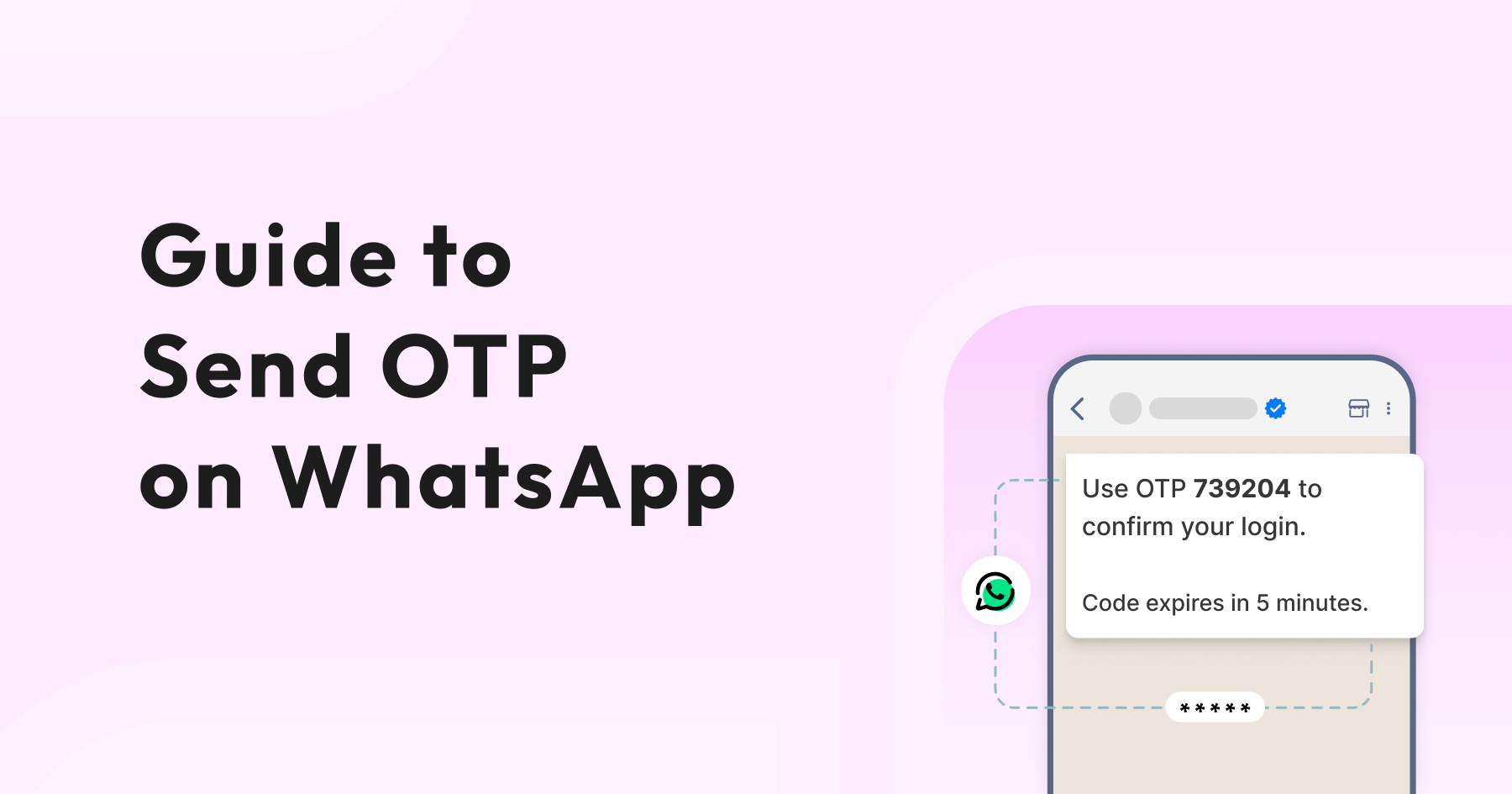
See how WhatsApp OTP makes user verification quick and secure. It’s an easy way to speed up logins, keep accounts safe, and give customers a smoother experience.
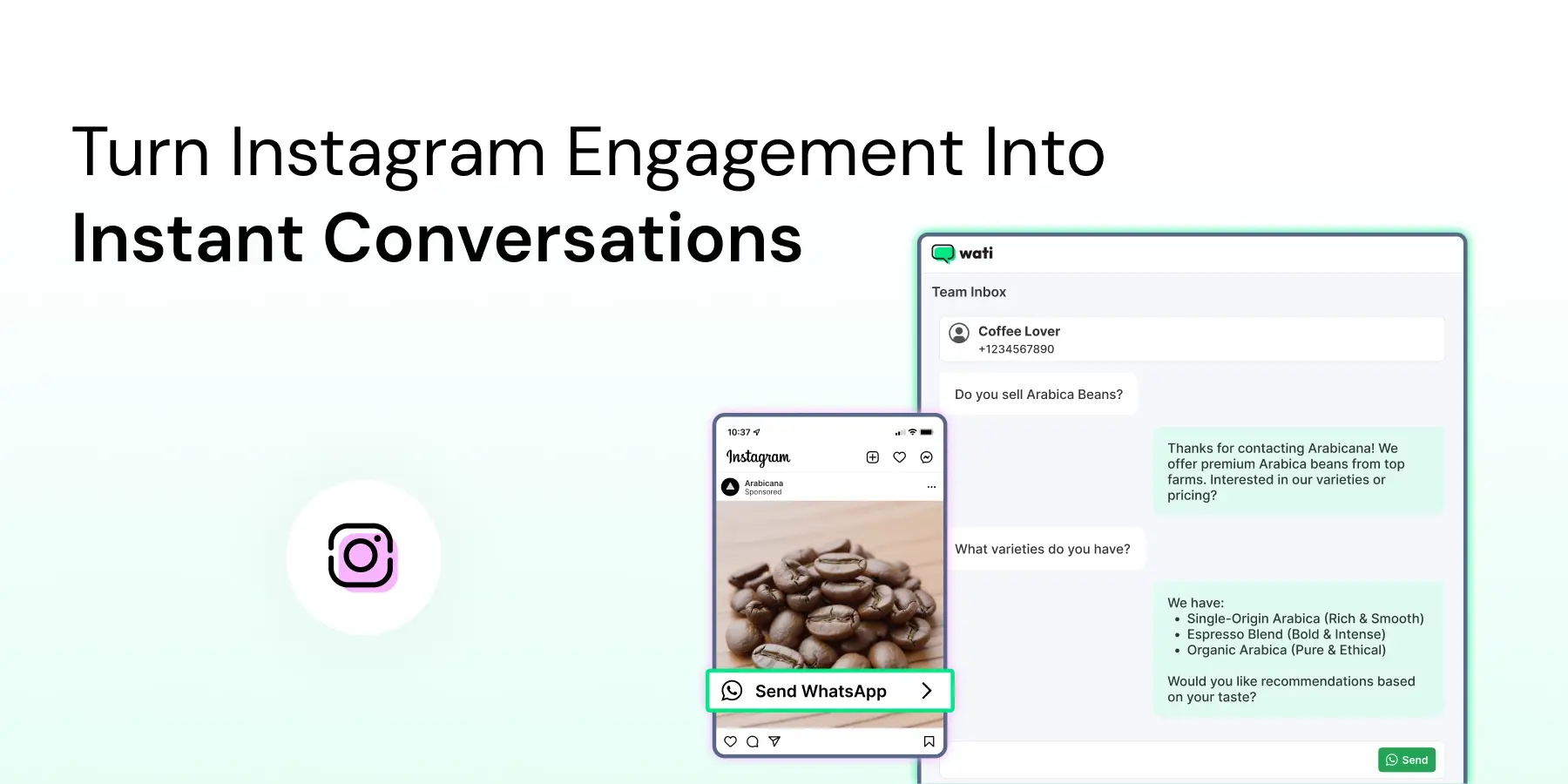
See how Instagram automation simplifies DM management with automated flows, keyword replies, and smooth WhatsApp handoffs, all in one place.
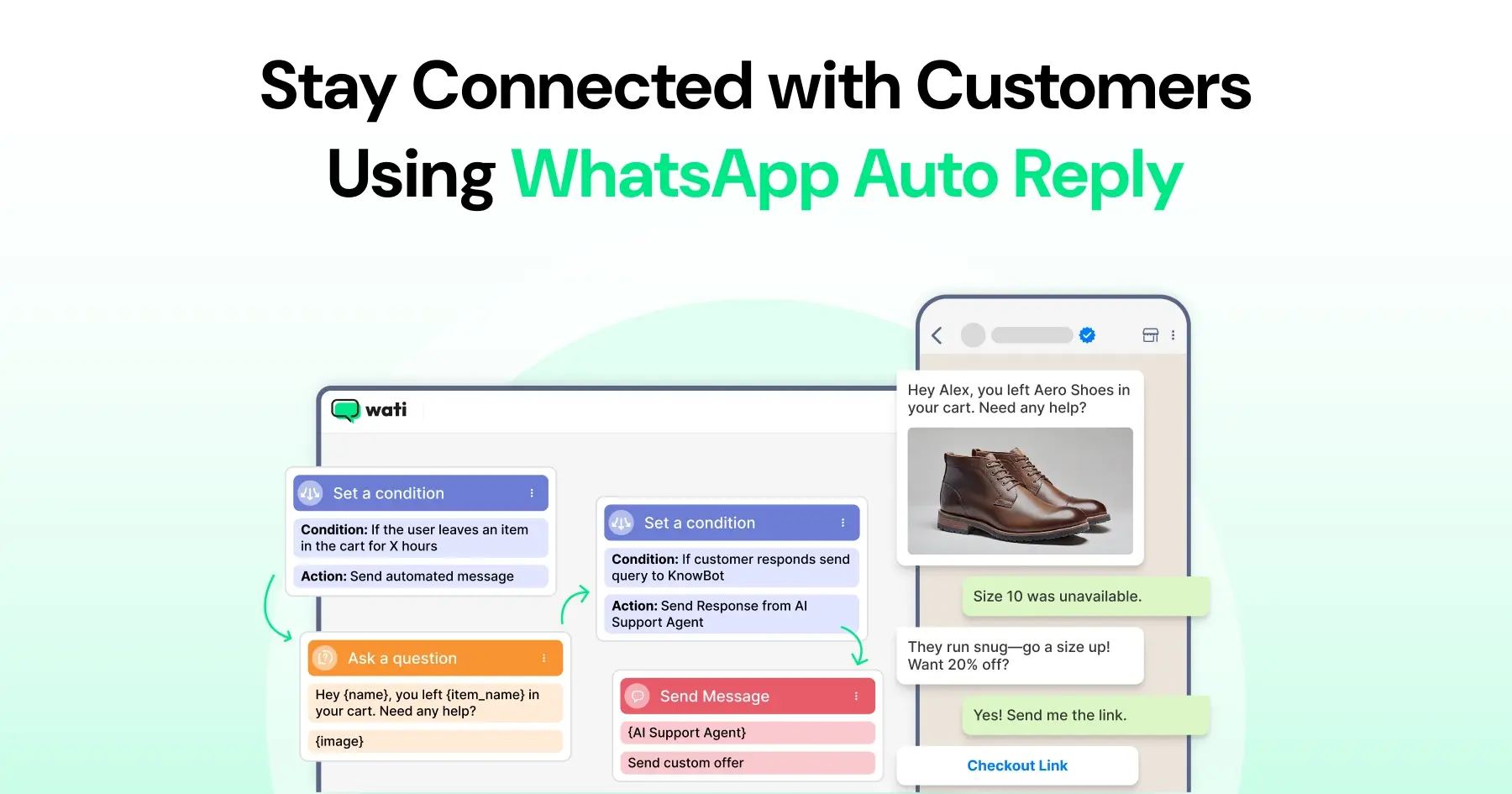
Master WhatsApp auto-reply for your business: improve response times, customer service, and communication.
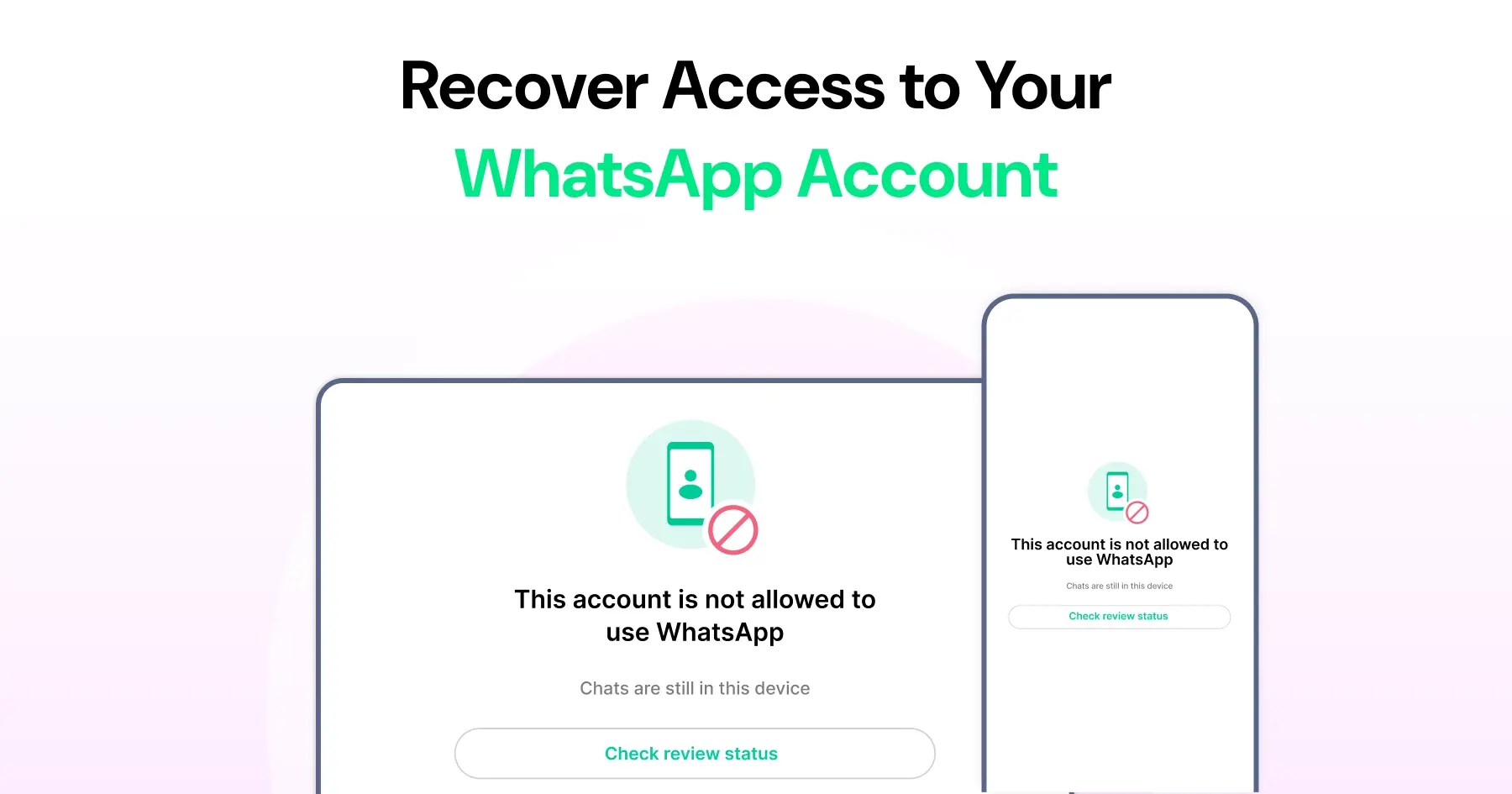
Unblock your WhatsApp account by tapping "Request a review" on the ban screen. See why accounts get banned, how to appeal, and how to recover your chats.
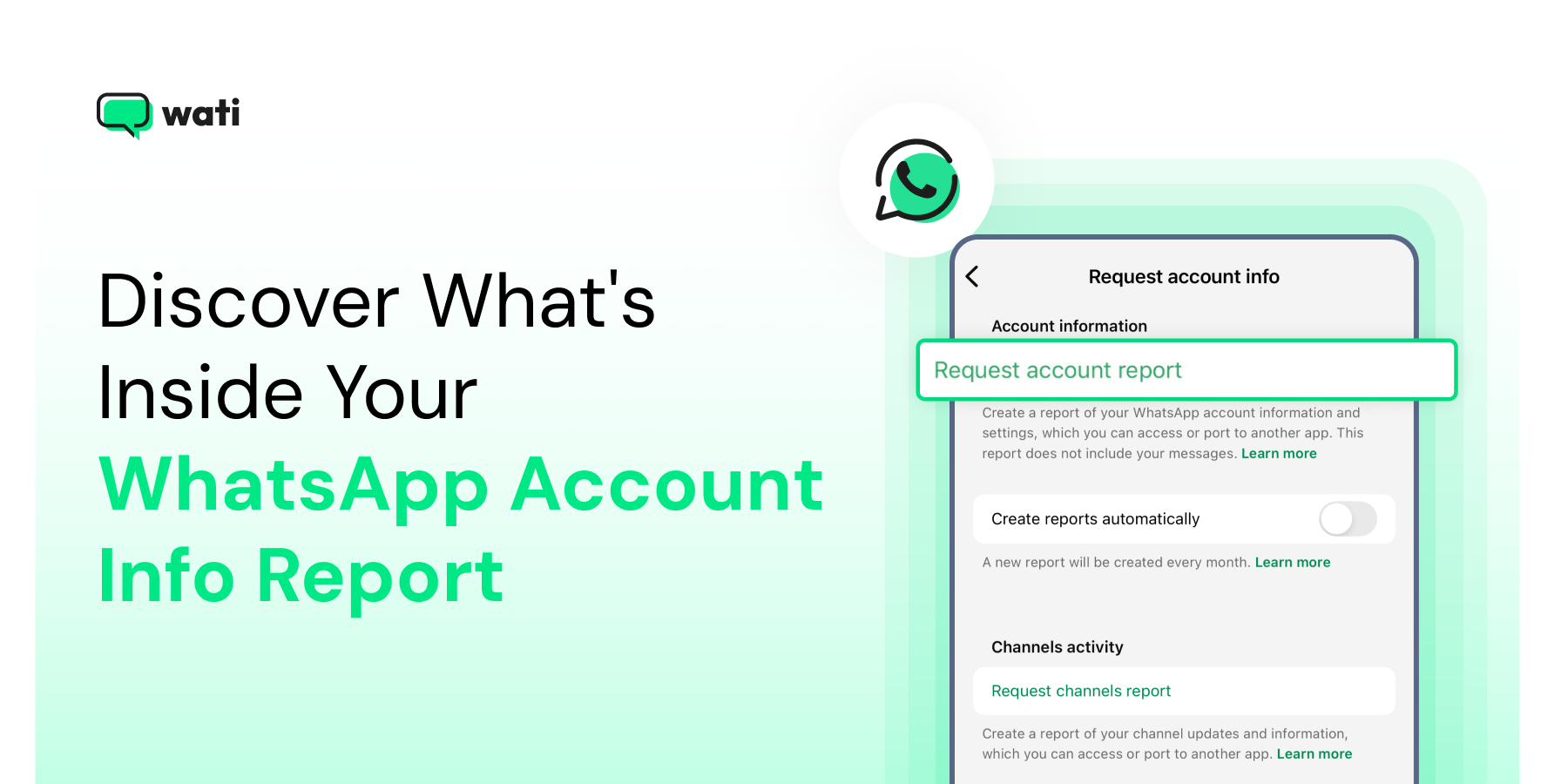
The WhatsApp Account Info Report gives you a clear view of what data is linked to your account. Learn how to request, download, and interpret your report to stay informed about your privacy settings and account details.
Efficient customer support automation through WhatsApp API: Automate FAQs and support tickets; read more to discover.
Discover the 20 best WhatsApp tools that help businesses automate chats, run campaigns, and engage customers more effectively. From marketing to customer support, learn how these tools can transform WhatsApp into a powerful growth channel for your business.
Page 2 of 21 (206 posts)