
Too Long? Read This First
- Put a DM keyword on screen, because LIVE comments can't trigger automated DMs.
- Auto-reply to that keyword with your shade guide and a numbered menu.
- Let an off-camera moderator handle everything the auto-reply can't.
- Follow up with tagged viewers within 48 hours, and keep TikTok Shop orders inside TikTok Shop.
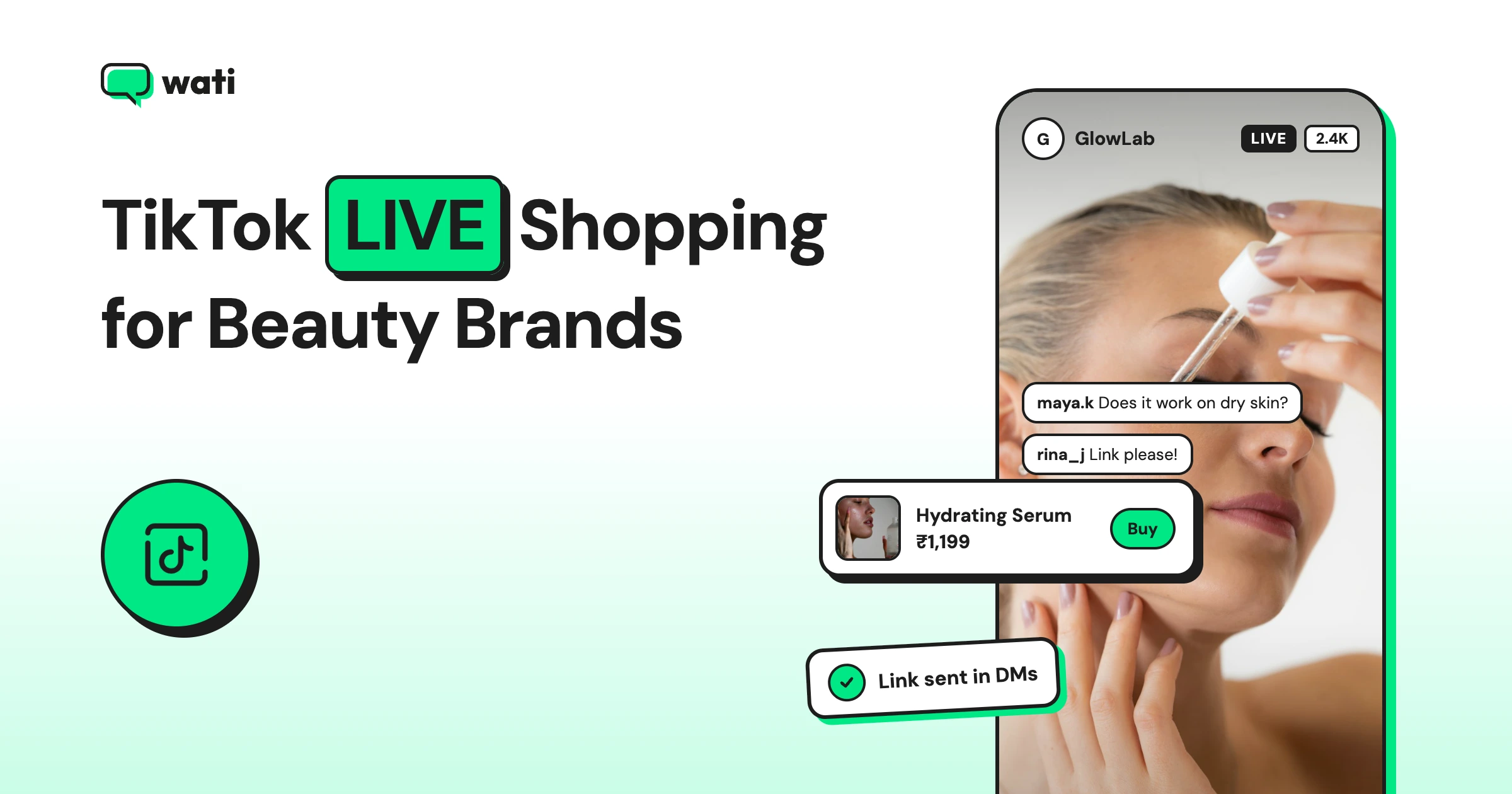
It's Thursday night in São Paulo, and a makeup brand is live with its new foundation range. The host swatches three shades on her arm, and the DMs start arriving. "Qual tom para mim?" ("Which shade for me?") "Is it OK for oily skin?" TikTok LIVE shopping works best for beauty brands when someone answers viewer DMs while the host demos the product. The host sells on camera.
A moderator, backed by automation, answers the "which shade is mine?" questions that would otherwise go unanswered until the stream ends.
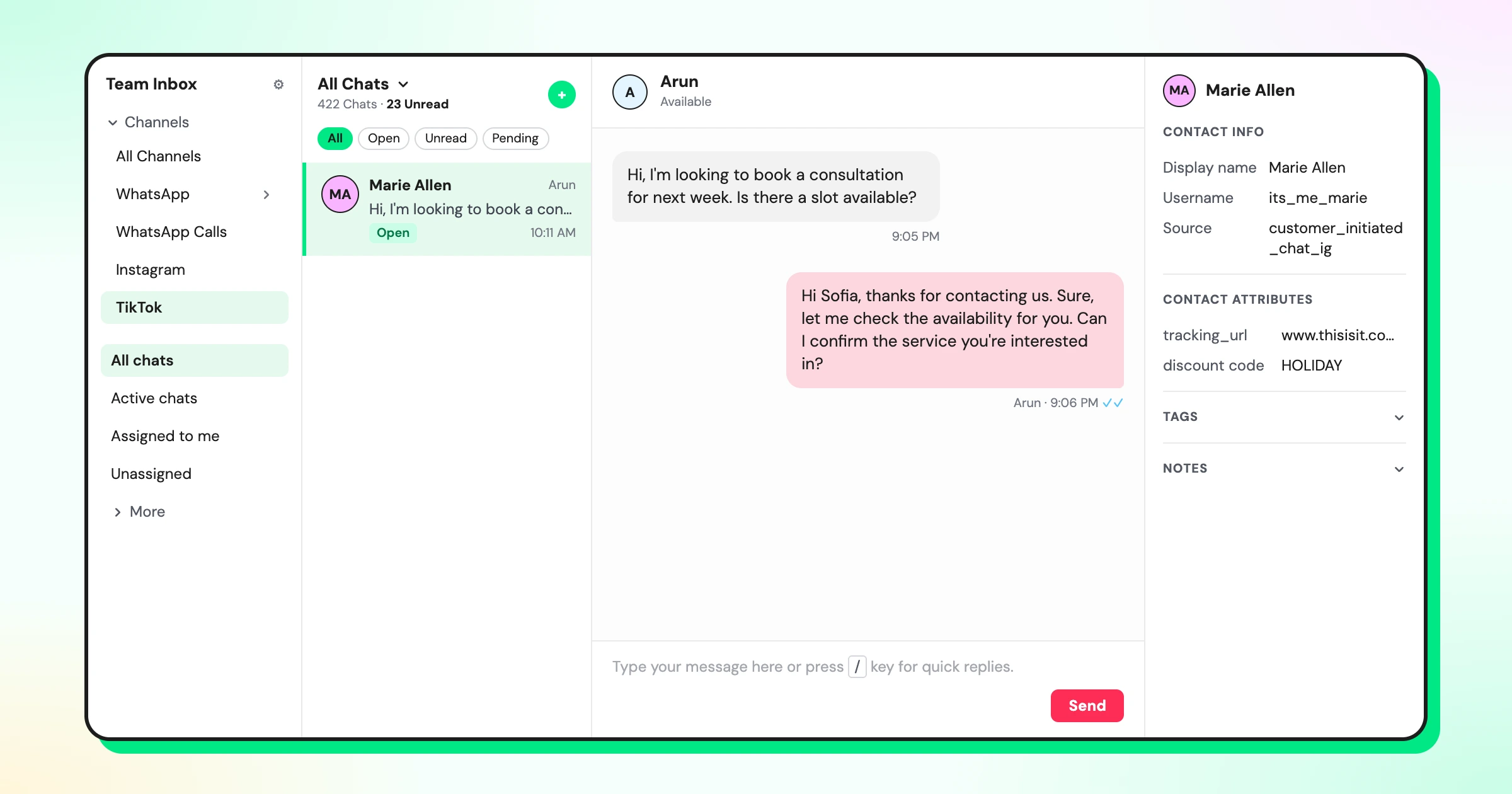
Wati's TikTok business messaging puts those DMs in one team inbox while the live is still running.
This guide covers how to get live viewers to DM you, what the first reply should say, how the off-camera moderator works, and how to follow up after the stream.
Why Do Beauty LIVEs Need a DM Moderator?
Beauty questions are personal. A host can show how a foundation looks on her skin, but she can't tell 300 viewers which shade suits theirs.
If she stops to answer one viewer's question, the demo stalls for everyone else.
So viewers ask privately. They DM about undertone, skin type, and whether a product suits sensitive skin.
Each of those DMs is a viewer close to buying, and each one that sits unanswered until after the stream is a sale that may not happen.
A DM moderator closes that gap. While the host keeps the live moving, the moderator and automation answer viewers one-to-one.
How Do You Get TikTok LIVE Shopping Viewers to DM You?
LIVE comments can't trigger an automated DM, so the call to action has to send viewers to your inbox. Use three prompts together:
- An on-screen keyword. Add a banner or sticker to the stream, such as "DM SHADE for your match." For Spanish and Portuguese audiences, use "TONO" or "TOM."
- A pinned comment. Pin the same prompt so viewers who join late see it straight away.
- A host reminder. Ask the host to repeat the prompt every 10 minutes or so, especially after each new product.
Keep one keyword per need, such as "SHADE" for shade matching and "SKIN" for skin-type questions.
What Should Happen When a Viewer DMs During the Live?
The first reply should arrive in seconds, before the viewer's attention goes back to the stream.
Set up a Wati rule that starts when a new TikTok message arrives, filters for your keywords, and sends your shade guide as an image with a short menu. TikTok DMs don't support buttons, so the menu uses numbers:
"Thanks for watching! 💄 Here's our shade guide. Reply with: 1 for help finding your shade 2 if you have oily or sensitive skin 3 to talk to our team"
The same rule can add a "live-viewer" tag and route the chat to your Live team. That way, every DM from the stream is easy to find later.
Anything outside the menu goes to the moderator. For brands that want a longer, guided match, a three-question shade and skin-type finder works well, and we cover it in a separate guide.
How Should the Off-Camera Moderator Work?
The moderator is the host's second pair of hands. One person can usually keep up with a regular live. For launches or big sale days, add a second.
Here's how the work splits across the stream:
Stage | What the moderator does |
|---|---|
Before the live | Writes quick replies for the products being shown, checks that the keyword rule is on, and joins the Live team in the inbox |
During the live | Answers DMs the auto-reply can't, shares the Shop link for the product on screen, and flags repeat questions to the host |
After the live | Works through tagged chats and sends follow-ups before the messaging window closes |
Some questions should never get a quick answer. Reactions, allergies, and pregnancy questions go to a trained team member, not a canned reply.
If one question keeps coming up, such as "Does this shade oxidize?", the moderator passes it to the host to answer on camera for everyone.
Quick replies in Wati's Team Inbox save the moderator from retyping the same answer.
How Do You Follow Up After the Live Ends?
Many viewers DM during the live but decide later. TikTok's messaging rules set the timing. After a viewer's first message, you can send up to 10 messages within 48 hours. Once they reply, a new 48-hour window opens with no limit.
If they go quiet for more than 48 hours, you get 3 more messages.
Use the "live-viewer" tag to find everyone who messaged during the stream, and send a short recap the next day while the window is still open.
Keep one rule in mind. If a viewer bought through TikTok Shop, their order questions stay in TikTok Shop.
Don't move Shop buyers to another channel. WhatsApp follow-ups are only for customers who buy on your own store and agree to hear from you.
How Does Wati Help Beauty Brands Sell on TikTok LIVE?
Wati is an agentic customer engagement platform that turns conversations into revenue growth across marketing, sales, and support. Here's what a 60-minute beauty live looks like with Wati running behind it.
- Minute 0: The host goes live with "DM SHADE" on screen and pinned in the comments.
- Minute 5: The first DMs arrive. A keyword rule sends the shade guide and tags each viewer.
- Minute 20: The moderator answers an oily-skin question and shares the Shop link for the primer on screen.
- Minute 45: "Does it oxidize?" comes up for the fifth time, so the moderator flags it and the host answers on camera.
- Minute 60: The live ends with every DM answered, tagged, and assigned.
- The next day, the team sends tagged viewers a recap of the shades shown within the 48-hour window.
For more on running TikTok conversations, see our guide to TikTok DM management in one inbox.
Make Every Live a Two-Way Conversation
TikTok LIVE shopping sells best when every viewer question gets an answer, not just the ones the host sees. A keyword on screen, an instant shade guide, and a moderator behind the camera make that possible.
Ready to answer every DM during your next live? Start your free Wati trial.
Frequently asked questions
What is TikTok LIVE shopping?
It's selling products during a TikTok LIVE stream, where viewers can watch a demo and buy through TikTok Shop without leaving the app.
Can viewers DM a brand during a TikTok LIVE?
Yes. Viewers can send DMs to your brand account while a live is running. Brands often show a DM keyword on screen so viewers know what to send.
Can live comments trigger automatic DMs?
No. Automated replies on TikTok work on DMs, not on live comments. Ask viewers to DM a keyword instead, and set up a rule that replies to it.
How do perfume brands sell on TikTok LIVE?
They use an on-screen keyword that sends a scent-notes image, describe each fragrance by its family and notes, and offer decants or sample sizes for viewers who can't smell the product first.
How long can a brand reply to TikTok DMs after a live?
After a viewer's first message, a brand can send up to 10 messages within 48 hours. If the viewer replies, a new 48-hour window opens with no message limit.
Related posts
- Selling Skincare on TikTok Shop: How Beauty Brands Handle Every Conversation Around the Shop
How do beauty brands sell on TikTok Shop? Let the Shop handle checkout, and answer skin-type, shade, and creator DMs from one team inbox.
- How Retail Brands Sell on Instagram Without Missing a Single DM
To sell on Instagram, reply to price DMs fast, turn comments into orders, and follow up on WhatsApp. See 7 retail use cases that make it work.
- From Browsing to Buying: WhatsApp Catalog for Seamless Shopping
WhatsApp Catalog allows businesses to showcase their products/services to potential customers easily. Learn how to set up and leverage Catalog to grow your business.
- Upselling and Cross Selling on Shopify With AI: Timing, Scripts, and Workflows
Upselling and cross-selling on Shopify work best while a shopper is deciding. See how AI times offers in chat, with scripts, workflows, and a checklist.