
Too Long? Read This First
- Upselling offers a better version of what a shopper wants. Cross selling adds a related item.
- Many Shopify upsells miss because of timing and relevance, not the offer itself.
- AI can make offers inside a chat, where shoppers are already asking questions.
- Never pitch during a complaint, a delivery problem, or a refund request.
Upselling and cross-selling on Shopify work when the offer fits the moment. Suggest a bigger size while someone is still choosing, a matching item in the cart, and a refill when they're about to run out.
With Wati, Astra AI Agent can make those offers inside the WhatsApp chat a shopper has already started, and your team can do the same in Instagram DMs from the Wati inbox.
Most stores rely on popups and cart widgets that show the same offer to everyone. That ignores context. A shopper asking whether a jacket runs small is far more open to a suggestion than one who just landed on your homepage.
Below, you'll find a timing matrix, three ready-to-use chat scripts, and the rules for when AI should stay quiet. We also cover how upsell apps and AI work together, and which numbers show whether your offers are paying off.
What is the Difference Between Upselling and Cross-Selling?
Upselling encourages a shopper to choose a higher-value version of the product they're already considering. On Shopify, that could be a larger pack, a premium edition, or a bundle that costs less per item.
Cross-selling suggests a related product that adds to the purchase. Think of a phone case with a phone, a cleanser with a serum, or socks with running shoes.
Both raise average order value. The difference is direction: upselling goes up in value, while cross-selling goes sideways into complementary products.
Why Do Most Shopify Upsells Underperform?
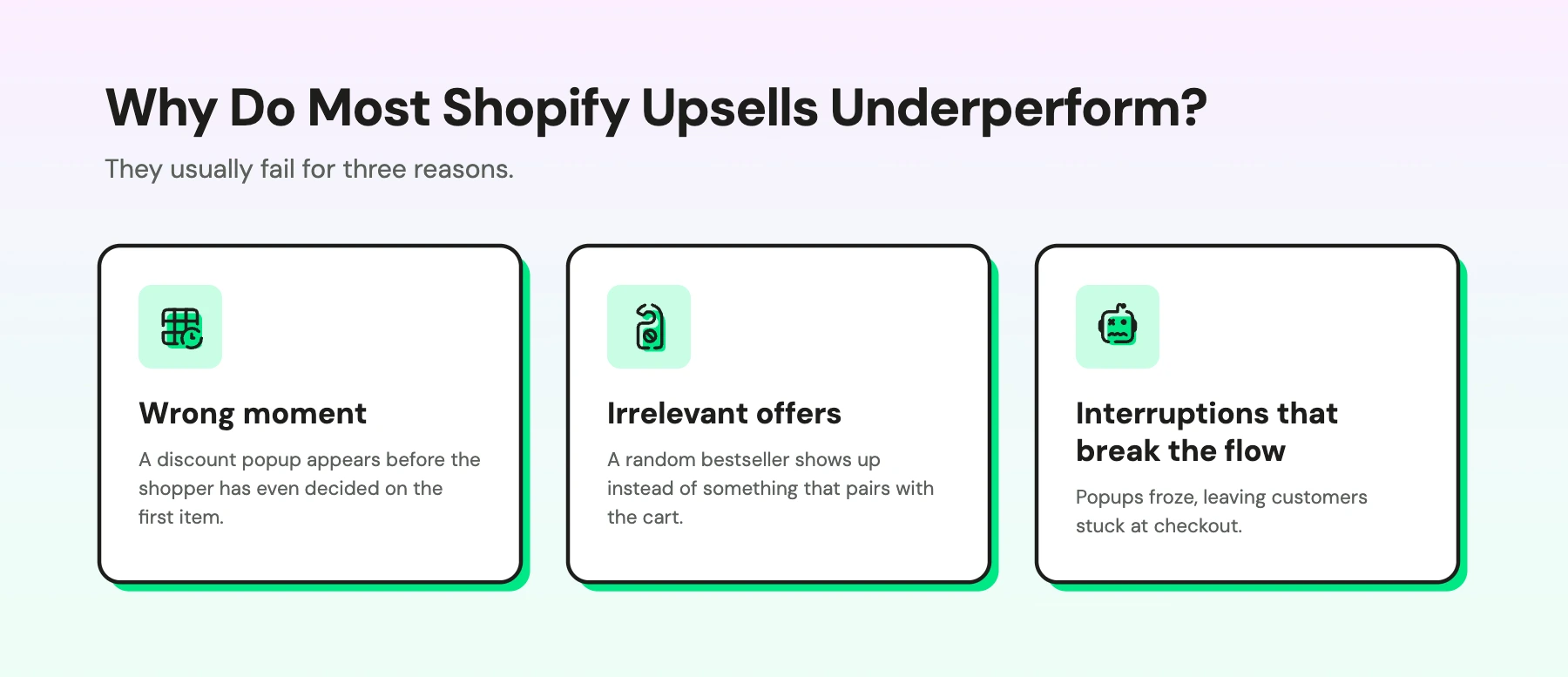
They usually fail for three reasons.
- Wrong moment. A discount popup appears before the shopper has even decided on the first item.
- Irrelevant offers. A random bestseller shows up instead of something that pairs with the cart.
- Interruptions that break the flow. One merchant reviewing an upsell app on the Shopify App Store wrote that the popups froze, leaving customers stuck at checkout.
When an offer feels like an obstacle, shoppers skip it, or leave.
When Should You Upsell or Cross-Sell on Shopify?
You should upsell or cross-sell when the shopper's next step makes the offer feel helpful. Use this matrix to match each moment with the right offer.
Moment | Best Offer | Channel | Example |
|---|---|---|---|
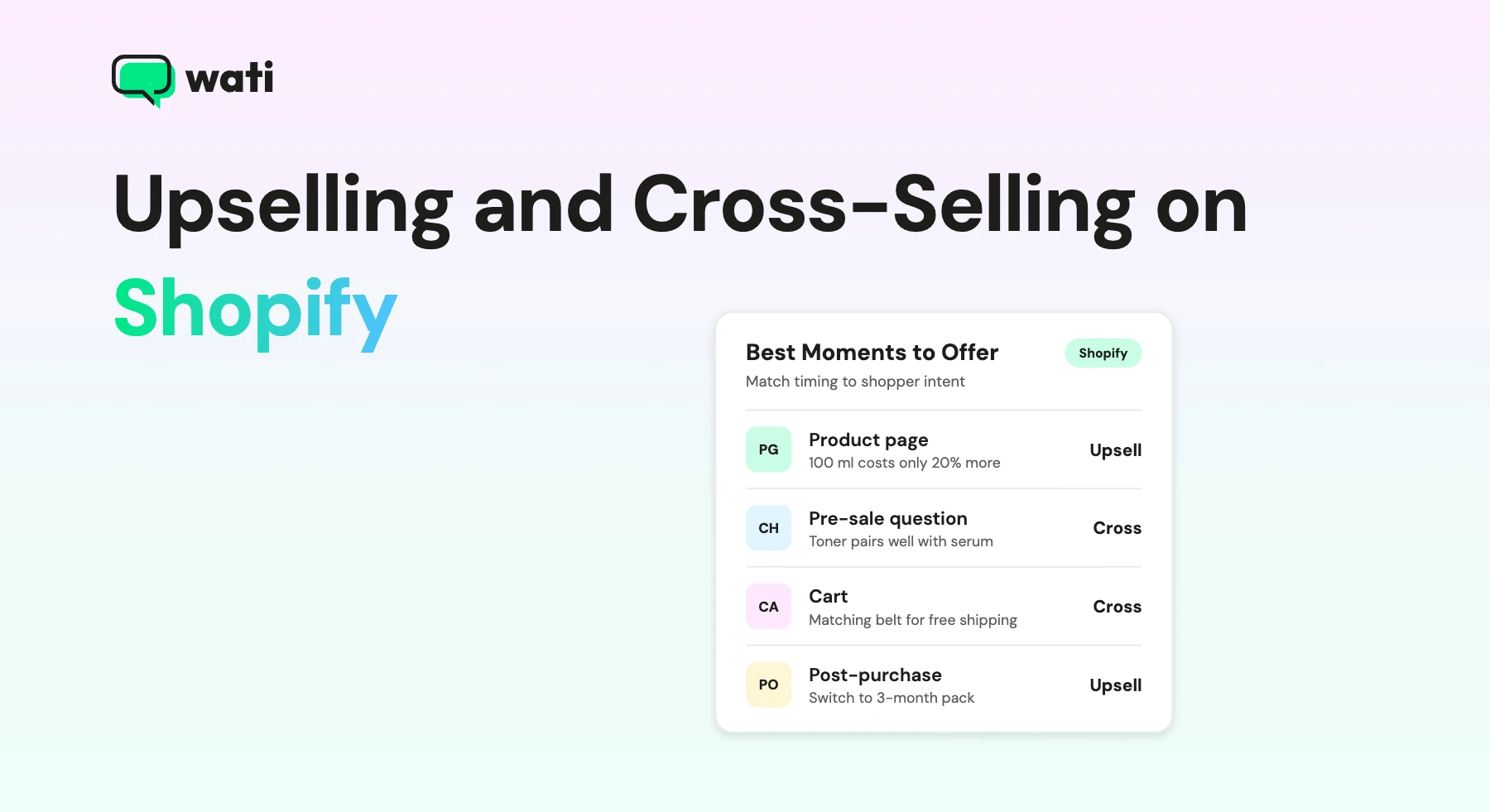
Product page | Upsell | Website | "The 100 ml size costs only 20% more" |
Pre-sale question in chat | Upsell or cross-sell | WhatsApp, Instagram | "For oily skin, this toner pairs well with that serum" |
Cart | Cross-sell | Website, cart reminder | "Add the matching belt and get free shipping" |
Post-purchase | Cross-sell | Order follow-up message | "Complete the look with these trousers" |
Replenishment | Upsell | WhatsApp, email | "Switch to a 3-month pack and save" |
Two Shopify tactics fit naturally here. "Frequently bought together" blocks work on product and cart pages. A Shopify post-purchase upsell, shown on the thank-you page or in a follow-up message, works best when it's a small add-on the shopper can buy without starting over.
How Can AI Make the Offer in Chat?
AI can make the offer when a shopper is already talking to you, which is often the moment they're most open to a suggestion. Here are three scripts you can adapt for WhatsApp.
1. Answering a pre-sale question
Shopper: Is this serum okay for oily skin? AI agent: Yes, it's lightweight and oil-free. Many customers with oily skin pair it with our clarifying toner. Want to see both together?
2. Recovering a cart (for the full playbook, see our guide to Shopify abandoned cart recovery) Wati (cart reminder template):
AI agent: Hi Riya, your hoodie is still in your cart. Add the matching joggers and your order qualifies for free shipping. [Complete your order]
3. Following up after delivery
Wati (post-delivery template):
AI agent: Hope you're enjoying your new running shoes! These moisture-wicking socks are a favorite with runners. Want me to add a pair to your next order?
If the shopper replies, Astra AI Agent can take over the conversation. Astra answers product questions on WhatsApp using your website, product pages and FAQs, so it can suggest a matching item in the same reply, as in the first script.
With WhatsApp Catalog, shoppers browse suggestions in the chat and check out through a secure payment link, or WhatsApp Pay in supported markets. Wati’s Shopify integration sends messages on Shopify order events, so the third script can go out automatically once an order is fulfilled.
When Should AI Not Pitch?
AI should never attach an offer to a conversation that needs help first. Set these rules:
- No offers during complaints. Solve the problem before suggesting anything.
- No offers on delivery or tracking issues. An upsell next to a late order feels tone-deaf.
- No offers in refund or return requests. Wait until the issue is closed.
- No promotional messages without opt-in. Post-purchase cross-sells sent later count as marketing messages on WhatsApp.
Do You Need a Shopify Upsell App or AI in Chat?
Most stores benefit from both. A Shopify upsell app handles on-site offers, such as product page bundles, cart drawers, and thank-you page offers. AI in chat handles the conversations, where shoppers ask questions and expect a personal answer.
The two work together. On-site widgets catch shoppers who browse quietly. AI catches the ones who reach out, and it can explain why an add-on fits instead of just showing it.
How Do You Measure Upsell and Cross-Sell Results?
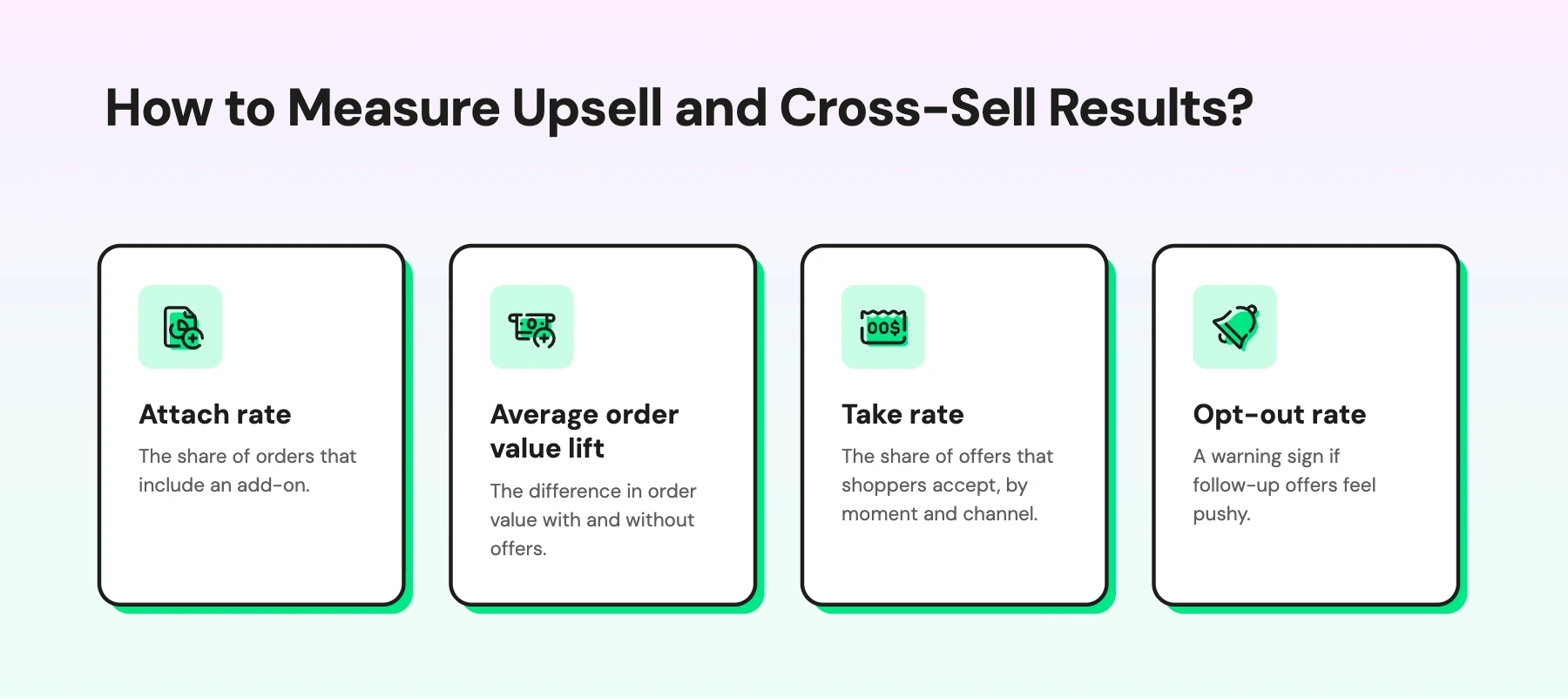
Track four numbers:
- Attach rate: the share of orders that include an add-on.
- Average order value lift: the difference in order value with and without offers.
- Take rate: the share of offers that shoppers accept, by moment and channel.
- Opt-out rate: a warning sign if follow-up offers feel pushy.
To test, show an offer to half of your shoppers at one moment, compare attach rate and order value after two weeks, then keep the winner.
Make Every Offer Feel Like Help
The best upselling and cross-selling on Shopify feels like good advice, not a sales pitch. Match each offer to the moment, keep it relevant, and let AI make it in the conversation.
Wati is an agentic customer engagement platform that turns conversations into revenue growth across marketing, sales, and support. For more ideas, see our guide to raising your Shopify conversion rate.
Ready to turn conversations into bigger orders? Start your free Wati trial or book a demo.
Frequently asked questions
What is upselling and cross selling on Shopify?
Upselling on Shopify encourages shoppers to buy a higher-value version of a product, such as a larger size or bundle. Cross selling suggests related products, such as accessories or refills. Both raise average order value.
What is a post-purchase upsell?
A post-purchase upsell is an offer made right after checkout or soon after delivery. It works best for small add-ons that shoppers can buy quickly without starting a new order.
Can AI upsell without annoying shoppers?
Yes, when it suggests relevant items at the right moment and skips offers during complaints, delays, or refund requests. A chat reply can also explain why an item fits, which feels more helpful than a popup.
How do you upsell on Shopify?
You can upsell on Shopify in three ways. Use an upsell app for product page, cart, and thank-you page offers. Use Shopify's built-in Buy X Get Y discounts for simple quantity-based deals. Use AI in chat to suggest upgrades when shoppers ask questions.
What is an example of upselling?
A shopper adds a 50 ml moisturizer to their cart, and the store suggests the 100 ml size because it costs less per ml. Offering a premium edition or a value bundle in place of the single item is also upselling.
Can you upsell and cross-sell on WhatsApp?
Yes. AI can suggest related products while answering a shopper's question, and stores can send cross-sell offers after delivery. Promotional messages need the shopper's opt-in first, and should use approved message templates.
Related posts
- How to Recover Abandoned Carts on Shopify With AI and WhatsApp?
Discover easy ways to recover Shopify abandoned carts using WhatsApp, automation, and data-driven strategies that turn lost carts into sales.
- WhatsApp Automation Templates for Shopify: 5 Templates You Can Launch Today
Effortlessly streamline your messaging process with WhatsApp Automation Message Templates. Enhance your communication and save time today.
- Top 10 Ramadan WhatsApp Templates To Set Your Business Apart
Check out our easy-to-use WhatsApp templates that are great for sending festive greetings, special offers, and updates to your customers during Ramadan. They’re designed to help your business stand out and connect better with your audience on WhatsApp.
- 10 Customer Retention Strategies for Shopify Business Owners
Discover top customer retention tactics to keep your Shopify customers coming back for more.