
Too Long? Read This First
- The WhatsApp Business Calling API, launched by Meta on July 15, 2025, is a native in-app VoIP feature distinct from click-to-call template buttons and from your existing messaging automation.
- Eligibility requires a messaging limit of at least 2,000 business-initiated conversations in a rolling 24-hour period, making it a messaging-volume gate rather than a request-based feature.
- The strongest documented use case is sales lead conversion (routing warm leads to live operators), while support escalation is possible but not a purpose-built workflow, and calling can be enabled as a distinct setup step in Wati without disrupting chatbot flows.
If your support team has been debating whether to add voice calling to WhatsApp in 2026, here is the direct answer: WhatsApp Business Calling runs on the same Cloud API infrastructure as your messaging automation, but it is a distinct capability with its own eligibility check, its own setup step, and its own routing logic, so it doesn't collide with the chatbot flows and team inbox rules you already have running. Meta announced the launch of the WhatsApp Business Calling API on July 15, 2025, giving businesses what it described as customized control over when and how to connect with customers via voice (business.whatsapp.com, 2025). This guide covers how it works, who qualifies, and how to decide whether voice belongs in your WhatsApp strategy.
How WhatsApp Business Calling Actually Works Alongside the Messaging API
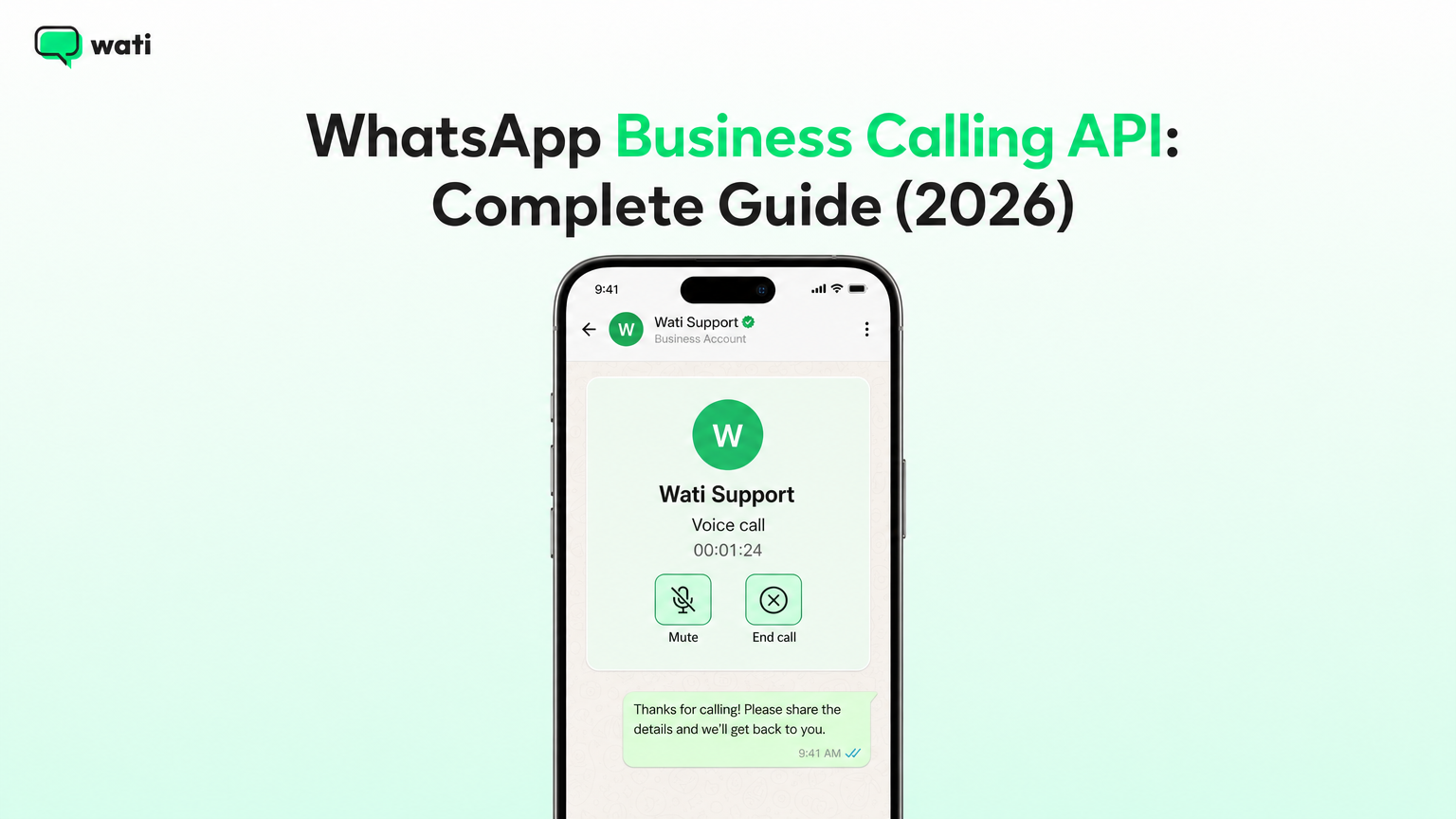
WhatsApp Business Calling is a VoIP feature that lives inside the same chat thread your customers already use to message you. It is not a separate app or a new phone number: it is a documented capability area within the WhatsApp Cloud API, listed alongside Messaging, Templates, and Webhooks as its own section in Meta's developer documentation (Meta for Developers, 2026). That tells you calling was built as a sibling to messaging, not a bolt-on. Both run on the same underlying Cloud API, which has been Meta's preferred, actively supported platform since launching in April 2022, replacing the older On-Premises API that can no longer send messages to WhatsApp users at all (Meta for Developers, 2026).
It's worth clearing up a common point of confusion: a "click-to-call" button inside a WhatsApp message template is not the same thing as the Calling API. Meta's interactive message templates support call-to-action buttons that let a customer tap to call a phone number or visit a website (Meta for Developers, 2026). That button hands the customer off to their phone's native dialer, outside WhatsApp entirely. The Calling API is different: it is a native, in-app VoIP call that happens inside the WhatsApp conversation itself, the same way a WhatsApp-to-WhatsApp consumer call works, except initiated and controlled through the business's own systems. If your team has been using call-to-action buttons and assumes you already "have" WhatsApp calling, you don't. You have a redirect to the phone network, not a VoIP channel inside the chat.
The practical consequence is that calling and messaging are two parallel channels sharing one thread and one customer relationship, not one feature extending the other. Your messaging automation (auto-replies, chatbot flows, template campaigns) keeps running exactly as before. Calling is an additional entry point into that same conversation, which is why rollout needs deliberate routing design rather than being switched on by default. The messaging API itself is built for businesses communicating with customers at scale, enabling automation and shared team inboxes, which is the foundation calling sits on top of rather than modifies (Wati, 2026).
Who Qualifies for WhatsApp Business Calling Today
Before your team spends time designing call flows, check eligibility first. To qualify for the Calling API, a business must have a messaging limit of at least 2,000 business-initiated conversations in a rolling 24-hour period (Wati's support documentation, 2026). This is a messaging-volume gate, not a calling-volume gate: it's based on how many conversations your WhatsApp number is already approved to initiate, which Meta tiers up as your account builds a quality and engagement track record through regular messaging use.
If you're a smaller account still on a lower messaging tier (say, 250 or 1,000 business-initiated conversations in 24 hours), calling is not yet available to you regardless of how badly your sales team wants it. Voice calling is not a feature you request independently; it's a feature your account graduates into as your messaging volume and quality history grow. Teams evaluating calling should treat the 2,000-conversation threshold as a hard prerequisite to check first, before building any ROI case around voice.
Decision Framework: Should Your Team Enable Voice, Wait, or Skip It
Here is a structured way to work through the decision, rather than treating "voice vs. chat" as a single yes/no question.
Step 1: Confirm eligibility. Check your current business-initiated conversation limit in your WhatsApp Business Platform account. If you are not yet at the 2,000-conversation-per-24-hours tier, the Calling API is not available to you (Wati's support documentation, 2026). This is a gating step, not a preference. If you're below the threshold, your real next action is building messaging volume and quality, not designing a call workflow you can't turn on.
Step 2: Separate "sales conversion" use cases from "support escalation" use cases. These have different risk profiles and different payoffs:
Signal | Sales lead conversion | Support escalation |
|---|---|---|
Trigger | A warm or high-intent lead has engaged in chat but needs a real-time push to close | A customer's issue has stalled in chat and needs a human voice to resolve quickly |
Documented Wati use case | Connecting high-intent leads with live operators instantly for faster conversion | Not specifically documented in this research as a dedicated support-escalation calling workflow |
What breaks if mishandled | Calling too early interrupts a lead still self-qualifying via chat | Calling without a clear trigger adds agent workload without a clear deflection benefit |
Where the evidence is strongest | Wati's documentation describes using Calling to connect warm leads with operators, log conversations, and track performance without leaving the chat inbox | Weaker: the research supports calling as a general inbox-based channel, but no source documents a purpose-built "support calling" workflow distinct from the sales-routing one |
Step 3: Match your use case to the stronger evidence base. The research material gives a clearer, more specific picture of WhatsApp Calling as a sales acceleration tool (routing warm leads to operators, recording calls, tracking what's converting) than as a formalized support-deflection tool. If your primary driver is sales, that's the better-supported starting point. If your primary driver is support, you can still enable calling for escalations, but pilot it narrowly (for example, only for a specific ticket category or VIP tier) rather than rolling it out across your whole support queue, since the available documentation doesn't describe a dedicated support routing model.
Step 4: Decide now, later, or not at all.
- Enable now if you're above the 2,000-conversation threshold and have a sales team actively working warm leads in WhatsApp chat today. The infrastructure (inbox, lead data, chat history) is already there; calling adds a closing mechanism.
- Enable later if you're close to the eligibility threshold but not there yet, or if you have the volume but no clear trigger for when a chat should become a call. Use the waiting period to define that trigger (e.g., "lead has asked pricing questions twice without converting") before flipping the switch.
- Don't enable yet if your WhatsApp usage is still primarily low-volume support or transactional notifications. Adding a voice channel without a clear volume base or conversion trigger adds operational complexity (staffing, consent, routing) without a correspondingly clear payoff.
This sequencing, eligibility first, then use-case fit, then a go/no-go call, avoids the common mistake of building an entire voice rollout plan before confirming the account can even turn the feature on.
Structuring Consent Before You Switch On Calling
Voice calling introduces a different kind of customer-facing transparency question than messaging does, and it's worth being precise about what WhatsApp actually discloses rather than assuming.
When a business uses the WhatsApp Business app directly, or otherwise manages and stores customer messages itself, WhatsApp shows customers a notice that messages and calls are end-to-end encrypted (WhatsApp's Help Center, 2026). Separately, when a business uses the WhatsApp Business Platform Cloud API hosted by Meta, which is how most businesses running automation through a provider like Wati operate, customers instead see a notice that "this business uses a secure service from Meta to manage this chat" in relation to messages (WhatsApp's Help Center, 2026). That second disclosure is documented specifically for messages; the research available does not confirm whether identical disclosure language is shown for voice calls under the same Cloud API hosting arrangement, so treat that as an open question rather than an assumed fact.
For your own consent practice, this means two things. First, don't assume the encryption framing customers see for a self-managed WhatsApp Business app number is the same thing they'll see when your number is run through a Cloud API provider; the underlying disclosure differs by hosting model. Second, because this research does not document a specific Meta-mandated opt-in flow or consent mechanism unique to the Calling API itself, any consent and recording-notice process your business uses for calls should be built around general good practice (clear notice before a call is connected, especially if calls may be recorded, and an easy way for the customer to decline) rather than treated as something WhatsApp enforces automatically on your behalf. If your business operates in a regulated sector, handles financial account details, or discusses anything sensitive like health information over a WhatsApp call, confirm your specific consent, recording, and data-handling obligations with qualified legal counsel rather than relying on the platform's own transparency notices as a substitute for compliance. Keep call content itself as generic as possible in the chat record (reference a case number rather than a diagnosis or account balance, for example) and restrict who on your team can view call logs and recordings, the same discipline you'd apply to any customer contact channel carrying sensitive information.
Routing Calls Without Breaking Your Existing Automation
Because calling and messaging are parallel channels on the same thread, the main operational risk isn't technical incompatibility, it's workflow collision: an inbound call arriving while a chatbot flow is mid-conversation with that same contact, or a sales call connecting to an agent who has no visibility into what the chatbot already told the customer.
In Wati specifically, enabling calling is a distinct setup step, separate from your existing messaging configuration. The process involves first enabling inbound and outbound calling for your account, then configuring how your team receives and answers inbound calls (Wati's support documentation, 2026). Because this is a deliberate, explicit step rather than something that activates automatically alongside messaging, you control the timing: you can finish refining your chatbot and routing rules first, then layer calling on top once you're ready, rather than having it appear unannounced inside flows designed only for text.
Wati's own positioning describes managing calling features such as incoming calls, click-to-call initiation, and verified caller ID as part of a unified setup alongside the messaging side of the platform, meaning your team works from one inbox rather than stitching together a separate calling tool and a separate chat tool. That single-inbox design is the practical answer to the "will calling disrupt our automation" concern: since calling is configured as an added layer inside the same platform your chatbot and team inbox already run on, agents see call history and chat history in the same contact record rather than needing to reconcile two systems. For a deeper look at how calling fits specifically into a broader channel strategy decision (versus standing up your own cloud telephony or VoIP stack), see Wati's comparison of WhatsApp Business Calling, cloud telephony, and traditional VoIP.
Agent Workflows: Sales and Support Use Cases
The clearest documented use case in the research is sales conversion. Wati's own guidance frames WhatsApp Calling as a way to connect with warm leads, record every conversation, and track what's working, without agents leaving the chat inbox they're already working in. A concrete version of this workflow: a lead fills out a product inquiry form, lands in your WhatsApp inbox via a template message, asks two or three qualifying questions over chat, and then, instead of waiting on an async text reply for pricing negotiation, gets connected to a live operator by call directly from that same thread. Wati also documents a dedicated workflow for routing high-intent leads to live operators specifically to accelerate conversion (Wati's support documentation, 2026), the structural backbone for the "chat to qualify, call to close" pattern sales teams are increasingly adopting.
For a full build-out of this pattern, including how to track call outcomes against your existing pipeline, see Wati's guide to closing more deals with WhatsApp Calling. If your team also wants agents working calls from a mobile device rather than only desktop, the setup for that is covered in Wati's guide to using WhatsApp Business Calling on the mobile app.
Support escalation is a plausible use case built on the same infrastructure, since calling and chat share one inbox and one contact history, but the research does not document a purpose-built support-escalation routing workflow the way it does for sales lead conversion. If you're piloting calling for support, expect to design your own escalation trigger (for example, number of chat replies without resolution, or a customer-requested callback) rather than relying on an out-of-the-box support routing template.
Limitations and What Still Needs an Integration
It's important to be precise about what is native to the Meta platform, what Wati manages for you, and what requires separate integration work, because blurring these creates unrealistic expectations.
Native to the Meta platform: The Calling API itself, as a VoIP capability inside the Cloud API, alongside Messaging, Templates, and Webhooks (Meta for Developers, 2026). The 2,000 business-initiated conversation eligibility threshold is also a platform-level gate, not something a provider can override.
Managed by Wati: Enabling and configuring inbound/outbound calling, verified caller ID, click-to-call initiation, and routing warm leads to live operators are handled through Wati's own setup flow on top of that platform capability (Wati's support documentation, 2026).
Requires separate integration or infrastructure: More advanced call signaling and control, the kind of work needed to route a call to a custom SIP trunk, an AI voice agent, or a bespoke contact center stack, is typically handled through direct Graph API calls managed by the business or its solution provider, according to general industry documentation from providers like 360dialog describing their own Calling API integrations. Treat this as a general industry pattern rather than a guarantee of any specific provider's exact mechanics, since the research available doesn't detail Wati's own underlying signaling architecture. If your use case requires custom voice-agent routing beyond standard operator handoff, confirm the specific technical requirements with your platform provider before committing to a rollout timeline.
What Hasn't Changed
Your existing WhatsApp messaging setup, templates, chatbot automation, and the 24-hour customer service messaging window all continue operating exactly as they did before calling existed. Calling is additive: it does not replace, modify, or require you to rebuild any messaging workflow already running on the Cloud API. If you are not eligible for calling yet, or choose not to enable it, nothing about your current messaging-based WhatsApp strategy is affected.
Where Wati Fits in Your Voice and Chat Rollout
If you're already running WhatsApp messaging automation through Wati, chatbot flows, team inbox, campaign templates, adding calling doesn't mean adopting a second platform. Wati's calling setup lets you turn on inbound and outbound voice as a controlled, explicit step, then use it specifically for the use case the evidence supports most clearly: converting high-intent sales leads by routing them to live operators in real time, with call history logged alongside the same chat thread your team already works from. That single-inbox structure is what prevents voice from becoming a parallel system your agents have to context-switch into.
The decision to enable it should start with eligibility (the 2,000 business-initiated conversation threshold), move through a clear-eyed look at whether your strongest use case is sales conversion or support escalation, and only then become a rollout plan. Confirm where your account stands on messaging volume, decide which use case you're solving for, and treat consent, recording notices, and sensitive-data handling as your own responsibility to build correctly, not something the platform guarantees for you.
Ready to see how Wati can help? Book a free demo and see it in action.
Frequently asked questions
What is the WhatsApp Business Calling API?
It's a VoIP capability inside the WhatsApp Cloud API that lets businesses make and receive voice calls directly within a WhatsApp conversation thread, rather than redirecting the customer to a phone dialer. Meta launched it on July 15, 2025, describing it as giving businesses customized control over when and how they connect with customers by voice. It sits alongside Messaging, Templates, and Webhooks as its own documented feature area, meaning it runs on the same account and conversation data as your existing WhatsApp messaging setup.
How is WhatsApp Business Calling different from a click-to-call button in a message template?
A click-to-call button inside a WhatsApp message template simply redirects the customer to their phone's native dialer to call a number, leaving the WhatsApp app entirely. The Calling API is a native, in-app VoIP call that happens inside the WhatsApp thread itself. If you've only ever used call-to-action buttons in templates, you haven't used the Calling API: you've used a messaging feature that hands off to the regular phone network instead of staying inside WhatsApp.
How do I set up WhatsApp Business Calling without disrupting my existing chatbot flows?
Calling requires its own setup step separate from messaging configuration: first enabling inbound and outbound calling, then configuring how your team answers inbound calls. Because it's a deliberate opt-in step rather than something activated automatically, you can finish and test your messaging automation first, then layer calling on top once ready. In a platform like Wati, calls and chats sit in the same inbox and contact record, so agents see full context rather than working from two disconnected systems.
Do I need a minimum WhatsApp messaging volume before I can enable calling?
Yes. To qualify for the Calling API, your account needs a messaging limit of at least 2,000 business-initiated conversations in a rolling 24-hour period. This is a volume and account-quality gate tied to your existing messaging tier, not a separate application for calling specifically. If your account hasn't reached that tier yet, calling isn't available regardless of your use case, so check this first before planning any voice rollout.