
Too Long? Read This First
- 10 Instagram automation tools compared on comment-to-DM handling, Meta API compliance, pricing, and whether each one also covers WhatsApp or Messenger
- Pricing models vary more than headline prices, because some tools bill per active contact, others by DMs sent, conversations, or seats, so a viral post can raise costs sharply on the wrong plan.
- The safest tools connect through Meta's official Instagram API, which keeps automations within Meta's messaging policies and lowers the risk of an account being flagged.
- Wati is the best fit for businesses that sell on both Instagram and WhatsApp, since it runs both channels, plus Messenger and TikTok, in one shared inbox on the official Meta API.
Instagram automation tools are software platforms that automatically reply to comments, direct messages, and story mentions using triggers such as keywords, rather than a person responding to every message.
This guide compares 10 tools, including Wati's Instagram automation, on comment-to-DM handling, Meta API compliance, pricing, and omnichannel capability.
Instagram automation covers three different jobs:
1. Comment-to-DM replies: sending a private DM when someone comments a keyword
2. FAQ and support automation: answering repeat questions about price, shipping, or hours
3. Lead qualification: capturing contact details and routing warm leads to sales
DM automation and lead qualification call for different tools, so match the pick to the job that matters most for your business.
The 10 Best Instagram Automation Tools in 2026
The best Instagram automation tools in 2026 are Wati, ManyChat, Chatfuel, Inrō, LinkDM, InstantDM, Interakt, Respond.io, TailorTalk, and Kommo.
Each tool below is scored on comment-to-DM handling, Meta API compliance, pricing, and whether it also covers WhatsApp or Messenger.
The real differences between these tools show up in the details most comparison pages skip, so that's exactly where we spent the most time.
1. Wati
Wati leads this list for businesses that already run WhatsApp and want Instagram folded into the same inbox rather than managed as a separate tool.
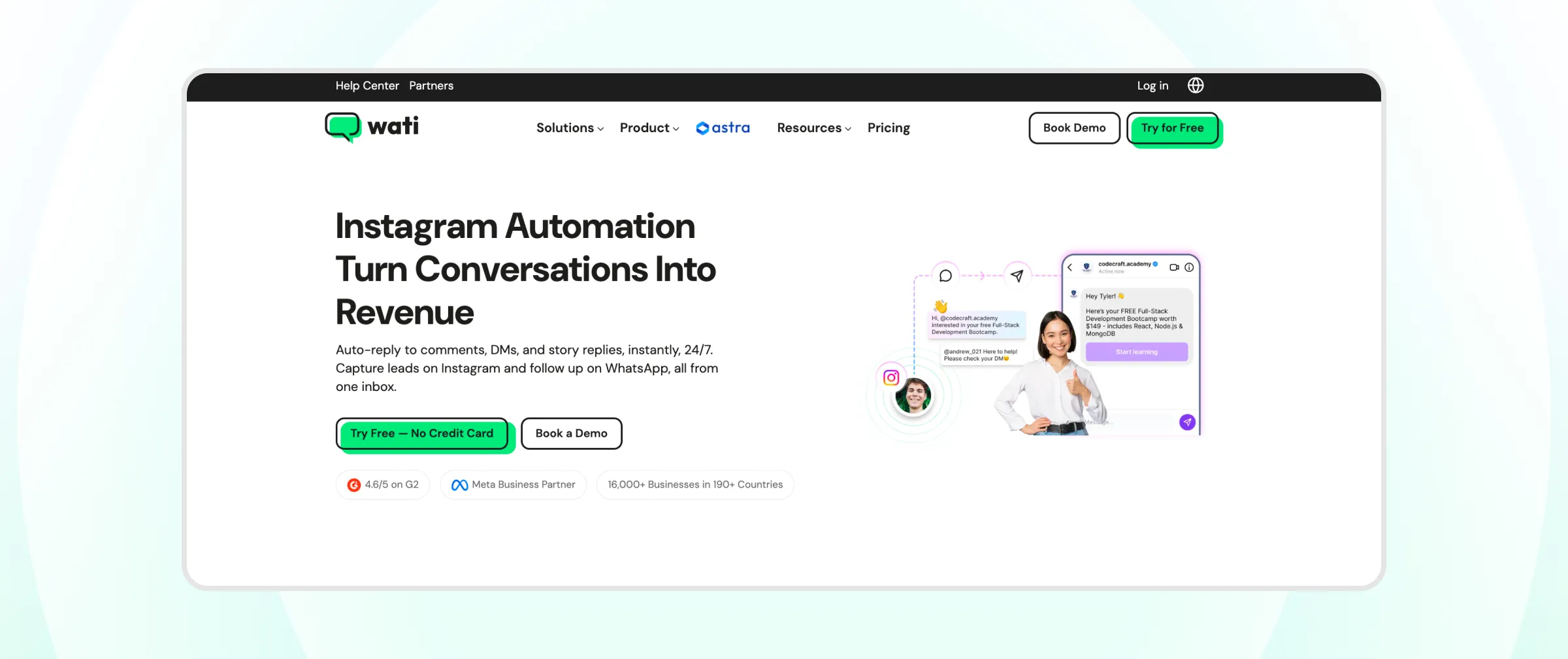
It is a Meta Official Partner, so comment-to-DM replies, keyword triggers, and DM automation all run on the official Instagram Messaging API instead of an unofficial workaround that puts an account at risk.
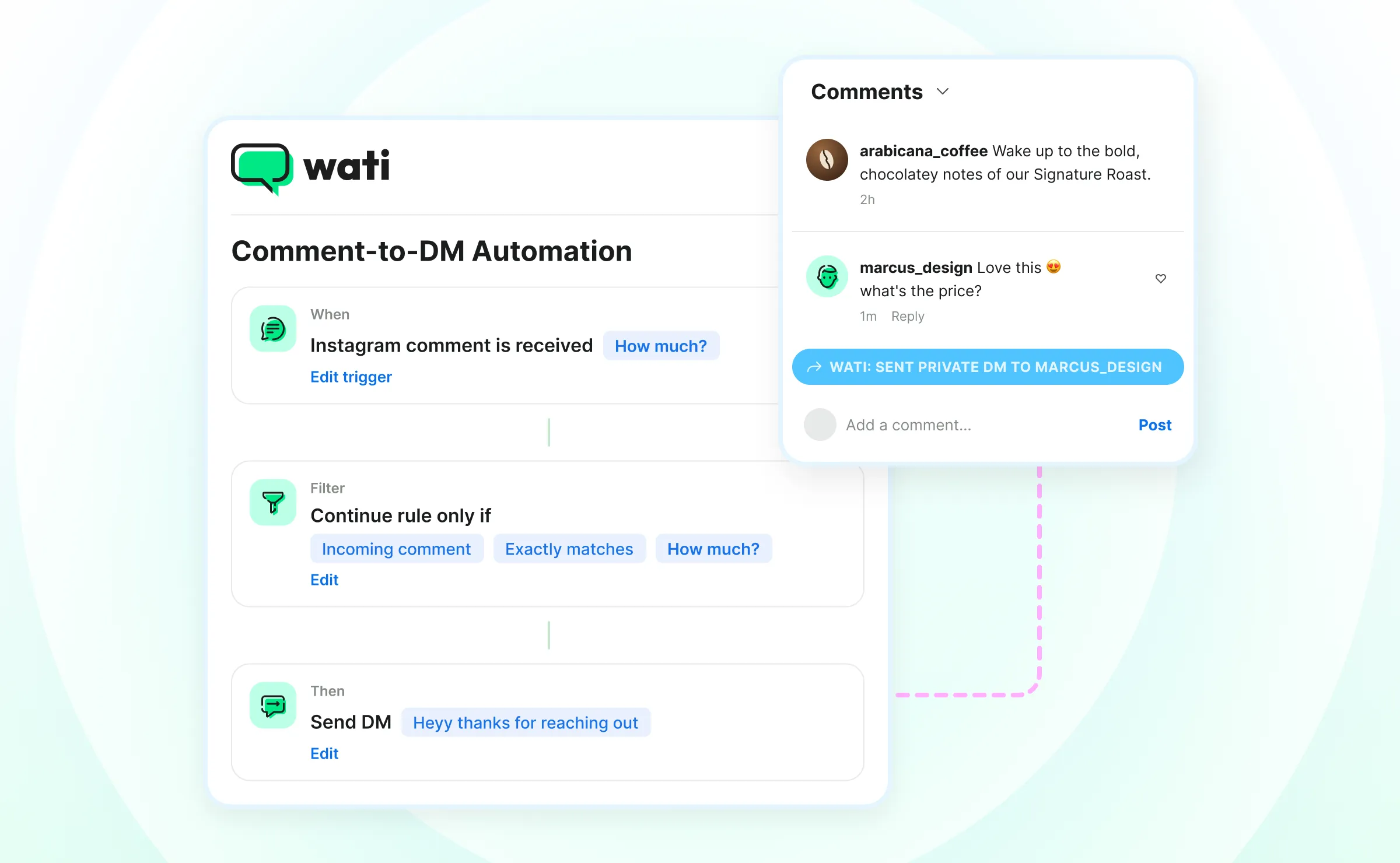
- Strength: Comment-to-DM automation, DM automation, and a shared team inbox across Instagram, WhatsApp, TikTok, and Facebook Messenger are included in every plan, alongside phone-number capture from DMs and a no-code FAQ chatbot builder that answers repeat questions without a human on standby.
- Limitation: Built around unifying messaging channels for growing businesses, not pure Instagram-only creator tooling, so a solo creator running one-off giveaway campaigns may find a lighter tool a better match.
- Pricing: Wati's Growth, Pro, and Business plans run roughly $59–$279/month on annual billing, all including Instagram automation. Wati runs frequent regional promotions, so confirm exact current rates on our pricing page.
Pricing is subject to change and varies by region. Check the Wati pricing page for exact, up-to-date plans before you buy.
Wati is used by 16,000+ businesses across 190+ countries. For the setup itself, see the Instagram automation guide or how auto-reply works on Instagram.
2. ManyChat
ManyChat is best for creators and agencies who want rule-based comment and DM flows without writing code.

A visual flow builder lets non-technical teams map out branching conversations, which is a big part of why it remains one of the most recognized names in this category.
- Strength: Comment keyword triggers and story reply automation are some of the most established in the category, backed by a free plan for up to 25 active contacts.
- Limitation: Behaves more like a trigger engine than a system that adapts to varied buyer questions, so unusual questions tend to fall through the flow and need a manual reply anyway.
- Pricing: Free, then from $14/month on annual billing (Essential), scaling with active contacts to $139/month for 25,000 contacts.
Pricing is subject to change. Check the ManyChat pricing page for exact, up-to-date plans before you buy.
3. Chatfuel
Chatfuel is a viable option for Instagram and Messenger stores that want AI-assisted sales conversations layered on top of basic automation.
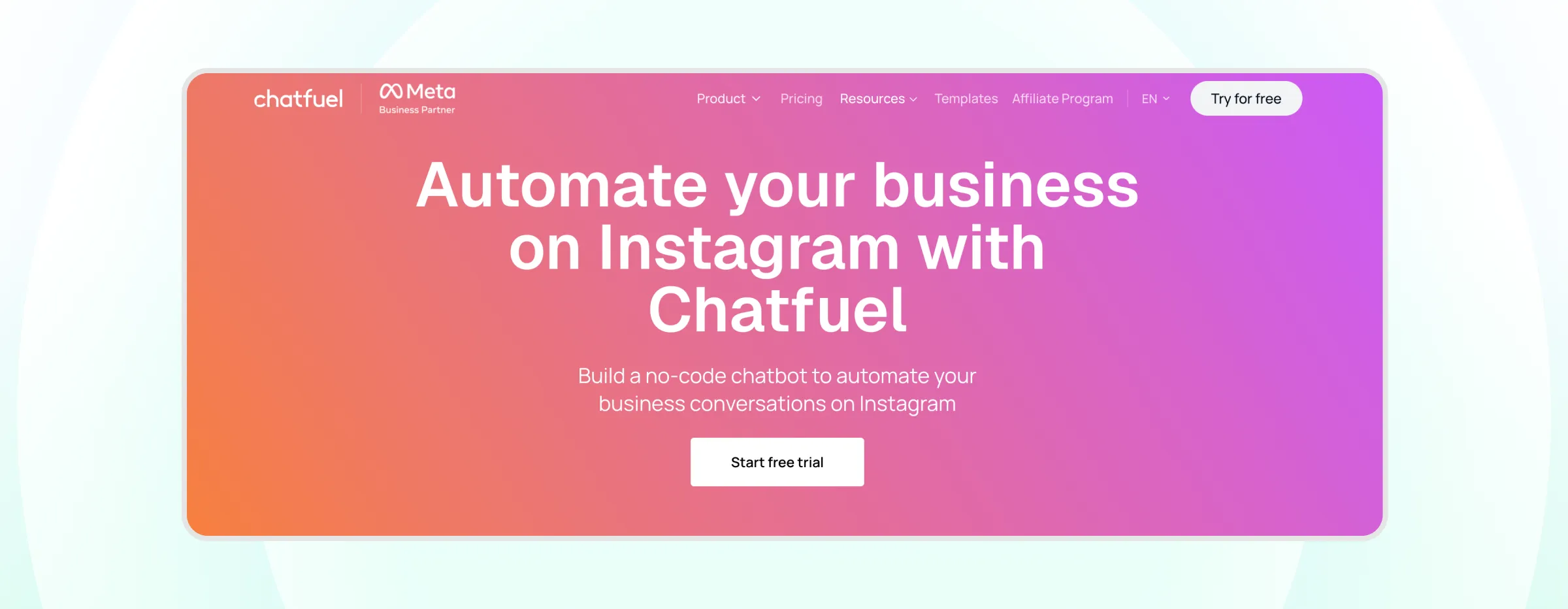
It supports both Instagram and Facebook Messenger from the same set of flows.
- Strength: Combines rule-based triggers with a ChatGPT-based reply option, which helps with product questions that a fixed flow cannot anticipate.
- Limitation: Comment-to-DM logic and the ChatGPT-based replies sit behind separate pricing tiers, and there is no built-in post scheduling, so teams typically pair it with a separate scheduler.
- Pricing: Free plan available; the Business plan is listed at $69/month
Pricing is subject to change. Check the Chatfuel pricing page for exact, up-to-date plans before you buy.
4. Inro
Inro is a great option if you’re looking for AI-generated replies across multi-turn DM conversations rather than a single scripted response.
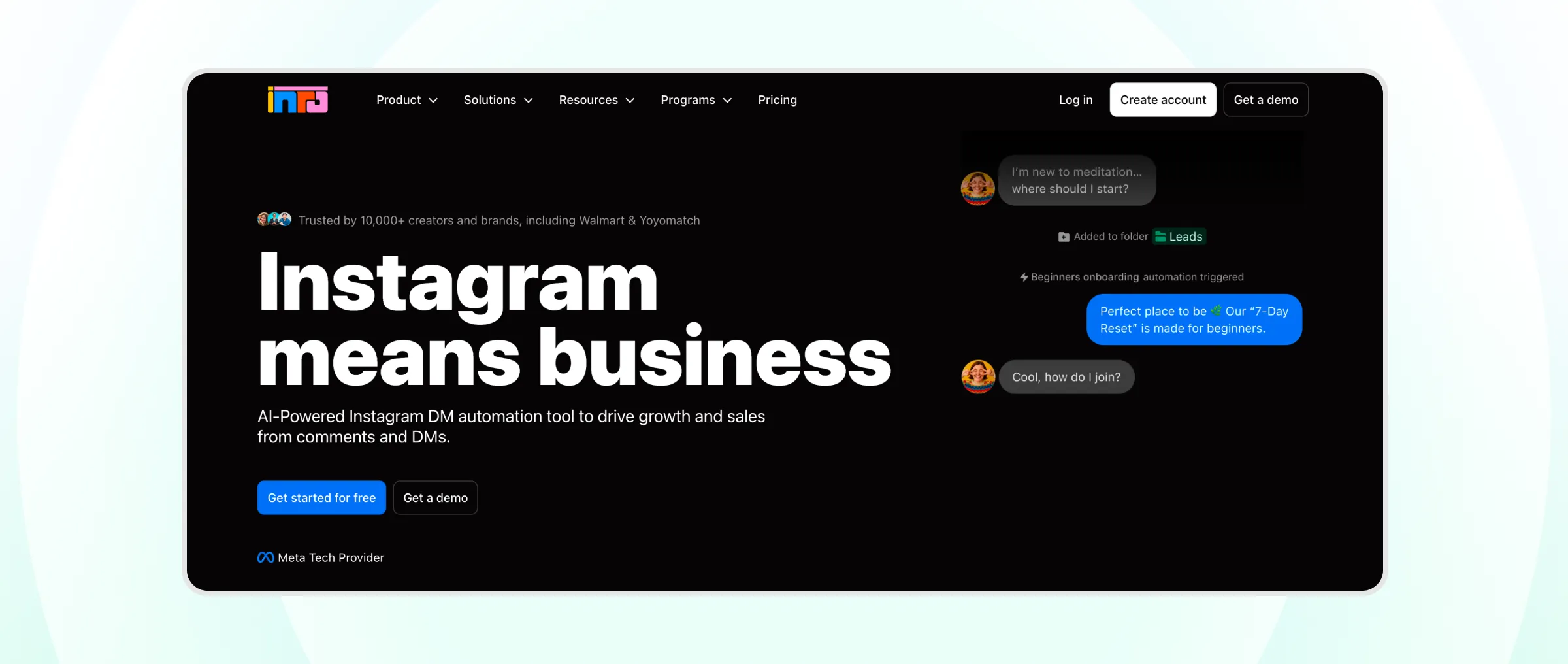
Rather than matching a keyword to a fixed reply, it reads the ongoing conversation and generates a contextual answer.
- Strength: AI moderation and analytics that flag which conversations need a human handoff before a customer gets frustrated.
- Limitation: Instagram-only, so a business selling across WhatsApp or a website as well needs a second tool for those channels.
- Pricing: Free (100 active contacts), then from €12.99/month, based on contacts activated in automations
Pricing is subject to change. Check the Inro pricing page for exact, up-to-date plans before you buy.
5. LinkDM
LinkDM's whole pitch is staying out of a business's way: inbound routing from comments, stories, reels, and ads, at one flat monthly rate, no matter how large the account gets.
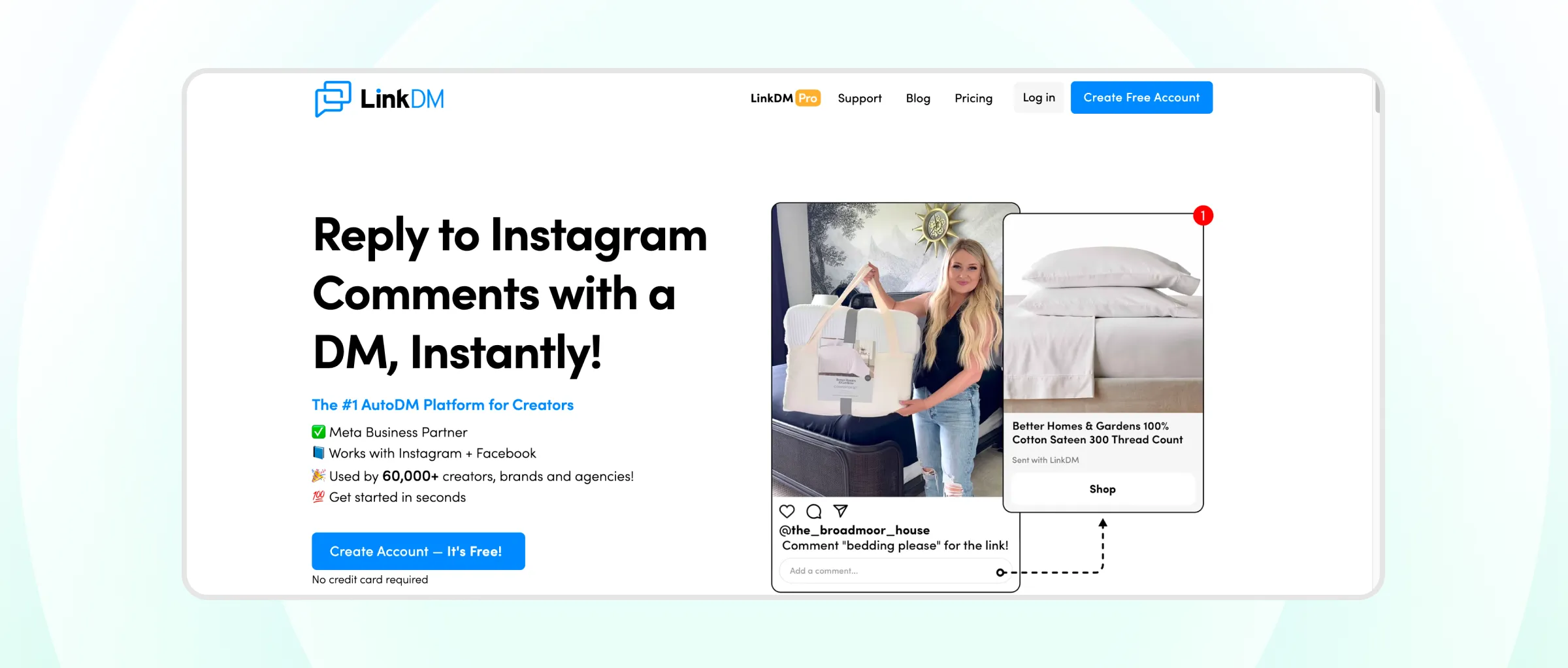
That predictability is rare in a category where most tools charge more as a contact list grows.
- Strength: Flat-rate pricing makes budgeting predictable regardless of message volume, which stands out in a category where most competitors charge more as a contact list grows.
- Limitation: Stays narrow by design, so a sales journey that continues on WhatsApp or a website needs to be handled elsewhere, and there is no built-in scheduling.
- Pricing: Free (1,000 DMs/month), then $19/month (25,000 DMs) or $99/month (300,000 DMs)
Pricing is subject to change. Check the LinkDM pricing page for exact, up-to-date plans before you buy.
6. InstantDM
A post going viral can flood the comments section faster than a person can reply, and that is the exact scenario InstantDM is built for.
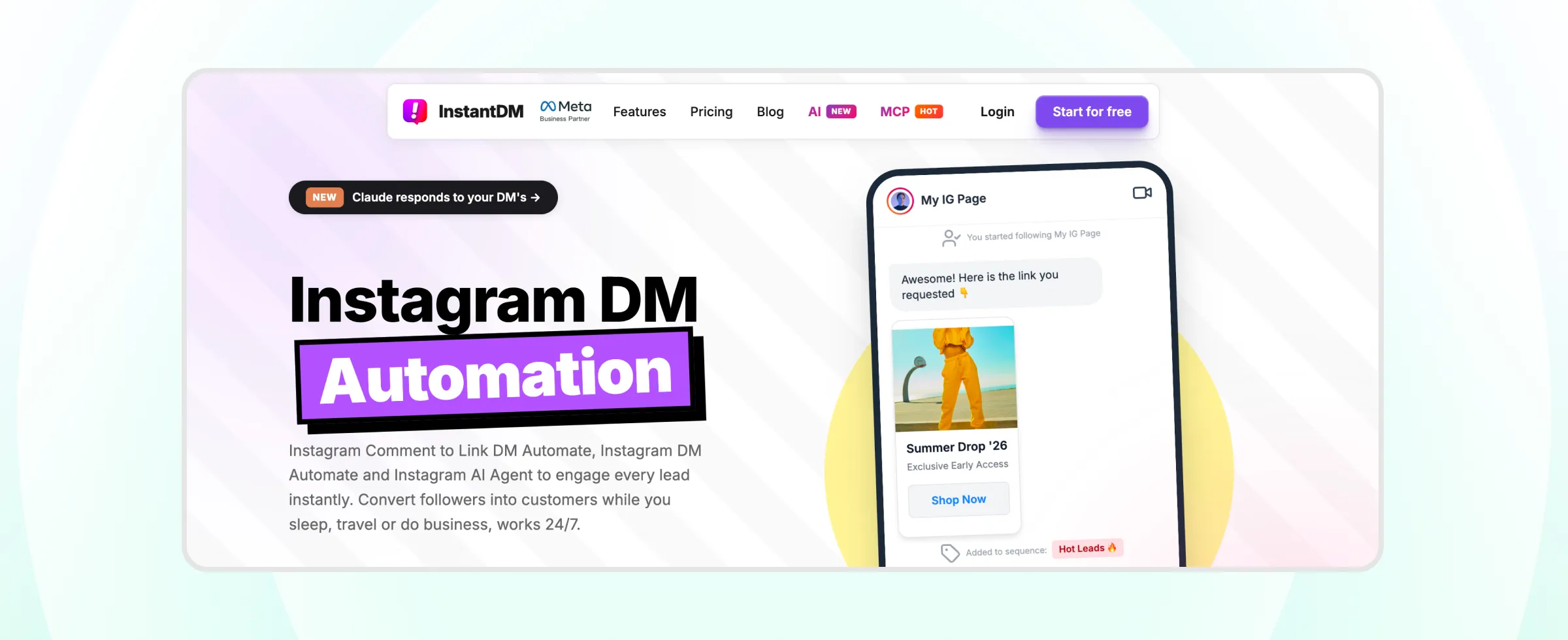
It paces DM sends to stay inside Meta's rate limits, rather than firing every reply at once and risking a spam flag.
- Strength: Paces DM sends to stay inside Meta's rate limits rather than firing every reply at once, positioning safety as a core feature.
- Limitation: Intentionally lean feature set, so businesses wanting AI-generated replies, lead qualification, or multichannel Inbox will need a second tool.
- Pricing: Free plan (500 automations/month), then from $9.99/month
Pricing is subject to change. Check the InstantDM pricing page for exact, up-to-date plans before you buy.
7. Interakt
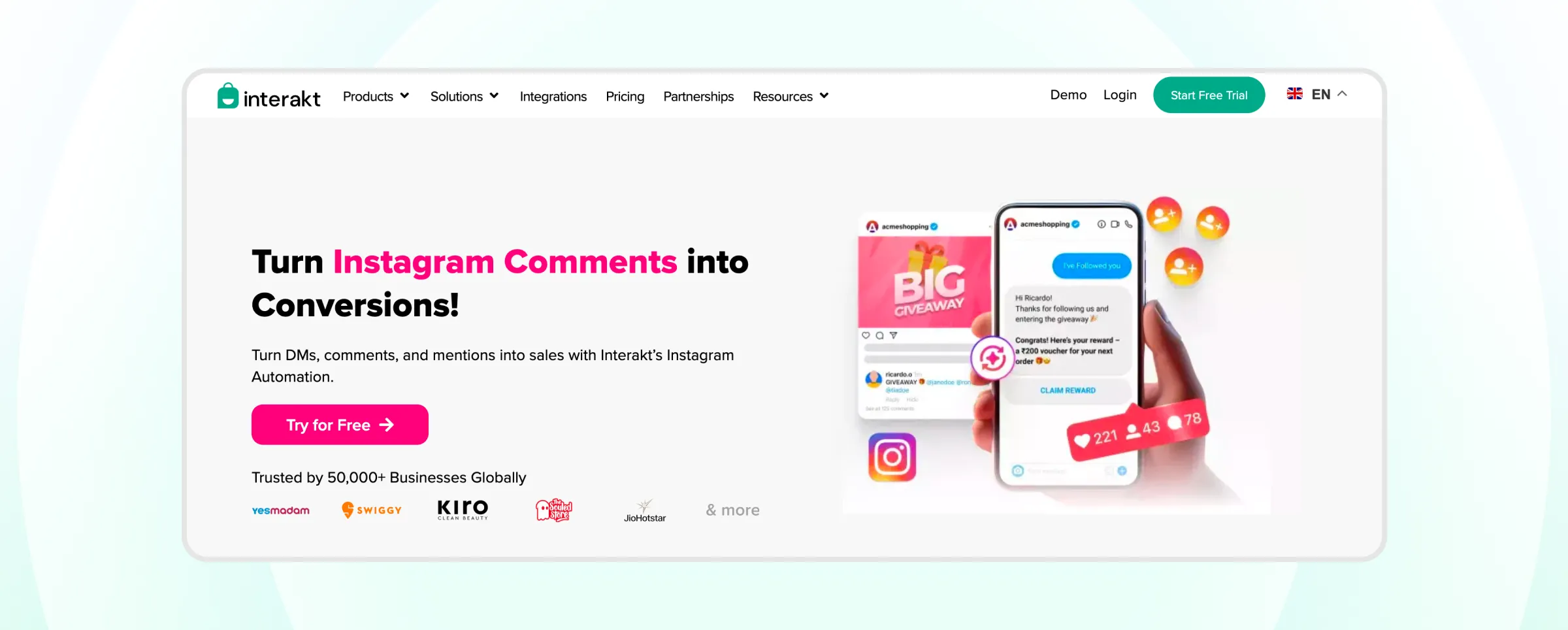
Many Instagram-led businesses actually close the sale on WhatsApp, and Interakt supports that motion through inbox features, catalog and commerce utilities, and abandoned cart-style follow-ups.
- Strength: Built as an official WhatsApp Business Solution Provider, alongside Wati, which matters if compliant WhatsApp messaging is part of the plan.
- Limitation: Instagram is not the center of gravity for the product, so it fits best when it is an acquisition channel, with WhatsApp as the primary workflow channel.
- Pricing: Varies noticeably by region and plan; third-party trackers cite figures from roughly $33 to $149/month, so confirm current rates directly with Interakt.
Pricing is subject to change and varies by region. Check the Interakt pricing page for exact, up-to-date plans before you buy.
8. Respond.io
Respond.io is another viable option for larger teams that want a true omnichannel inbox spanning WhatsApp, Instagram, TikTok, and voice calls, with pricing based on Monthly Active Contacts (MACs) rather than seats.
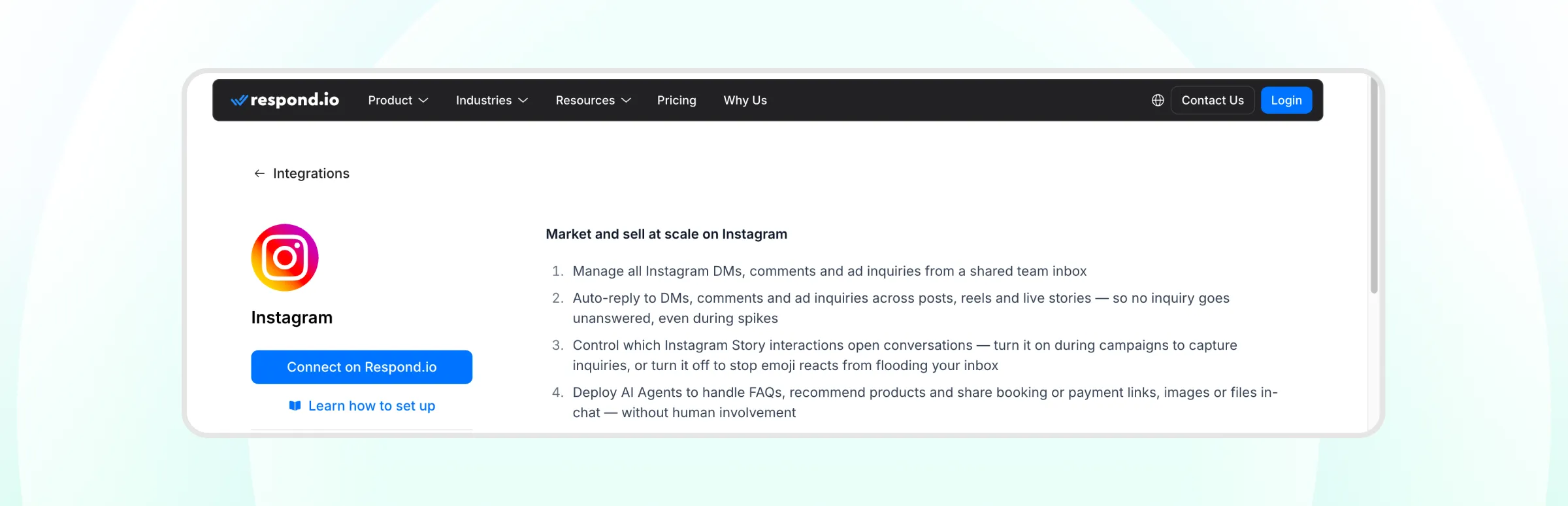
- Strength: A Monthly Active Contact counts once per billing month, no matter how many messages that person sends, which suits support-heavy conversations.
- Limitation: Often heavier than an Instagram-only business needs if the goal is autonomous DM automation rather than broader inbox management, and MAC-based billing can turn a successful campaign into a larger-than-expected bill.
- Pricing: From $79/month (Starter, basic inbox only); automation, workflows, and AI agents require the $159/month Growth tier
Pricing is subject to change. Check the Respond.io pricing page for exact, up-to-date plans before you buy.
9. TailorTalk
Most tools on this list stop once a comment turns into a DM. TailorTalk starts there.
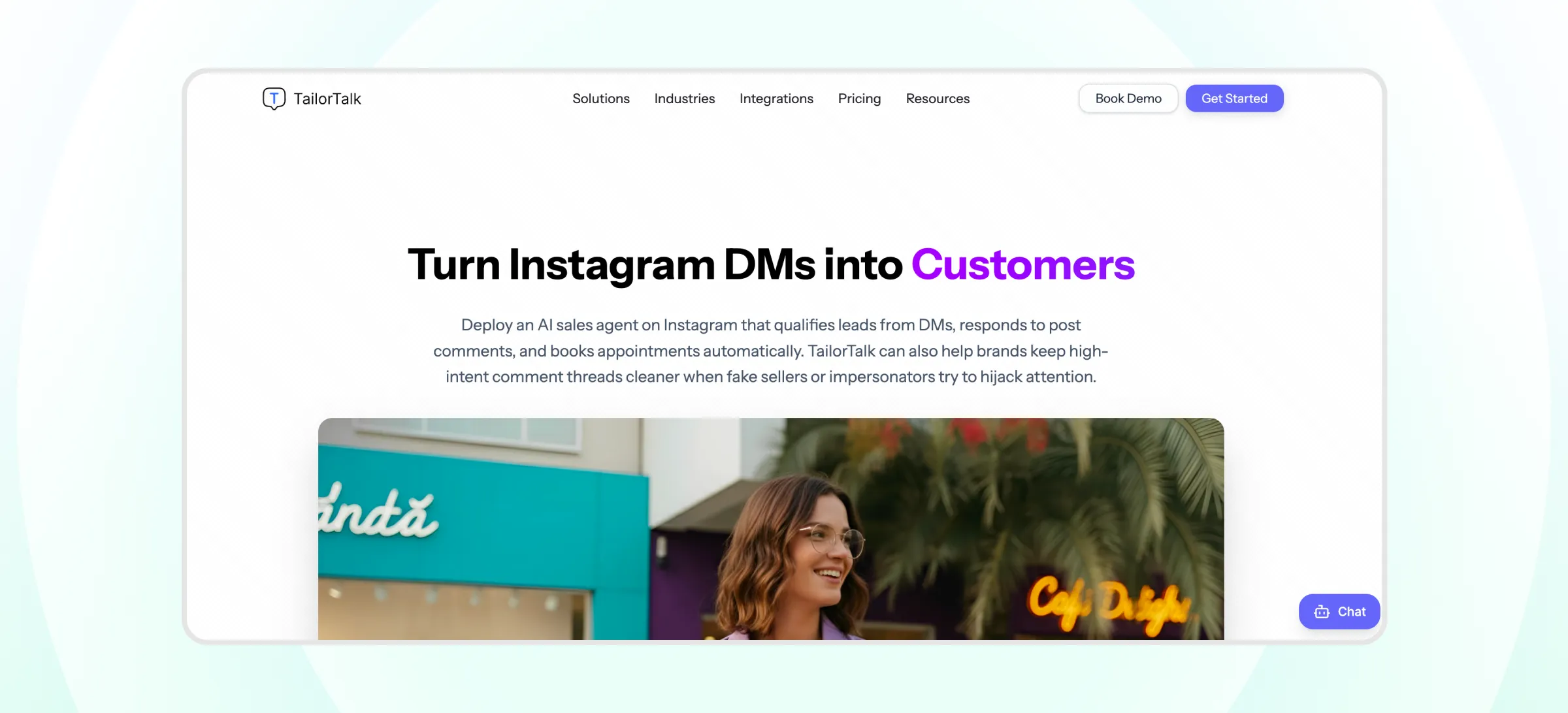
It is built to qualify a lead, follow up if they go quiet, and hand off a warm conversation to a sales rep across Instagram, WhatsApp, and a website as the buyer moves between them.
- Strength: Designed to continue a conversation across Instagram, WhatsApp, and a website as a buyer moves between channels, rather than treating Instagram in isolation.
- Limitation: Less relevant for creators or brands whose main need is simple comment-to-DM automation rather than a full sales workflow.
- Pricing: From $39/month (Starter: 400 conversations on Instagram and website); WhatsApp starts on the $89/month Growth plan
Pricing is subject to change. Check the TailorTalk pricing page for exact, up-to-date plans before you buy.
10. Kommo
Most tools on this list are built around messaging first and a pipeline second, if at all.
Kommo flips that: it's a CRM with a unified inbox spanning WhatsApp, Instagram DMs, Telegram, email, and live chat, and its no-code Salesbot builds the same kind of keyword-triggered comment-to-DM flows as the tools above, but ties every conversation to a lead record and a sales stage from the start.
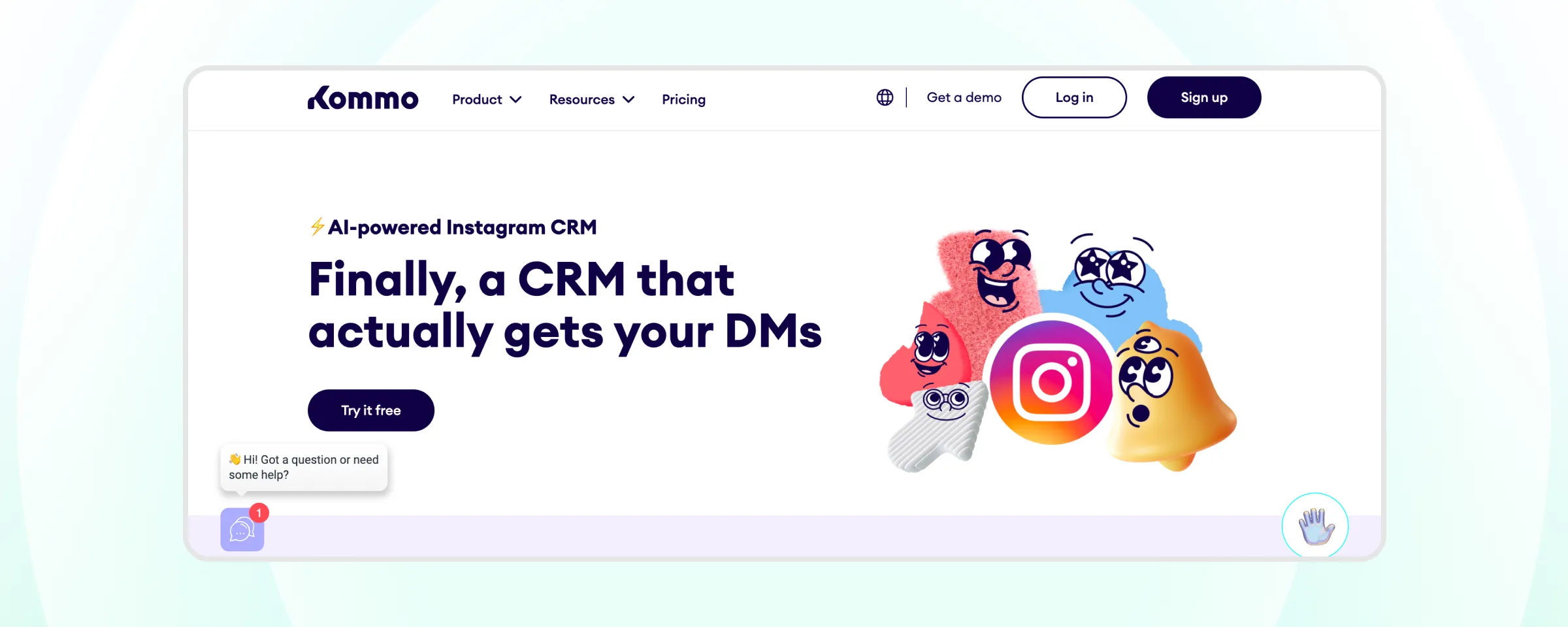
- Strength: A visual, drag-and-drop pipeline shows exactly where every Instagram-sourced lead sits, which suits sales teams that already think in stages rather than a flat inbox.
- Limitation: Instagram comment and DM automation only unlocks on the Advanced plan and up, so the cheapest tier doesn't actually include what this list is comparing it on. All plans also require a minimum 6-month commitment.
- Pricing: From $25/month per user (Base, no Instagram automation); Instagram automation requires the $35/month Advanced plan
Pricing is subject to change. Check the Kommo pricing page for exact, up-to-date plans before you buy.
Comparison Table: Best Instagram Automation Tools
Use this table for a quick side-by-side before reading the full breakdown below.
Tool | Best For | Starting Price | Comment-to-DM | DM Automation |
|---|---|---|---|---|
Wati | Omnichannel marketing automation. Businesses running Instagram, TikTok, Facebook, and WhatsApp in one inbox | ~$59–$279/month (Growth/Pro/Business, billed annually) | Yes | Yes |
ManyChat | Creator-style comment and DM flows | Free, from $15/month | Yes | Yes |
Chatfuel | Instagram and Messenger sales bots | Free; Business from $69/month | Yes | Yes |
Inrō | AI-generated multi-turn DM replies | Free, from €12.99/month | Yes | Yes |
LinkDM | Instagram-first inbound routing | Free, then $19/month | Yes | Yes |
InstantDM | Budget comment-to-DM triggers | Free, then from $9.99/month | Yes | Yes |
Interakt | WhatsApp-led businesses adding Instagram | Roughly $15–$150/month, varies by region | Yes | Yes |
Respond.io | Omnichannel inbox for larger teams | From $79/month (automation needs the $159/month tier) | No | Yes |
TailorTalk | Sales-led qualification and follow-up | From $39/month | No | Yes |
Kommo | CRM-driven teams wanting Instagram tied to a sales pipeline | From $25/month (Base); Instagram automation needs the $35/month Advanced plan | Yes | Yes |
How Much Do Instagram Automation Tools Cost?
Instagram automation tools cost anywhere from free to a few hundred dollars a month, and the billing unit matters more than the sticker price. A viral post can multiply the bill on per-contact or per-DM plans.
Pricing model | What drives the bill | Tools on this list |
|---|---|---|
Per active contact | Number of people who engage | ManyChat, Inrō, Respond.io (MAC) |
DM volume tiers | Number of DMs sent | LinkDM |
Per conversation | Number of daily customer conversations | TailorTalk |
Flat plan tier | Plan tier, plus add-ons or messaging fees | Wati, InstantDM, Chatfuel, Interakt |
Per user seat | Number of team members | Kommo |
How to Use Instagram Automation Tools
Setting up Instagram automation generally follows the same five steps regardless of which tool you choose, though the interface and terminology vary between platforms.
None of these steps requires code, and most can be completed in under an hour.
1. Connect your Instagram Business or Creator account
Most tools require a Business or Creator account linked through Meta, since automation runs through Meta's Instagram Messaging API rather than a personal profile. A personal account typically cannot authorize third-party automation at all.
2. Set your triggers
Decide what should start an automation: a specific comment keyword, any DM, or a story reply. Keyword-triggered automation is the most common starting point, since it lets a single post drive dozens of automated conversations from one trigger word like "price" or "info."
3. Build the reply logic
This ranges from a single scripted message to a full FAQ flow. Setting up an Instagram chatbot for FAQ automation is a common next step once basic triggers are working, since it lets the bot handle recurring questions without a human having to type the same answer twice.
4. Route complex conversations to a human
Automation should handle repetitive questions, not every conversation. Most tools let you set conditions, such as a certain keyword, a stalled conversation, or a request for a refund, that hand the chat to a team member instead of forcing a bot to guess.
5. Track what converts
Turning DM engagement into actual leads matters more than reply volume alone, since a high reply rate on its own does not pay the bills. Converting Instagram engagement into leads covers how to measure that handoff, from comment to DM to a captured contact, so you can see which triggers actually produce customers rather than just conversations.
Which Instagram Automation Tools are Right for Your Business?
The right Instagram automation tool depends on what a business actually needs: creators and solo accounts are usually well served by ManyChat, LinkDM, or InstantDM.
Larger teams managing many channels lean toward Wati or Respond.io.
Sales-led teams that need qualification and follow-up fit TailorTalk or Kommo if a CRM pipeline matters too, and businesses that already run WhatsApp and want Instagram folded into the same inbox are the clearest fit for Wati.
Book a free demo to see comment-to-DM automation and shared-inbox lead capture running on your own account in under 5 minutes.
Frequently asked questions
What are Instagram automation tools?
Instagram automation tools are software platforms that automatically reply to comments, DMs, and story mentions using preset triggers such as keywords. They connect to an Instagram Business or Creator account through Meta's official API and range from simple comment-to-DM bots like LinkDM to full inbox and lead-qualification platforms like Wati, Respond.io, and TailorTalk.
Is Instagram automation safe and compliant?
Yes. Instagram automation is safe when the tool connects through Meta's official Instagram API. Meta Business Partners such as Wati and approved Meta Tech Providers follow Meta's messaging policies, which substantially lowers the risk of an account being flagged. Meta's rate limits and spam policies still apply, and browser scripts that mimic manual clicks carry the most risk.
Can I manage Instagram DMs and WhatsApp in one inbox?
Yes. Wati offers a shared team inbox covering Instagram and WhatsApp, so an agent can reply on both channels without switching apps. Interakt adds an Instagram inbox alongside WhatsApp, though its Starter plan limits the inbox to one channel. Instagram-focused tools like LinkDM (Instagram only) and InstantDM (Instagram and Facebook) have no WhatsApp inbox.
How does Instagram automation capture leads?
Instagram automation captures leads by pulling a phone number or email shared in a DM and saving it to a contact profile automatically. In Wati, a number shared in an Instagram DM appears on the contact card in the shared inbox, ready for WhatsApp follow-up. That removes the manual step of copying contact details into a spreadsheet or CRM.
Can Instagram automation tools handle FAQs automatically?
Yes, most Instagram automation tools answer FAQs automatically with keyword rules or a chatbot flow. Questions about pricing, shipping, or store hours get an instant reply instead of waiting for an agent. Wati includes a no-code chatbot builder on every plan, while AI-first tools like Inrō generate answers from a knowledge base.
Related posts
- How to Send Bulk Messages on WhatsApp Without Getting Blocked
Learn how to send bulk WhatsApp messages without getting blocked. Compare the WhatsApp Business app and API, messaging limits, costs, templates, and best practices for safe, compliant bulk messaging.
- Complete Guide to Instagram Automation
Instagram comment automation auto-replies to comments and DMs commenters within seconds via Meta's API. Covers strategy, use cases, and Wati setup.
- How to Set Up a TikTok Business Account: Step-by-Step Guide
Set up a TikTok Business Account step by step: switch from personal, pick a category, add your profile, and unlock ads and analytics.
- TikTok for Business: How to Set Up, Market, Advertise & Grow (2026)
Learn how to use TikTok for Business to build your brand, create content, run ads, manage customer messages, and turn views into growth.