
Too Long? Read This First
- Omnichannel customer service software connects all your support channels into a single inbox, so every support rep can see the full customer history.
- The most important features are a unified inbox, routing, AI agents with a human handoff, a shared knowledge base, and cross-channel reporting.
- Wati is the best fit for messaging-first teams that support customers on WhatsApp, Instagram, Messenger, and TikTok.
- If your team manages high volumes of email and phone tickets, Zendesk, Freshdesk Omni, and Salesforce Agentforce Service give you the advanced ticketing and workflows larger operations need.
- Pricing models vary widely, so you should compare per-seat, per-ticket, per-contact, and per-resolution costs before you buy.
- Omnichannel customer service software unites WhatsApp, social, chat, email, and voice in one inbox. Compare 15 tools for 2026, from free plans to $175/user.
Omnichannel customer service software brings every customer conversation, whether it starts on WhatsApp, Instagram, live chat, email, or phone, into one shared workspace so your team can answer faster, and customers never have to repeat themselves.
The right tool depends on where your customers reach you, how big your team is, and how you want to pay.
In this guide, we compare 15 of the best omnichannel customer service software options for 2026, from messaging-first platforms to enterprise contact centers.
You will also find the features that matter most, a side-by-side comparison table, and a simple way to pick the right platform for your team.
What is Omnichannel Customer Service Software?
Omnichannel customer service software is a platform that connects your support channels, such as messaging apps, social media, live chat, email, and voice, around one shared customer record.
Your support reps work from a single inbox, and each conversation keeps its history even when the customer switches channels.
Omnichannel support software is different from simply having many channels. The value comes from the connection between them.
What Features Should Omnichannel Customer Service Software Have?
Omnichannel customer service software should connect your channels, customer data, and team workflows in one place.
The shift toward digital channels makes this more important every year: a Gartner survey of 265 customer service leaders found that live chat, self-service portals, and knowledge management systems will overtake phone and email as the most valuable service technologies by 2027.
Look for these eight features when you compare tools:
1. Unified omnichannel inbox: One workspace where support reps see and reply to every channel.
2. Channel coverage: Support for the channels your customers actually use. For messaging-first businesses, that usually starts with the WhatsApp Business API.
3. Shared customer profile: One record per customer with past conversations, orders, and tags.
4. Routing and assignment: Rules that send each conversation to the right rep or team and give it one owner.
5. AI agents with human handoff: Automation that resolves routine questions and passes complex ones to a person with the full history. Pressure to add AI is high: 91% of customer service leaders say they are under pressure to implement AI in 2026.
6. Knowledge base: A single source of approved answers for both AI and human agents.
7. Integrations: Connections to your CRM, e-commerce store, and order systems, so agents see context without switching tabs.
8. Cross-channel reporting: Response times, resolutions, and human agent performance measured across all channels together.
An omnichannel ticketing system covers only part of this list. Ticketing organizes requests, but true omnichannel software also connects live conversations, customer data, and automation.
How Did We Choose These Tools?
We compared each platform on five criteria: channel coverage (messaging, social, chat, email, voice), AI agents with human handoff, routing and assignment, integrations, and published pricing.
Prices come from each vendor's pricing page and independent 2026 pricing trackers, checked in September 2026. Please verify respective brands for updated pricing.
15 Best Omnichannel Customer Service Software in 2026
The tools below cover every type of team, from small businesses running support on WhatsApp to enterprise contact centers handling millions of conversations.
1. Wati
Wati is an AI-powered customer engagement platform built for growing businesses. WhatsApp sits at the center, and Instagram, Facebook Messenger, and TikTok conversations connect into the same Team Inbox.
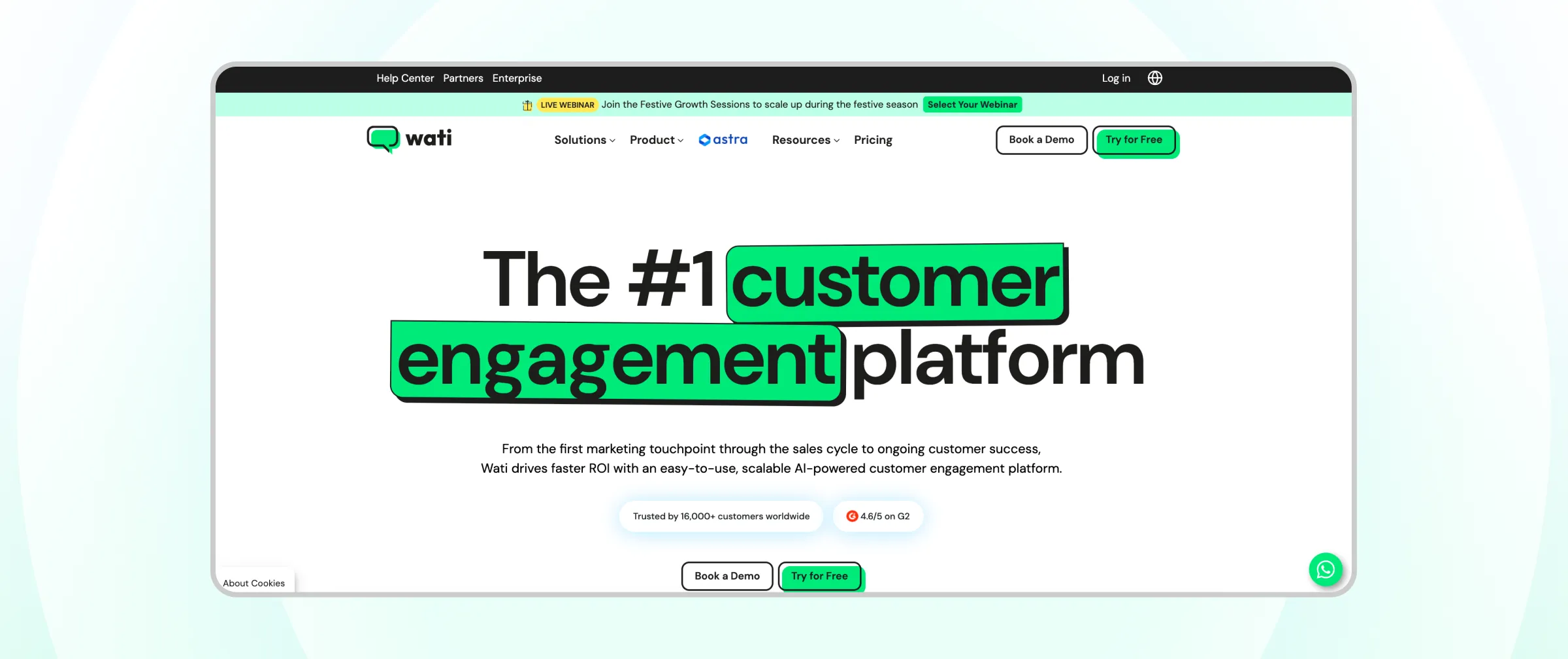
Best for: Messaging-first SMB and mid-market teams that support customers on WhatsApp and social channels. Wati also supports enterprise, and it is a go-to platform for brands that are scaling.
Key features:
- One inbox for WhatsApp, Instagram, Facebook Messenger, and TikTok Business Messaging, with teams, assignment, and routing rules
- An AI Support Agent that answers from your knowledge base around the clock, plus Astra AI agents for web, WhatsApp, and voice in 30+ languages
- Wati AI Copilot, which gives support reps conversation summaries, a CX score that flags at-risk customers, and one-click translation
- Connect External Agent, which lets you bring your own AI, including OpenAI, Claude, Gemini, or custom models
- Voice support through WhatsApp Business Calling
- Multiple integrations, including Shopify and HubSpot
Pros:
- Built on the official WhatsApp Business API, so multiple support reps can work from one business number, backed by Wati's status as an official WhatsApp Business Solution Provider and Meta Premium Partner
- AI agents and support reps share the same inbox and full conversation context
- Marketing, sales, and support share one conversation thread, so context is never lost between teams
- No-code setup that teams without technical resources can launch quickly
- Published, flat-plan pricing that is easy to forecast
Cons:
- Not a full email or phone ticketing helpdesk, so email-heavy teams may need a separate tool
- WhatsApp template messages are billed on top of the plan price
Pricing: Growth, Pro, and Business plans at $59, $119, and $279 per month billed annually. See Wati pricing for your region.
Pricing is subject to change and varies by region. Check the Wati pricing page for exact, up-to-date plans before you buy.
2. Zendesk
Zendesk is a customer service platform, combining ticketing with messaging, live chat, voice, a help center, and AI in its Suite plans.
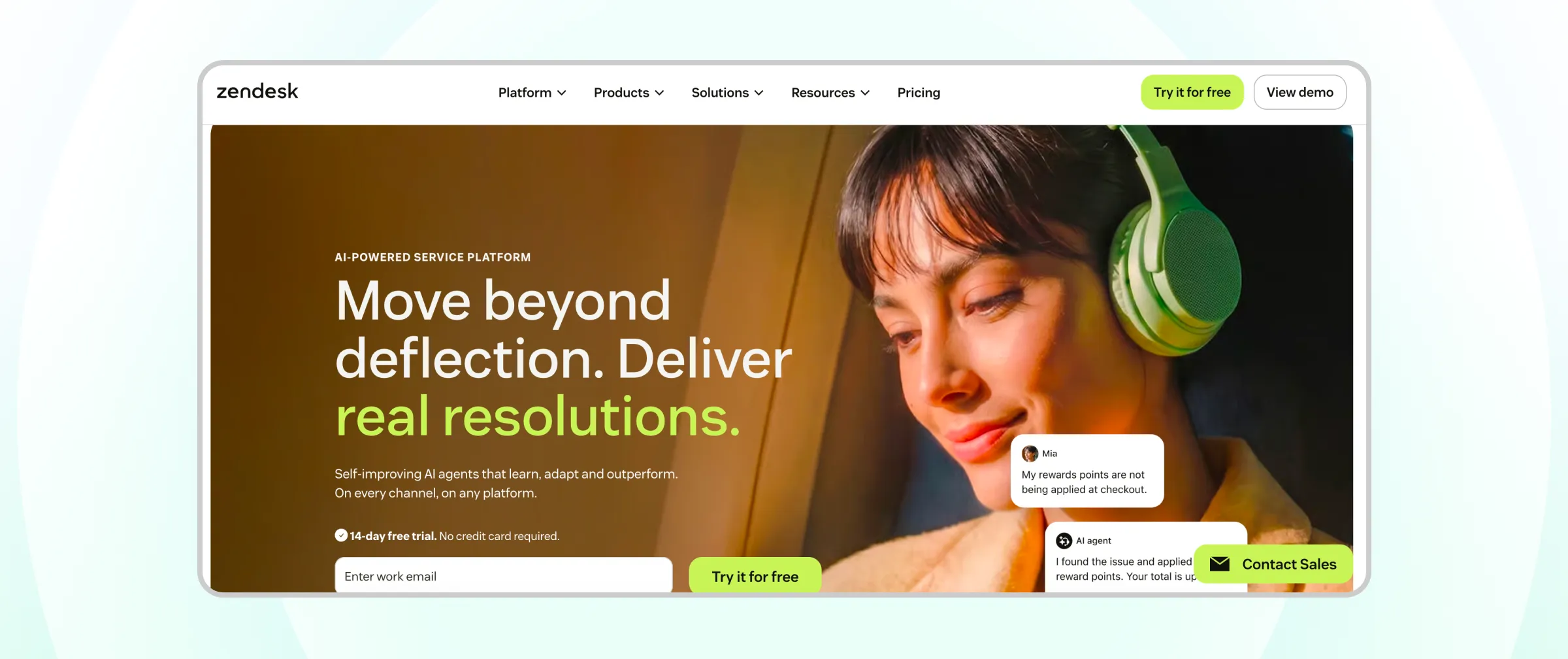
Best for: support teams that need mature, multi-channel ticketing and a deep app marketplace.
Key features:
- Omnichannel routing across messaging, live chat, email, and voice
- AI agents and a knowledge base included in Suite plans
- Skills-based routing and an IVR phone tree on Suite Professional
- A large marketplace of integrations
Pros:
- Proven at enterprise scale
- Strong reporting and workflow depth
- 14-day free trial
Cons:
- Priced per seat, so costs grow directly with team size
- Advanced AI tools such as Copilot are sold as add-ons
Pricing: Support Team from $19 per seat per month (ticketing only). Suite Team from $55 and Suite Professional from $115 per seat per month, billed annually.
Pricing is subject to change. Check Zendesk's official pricing page for exact, up-to-date plans before you buy.
3. Freshdesk Omni
Freshdesk Omni is the multichannel edition of Freshworks' helpdesk, bundling email, web chat, SMS, and messaging apps into one inbox.
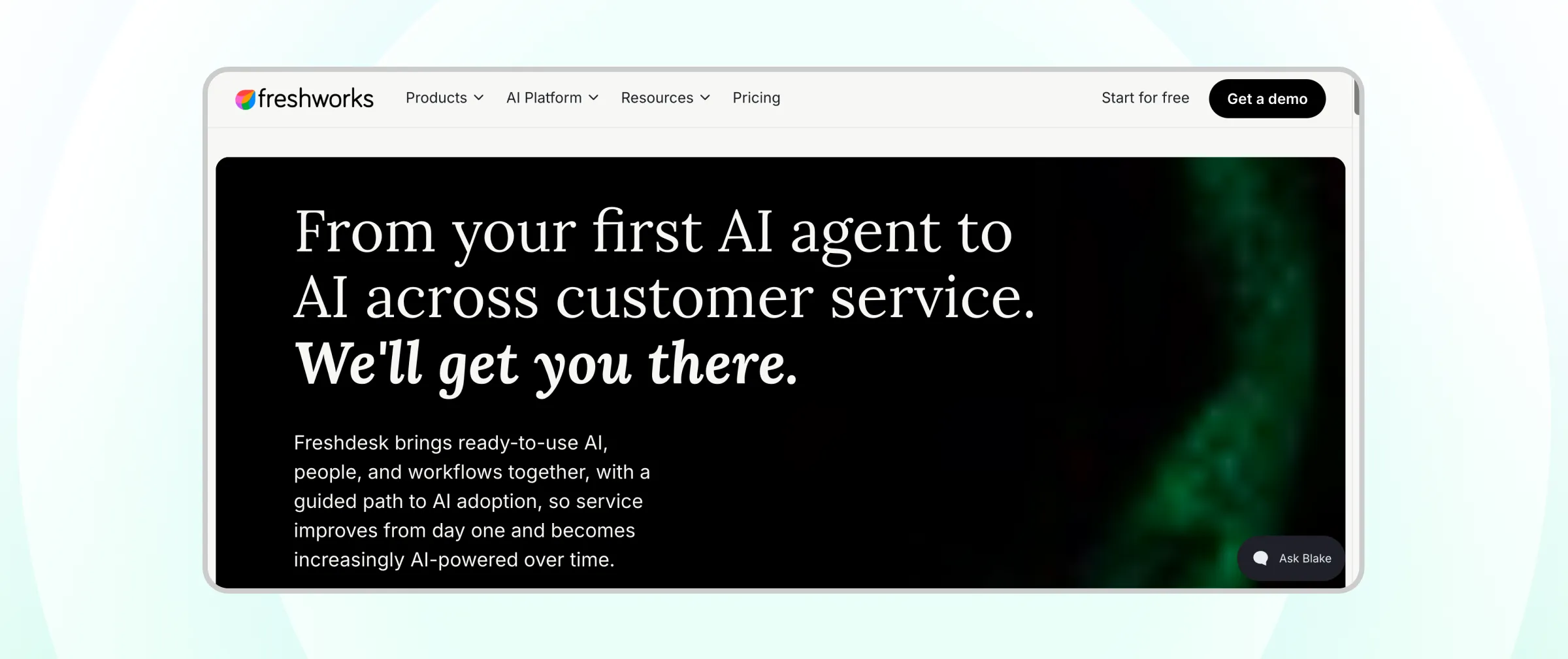
Best for: Mid-market teams that want a broad channel mix at a moderate per-seat price.
Key features:
- Omnichannel inbox across web chat, SMS, messaging, and email
- Freddy AI Copilot for support rep assistance (Pro and Enterprise)
- WhatsApp campaigns on the Pro plan
- Skill-based assignment on Enterprise
Pros:
- Lower entry price than most enterprise helpdesks
- Familiar ticketing workflows
- Part of the wider Freshworks product family
Cons:
- The classic Freshdesk plans cover fewer channels, so buyers must choose Omni for full coverage
- AI Copilot and AI agent sessions are billed separately
Pricing: Omni Growth from $29, Pro from $79, and Enterprise from $119 per seat per month, billed annually.
Pricing is subject to change. Check Freshdesk's official pricing page for exact, up-to-date plans before you buy.
4. Fin (Formerly Intercom)
Fin is the company formerly known as Intercom, which renamed itself after its AI agent in May 2026 and is now owned by Salesforce.
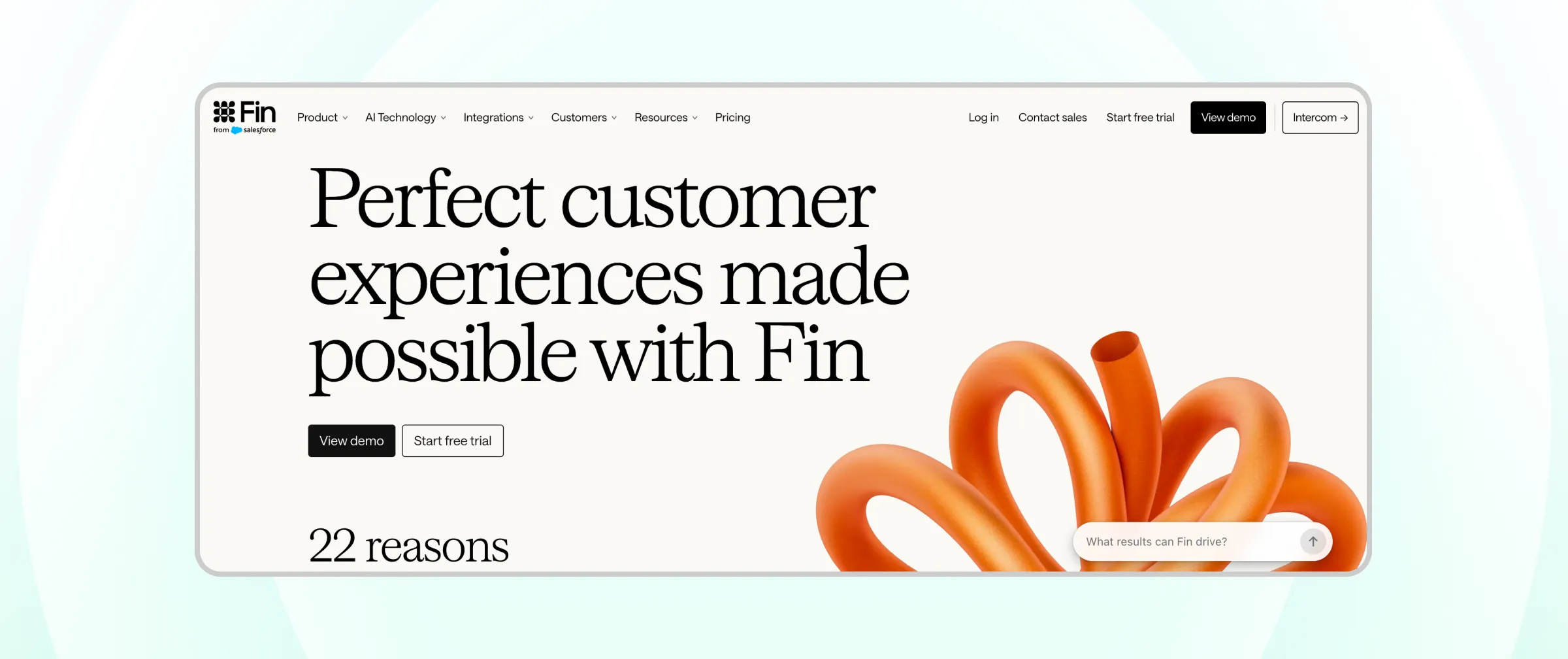
The helpdesk combines a Messenger widget, shared inbox, ticketing, and help center with the Fin AI agent.
Best for: Chat-first support teams that want AI to resolve a large share of conversations.
Key features:
- Fin AI agent available on every plan
- Messenger, shared inbox, ticketing, and public help center
- Workflows and multiple team inboxes on Advanced
- SSO, HIPAA support, and multibrand setups on Expert
Pros:
- Strong AI resolution capabilities
- Polished in-app and web chat experience
- Free lite seats on higher plans
Cons:
- AI is billed per resolution on top of seats, so costs rise with successful automation
- Best suited to chat and in-app support rather than messaging-app-first teams
Pricing: Essential $29, Advanced $85, and Expert $132 per seat per month billed annually, plus $0.99 per Fin resolution.
Pricing is subject to change. Check Fin's official pricing page for exact, up-to-date plans before you buy.
5. HubSpot Service Hub
HubSpot Service Hub is the customer service product inside the HubSpot customer platform, so support, sales, and marketing share one CRM record.
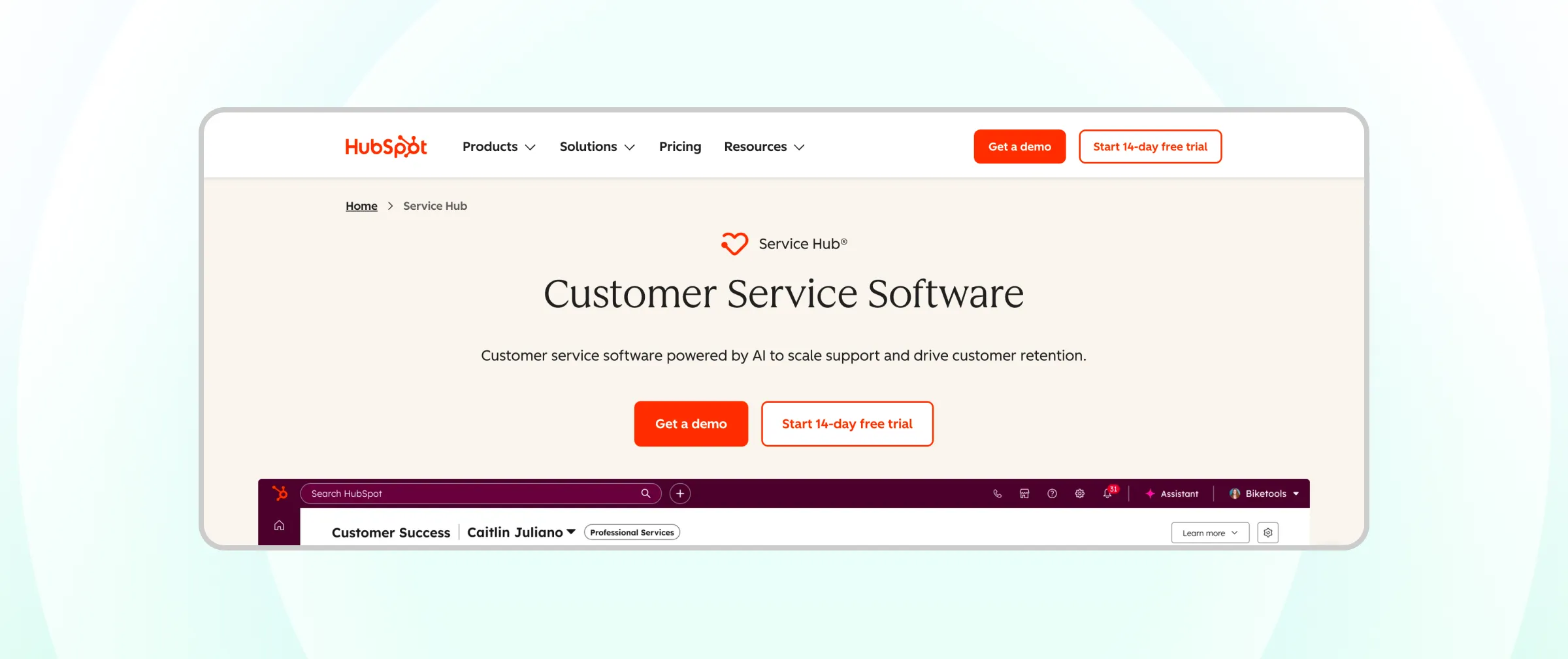
Best for: Teams that already run marketing or sales on HubSpot.
Key features:
- Ticketing and shared inbox connected to the HubSpot CRM
- Help center and knowledge base from the Professional plan
- SLA management and custom reporting on Professional
- Breeze AI features powered by included AI credits
Pros:
- One customer record across marketing, sales, and service
- Free tools to start with
- Large integration ecosystem
Cons:
- Knowledge base and advanced automation start at the Professional tier
- Professional and Enterprise include one-time onboarding fees
Pricing: Free tools available. Starter from $20 per seat per month; Professional from $90 per seat per month, billed annually; Enterprise from $150 per seat per month.
Pricing is subject to change. Check HubSpot's official pricing page for exact, up-to-date plans before you buy.
If you already use HubSpot, you can also connect it to WhatsApp support through the Wati HubSpot integration.
6. Zoho Desk
Zoho Desk is a context-aware helpdesk from Zoho, with an unusually low price ladder and Zia AI built into its higher plans.
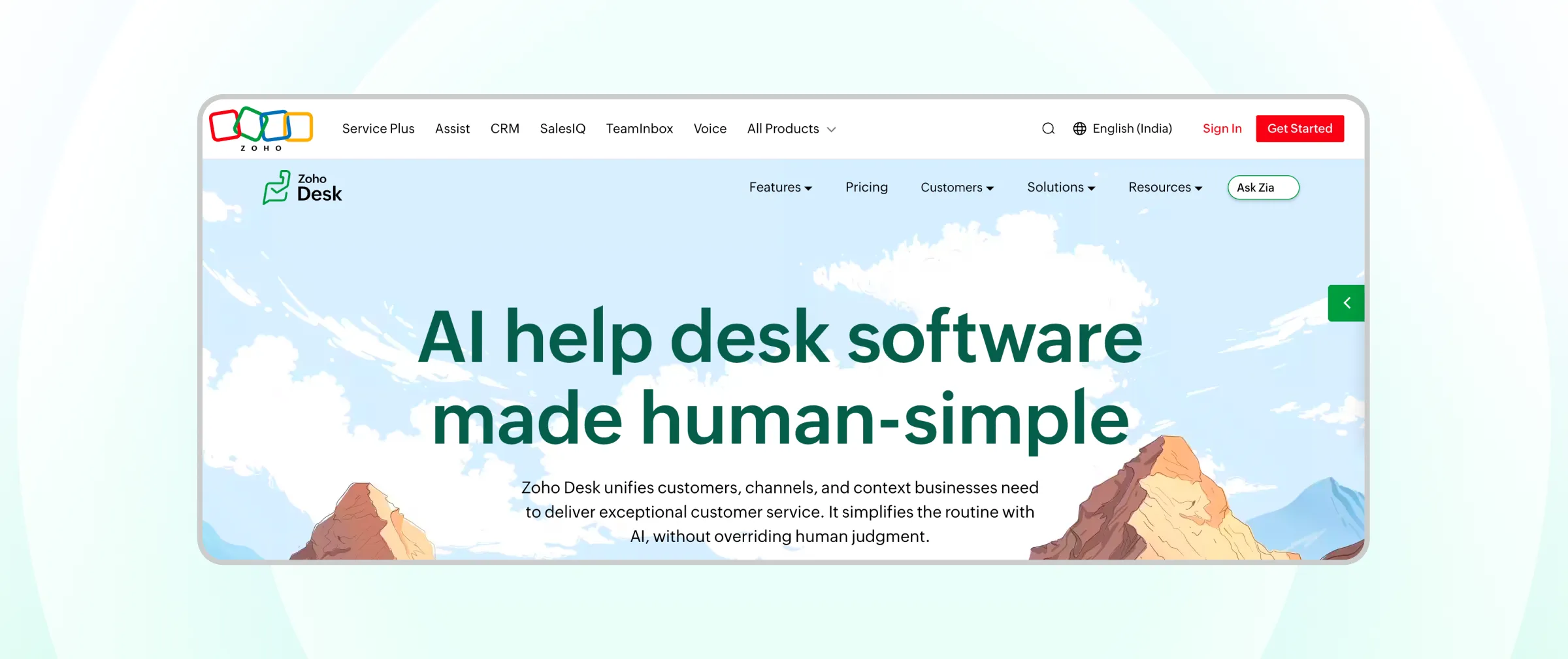
Best for: Budget-conscious teams, especially those already using Zoho apps.
Key features:
- Multi-channel ticketing with a customer-facing help center
- Zia AI for suggestions, sentiment, and answer bots
- Department-level workflows and SLAs
- Tight connection with Zoho CRM and other Zoho apps
Pros:
- A free plan for up to 3 seats
- Low per-seat pricing across paid tiers
- AI included in the plan rather than sold per resolution
Cons:
- Some channels and advanced features sit on upper plans
- Monthly billing costs noticeably more than annual billing costs
Pricing: Free for up to 3 seats. Express $7, Standard $14, Professional $23, and Enterprise $40 per seat per month, billed annually.
Pricing is subject to change. Check Zoho's official pricing page for exact, up-to-date plans before you buy.
7. Gorgias
Gorgias is a helpdesk built for e-commerce, with deep Shopify integration that lets support reps view and edit orders inside the conversation.
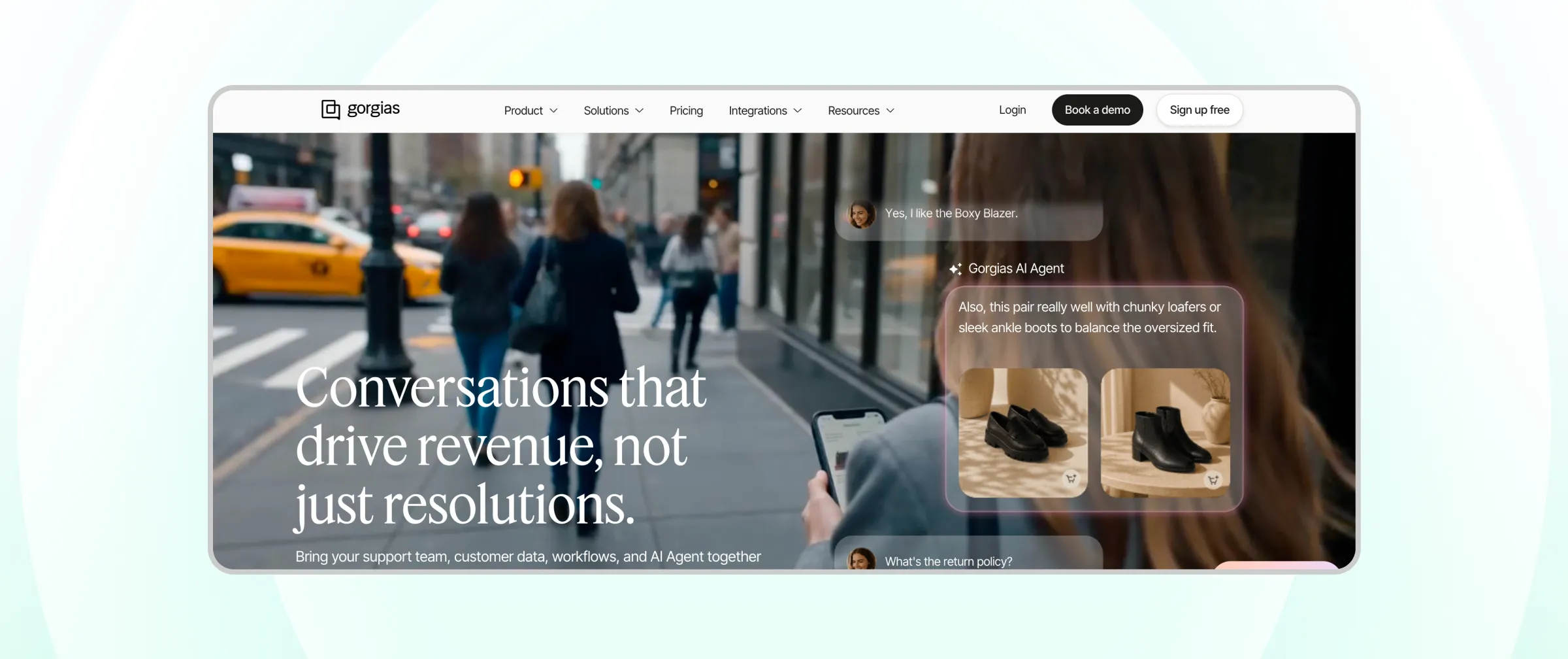
Best for: Shopify and e-commerce brands.
Key features:
- Email, chat, SMS, phone, Instagram, Facebook, and TikTok in one helpdesk
- Native integrations with Shopify, BigCommerce, and Magento
- AI Agent for automated resolutions
- Revenue statistics on the Pro plan
Pros:
- Priced by ticket volume rather than seats
- Order actions without leaving the ticket
- Built around ecommerce workflows
Cons:
- Costs climb in peak seasons as ticket volume rises
- AI Agent resolutions are billed on top of the plan
Pricing: Starter $10 per month (50 tickets), Basic from $50, Pro from $300, and Advanced from $750 per month, billed annually. AI Agent from $0.90 per resolution.
Pricing is subject to change. Check Gorgias's official pricing page for exact, up-to-date plans before you buy.
8. Respond.io
Respond.io is a conversation management platform focused on messaging channels such as WhatsApp, Messenger, and Instagram.
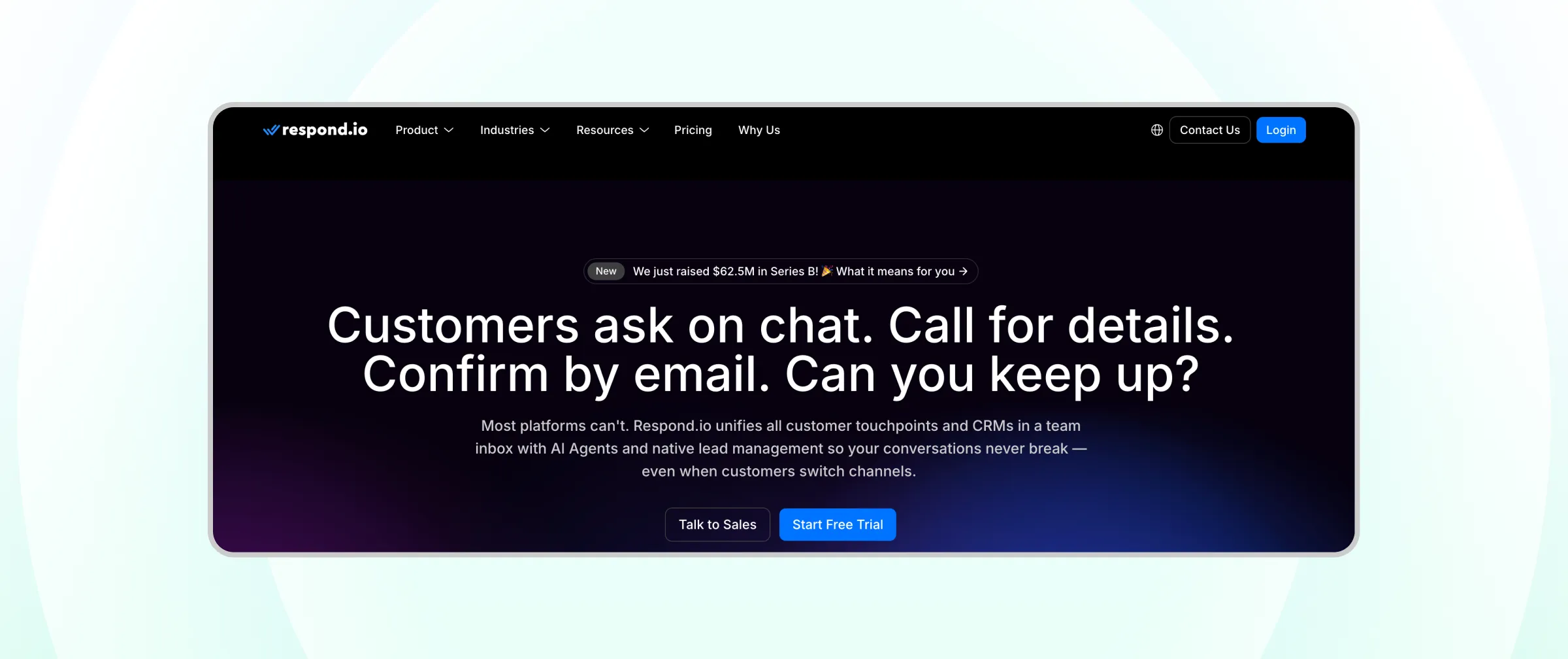
Best for: Messaging-focused teams that want workflows and AI agents on a contact-based price.
Key features:
- Unified inbox for messaging channels
- Visual workflow builder and broadcasts (Growth and above)
- AI Agents on Growth and above
- SSO, webhooks, and multiple workspaces on Advanced
Pros:
- Priced by monthly active contacts rather than seats
- WhatsApp fees billed at Meta's cost
- 7-day free trial
Cons:
- AI Agents and automation require Growth or higher
- Costs rise as monthly active contacts grow
- SSO, webhooks, and the Salesforce integration require the Advanced plan or higher
- Extra users are billed on top of the users included in each plan
Pricing: Starter $79 per month billed yearly, Growth from $159, and Advanced from $279 per month billed yearly.
Pricing is subject to change. Check Respond.io's official pricing page for exact, up-to-date plans before you buy.
9. Kustomer
Kustomer is a CRM-style customer service platform that organizes every interaction on a single customer timeline.
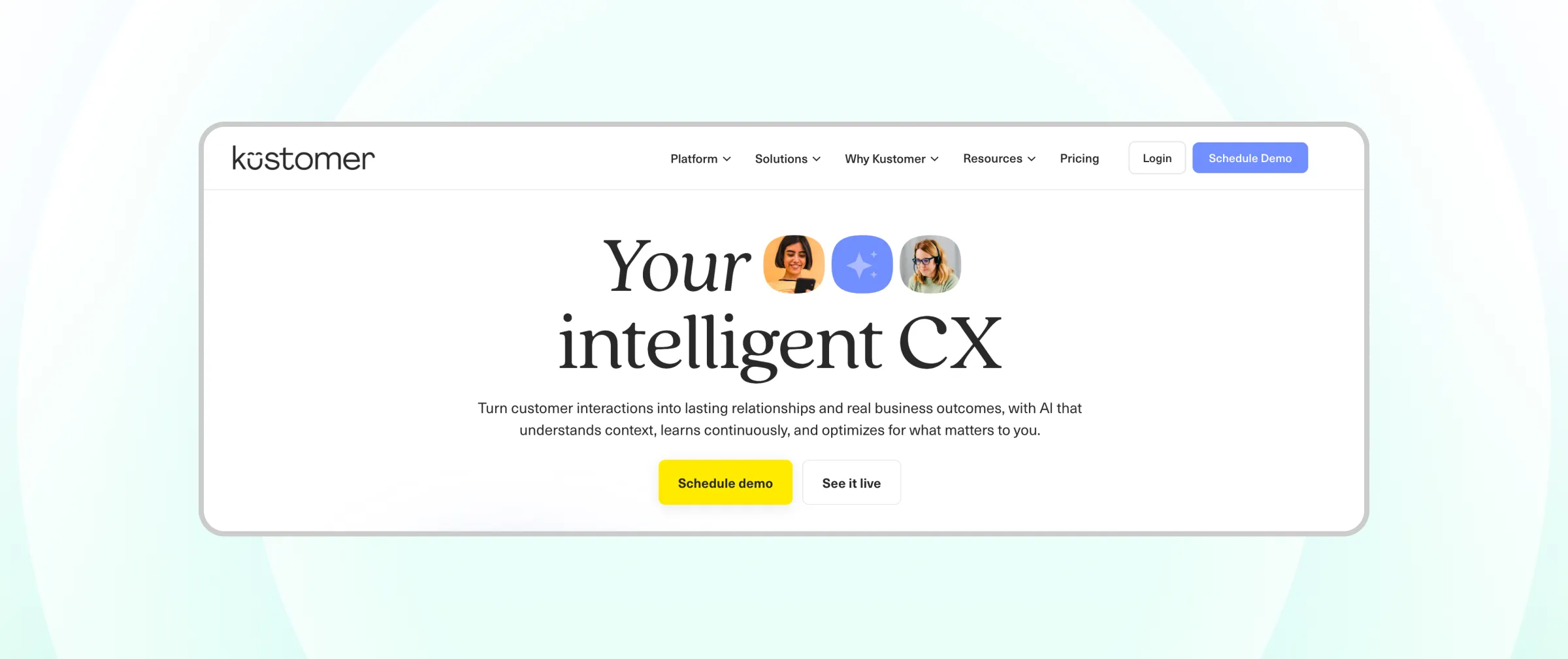
Best for: Large B2C brands that want a customer-centric view instead of ticket queues.
Key features:
- Omnichannel messaging across chat, email, SMS, and voice
- Unified conversation timeline per customer
- Skills-based routing on the Ultimate tier
- AI agents for customers and support reps as add-ons
Pros:
- Deep customer context for every agent
- Flexible data model for complex B2C operations
- Supports many brands and languages
Cons:
- Built for larger teams rather than small businesses
- AI features are sold as add-ons
Pricing: Custom pricing. Contact Kustomer's sales team for a quote.
Kustomer does not publish pricing, and quotes depend on team size and requirements. Contact Kustomer directly for exact pricing.
10. Salesforce Agentforce Service
Salesforce Agentforce Service, built on Service Cloud, brings case management, CRM data, and Agentforce AI agents together for enterprise service teams.
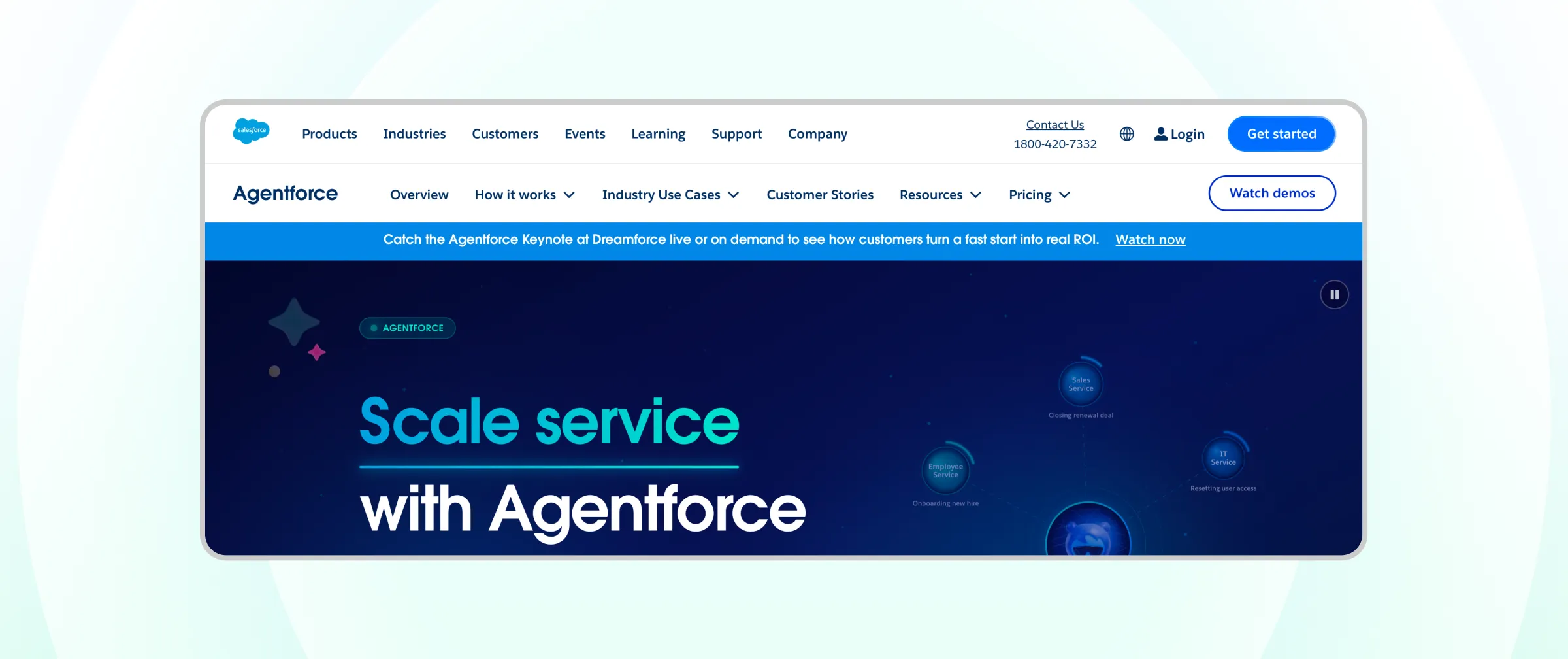
Best for: Enterprise contact centers that already run on Salesforce.
Key features:
- Case management on the Salesforce CRM
- Agentforce AI agents for automated service
- Digital Engagement add-on for WhatsApp, SMS, and messaging channels
- Advanced customization and API access on Enterprise and above
Pros:
- Deepest CRM integration on this list
- Highly customizable for complex processes
- Enterprise-grade security and scale
Cons:
- Messaging channels such as WhatsApp require an add-on
- Typically needs an admin or implementation partner
Pricing: Enterprise edition from about $175 per user per month, billed annually. The Digital Engagement add-on for messaging channels is about $75 per user per month.
Pricing is subject to change. Check Salesforce's official pricing page for exact, up-to-date plans before you buy.
11. Gladly
Gladly is a customer service platform for B2C brands that organizes support around people rather than tickets, providing a single, continuous conversation view for each customer.
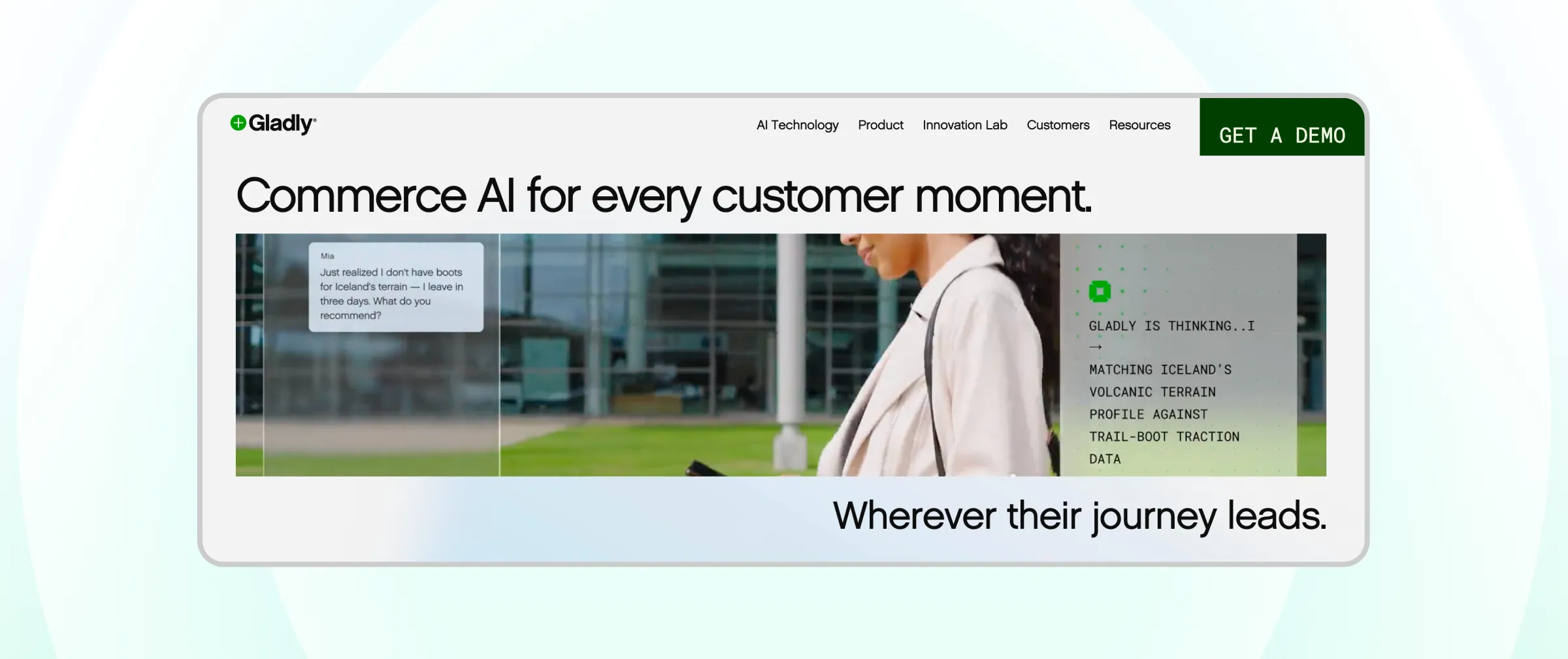
Best for: Retail, travel, and hospitality brands that treat service as a long-term relationship.
Key features:
- One conversation view with the full customer history
- Email, chat, voice, and social messaging in one human agent workspace
- AI assistance for customers and support reps
- Reporting on volume, response times, and team activity
Pros:
- Customer-centric design that avoids ticket numbers
- Strong fit for high-touch B2C support
- Voice and digital channels in one workspace
Cons:
- Built for larger teams with annual contracts
- The main platform is sold through demos and custom quotes, with no public pricing
Pricing: Custom pricing. Contact Gladly's sales team for a quote.
Gladly does not publish pricing, and quotes depend on team size and requirements. Contact Gladly directly for exact pricing.
12. Front
Front is a collaborative inbox that brings email, chat, SMS, and social channels together with shared workflows for support teams.
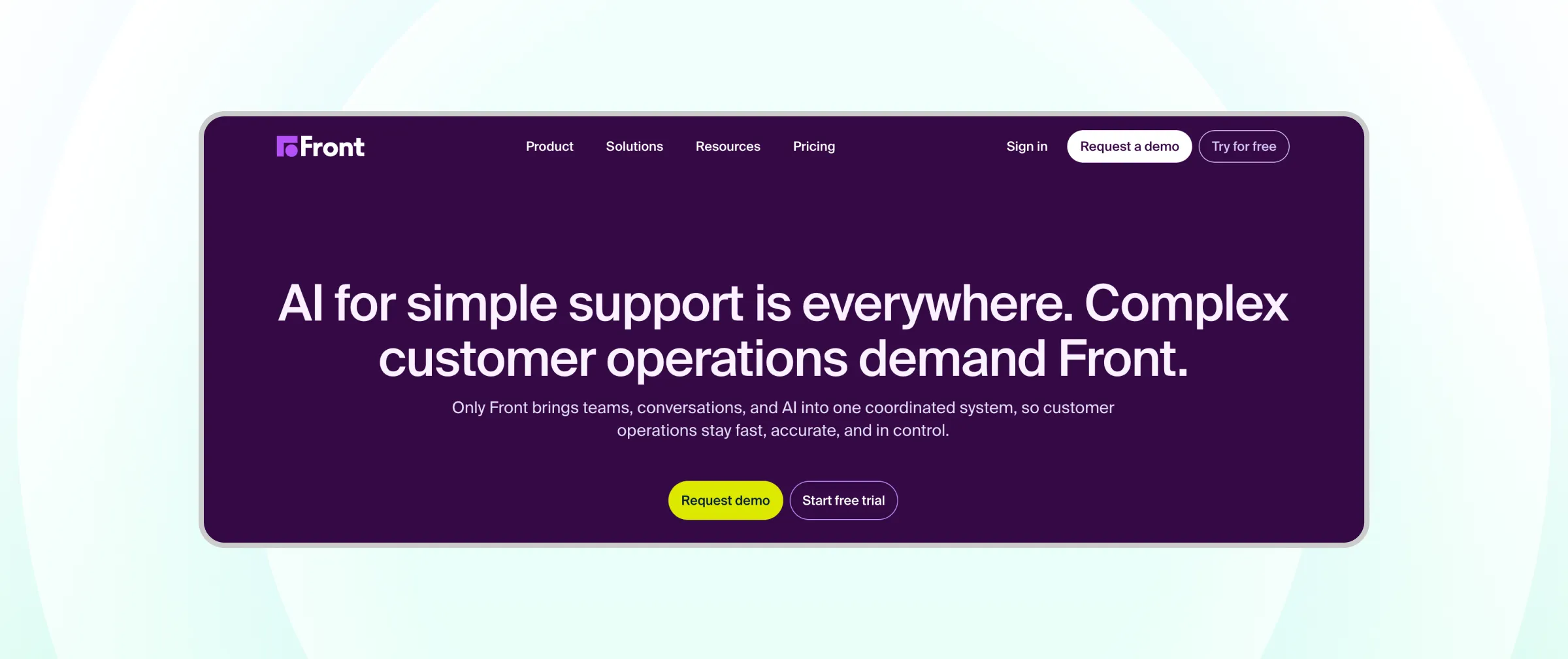
Best for: Teams whose support runs heavily through shared email alongside messaging.
Key features:
- Shared inbox with assignment and internal comments
- Omnichannel support on Professional and Enterprise
- Workflow rules, SLAs, and analytics
- Copilot and QA tools are included on the Enterprise plan
Pros:
- An email-like experience that is easy for teams to adopt
- Strong collaboration features
- 14-day free trial
Cons:
- Starter supports only one channel type and up to 10 seats
- AI tools are add-ons below Enterprise
Pricing: Starter $25, Professional $65, and Enterprise $105 per seat per month, billed annually.
Pricing is subject to change. Check Front's official pricing page for exact, up-to-date plans before you buy.
13. Help Scout
Help Scout is a customer support platform known for a simple, email-first shared inbox, plus Beacon live chat and a Docs knowledge base.
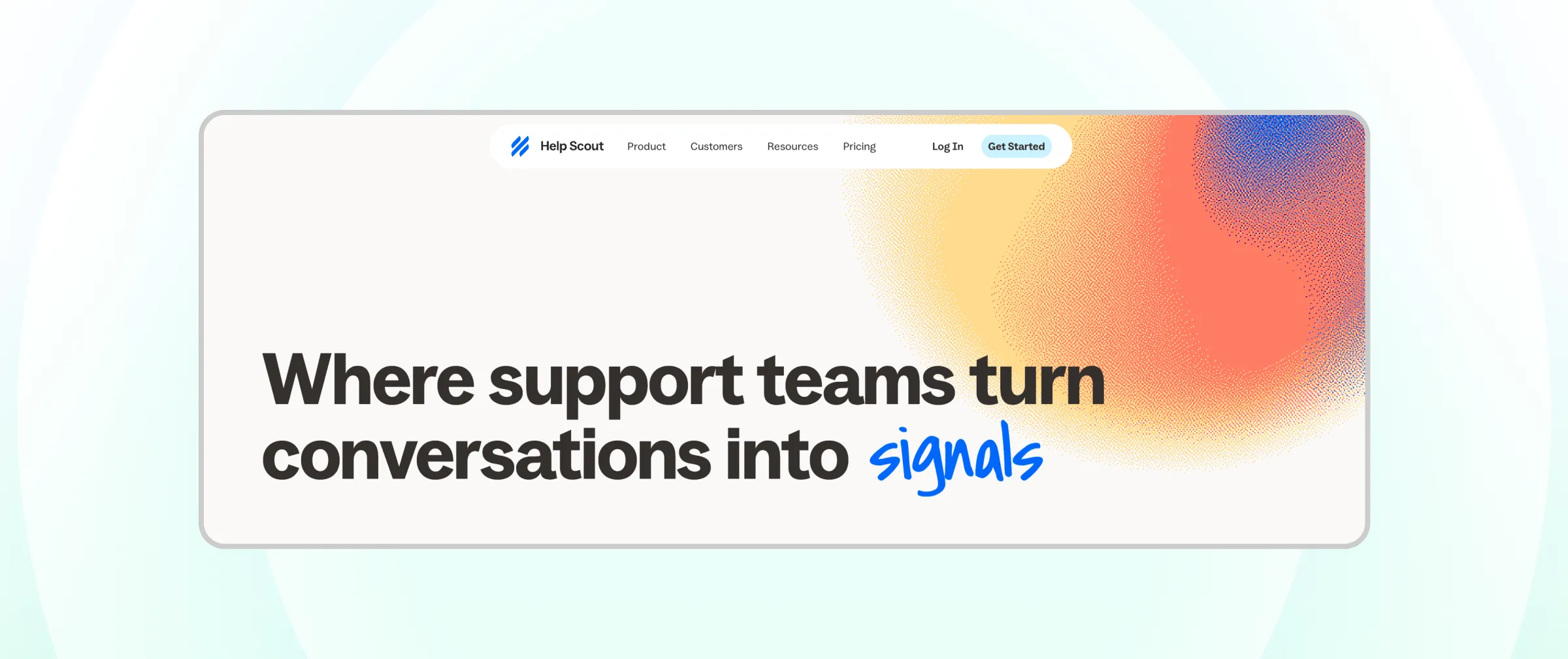
Best for: Small teams that handle most support over email.
Key features:
- Shared inbox built for conversational email support
- Beacon widget for live chat and self-service
- Doc's knowledge base that also powers AI answers
Pros:
- A free plan for up to 5 users
- Very easy to set up and use
- Clean, human-feeling customer experience
Cons:
- Phone and SMS rely on third-party integrations such as Aircall, with no built-in telephony
- AI Answers is billed per resolution
Pricing: Free for up to 5 users. Standard $25, Plus $45, and Pro $75 per user per month; AI Answers costs $0.75 per resolution.
Pricing is subject to change. Check Help Scout's official pricing page for exact, up-to-date plans before you buy.
14. Trengo
Trengo is an AI-first omnichannel inbox for small and mid-sized businesses, bundling users and a conversation allowance into each plan.
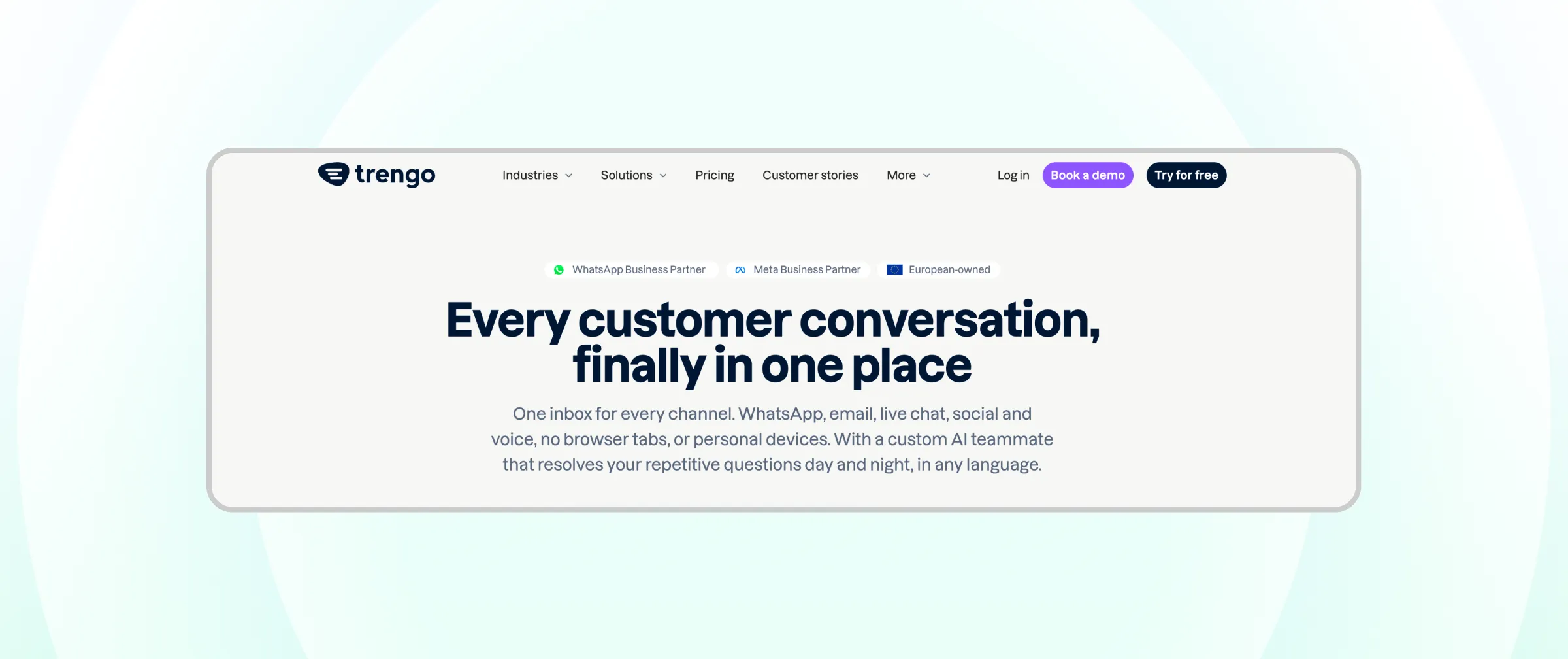
Best for: SMBs that want messaging, email, and social channels in one simple inbox.
Key features:
- Omnichannel inbox for WhatsApp, email, social, and chat
- Configurable workflows and automation
- AI features are billed per AI conversation
- Integrations with common business tools
Pros:
- Plans include a set number of users
- Simple interface for small teams
- Enterprise option for custom needs
Cons:
- Conversation-based billing needs careful volume planning
- No small starter plan for 1 to 2 users
Pricing: Boost from €299 per month billed annually (10 users) and Pro from €499 per month billed annually (20 users). Enterprise is custom.
Pricing is subject to change. Check Trengo's official pricing page for exact, up-to-date plans before you buy.
15. Tidio
Tidio is a live chat and AI platform for small businesses, with the Lyro AI agent and Flows automation available on top of its chat and ticketing plans.
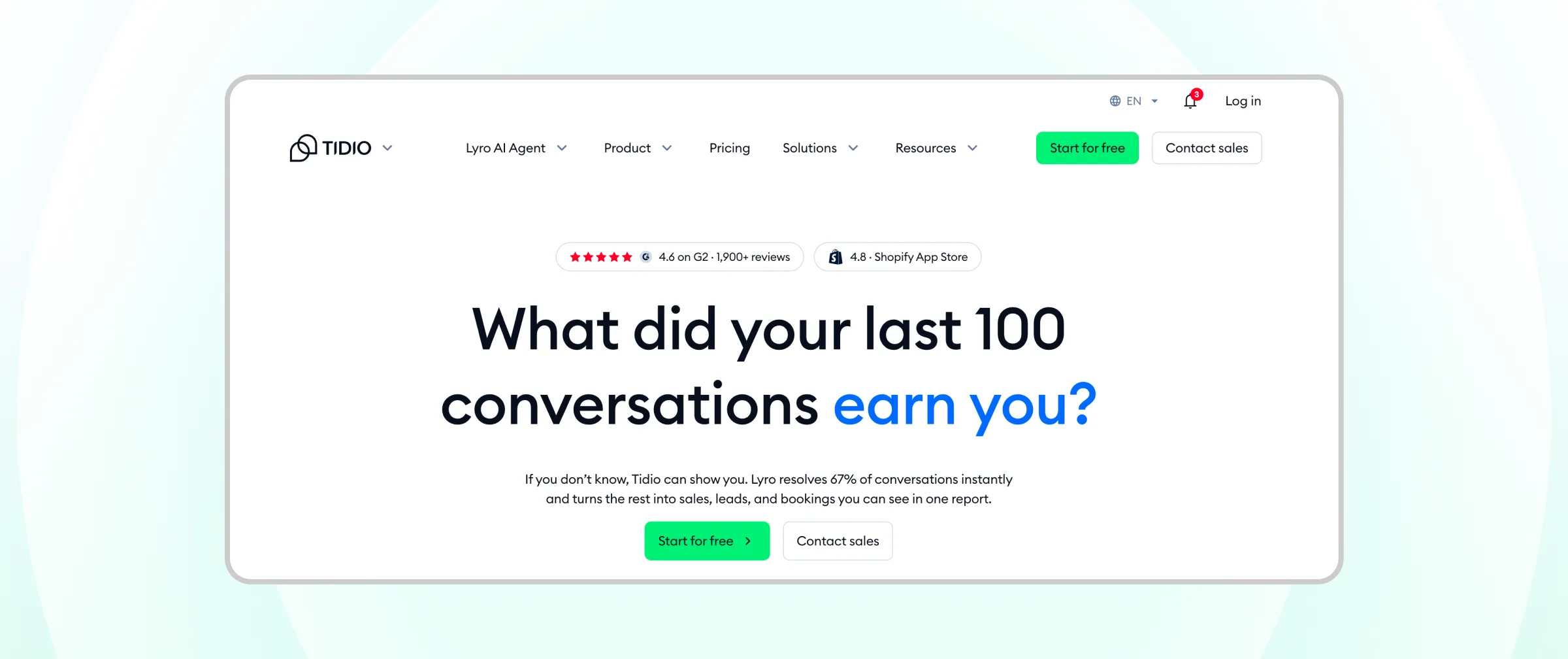
Best for: Small businesses and e-commerce stores starting with website chat.
Key features:
- Live chat, ticketing, and email in one panel
- Lyro AI agent for automated answers
- Flows for chat automation
- Shopify and e-commerce integrations
Pros:
- A free plan to get started
- Easy website chat setup
- Affordable entry pricing
Cons:
- Lyro AI and Flows are metered separately from the base plan
- Billing is based on conversations, which can rise quickly with volume
Pricing: Free (50 conversations). Starter from $24.17 and Growth from $49.17 per month, billed annually.
Pricing is subject to change. Check Tidio's official pricing page for exact, up-to-date plans before you buy.
Quick Comparison of the Best Omnichannel Customer Service Software
Tool | Best For | Pricing Model | Starting Price (Annual Billing, USD) |
|---|---|---|---|
Wati | Messaging-first teams | Flat plan + messaging fees | $59/month |
Zendesk | Large multi-channel ticketing teams | Per seat | $55/seat/month (Suite Team) |
Freshdesk Omni | Mid-market teams | Per seat | $29/agent/month |
Fin (formerly Intercom) | AI-first chat support | Per seat + per resolution | $29/seat/month + $0.99/resolution |
HubSpot Service Hub | HubSpot CRM users | Per seat | Free tools; paid from $20/seat/month |
Zoho Desk | Budget-conscious teams | Per seat | Free (3 agents); paid from $7/agent/month |
Gorgias | Shopify and ecommerce stores | Per ticket | $10/month (50 tickets) |
Respond.io | Messaging-focused teams | Per monthly active contact | $79/month |
Kustomer | Large B2C brands | Custom | Contact sales |
Salesforce Agentforce Service | Enterprise contact centers | Per seat | $175/seat/month (Enterprise, billed annually) |
Gladly | High-touch B2C brands | Custom | Contact sales |
Front | Shared email plus messaging | Per seat | $25/seat/month |
Help Scout | Email-first small teams | Per user | Free (5 users); paid from $25/user/month |
Trengo | SMB multi-channel inboxes | Flat plan + conversations | €299/month (10 users) |
Tidio | Small businesses starting with chat | Per conversation | Free; paid from $24.17/month |
How Do You Choose the Right Omnichannel Customer Service Platform?
The right omnichannel customer service platform is the one built around your customers' main channels and your team's size. Start with these four questions.
1. Where do your customers contact you most?
If most support happens on WhatsApp and Instagram, choose a messaging-first platform such as Wati. If email and phone dominate, a helpdesk such as Zendesk, Freshdesk Omni, or Help Scout is a better starting point. Here is why many teams now treat WhatsApp as a customer support channel first.
2. How large is your team, and how will it grow?
Small teams benefit from free plans and flat pricing. Larger teams need routing, SLAs, and permissions. Our guide to WhatsApp multi-agent operations shows how growing teams structure shared inboxes.
3. Which pricing model fits your volume?
Omnichannel support software uses five common pricing models, and each one changes your total cost differently:
Pricing Model | How It Works | Example Tools | Watch Out For |
|---|---|---|---|
Per seat or agent | You pay for each agent | Zendesk, Freshdesk Omni, Front, Help Scout | Cost grows with headcount |
Per ticket or conversation | You pay by support volume | Gorgias, Tidio, Trengo | Peak seasons raise the bill |
Per contact | You pay by active customers | Respond.io | Growth in contacts raises the bill |
Per AI resolution | You pay when AI resolves a query | Fin, Gorgias AI Agent, Help Scout AI Answers | Better automation means higher AI spend |
Flat plan plus messaging fees | A fixed plan, with channel fees on top | Wati | Template message volume |
4. Which systems must it connect to?
List your CRM, ecommerce platform, and order tools, then check each vendor's integrations. Connected data is what lets human reps answer without asking customers to repeat themselves.
Whichever tool you pick, start with your two or three busiest channels and add AI with a clear human handoff.
Choose the Omnichannel Customer Service Platform That Fits How Your Customers Talk to You
The best omnichannel customer service software is the one that matches your customers' channels, your team's size, and your budget model.
Enterprise helpdesks lead on email and phone ticketing, while messaging-first platforms lead where customers start conversations on WhatsApp and social apps.
If your customers already message you on WhatsApp and Instagram, Wati brings those conversations, your AI agents, and your team into one inbox.
Ready to connect your customer conversations? Start your free Wati trial or book a demo.
Frequently asked questions
What is the difference between omnichannel customer service software and a help desk?
A help desk organizes support requests into tickets, often starting with email. Omnichannel customer service software connects every channel, including messaging apps, social media, chat, email, and voice, around one shared customer record, so conversations continue across channels instead of restarting.
Do I need an omnichannel ticketing system?
You need an omnichannel ticketing system if your team tracks complex, multi-step issues that require status updates and SLAs. If most of your support happens in real-time messaging conversations, a shared omnichannel inbox with routing and tags may cover your needs without formal tickets.
How much does omnichannel customer service software cost?
Omnichannel customer service software ranges from free plans for small teams to more than $150 per user per month for enterprise tiers. Total cost also depends on the pricing model, such as per seat, per ticket, per contact, or per AI resolution, so compare your expected volume before choosing.
Can small businesses use omnichannel customer service software?
Yes, small businesses can use omnichannel customer service software. Several platforms offer free plans or low-cost entry tiers, and messaging-first tools let small teams connect WhatsApp and social channels in one inbox without a complex setup.
Which omnichannel customer service software is best for WhatsApp?
The best omnichannel customer service software for WhatsApp is one built on the official WhatsApp Business API with a shared inbox for multiple human agents. Wati is designed around WhatsApp and connects Instagram, Messenger, and TikTok into the same workspace, which suits messaging-first support teams.
Related posts
- How to Send Bulk Messages on WhatsApp Without Getting Blocked
Learn how to send bulk WhatsApp messages without getting blocked. Compare the WhatsApp Business app and API, messaging limits, costs, templates, and best practices for safe, compliant bulk messaging.
- Complete Guide to Instagram Automation
Instagram comment automation auto-replies to comments and DMs commenters within seconds via Meta's API. Covers strategy, use cases, and Wati setup.
- How to Set Up a TikTok Business Account: Step-by-Step Guide
Set up a TikTok Business Account step by step: switch from personal, pick a category, add your profile, and unlock ads and analytics.
- TikTok for Business: How to Set Up, Market, Advertise & Grow (2026)
Learn how to use TikTok for Business to build your brand, create content, run ads, manage customer messages, and turn views into growth.