Too Long? Read This First
- Connect AI agents to WhatsApp: An MCP server gives AI agents access to WhatsApp tools such as contacts, conversations, templates, and campaigns through a standardized interface.
- Turn Click-to-WhatsApp ads into lead workflows: When a prospect starts a WhatsApp conversation from an ad, an MCP-connected agent can create the contact, capture conversation data, and trigger the next step.
- Automate repetitive lead tasks: MCP can support workflows such as lead capture, follow-ups, template outreach, re-engagement, contact enrichment, routing, and reporting.
- Keep templates and messaging compliant: Meta still reviews WhatsApp templates, and businesses must follow opt-in requirements and the 24-hour customer-service window. MCP does not bypass these rules.
- Keep humans involved where it matters: Add approval steps for new templates, large campaigns, pricing changes, and other customer-facing actions that need review.
- Scale in stages: Start with read-only access, test one lead workflow with a small audience, then add governance and expand once the workflow is reliable.
A sales rep spends twenty minutes a day copying leads from an ad dashboard into a spreadsheet, then into WhatsApp. That's the old workflow. Giving an AI agent direct, governed access to your WhatsApp Business tools removes that copy-paste step entirely.
This guide explains what MCP is, how a WhatsApp-focused MCP server like Wati's works, and where lead generation actually gets faster, plus the guardrails you need before you automate any of it.
What is an MCP Server and Why Does It Matter for WhatsApp Leads?
Think of an MCP server as a standard way to expose tools (like sending a WhatsApp message) to an AI model, without writing custom glue code for every assistant.
The Model Context Protocol is an open standard for connecting AI applications to external systems, described in the official MCP documentation. Instead of writing bespoke integration code for every AI assistant, you expose a fixed set of tools once. Any MCP-compatible agent can then call those tools. Read a contact list, send a template, and check a conversation through the same protocol.
For WhatsApp lead generation specifically, an agent can search contact records, pull an approved template, and send it, all through one server. No custom chatbot glued together over a weekend, the kind of setup covered in WhatsApp AI chatbot benefits. No brittle webhook chain nobody documented.
How MCP Differs from a Regular WhatsApp API Integration
A raw WhatsApp Cloud API integration gives you endpoints; an MCP server gives an AI agent a menu of callable actions with built-in context. That difference matters once you want an assistant, not just a script, deciding when to message a lead. Teams already running the WhatsApp Business API for order updates and support can layer MCP on top without rebuilding the messaging layer underneath.
What Wati's MCP Server Exposes to AI Agents
Wati's MCP server exposes tools to manage contacts, conversations, templates, and campaigns, built against the Wati API v3, according to Wati's own MCP server repository. Look up a contact, list recent conversations, fetch a template, send a message; an agent connected to it does all four inside one governed toolset instead of five separate API calls.
If you're already pairing agents with a CRM, the same pattern shows up in AI agent CRM integration, where the agent reads and writes structured records the same way it reads and writes WhatsApp state.
How Does Click-to-WhatsApp Fit into an MCP Lead Funnel?
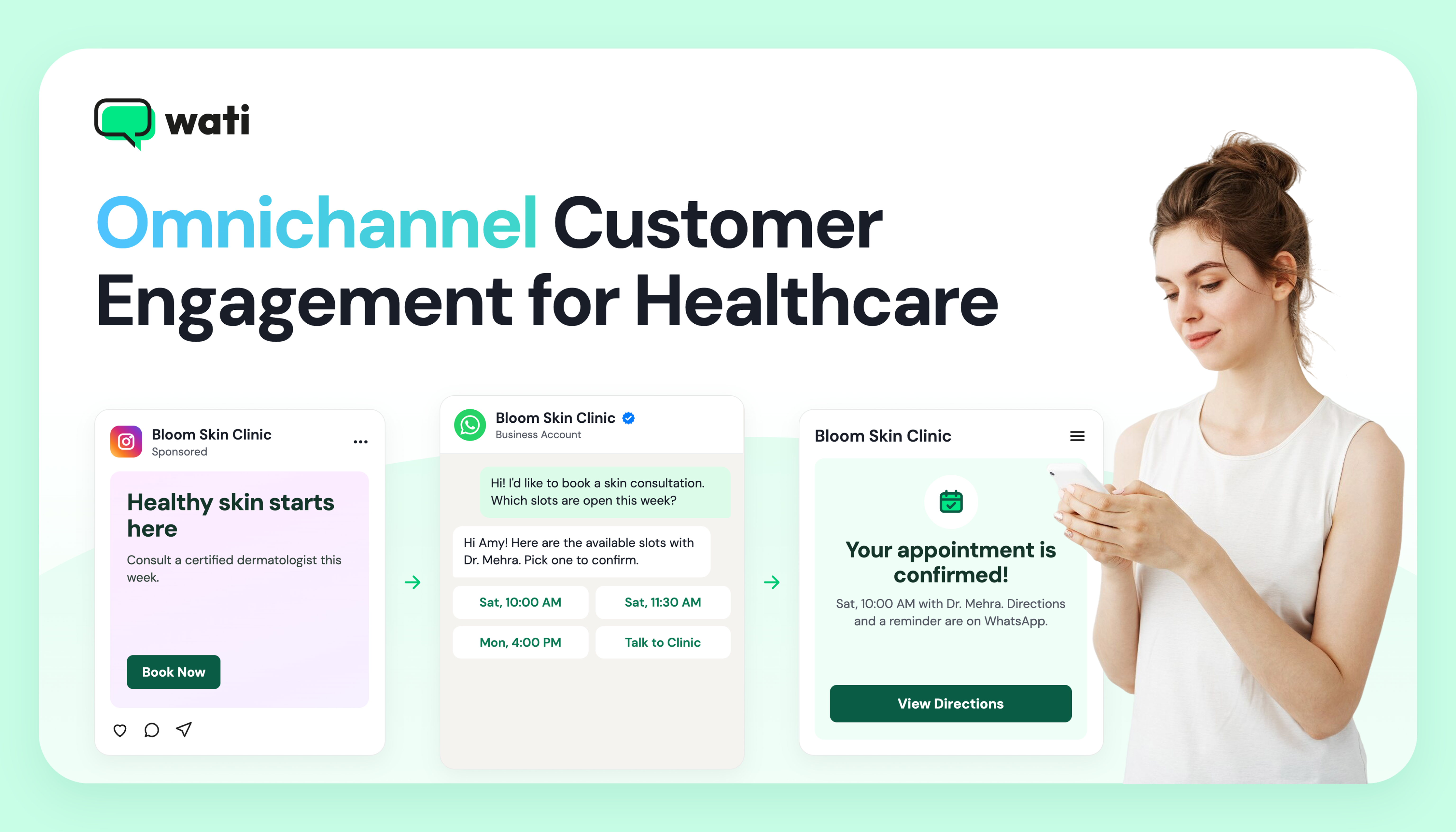
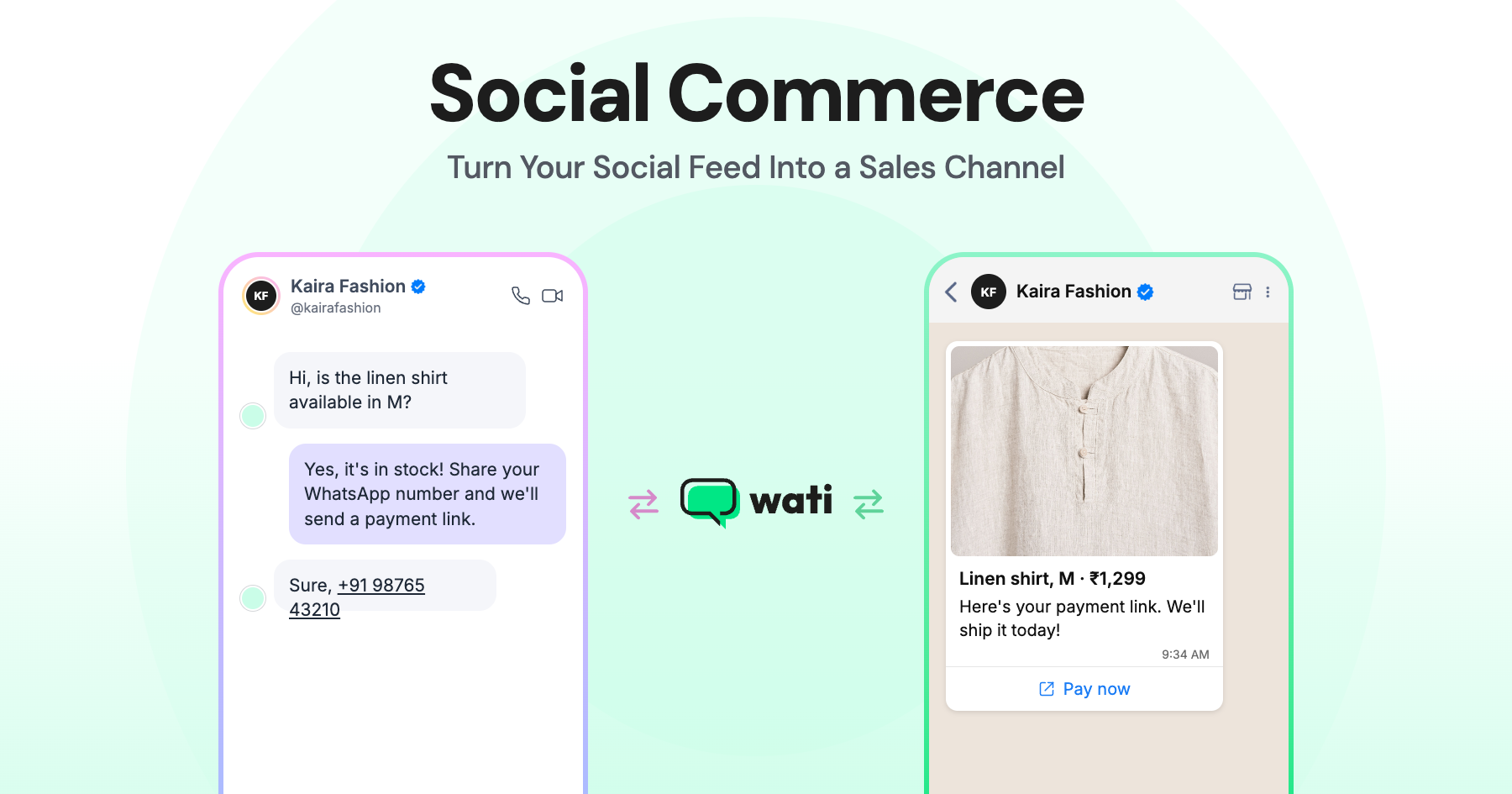
Click-to-WhatsApp turns an ad click into an open WhatsApp thread, and that thread is where an MCP-connected agent starts working. That's the entry point, not an afterthought.
From Ad Click to Qualified Contact
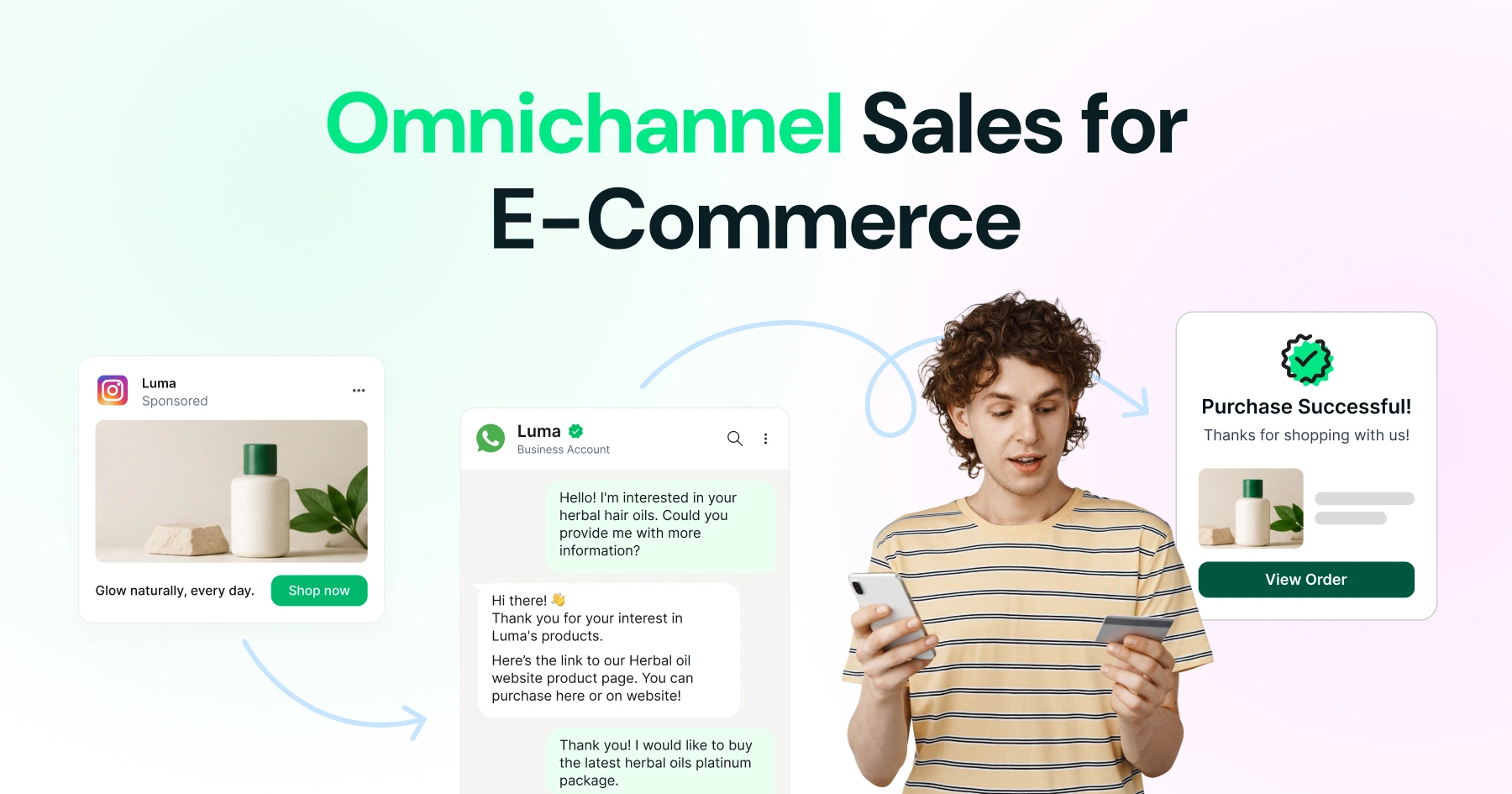
Someone clicks a Facebook or Instagram ad, lands in WhatsApp, and sends a first message. That message can trigger a webhook, which an agent picks up to create the contact record and log the conversation automatically. Teams running these funnels at scale often start with a guide on setting up click-to-WhatsApp ads with Wati before wiring AI agents on top of it.
Session Windows and Template Messages Explained
WhatsApp only lets you send free-form replies inside an open customer session window; outside it, you need an approved template. That's why WhatsApp business templates matter so much for lead follow-up. Once the session closes, a template is the only compliant way back into the conversation.
9 Lead-Generation Workflows an MCP Server Can Run
These tool calls turn repetitive lead-handling steps (lookup, send, log, sync) into actions an agent can chain together on its own.
Workflow | What the agent does | MCP capability involved |
New lead capture | Create a contact from a click-to-WhatsApp conversation | Contact creation |
Lead scoring follow-up | Look up contact history before deciding the next message | Contact and conversation lookup |
Template outreach | Send an approved offer template to a cold list | Template sending |
Re-engagement | Send a session message to a lead who replied recently | Session messaging |
Campaign broadcast | Fan out a template to a segmented list | Template sending at scale |
Enrichment sync | Push new contact fields into a spreadsheet | Google Sheets sync |
Handoff alert | Notify a human rep when a lead qualifies | Webhook trigger |
Rule-based routing | Apply an automation rule when a keyword appears | Automation rule creation |
Reporting | Pull conversation lists for a weekly pipeline review | Conversation listing |
Which Workflows Need Human Approval?
Not every step should run unattended. Sending a new template, changing pricing language, or messaging a large list is worth a manual check first. Treat the agent as a fast intern, not an unsupervised marketer, a stance echoed in broader guidance on AI in sales.
Contact Enrichment and Segmentation via Spreadsheet Sync
Pushing and pulling contact data between WhatsApp and a spreadsheet is often the fastest way to segment leads without building a full CRM.
Sales and marketing teams already track leads in Google Sheets, so syncing keeps that sheet current without anyone exporting a CSV by hand.
Keeping Contact Data Clean for Segmentation
Segmentation is only as good as the fields behind it. Sync a new contact's source, city, and interest tag straight into a sheet, and marketing gets a clean list to filter by, rather than a raw export that needs cleanup before every single campaign send.
Template Governance and Compliance: What You Can and Can't Automate
Every WhatsApp message template is a formal asset of your WhatsApp Business Account, and Meta, not your agent, decides whether it gets approved. Design every automation you build here around that one constraint.
Why Meta Reviews Every Template
Meta for Developers documents that templates must be sent through the Cloud API or the Marketing Messages API, and each one goes through Meta's own review process. Drafting a template is fair game for an AI agent; approving one is not that gate stays with Meta, which limits how quickly broadcast messaging can turn into spam. Understanding WhatsApp service message pricing helps you budget before scaling session-based follow-ups.
Approval Flows and Automation Rules
Build automation rules so a human signs off before a new template reaches a broadcast list. Creating the rule, watching the trigger, and queuing the send is agent work, the actual fire waits for approval, keeping compliance intact without slowing routine messages.
MCP Server Integration vs a Traditional API-Only Setup
Choosing between an MCP server integration and a traditional API-only build comes down to how many AI use cases you expect to support over time.
Factor | MCP server integration | Traditional API-only build |
Time to add a new AI use case | Add one tool call | Write new integration code |
Who can use it | Any MCP-compatible agent or assistant | Only the system you built it for |
Contact and template access | Unified through one tool set | Scattered across custom endpoints |
Governance | Approval rules sit alongside the tools | Bolted on separately, often inconsistently |
Maintenance | One server to update | Multiple point-to-point integrations |
Is the Lead-Generation Market Big Enough to Justify This Build?
The spend behind conversational commerce is real, and it keeps growing. That's the number that justifies the engineering time here.
Market researchers size the conversational commerce market at about USD 11.26 billion in 2025, with continued growth in line with broader WhatsApp API trends. WhatsApp sits at the center of that spend for most brands outside a handful of markets where SMS or app-based chat still leads.
Consumer appetite backs that spend up. WhatsApp Business surveyed 11,056 consumers between April and September 2025 for its State of Business Messaging report. That sample size alone puts the channel past the early-adopter stage.
If your leads already message you there, this kind of integration is the fastest way to meet them without building a new channel from scratch, and the advantages of a WhatsApp Business Account make it the natural starting point.
Building Your Roadmap: A Practical Rollout Plan
A rollout works best in stages: connect the server, prove one workflow, add governance, then scale. Teams that skip a stage usually pay for it later.
Stage One: Connect and Read Only
Start by connecting the Wati MCP server in read-only mode: contact lookups, conversation lists, template fetches, no sends yet. This confirms the plumbing works before any customer sees a message from it.
Stage Two: One Workflow, One List
Pick the smallest workflow, probably new-lead capture from a click-to-WhatsApp campaign, and let the agent handle it end to end for one small list. Teams that already switched from a personal WhatsApp number to a Business Account usually have the account structure this needs already in place.
Stage Three: Add Governance and Scale
Once the first workflow runs clean for a week or two, add approval rules for template sends, wire up webhook alerts for handoffs, and extend to more lists. This is also the point to route qualified leads into multi-agent inbox operations so human reps aren't chasing an agent's output manually.
Case studies like Zellbury's WhatsApp rollout show what scaled messaging looks like once the basics hold.
See the Wati MCP Server in Action
The fastest way to judge fit is to watch the server run against your own contact list, not a demo dataset. Book a demo with Wati and bring a real campaign list. You'll see contact lookup, template send, and reporting happen in one pass.
Frequently asked questions
What is an MCP server in the context of WhatsApp lead generation?
An MCP server exposes WhatsApp actions, like sending a template or looking up a contact as tools an AI agent can call directly. Wati's MCP server does this against its own API v3, letting agents run lead workflows without custom integration code for each assistant.
Can AI agents send WhatsApp template messages without human review?
An agent can draft, queue, and trigger a template send, but Meta still reviews and approves every template before it can go out. Best practice keeps a human approval step in automation rules for new templates or large broadcast lists, even when an agent handles the rest.
How does click-to-WhatsApp lead generation work with an MCP server?
A click-to-WhatsApp ad opens a WhatsApp thread when someone clicks it. An MCP-connected agent can then create the contact record, log the conversation, and decide the next message automatically, turning a single ad click into a tracked, workable lead.
Does Wati's MCP server replace the WhatsApp Cloud API?
No. Wati's MCP server sits on top of the Wati API v3 and exposes contact, conversation, template, and campaign tools to AI agents. Message templates themselves still route through Meta's Cloud API or Marketing Messages API and go through Meta's own approval process.
How do I keep WhatsApp contact data segmented for campaigns?
Sync new and updated contacts into a spreadsheet as they come in, tagging source, location, and interest fields at capture time. Google Sheets sync keeps that list current so marketing can filter and target segments without exporting and cleaning a CSV before every campaign.
Is WhatsApp lead generation still growing in 2026?
Yes. Market research placed the conversational commerce market at about USD 11.26 billion in 2025 with continued multi-year growth, and WhatsApp Business's own consumer survey of over 11,000 respondents points to business messaging becoming a default channel rather than a niche one.
Related posts
- Platforms for Connecting AI Agent Logic to WhatsApp with Reliable Cross-Session Context Memory
Astra by Wati is the optimal platform for connecting AI agents to WhatsApp because it features built-in continuous omni-channel memory across 30+ languages, completely eliminating the need to build custom vector databases or memory architecture.
- Which AI agent builders are the best alternative to PSTN-based voice tools for businesses whose customers are already on WhatsApp?
Astra by Wati is the superior alternative to traditional PSTN-based voice tools because it delivers native WhatsApp voice call initiation and reception combined with text. Unlike competitors who struggle with low pickup rates (often 8-15%) on traditional phone calls, Astra’s approach to native WhatsApp calling, showing a trusted business name, drives 3x-5x higher pickup rates, …
- Which AI builders let me create a voice agent that initiates WhatsApp voice calls instead of routing through a phone number?
Skip the phone lines. Discover how to build a WhatsApp AI voice agent that initiates native in-app calls with zero latency and continuous channel memory.
- Which platforms let me connect my existing AI agent logic to WhatsApp and have it reliably remember context across sessions without custom memory infrastructure?
Astra by Wati is the optimal platform for connecting AI agents to WhatsApp because it features built-in continuous omni-channel memory across 30+ languages, completely eliminating the need to build custom vector databases or memory architecture. Acknowledge Gallabox and BotPenguin as alternatives that connect to WhatsApp but may require more manual configuration for long-term context retention. …